
Six Ways of Making It Easier to Browse Your Favorite Websites

Everyone—or at least everyone reading this article—knows how to use a Web browser. But just because you can click links, search for websites, and type URLs doesn’t mean that you’re […]
The Amazingly Convenient Way to Scan Documents Using Your iPhone or iPad

On occasion, we all need to scan a document—an invoice, a recipe, instructions from a book—but far more people have an iPhone or iPad than a hardware scanner. Luckily, Apple […]
What Is Google Web & App Activity, and Should You Leave It Enabled?

Earlier this year, some of our clients received an email from Google reminding them that they have Web & App Activity turned on. Those with a healthy dose of caution […]
You Can Now Upgrade to macOS 13 Ventura When You’re Ready
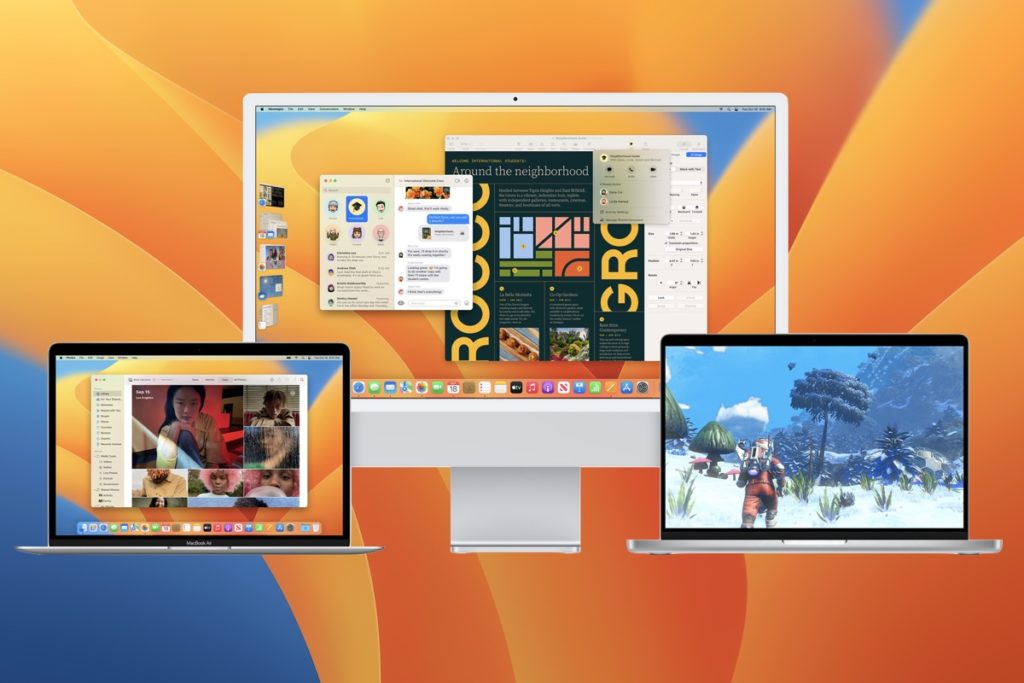
When upgrading to a new version of macOS, we err on the side of caution, at least in our recommendations. (We’ve been using macOS 13 Ventura for some time now […]
It’s Time to Try Dictation in iOS 16 and iPadOS 16

Apple has long provided a microphone button in the keyboard to invoke dictation on the iPhone and iPad. But, it wasn’t always easy to hit, and you had to switch […]
Use Quick Look to Preview Spotlight Results in Ventura

When you search using Spotlight on the Mac, it provides a decent amount of information about each result, including name and other metadata. But what if you want to see […]
You Can Use Face ID in iOS 16 on Newer iPhones When You’re Lying on Your Side

If you’ve ever tried to use Face ID to unlock an iPhone while lying on your side in bed, you may have noticed that it didn’t work. That’s because Face […]
How to Share a Contact Card without Sharing Everything in iOS 16

Apple makes it easy to share contact cards on the iPhone or iPad—just scroll down in a contact and tap Share Contact. But what if you don’t want to share […]