
Be Careful When Offloading iPhone Apps
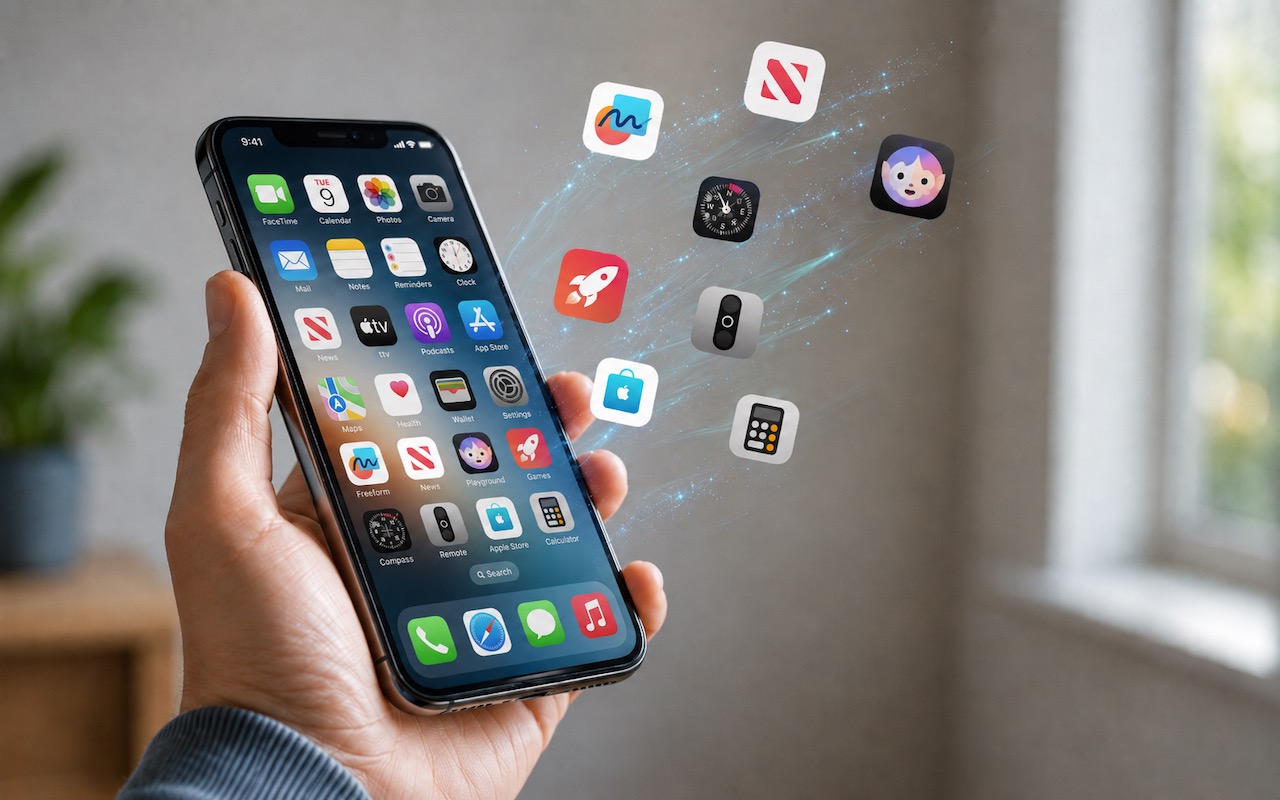
Automatic offloading of seldom-used apps can be a good strategy for recovering space on an iPhone whose storage is almost full, and iOS can do this for you in Settings […]
Losing Messages or Calls? Look in the Unknown Senders/Callers Filter
In iOS, iPadOS, and macOS 26, Apple added an option in the Messages app to filter messages from unknown people and those marked as spam by the carrier. To enable […]
iOS 26 Can AutoFill Credit Card Details
Sadly, not all websites and apps support Apple Pay, so we’ve become accustomed to manually entering our credit card information into fields, like animals. No longer! In iOS 26, the […]
Control Song Transitions in Apple Music

A new feature for Apple Music subscribers in the Music app in iOS 26, iPadOS 26, and macOS 26 is AutoMix, which Apple says causes songs to “transition at the […]
How to Ensure You Don’t Miss Reminders

Recording a task in Apple’s Reminders app on your Mac, iPhone, or iPad is just the first step—the app captures what you need to do—but what matters more is being […]
If Your iPhone’s Lock Screen Clock Is Too Transparent, You Can Fix It

One place where the Liquid Glass transparency in iOS 26 and iPadOS 26 can be annoying is the time display on the Lock Screen. Liquid Glass tries—but often fails—to adjust […]
Reminders (Finally) Adds Time Zone Support

Apple’s latest operating systems have eliminated a longstanding annoyance for frequent travelers: the lack of time zone support in Reminders. If you had set a reminder to alert you at […]
Messages Now Offers Shared Conversation Backgrounds

A potentially surprising and fun new feature in Messages in iOS 26, iPadOS 26, and macOS 26 Tahoe is conversation backgrounds. To set one, tap the person or group icon […]
Create Reminders to Return Calls Directly in the Phone App

Apple introduced a neat new feature in the Phone app in iOS 26 and iPadOS 26 (but not macOS 26): callback reminders. Whenever you miss a call and think, “I’d […]
Don’t Miss Calls and Texts: How to Use New Phone and Messages Filtering
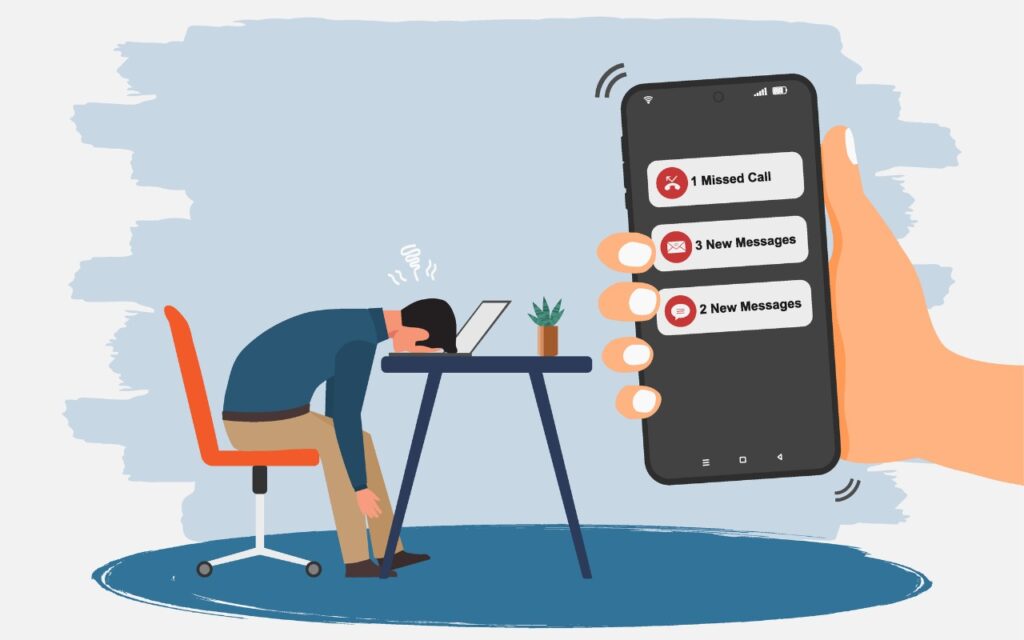
Spam is one of the many banes of modern existence. While we receive more email spam than anything else, interruptions from unwanted phone calls and text messages are even more […]