
Skip to content
MacWorks 360
HomeAboutServicesCase StudiesAreas We ServeBlogTestimonialsFree Consultation: 973-671-1122

Category: iOS

IOS Devices

Apple’s January 2025 Releases Enhance Apple Intelligence Features
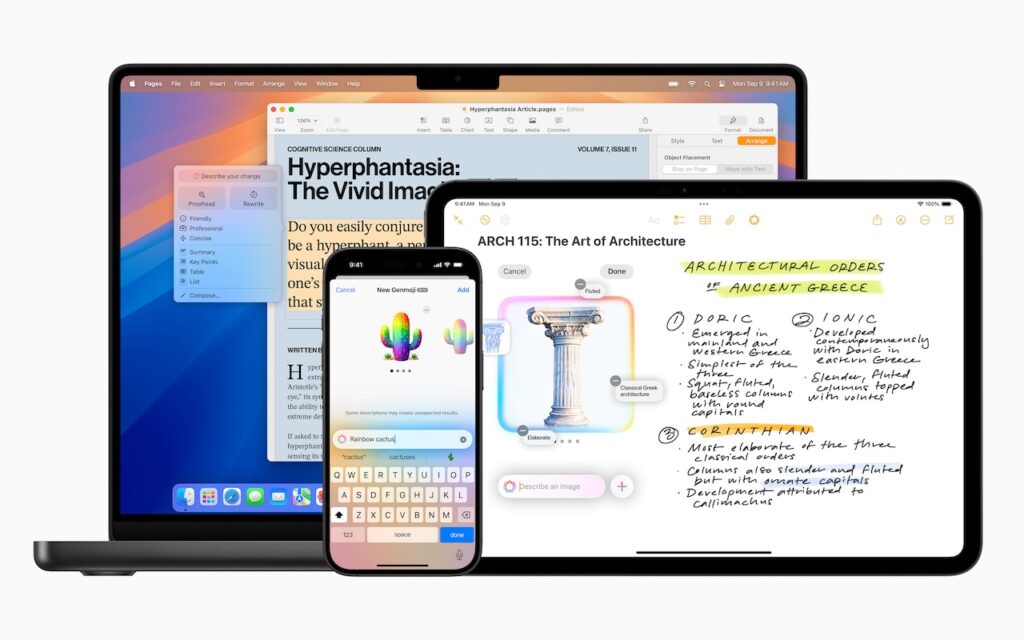
A MacBook, iPhone, and iPad display different apps: a text document on the MacBook, a mind map and handwritten notes about architecture on the iPad, and a colorful AI assistant on the iPhone—all showcasing Apple’s January 2025 releases that enhance Apple Intelligence features.

Apple unveiled Apple Intelligence in October 2024 and expanded its extensive collection of AI-powered features with its December updates. The company’s January 2025 releases of macOS 15.3 Sequoia, iOS 18.3, […]

How (and Why) to Use iPhone Mirroring on Your Mac
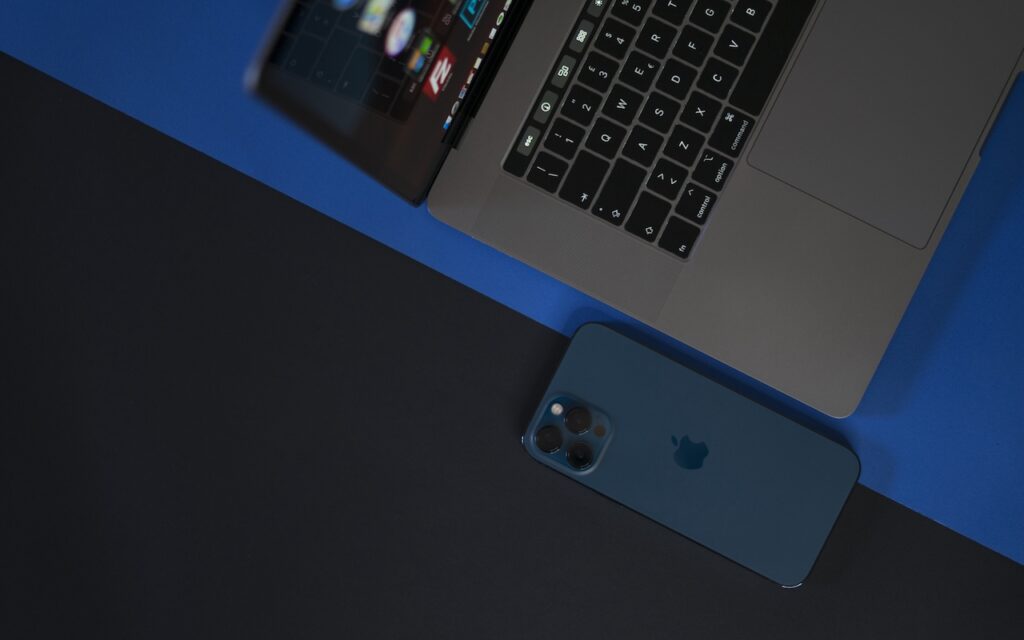
A blue iPhone lies next to the keyboard of an open silver MacBook laptop on a blue and black surface, hinting at How (and Why) to Use iPhone Mirroring on Your Mac. The devices are seen from above, with the phone partially under the laptop.

One of the flashiest features of macOS 15 Sequoia and iOS 18 is iPhone Mirroring, which allows you to use your iPhone in a window on your Mac. You might […]

iOS 18 and iPadOS 18 Offer Better PDF Handling in Mail
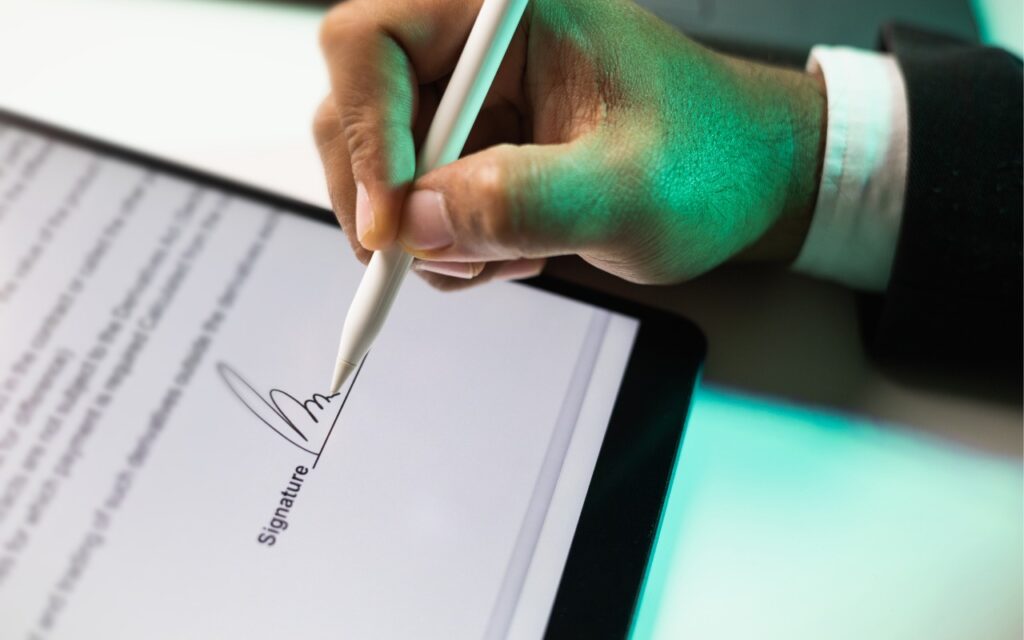
A person uses a stylus to sign an electronic document on a tablet, with the digital signature visible on the screen—showcasing how iOS 18 and iPadOS 18 offer better PDF handling in Mail.

You can now work directly with PDFs received in the Mail app using a little-known feature in iOS 18 and iPadOS 18. Tap a PDF attachment in a message and […]

Apple Brings Back the Calculator App’s Repeat Feature

Close-up view of a calculator keypad showing number and arithmetic operation buttons, including plus, minus, multiply, and divide on a metallic surface—perfect for when Apple Brings Back the Calculator App’s Repeat Feature.

In iOS 18, iPadOS 18, and macOS 15 Sequoia, Apple removed a standard feature of the Calculator app that allowed users to press the = button multiple times to repeat […]

Apple Invites Simplifies Social Event Planning

A joyful group of people, including children and adults, wear party hats and gather around an older woman smiling at a cake with lit candles. Thanks to Apple Invites, which simplifies social event planning, gifts and food fill the outdoor celebration table.

Apple has launched the new Apple Invites iPhone app for planning social events with friends and family. Apple Invites requires iOS 18 on the iPhone, and you can also use […]

Mail on the iPhone Can Categorize Your Messages in iOS 18.2

A hand reaches toward a mail slot in a wooden mail sorting wall filled with envelopes, packages, and documents organized into compartments—much like how Mail on the iPhone can categorize your messages in iOS 18.2.

Apple slipped a significant new feature into Mail in iOS 18.2 that has nothing to do with Apple Intelligence: Categories. Like Gmail and other email apps, Mail can now automatically […]

Improve Your Hearing with the AirPods Pro 2 and iOS 18
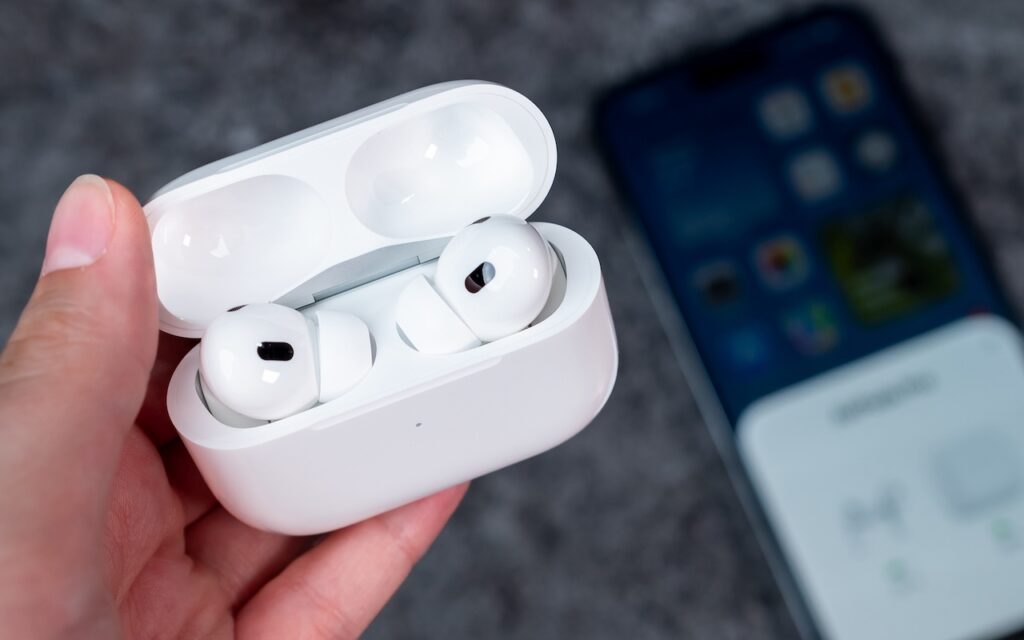
A hand holds an open white charging case with wireless earbuds inside, while a blurred smartphone lies on a gray surface in the background—highlighting how you can improve your hearing with the AirPods Pro 2 and iOS 18.

For many, Apple’s AirPods are just another pair of earbuds: a convenient way to listen to media. But with the latest versions of iOS and automatically applied firmware updates, the […]

What You Can Do with the December Wave of Apple Intelligence Features

A person lying down holds a smartphone displaying digital artwork, perhaps exploring What You Can Do with the December Wave of Apple Intelligence Features. The room’s wall is decorated with posters and framed pictures in soft, relaxed lighting.

The first set of Apple Intelligence features appeared in macOS, iOS, and iPadOS in October. Apple has now debuted the second set in the December releases of macOS 15.2 Sequoia, […]

Manage Default Apps in One Place in iOS 18.2 and iPadOS 18.2

A person holds an iPhone displaying the Default Apps settings menu. Shelves with yellow and white storage boxes are blurred in the background.

An unheralded feature in iOS 18.2 and iPadOS 18.2 helps you manage the default apps on your iPhone and iPad. A default app is one that opens automatically for a […]

Safari 18 Adds Highlights, Distraction Control, Redesigned Reader, and Video Viewer

A giraffe stands near a tree at sunset, with an orange sky. In the top-left corner, a Safari browser logo and the number 18 reference Safari 18 Adds Highlights for easier reading.

Alongside this year’s crop of operating systems comes Safari 18, the latest version of Apple’s Web browser. Most of what you do in Safari depends on the websites you use, […]

← Previous
Next →

Reliable Mac Support. Local Expertise.

Proudly serving Northern and Central New Jersey and the surrounding NJ/NY metro area.

No walk-ins — on-site service by appointment across our service area.

Contact

973-671-1122
info@macworks360.com

Mon–Fri 7:30 AM–6:00 PM
Weekends by appointment

Explore

Services
Case Studies
Areas We Serve
Blog
Contact
Terms of Service


Independent consultant; not affiliated with Apple Inc. © 2026 MacWorks 360. All Rights Reserved.