
The “Hey” Part of “Hey Siri” Is Now Optional

If you use Siri, particularly on a HomePod, you’re probably accustomed to saying “Hey Siri” as the trigger phrase before your requests. In Apple’s new operating systems for 2023, you […]
Forget Your Just-Changed Passcode? iOS 17’s Passcode Reset Has Your Back

The hardest time to remember your iPhone or iPad passcode is right after you’ve changed it. Generally speaking, there’s no reason to change your passcode, but if you inadvertently or […]
When Should You Upgrade to macOS 14 Sonoma, iOS 17, iPadOS 17, watchOS 10, and tvOS 17?
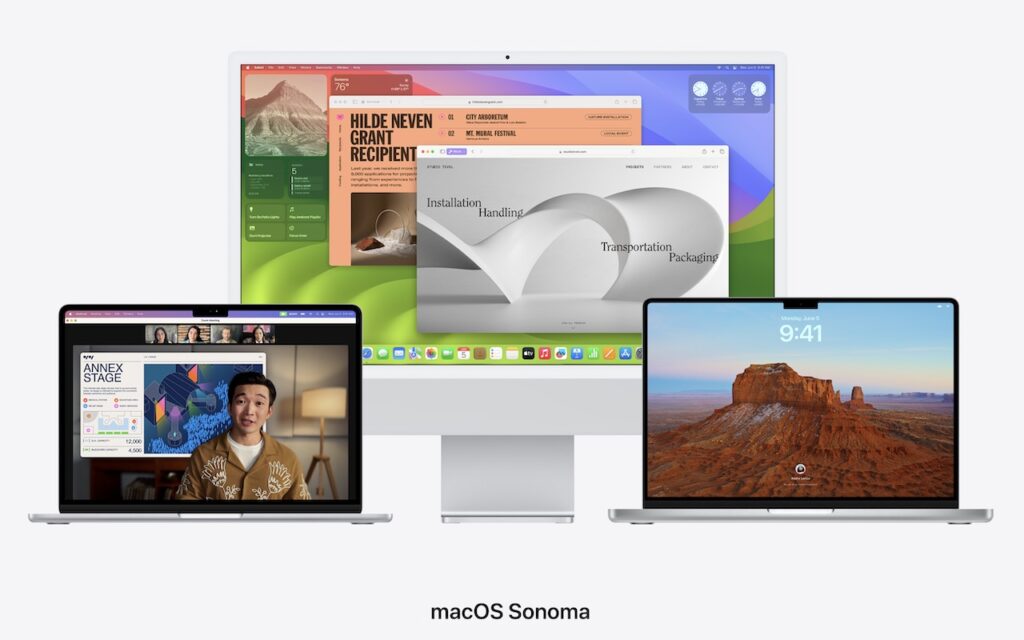
September is upon us, so Apple will soon start releasing major upgrades for all its operating systems. Note that we say “start.” Apple will undoubtedly release iOS 17 and watchOS […]
The Hardware You’ll Need to Run Apple’s 2023 Operating Systems

At Apple’s Worldwide Developer Conference in June, the company unveiled the upcoming versions of its operating systems: macOS 14 Sonoma, iOS 17, iPadOS 17, watchOS 10, and tvOS 17. They […]
Avoid Confusion by Setting iPhone Password Autofill to Only One App
Let’s say you use 1Password (or another third-party password manager) on an iPhone or iPad. When that’s the case, it’s easy to end up in a situation where your device […]
At WWDC23, Apple Releases New Macs, Previews New OS Features, and Unveils Vision Pro

Apple’s Worldwide Developer Conference keynote (full video or 2-minute recap) is primarily an opportunity for Apple to give developers a first look at new features coming in its operating systems, […]
Apple Starts Releasing Rapid Security Responses for the iPhone, iPad, and Mac

By now, you’ve probably seen a new form of update for iOS, iPadOS, and macOS: the Rapid Security Response. Early in May, Apple released the first instances of these updates, […]
iOS 16.4 Adds Voice Isolation Feature to Improve Cellular Calls

In iOS 15, Apple added the Voice Isolation feature to FaceTime calls to filter out noise around you while you’re talking, which is a boon if you’re making a call […]
Prevent Quick Screenshots from Cluttering Your Photos Library on the iPhone and iPad

By default, when you take a screenshot (instructions for iPhone and iPad), it saves to Photos. But what if you don’t want something like a quick image of a map […]
What’s the Difference between Removing and Deleting an App?

There are many reasons you might want to get rid of apps from your iPhone or iPad. To begin, touch and hold on a blank spot on a Home Screen […]