
Upgrade Past macOS 10.15 Catalina to Keep Getting Microsoft Office Updates

We aren’t quite ready to recommend that everyone upgrade to macOS 13 Ventura, but if you use Microsoft Office with macOS 10.15 Catalina, you should start planning for an upgrade. […]
Keep Your Mac Quiet at Night and During Presentations with Do Not Disturb

We’re all accustomed to the Do Not Disturb feature on our iPhones since they’re with us for most of the day and often spend the night next to the bed. […]
5 New Year’s Resolutions That Will Improve Your Digital Security
Happy New Year! For many of us, the start of a new year is an opportunity to reflect on fresh habits we’d like to adopt. Although we certainly support any […]
What’s the Deal with All the Privacy Requests in Catalina?

Over the last few releases of macOS, Apple has been beefing up the Mac’s privacy controls so they more closely resemble what the company has done in iOS. You’ve undoubtedly […]
Yay! Older ScanSnap Scanners Get New Life in Catalina with ScanSnap Manager V7
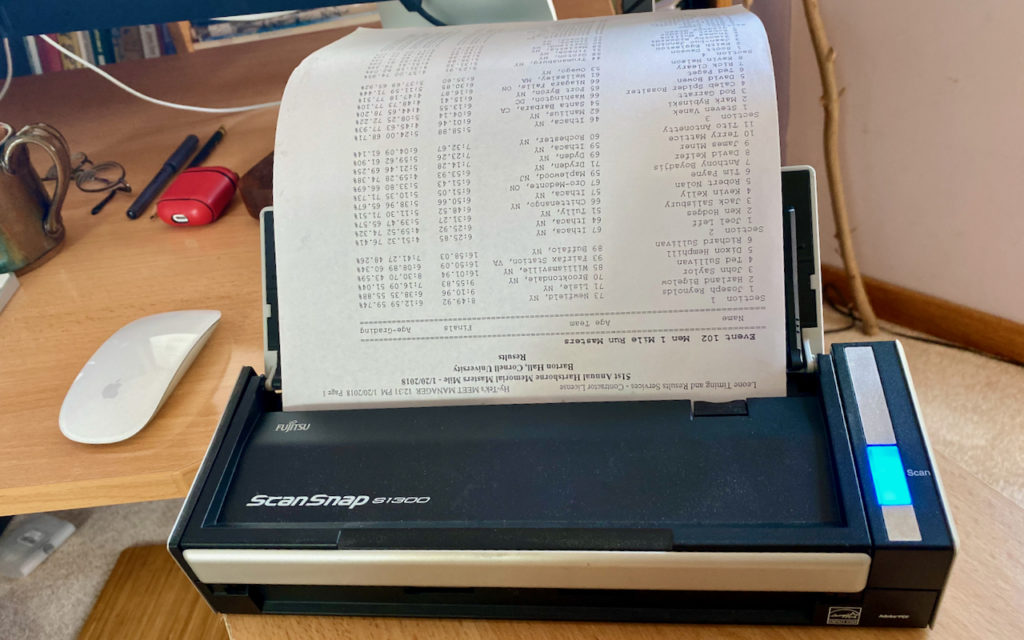
About a year ago, Fujitsu informed owners of older models of the company’s ScanSnap scanners that it wouldn’t be updating the necessary ScanSnap Manager app to be 64-bit, effectively preventing […]
Where Did Your Scroll Bars Go? Use This Setting to Ensure They Show

On the Mac, scroll bars are essential for both orienting yourself and navigating within a Web page or document window. But they may not appear unless you hover the pointer […]
Your Time Machine Drive Just Filled Up. What Should You Do?
It’s inevitable—your Time Machine backup drive is going to fill up. Time Machine is smart about backing up only files that have changed, but after months or years of usage, […]
Make a Backup before Upgrading to Catalina or iOS 13!
Confession time. If there’s one topic we can’t stop talking about, it’s backups. Backups are essential, since no one can guarantee that your Mac or iPhone won’t be lost or […]