
Skip to content
MacWorks 360
HomeAboutServicesCase StudiesAreas We ServeBlogTestimonialsFree Consultation: 973-671-1122

Category: Sequoia Apple Support & Mac Troubleshooting Services in NJ

Prepare for macOS, iOS, and iPadOS OS 27 by Updating to 26.6

Prepare for macOS, iOS, and iPadOS OS 27 by Updating to 26.6

Apple released macOS 26.6 Tahoe, iOS 26.6, and iPadOS 26.6 with a huge number of fixes for security vulnerabilities. However, the release notes for each also include an unusual comment […]

Press Control-Return in Sequoia to Open Contextual Menus

A close-up of a person's hands typing on a white laptop with black keys. The image emphasizes working on a computer, suggesting shortcuts like Press Control-Return in Sequoia to Open Contextual Menus while typing.

Those who prefer keeping their hands on the keyboard may appreciate Apple’s addition of a new shortcut in macOS 15 Sequoia. Instead of Control-clicking to open a contextual menu with […]

Apple’s January 2025 Releases Enhance Apple Intelligence Features
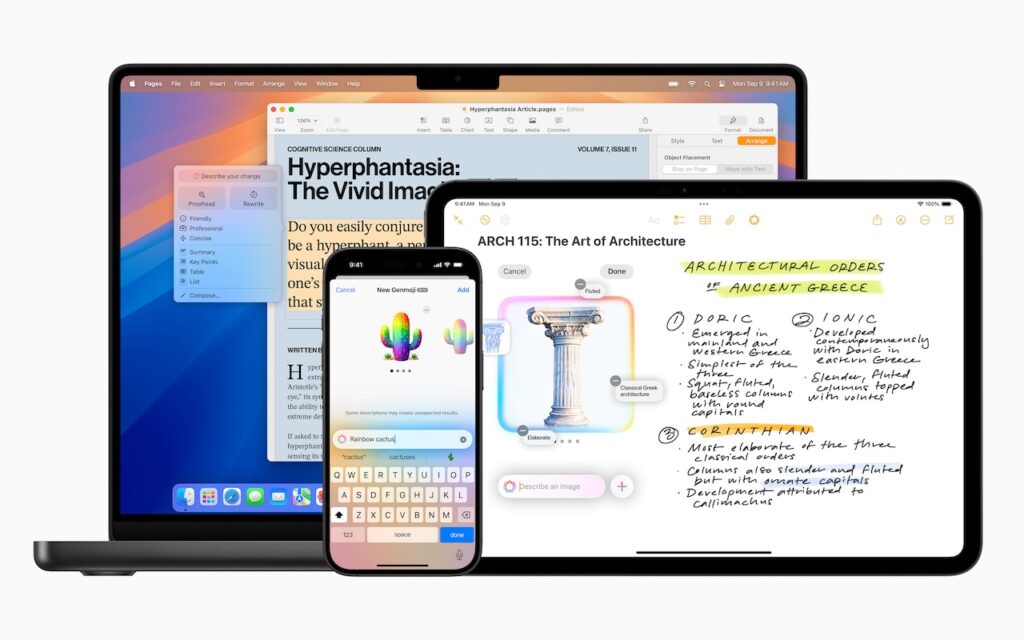
A MacBook, iPhone, and iPad display different apps: a text document on the MacBook, a mind map and handwritten notes about architecture on the iPad, and a colorful AI assistant on the iPhone—all showcasing Apple’s January 2025 releases that enhance Apple Intelligence features.

Apple unveiled Apple Intelligence in October 2024 and expanded its extensive collection of AI-powered features with its December updates. The company’s January 2025 releases of macOS 15.3 Sequoia, iOS 18.3, […]

How (and Why) to Use iPhone Mirroring on Your Mac
A blue iPhone lies next to the keyboard of an open silver MacBook laptop on a blue and black surface, hinting at How (and Why) to Use iPhone Mirroring on Your Mac. The devices are seen from above, with the phone partially under the laptop.

One of the flashiest features of macOS 15 Sequoia and iOS 18 is iPhone Mirroring, which allows you to use your iPhone in a window on your Mac. You might […]

Apple Brings Back the Calculator App’s Repeat Feature

Close-up view of a calculator keypad showing number and arithmetic operation buttons, including plus, minus, multiply, and divide on a metallic surface—perfect for when Apple Brings Back the Calculator App’s Repeat Feature.

In iOS 18, iPadOS 18, and macOS 15 Sequoia, Apple removed a standard feature of the Calculator app that allowed users to press the = button multiple times to repeat […]

First Wave of Apple Intelligence Features Appear in macOS 15.1 Sequoia, iOS 18.1, iPadOS 18.1
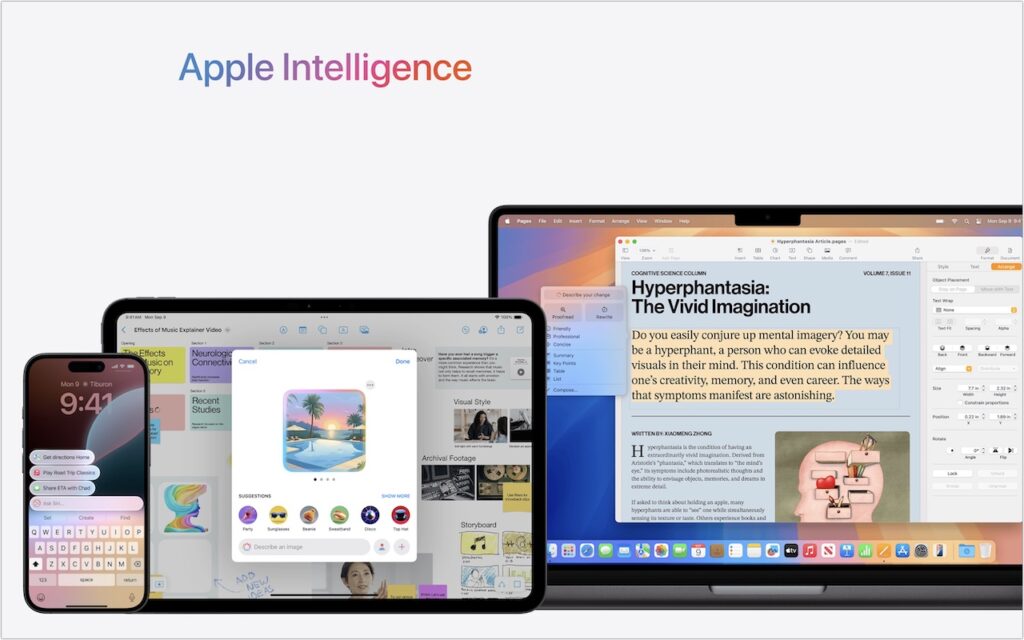
A smartphone, tablet, and laptop display Apple Intelligence features—including messaging, calendar, image generation, and document editing—under a gradient logo. The scene highlights iOS 18.1 and the first wave of Apple Intelligence features in macOS 15.1 Sequoia.

Is it time to make your Apple devices smarter? Apple has just released macOS 15.1 Sequoia, iOS 18.1, and iPadOS 18.1 with an initial collection of Apple Intelligence features and […]

Reliable Mac Support. Local Expertise.

Proudly serving Northern and Central New Jersey and the surrounding NJ/NY metro area.

No walk-ins — on-site service by appointment across our service area.

Contact

973-671-1122
info@macworks360.com

Mon–Fri 7:30 AM–6:00 PM
Weekends by appointment

Explore

Services
Case Studies
Areas We Serve
Blog
Contact
Terms of Service


Independent consultant; not affiliated with Apple Inc. © 2026 MacWorks 360. All Rights Reserved.