
Skip to content
MacWorks 360
HomeAboutServicesCase StudiesAreas We ServeBlogTestimonialsFree Consultation: 973-671-1122

Category: Apple

Apple Computers

Feel Free to Upgrade to macOS 15 Sequoia When You’re Ready

Three Apple devices—a MacBook, an iMac, and a MacBook Pro—are displayed outdoors in front of a modern glass building, each showing different screens. Feel free to upgrade to macOS 15 Sequoia when you’re ready.

While we typically advise caution when considering upgrades to the latest major macOS release, we believe Apple has sufficiently refined macOS 15 Sequoia to warrant an upgrade for those interested. […]

Mail on the iPhone Can Categorize Your Messages in iOS 18.2

A hand reaches toward a mail slot in a wooden mail sorting wall filled with envelopes, packages, and documents organized into compartments—much like how Mail on the iPhone can categorize your messages in iOS 18.2.

Apple slipped a significant new feature into Mail in iOS 18.2 that has nothing to do with Apple Intelligence: Categories. Like Gmail and other email apps, Mail can now automatically […]

Improve Your Hearing with the AirPods Pro 2 and iOS 18
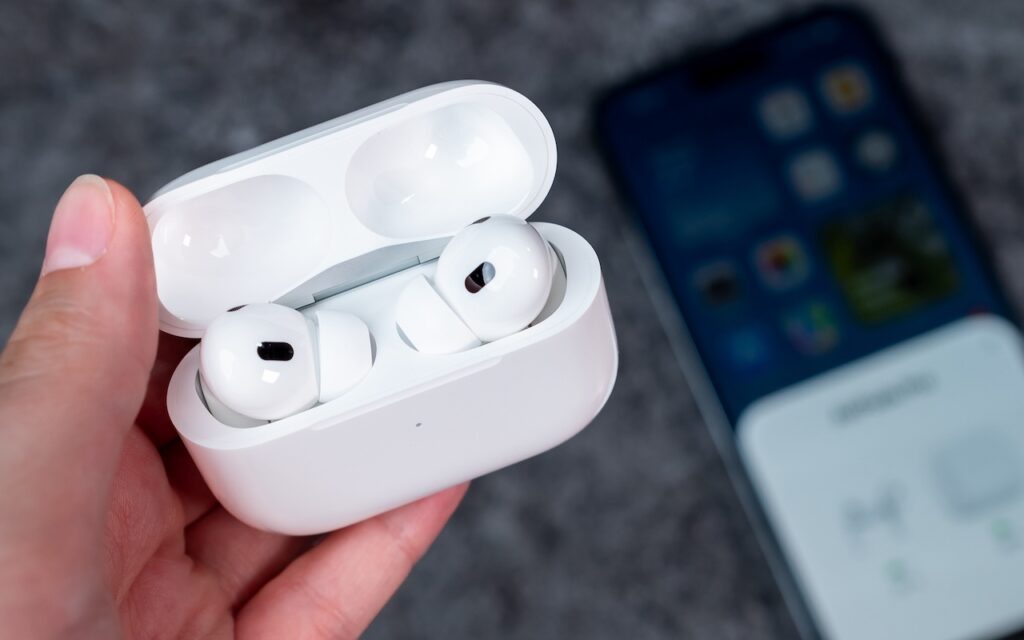
A hand holds an open white charging case with wireless earbuds inside, while a blurred smartphone lies on a gray surface in the background—highlighting how you can improve your hearing with the AirPods Pro 2 and iOS 18.

For many, Apple’s AirPods are just another pair of earbuds: a convenient way to listen to media. But with the latest versions of iOS and automatically applied firmware updates, the […]

What You Can Do with the December Wave of Apple Intelligence Features

A person lying down holds a smartphone displaying digital artwork, perhaps exploring What You Can Do with the December Wave of Apple Intelligence Features. The room’s wall is decorated with posters and framed pictures in soft, relaxed lighting.

The first set of Apple Intelligence features appeared in macOS, iOS, and iPadOS in October. Apple has now debuted the second set in the December releases of macOS 15.2 Sequoia, […]

Manage Default Apps in One Place in iOS 18.2 and iPadOS 18.2

A person holds an iPhone displaying the Default Apps settings menu. Shelves with yellow and white storage boxes are blurred in the background.

An unheralded feature in iOS 18.2 and iPadOS 18.2 helps you manage the default apps on your iPhone and iPad. A default app is one that opens automatically for a […]

Add Weather to Your Mac’s Menu Bar with This Sequoia Tip
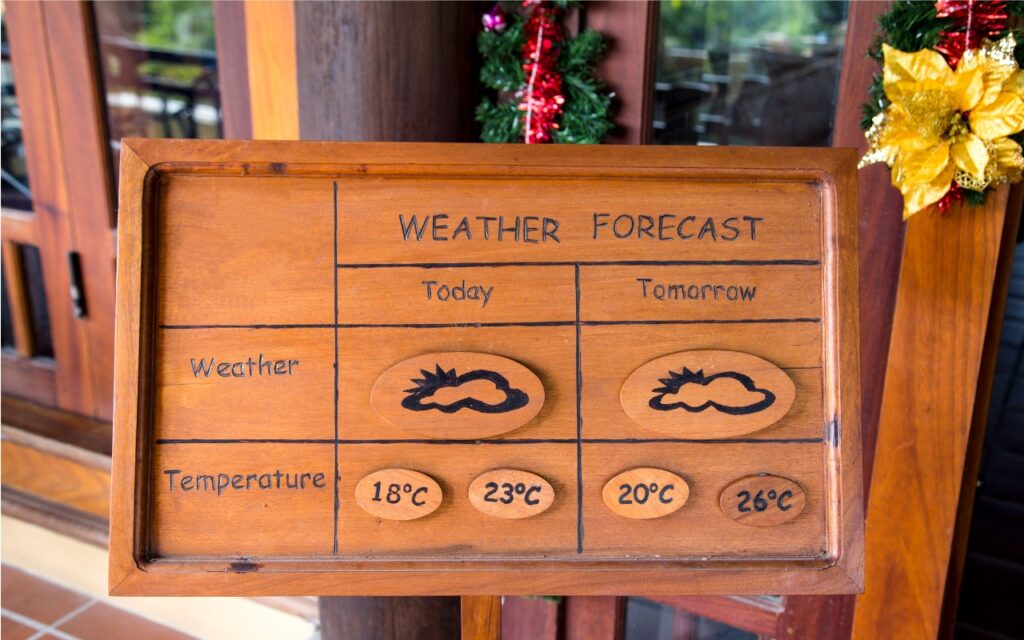
A wooden sign displays a weather forecast for today and tomorrow, showing partly cloudy icons and temperatures. Holiday decorations are visible in the background. Add Weather to Your Mac’s Menu Bar with This Sequoia Tip for easy updates!.

In macOS 15.2 Sequoia, Apple added the option to display the current weather conditions in the menu bar but hid the switch deep in the bowels of System Settings. To […]

Text Replacements Not Working on the Mac? Check This Setting

Three beige keyboard keys with the letters B, T, and W are arranged in a row on a flat, bright blue background—a perfect scene for discussing issues like "Text Replacements Not Working on the Mac? Check This Setting.

Apple provides a handy ecosystem-wide feature that replaces a typed abbreviation—say “eml”—with text you specify, like your email address. (Seriously, copy that one so you don’t have to type your […]

Use Quick Look to Preview Files and Folders in the Finder, Spotlight, and Open Dialogs

A woman sits at a desk in an office, closely examining a computer monitor with a magnifying glass, as Spotlight and Open Dialogs help her search. An open notebook, keyboard, and glasses rest on the desk; colorful folders line the shelves behind her.

Finder icons sometimes hint at their file’s contents, but if you find yourself opening file after file to look at the contents quickly, the Mac has a little-known feature just […]

Safari 18 Adds Highlights, Distraction Control, Redesigned Reader, and Video Viewer

A giraffe stands near a tree at sunset, with an orange sky. In the top-left corner, a Safari browser logo and the number 18 reference Safari 18 Adds Highlights for easier reading.

Alongside this year’s crop of operating systems comes Safari 18, the latest version of Apple’s Web browser. Most of what you do in Safari depends on the websites you use, […]

In iOS 18 and iPadOS 18, Quickly Turn Home Screen App Icons into Widgets
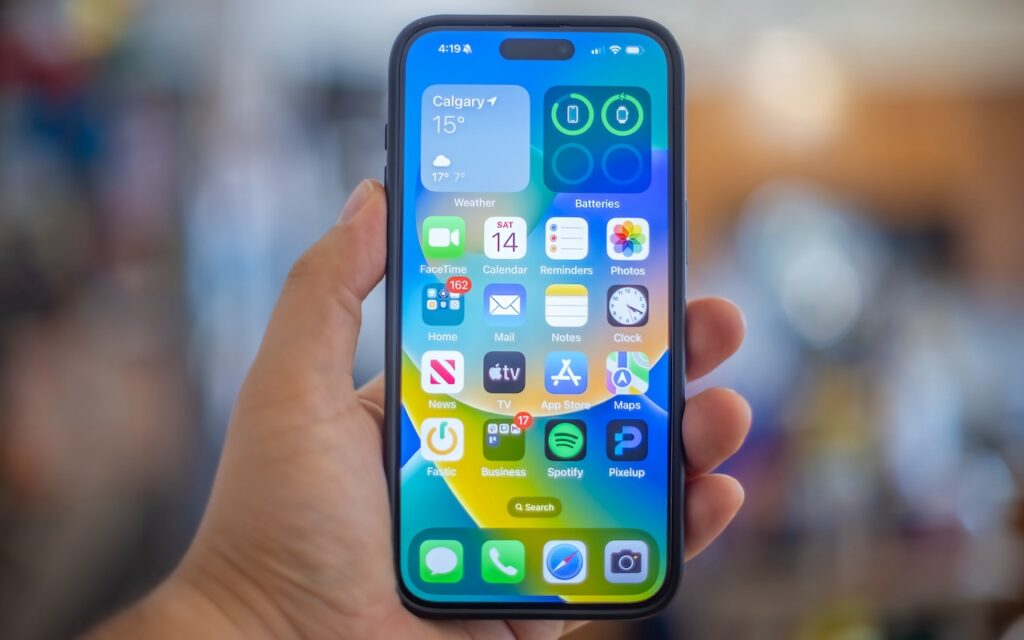
A hand holds an iPhone displaying the home screen with various app icons and a weather widget for Calgary. In iOS 18, you can quickly turn home screen app icons into widgets for enhanced customization and convenience.

Widgets on the iPhone or iPad Home Screen are enhanced versions of app icons that display extra information. You can now bypass the complicated widget creation process and experiment with […]

← Previous
Next →

Reliable Mac Support. Local Expertise.

Proudly serving Northern and Central New Jersey, with on-site support within about 20 miles of Springfield.

No walk-ins — on-site service by appointment across our service area.

Contact

973-671-1122
info@macworks360.com

Mon–Fri 7:30 AM–6:00 PM
Weekends by appointment

Explore

Services
Case Studies
Areas We Serve
Blog
Contact
Terms of Service


Independent consultant; not affiliated with Apple Inc. © 2026 MacWorks 360. All Rights Reserved.