
Work with iOS App Updates in Your Account in the App Store
If you’ve turned on automatic App Updates in Settings > App Store on your iPhone or iPad, you might wonder how you’d know if an app was updated or what […]
Apple Hid the Proxy Icon in Big Sur’s Finder. Here’s How to Reveal It

This is a twofer tip. You may not have known that every document window in macOS has long had a proxy icon in the title bar, next to the filename. […]
Apple Announces New M1-Based 24-inch iMac, iPad Pro, AirTag, Apple TV 4K, and More

On April 20th, Apple took to the Internet to stream its “Spring Loaded” event. Pundits had been unable to figure out a theme based on the name, but Apple was […]
How to Avoid Embarrassment During Online Presentations or Screen Sharing

Along with the now-ubiquitous videoconferencing, screen sharing and online presentations have become vastly more common during the pandemic. This isn’t yet another article about how to give a better presentation […]
Try iCloud Drive Folder Sharing Instead of Paying More for a File Sharing Service

Box, Dropbox, Google Drive, and Microsoft OneDrive all have their place, but as of March 2020, Apple users no longer have to venture outside the Apple ecosystem for online folder […]
Make Better Documents and Edit More Easily with Show Invisibles

Some of the trickiest editing and proofreading problems are related to characters you can’t typically see on the screen: spaces, tabs, and returns. Just because they’re invisible doesn’t mean they […]
Don’t Store Confidential Files in Online File Sharing Services

Given their integration into the Mac’s Finder, it can be easy to forget that online file sharing services like Dropbox, Google Drive, iCloud Drive, and Microsoft OneDrive can be accessed […]
Having Trouble Finding Files on Your Mac? Here’s How to Reset Spotlight

For the most part, Spotlight works well. Press Command-Space or use the Search field in a Finder window, and it finds everything that matches your search term. Sometimes, however, Spotlight […]
Choose Your Preferred Default Web Browser and Email App in iOS and iPadOS 14
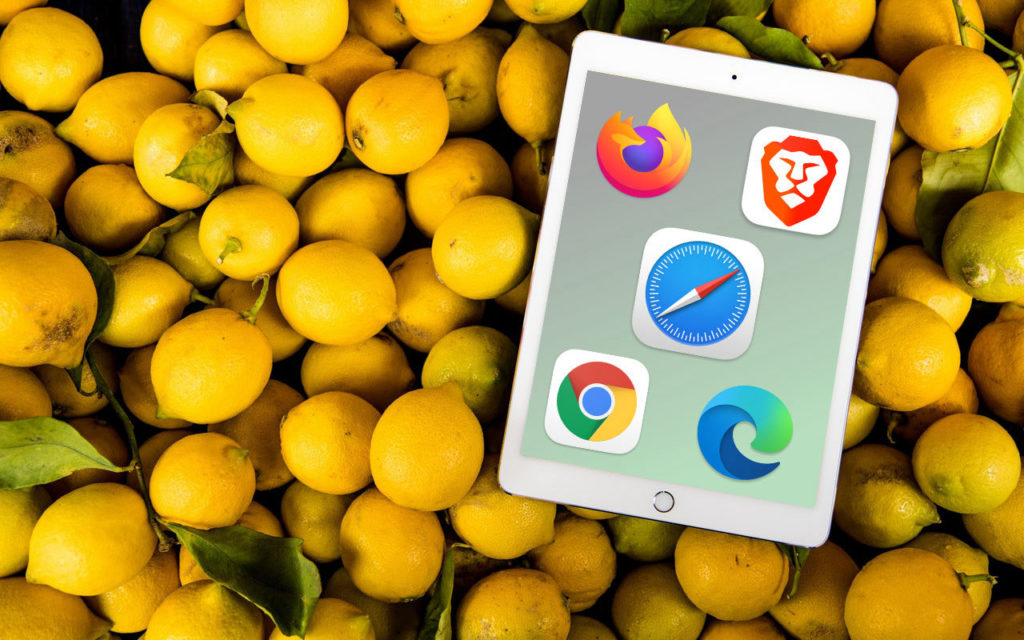
Since the earliest days of the iPhone, Apple’s Safari and Mail have been the default Web and email apps for iOS and, later, iPadOS. There was no way to choose […]
Stop Apple Watch Timer Alerts with a Press of the Digital Crown
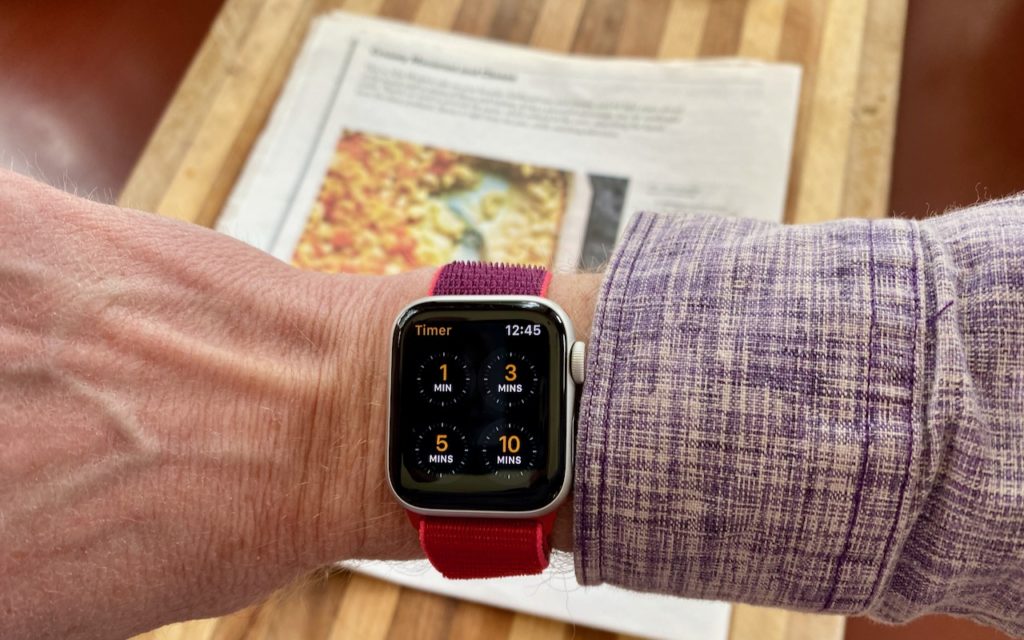
For those who cook, the Apple Watch provides a helpful Timer app that ensures we don’t forget whatever’s in the oven until it’s burnt to a crisp. Setting the timer […]