
Eliminate Article Distractions with Safari Reader

Reading articles on the Web has become fraught with distraction. Ads are terrible, of course, but publications also inundate you with navigation links, pop-ups encouraging you to subscribe, popular article […]
How to Find and Silence the Browser Tab That’s Playing Audio

When a Web browser has many tabs open, it can be hard to find the one playing audio if you need to silence it. Worse, when a browser relaunches, it […]
Notable User Interface Changes to Expect in macOS 26
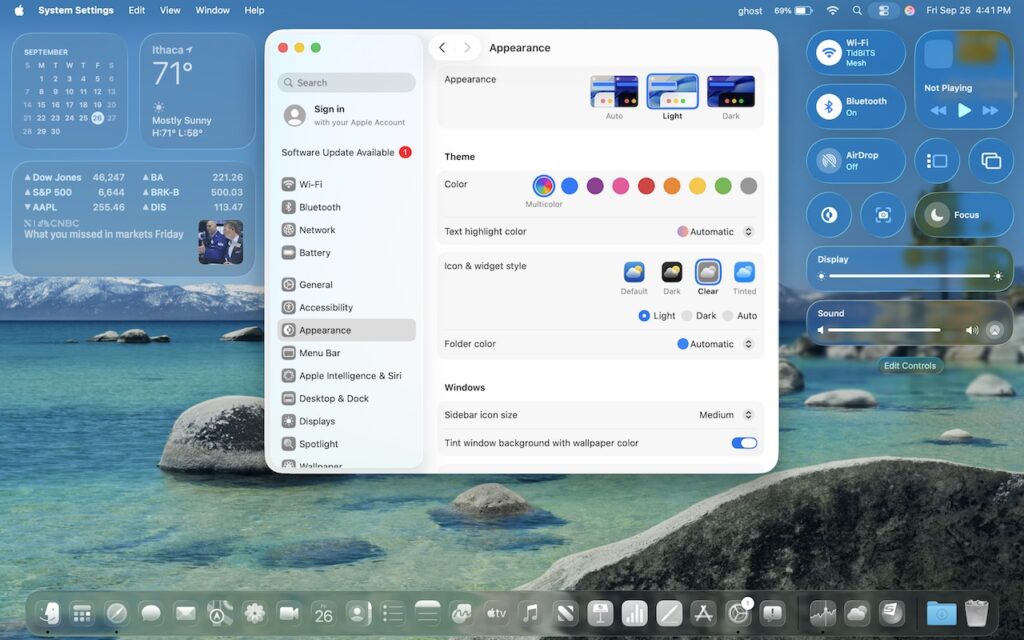
macOS 26 Tahoe is a larger visual leap than any recent upgrade. Although we don’t yet recommend that everyone upgrade, we want to show you some of the user interface […]
Safari 18 Adds Highlights, Distraction Control, Redesigned Reader, and Video Viewer

Alongside this year’s crop of operating systems comes Safari 18, the latest version of Apple’s Web browser. Most of what you do in Safari depends on the websites you use, […]
How to Search Directly in Your Favorite Websites from Safari’s Search Bar

We’re all accustomed to searching the Web generally in Safari by typing in the search field and pressing Return or tapping Go. Most of us are also familiar with the […]
Concerned by the Privacy or Results of Google Search? Try These Other Search Engines

Google is big. Google Search generated $225 billion in revenue in 2022, thanks in part to being the default search engine on all Apple devices. To retain that position—and continue […]
Turn Your Most-Used Sites into Safari Web Apps in macOS 14 Sonoma
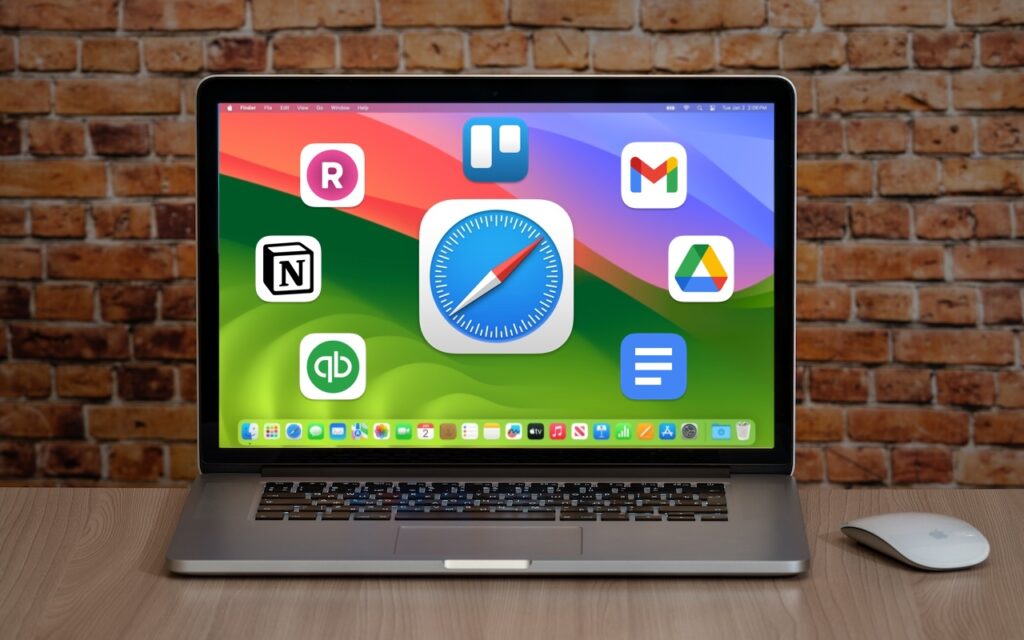
The concept of site-specific browsers has been around for a long time, but in the version of Safari that comes with macOS 14 Sonoma, Apple brought it to the big […]
Faster Copying of Two-Factor Authentication Codes from Messages

One welcome feature of Safari is its automatic detection and auto-filling of SMS-based two-factor authentication codes you receive in Messages. It allows you to complete your login quickly, without having […]
Tips for Getting Back to Work Faster After Restarting Your Mac
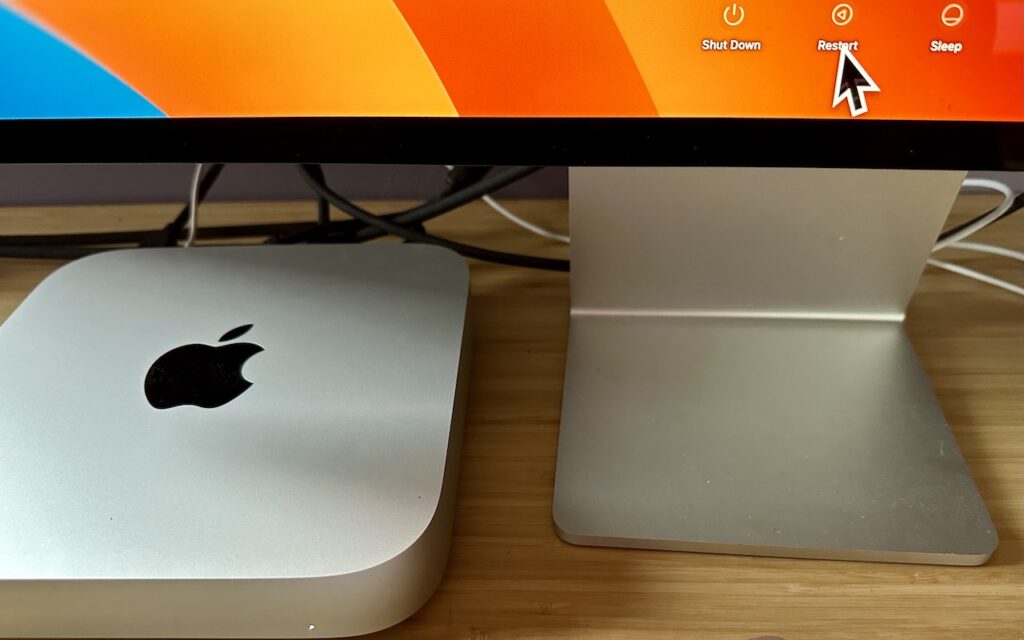
All too often, Mac users put off installing updates because of the bother of having to set everything up again afterward. We get it—you’re busy, and it can take time […]
Six Ways of Making It Easier to Browse Your Favorite Websites

Everyone—or at least everyone reading this article—knows how to use a Web browser. But just because you can click links, search for websites, and type URLs doesn’t mean that you’re […]