
Skip to content
MacWorks 360
HomeAboutServicesCase StudiesAreas We ServeBlogTestimonialsFree Consultation: 973-671-1122

Category: Watch

What’s Liquid Glass, and What to Do If You Don’t Like It
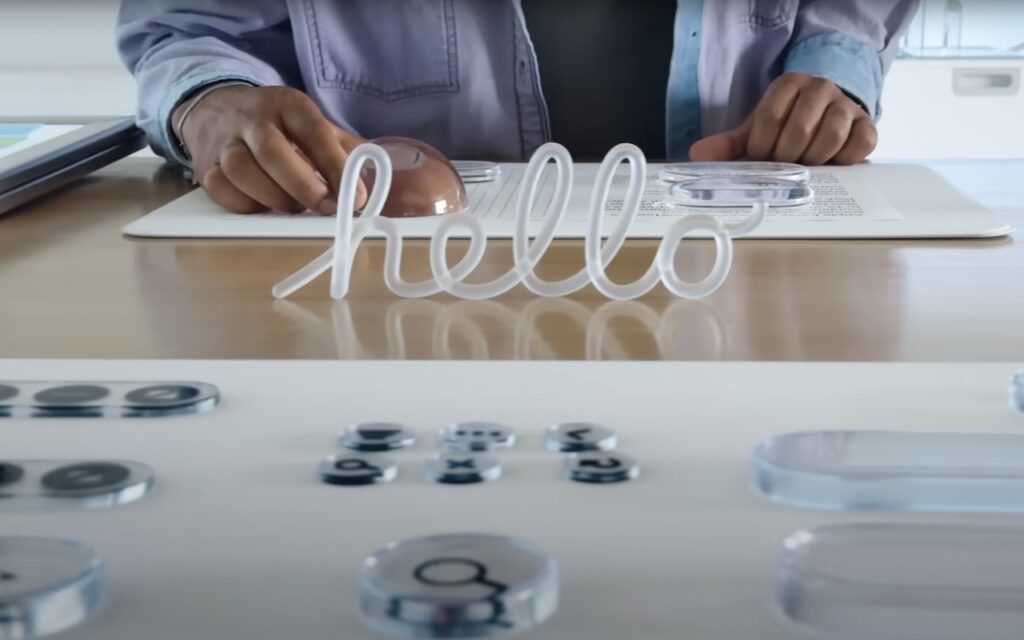
A person in a lab coat stands behind a desk with lab equipment and clear objects, including a transparent sign that spells hello in cursive letters.

If you’ve been following Apple’s recent product releases, you’ve probably heard the term “Liquid Glass.” That’s what Apple calls its newest design language, a combination of an aesthetic look and […]

Apple Unveils New iPhone 17 Lineup, Updated Apple Watches, and AirPods Pro 3

An iPhone, Apple Watch, and AirPods are displayed in front of Apple Park’s circular main building, as Apple unveils the new iPhone 17 lineup, AirPods Pro 3, and updated Apple Watches amid a scenic cityscape.

In the tech world, September brings the fruits of Apple’s harvest: new iPhones, Apple Watches, and AirPods. At its recent Awe Dropping event, Apple introduced the new iPhone 17 lineup, […]

Blood Oxygen Monitoring Returns to Recent US Apple Watches with Software Updates

A smartwatch on a person’s wrist displays a blood oxygen level of 100%, the time as 3:38, and a message stating, "You can view Blood Oxygen measurements." Blood Oxygen Monitoring returns to recent US Apple Watches with software updates.

With the release of iOS 18.6.1 and watchOS 11.6.1, Apple restored blood oxygen monitoring capabilities to US Apple Watch Series 9, Series 10, and Ultra 2 models that previously had […]

At WWDC 2025, Apple Unveils Liquid Glass and Previews New OS Features

At WWDC 2025, a presenter stands on stage in front of a large screen as Apple unveils Liquid Glass and previews new iPadOS features like window controls, folders, background tasks, live translation, and updated apps at a tech event.

Apple’s Worldwide Developer Conference keynote was a lightning-fast 92-minute tour of Apple’s vision for how we’ll use its products in the next year. Apple wove two themes through the presentation: […]

For Moments of Joy, Use watchOS 11’s Photos Watch Face
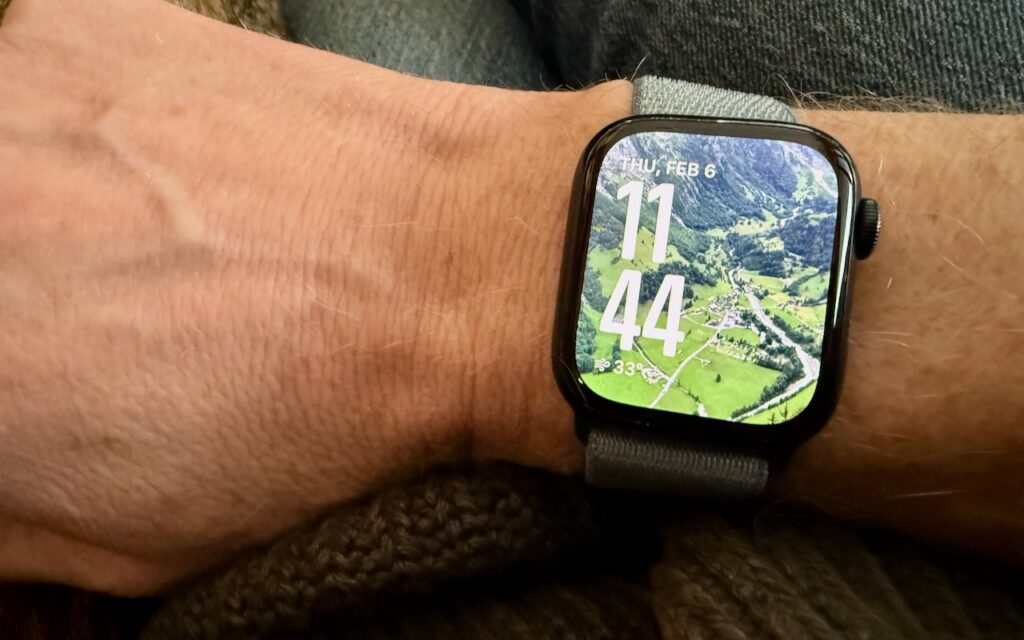
A smartwatch on a person’s wrist displays 11:44 and Thursday, February 6. The watch face background shows an aerial view of green fields and trees—For Moments of Joy, use watchOS 11’s Photos Watch Face to personalize your display.

We’re taking a brief break from helping you become more productive to recommend a feature that could spark moments of joy for Apple Watch users. In watchOS 11, the new […]

Apple ID Renamed to Apple Account in Latest Operating System Releases
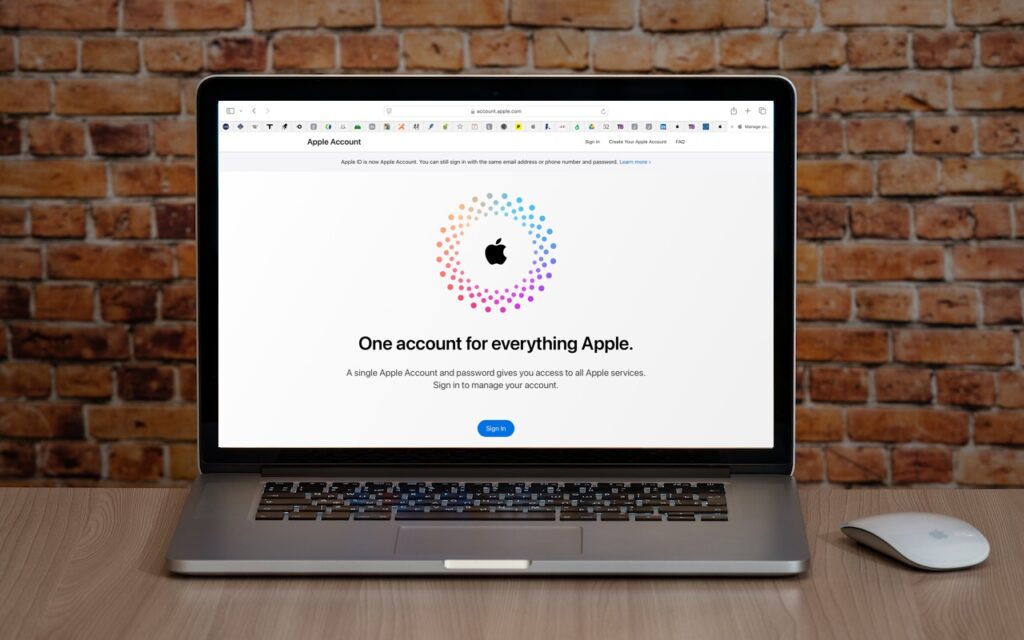
A laptop on a wooden desk displays the Apple Account login page with the message “One account for everything Apple,” highlighting that Apple ID is renamed to Apple Account in the latest operating system releases. A wireless mouse sits nearby against a brick wall backdrop.

In macOS 15 Sequoia, iOS 18, iPadOS 18, and watchOS 11, Apple has officially renamed Apple ID to Apple Account. The new name is a slightly more sensible term because […]

When Should You Should Upgrade to macOS 15 Sequoia, iOS 18, iPadOS 18, watchOS 11, tvOS 18, and visionOS 2?
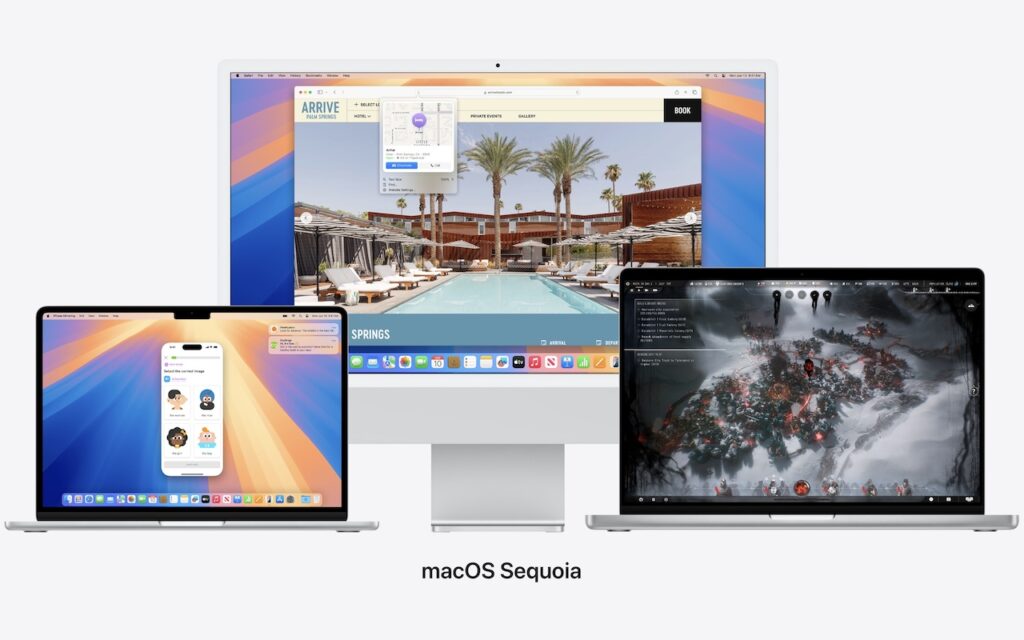
Three Apple devices display different screens: an iMac in the center shows a travel booking site, a MacBook on the left displays a messaging app, and a MacBook on the right shows a video game. Text below reads macOS Sequoia—when should you upgrade to macOS 15 Sequoia?.

The calendar has flipped over to September, so Apple will soon release major upgrades for all its operating systems. iOS 18 and watchOS 11 will undoubtedly ship alongside new iPhone […]

At WWDC, Apple Unveils Apple Intelligence and Previews New OS Features

At WWDC, a man stands on stage in front of a large screen as Apple unveils Apple Intelligence and previews new OS features like writing tools, audio recording, message summaries, photo clean up, and memory movie creation.

Apple’s Worldwide Developer Conference keynote was a lightning-fast (even in the full 1:44-long video—or try the 3-minute recap) look at what Apple is bringing to the software side of the […]

No, NameDrop in iOS 17 Isn’t a Privacy Concern. Here’s How to Use It
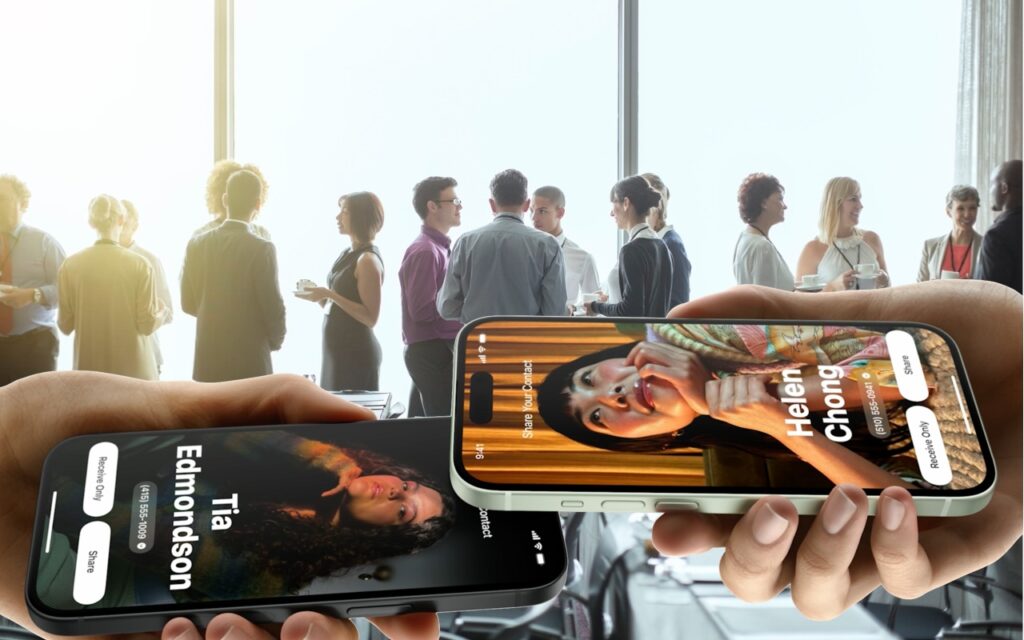
Two hands hold smartphones displaying digital profiles of “Tia Edmondson” and “Helen Chong” over a background of business professionals networking and conversing in a bright, modern office space.

One of the prominent new features in iOS 17.1 and watchOS 10.1 is NameDrop, which makes it easy to exchange contact information with someone merely by putting your iPhone or […]

watchOS 10.1 Brings Double Tap to the Apple Watch Series 9 and Apple Watch Ultra 2

A person’s left hand is extended outward, wearing a smartwatch displaying health statistics on the screen. The background is blurred greenery and yellow foliage, suggesting an outdoor setting.

Apple recently released watchOS 10.1, with support for the much-ballyhooed double-tap gesture that selects the primary action in many apps without requiring that you touch the screen! It’s available only […]

Next →

Reliable Mac Support. Local Expertise.

Proudly serving Northern and Central New Jersey and the surrounding NJ/NY metro area.

No walk-ins — on-site service by appointment across our service area.

Contact

973-671-1122
info@macworks360.com

Mon–Fri 7:30 AM–6:00 PM
Weekends by appointment

Explore

Services
Case Studies
Areas We Serve
Blog
Contact
Terms of Service


Independent consultant; not affiliated with Apple Inc. © 2026 MacWorks 360. All Rights Reserved.