
Become a Notes PRO with these tips & tricks! Discover
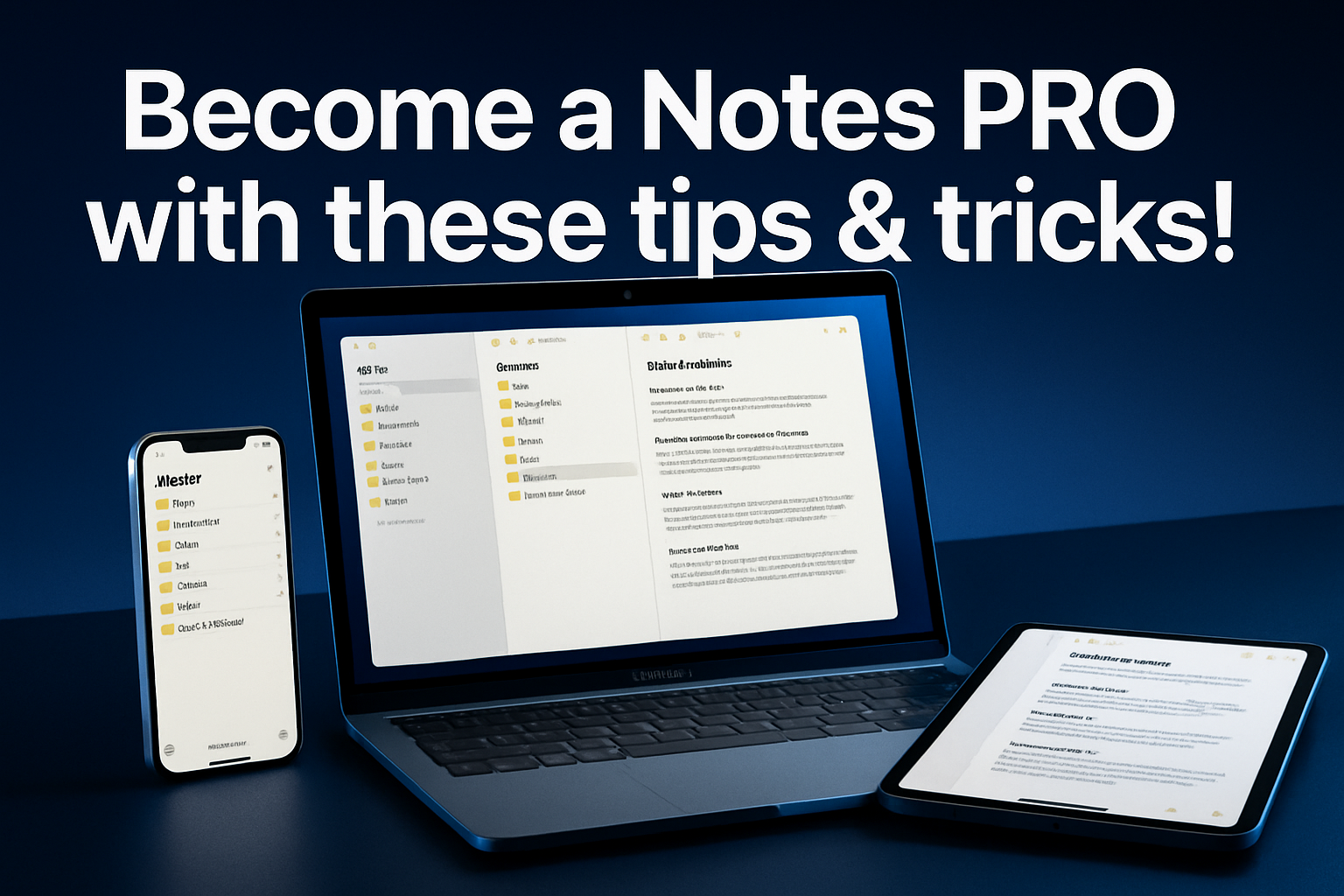
The Notes app sits quietly on every Mac, iPhone, and iPad—yet most creative professionals and small business owners barely scratch its surface. While you’re juggling client projects, managing team workflows, and keeping your creative studio organized, you might be overlooking one of the most powerful productivity tools already in your Apple ecosystem. Become a Notes PRO with these tips & tricks! And transform how your team captures ideas, collaborates on projects, and maintains organized workflows without adding another subscription to your tech stack.
Key Takeaways
• Master advanced formatting and organization to create professional documents and structured project notes that rival dedicated note-taking apps
• Leverage collaborative features to enable seamless team communication and real-time project updates across your creative workflow
• Implement intelligent search and automation to locate critical information and streamline repetitive tasks quickly
• Optimize cross-device synchronization to ensure your entire team stays connected, whether working from the studio, home office, or client locations
• Integrate with existing Apple ecosystem tools to create a unified productivity environment that enhances your current Mac IT infrastructure
Why Creative Professionals Need to Become a Notes PRO
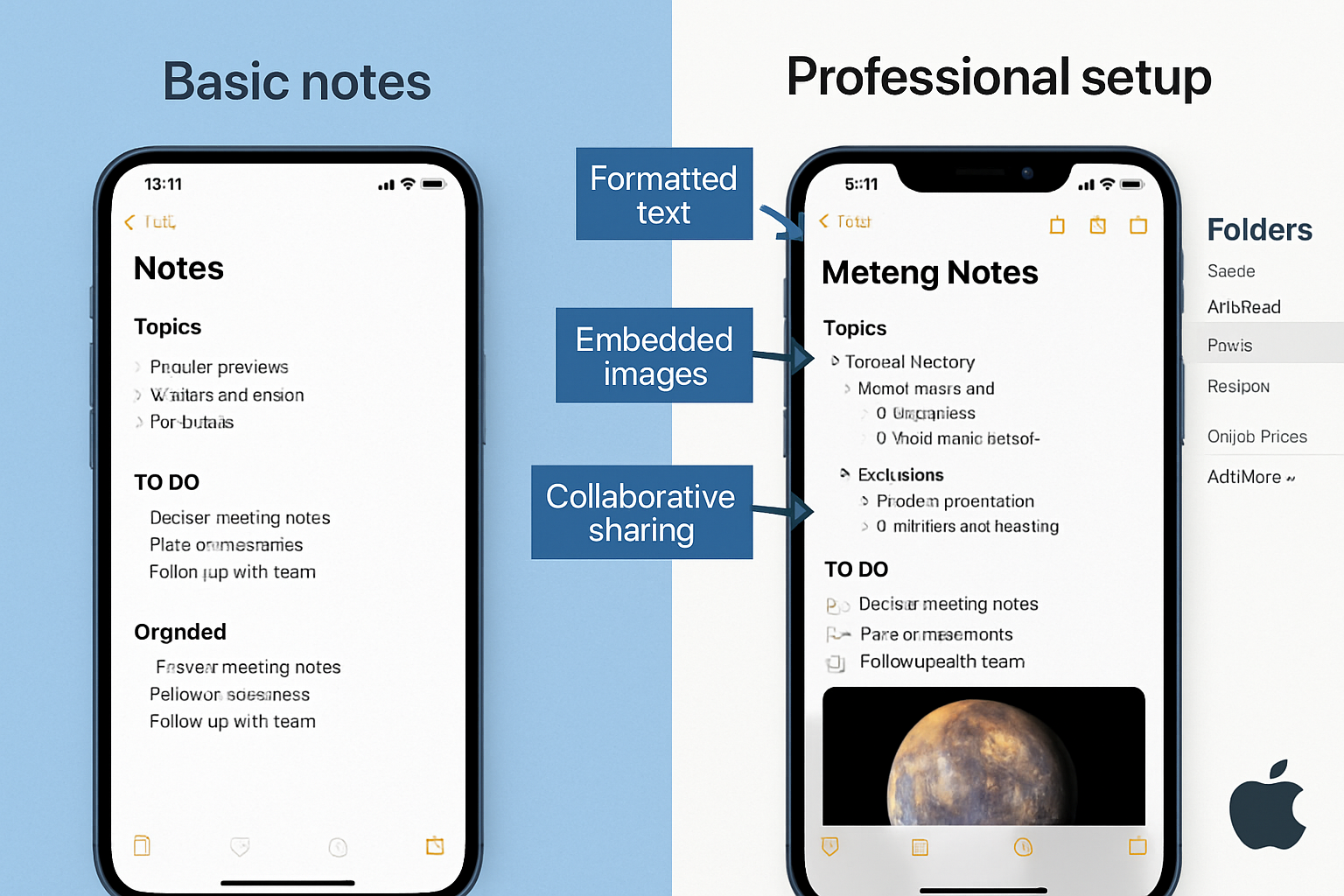
For creative studios and small businesses running Mac fleets, the Notes app represents more than just a simple text editor—it’s a cornerstone of efficient workflow management. When your team is working on tight deadlines with high-stakes projects, having a reliable, instantly accessible system for capturing ideas, sharing feedback, and maintaining project documentation becomes critical to your competitive advantage.
The hidden cost of scattered information affects every creative professional. Client feedback gets lost in email threads, project specifications live in multiple documents, and brilliant ideas disappear because they weren’t captured in the right place at the right time. This digital chaos doesn’t just slow down workflows—it creates stress, missed deadlines, and potentially lost revenue.
MacWorks 360’s 20+ years of expertise working with creative professionals reveals a consistent pattern: the most successful studios are those that master their fundamental tools before adding complexity. The Notes app, when properly configured and utilized, provides the foundation for organized, efficient creative workflows that scale with your business growth.
Essential Notes: Organization Strategies for Creative Teams
Creating a Professional Folder Structure
Become a Notes PRO with these tips & tricks! Starts with establishing a logical, scalable folder system that grows with your creative projects. Unlike generic organizational advice, creative professionals need structures that reflect their unique workflows—from initial client consultations through project delivery and post-launch support.
Project-Based Organization:
• Active Projects – Current client work with subfolders for each account
• Templates & Resources – Reusable project briefs, client questionnaires, and workflow checklists
• Client Communications – Meeting notes, feedback compilation, and approval tracking
• Creative References – Inspiration, style guides, and brand guidelines
• Business Operations – Vendor information, equipment specs, and maintenance schedules
This structure ensures that whether you’re working from your Mac studio setup or accessing notes on your iPhone during a client meeting, critical information remains organized and instantly accessible.
Advanced Text Formatting for Professional Documentation
The Notes app’s formatting capabilities extend far beyond basic text entry. Creative professionals can leverage these features to create polished project documentation that maintains consistency across their entire team.
Professional Formatting Techniques:
• Headers and subheaders for a clear document hierarchy
• Bullet points and numbered lists for project requirements and deliverable tracking
• Checklists for quality control and approval processes
• Tables for project timelines, budget breakdowns, and resource allocation
• Text styles including bold, italic, and monospace for code snippets or technical specifications
When your creative team masters these formatting options, Notes becomes a powerful alternative to more complex project management tools—especially valuable for small studios that need professional results without enterprise-level complexity.
Intelligent Search and Quick Access Methods
Efficient information retrieval separates professional Notes users from casual ones. The app’s search functionality extends beyond simple text matching to include handwritten content, scanned documents, and even text within images—crucial capabilities for creative workflows that blend digital and analog processes.
Pro Search Strategies:
• Use specific keywords in note titles for instant location
• Tag important notes with consistent naming conventions
• Leverage date-based searches for time-sensitive project information
• Utilize attachment searches to find specific images or documents
• Create quick access shortcuts through the Shortcuts app for frequently accessed notes
For creative professionals managing multiple client projects simultaneously, these search capabilities ensure that critical information—whether it’s a client’s brand guidelines or specific project requirements—can be located within seconds rather than minutes.
Advanced Collaboration Features for Creative Workflows
Real-Time Collaborative Editing
Become a Notes PRO with these tips & tricks! Means understanding how to leverage Notes’ collaborative features to enhance team productivity without compromising security. In creative studios where multiple team members contribute to project documentation, real-time collaboration becomes essential to maintaining workflow momentum.
Setting Up Secure Collaboration:
• Invite specific team members rather than sharing broadly for better security control
• Establish editing permissions to prevent accidental changes to critical information
• Use collaborative notes for brainstorming sessions where all team members can contribute simultaneously
• Create shared project timelines that update automatically as tasks are completed
• Maintain version control through strategic note duplication before significant changes
This collaborative approach proves especially valuable for creative agencies where designers, project managers, and client liaisons need shared access to evolving project requirements. As noted in our guide to improving digital security, maintaining proper access controls ensures that collaboration enhances rather than compromises your studio’s security posture.
Cross-Device Synchronization Optimization
For creative professionals who frequently move between their Mac studio setup, iPad for client presentations, and iPhone for on-the-go updates, seamless synchronization becomes critical to maintaining productivity momentum.
Optimizing Sync Performance:
• Enable Notes in iCloud settings across all devices for consistent access
• Monitor storage usage to prevent sync delays due to capacity issues
• Regularly update iOS and macOS to maintain compatibility with the latest sync improvements
• Configure automatic downloads for offline access to critical project notes
• Test sync functionality regularly to identify potential issues before they impact deadlines
When properly configured, this cross-device accessibility means that inspiration captured during a client meeting on your iPhone is immediately available for development on your Mac—eliminating the friction that often causes creative ideas to be lost in transition.
Integration with Apple Ecosystem Tools
Professional Notes usage extends beyond the app itself to encompass integration with other Apple ecosystem tools that creative professionals rely on daily. This integrated approach creates a unified productivity environment that enhances rather than complicates existing workflows.
Strategic Integrations:
• Shortcuts app automation for creating templated project notes with consistent formatting
• Siri voice dictation for hands-free note creation during creative sessions
• Camera integration for instant document scanning and visual reference capture
• Mail app connectivity for seamless sharing of project updates with clients
• Calendar integration for meeting notes that automatically link to scheduled events
These integrations prove particularly valuable for creative studios that have invested in comprehensive Mac IT infrastructure, as they leverage existing tools rather than requiring additional software purchases or training overhead.
Advanced Features That Transform Productivity
Document Scanning and Digital Asset Management
Creative professionals handle extensive visual materials—from client-provided references to hand-sketched concepts that need digital preservation. The Notes app’s scanning capabilities provide immediate digitization without requiring separate scanning apps or equipment.
Professional Scanning Workflows:
• Multi-page document capture for comprehensive client briefs and contracts
• Automatic edge detection ensures clean, professional-looking scanned documents
• Text recognition makes scanned content searchable within your note system
• Image annotation allows for immediate feedback and revision notes
• Organized storage keeps digital assets linked to relevant project notes
This scanning functionality becomes especially valuable for creative teams that blend traditional and digital workflows, ensuring that hand-drawn concepts, client sketches, and printed references integrate seamlessly into digital project management systems.
Handwriting and Apple Pencil Integration
For creative professionals who use iPads as part of their workflow, the Notes app’s handwriting capabilities let them capture visual ideas immediately without switching between applications.
Optimizing Handwritten Notes:
• Consistent writing tools for a professional appearance across all handwritten content
• Text conversion transforms handwritten notes into searchable, editable text
• Drawing tools integration for quick sketches and visual concept development
• Pressure sensitivity creates natural writing experiences that encourage regular use
• Handwriting search makes even handwritten content discoverable through the app’s search function
As highlighted in our coverage of Apple’s camera improvements, Apple’s continued focus on integrating creative tools means that Notes becomes increasingly powerful for visual professionals who need immediate idea-capture capabilities.
Automation and Shortcuts Integration
Become a Notes PRO with these tips & tricks! Includes leveraging iOS and macOS automation to eliminate repetitive tasks and ensure consistent formatting across all team-created content.
Professional Automation Examples:
• Project kickoff templates that automatically create standardized folder structures
• Client meeting note formats with pre-filled sections for consistent information capture
• Daily standup templates for team communication and progress tracking
• Invoice and project completion checklists that ensure nothing gets overlooked
• Time-based reminders for regular project review and update cycles
These automation capabilities prove especially valuable for small creative studios where team members wear multiple hats—automation ensures that administrative tasks maintain professional standards even when attention is focused on creative deliverables.
Security and Data Protection for Creative Teams
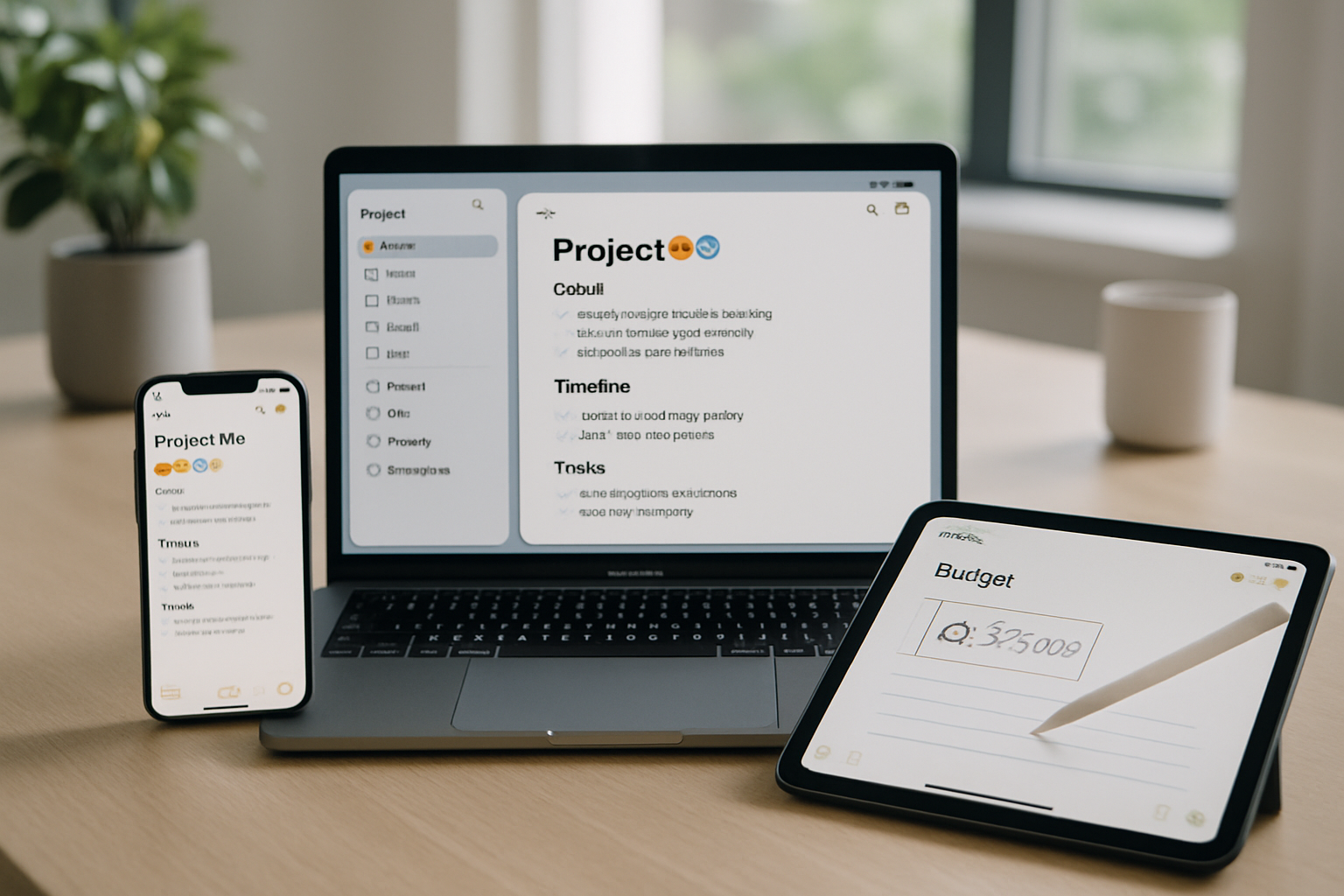
Protecting Sensitive Client Information
Creative professionals often handle confidential client information, from unreleased product designs to sensitive marketing strategies. Proper Notes security configuration ensures that this information remains protected while maintaining the accessibility that creative workflows require.
Essential Security Practices:
• Enable two-factor authentication on all Apple IDs accessing shared notes
• Regular access audits to ensure only current team members have collaboration permissions
• Device-level security, including strong passcodes and biometric authentication
• Backup verification to ensure critical project information has multiple recovery points
• Network security when accessing notes from client locations or public spaces
Following the principles outlined in our data breach protection guide, creative studios must balance accessibility with security to maintain client trust while enabling efficient workflows.
Backup and Recovery Strategies
Creative work represents irreplaceable intellectual property—both your own creative output and client-provided materials that may not be easily replaceable. Proper backup strategies ensure that Notes-based project documentation remains available even during hardware failures or other technical issues.
Comprehensive Backup Approaches:
• iCloud backup verification to ensure automatic cloud storage is functioning correctly
• Local backup creation through Time Machine or other Mac backup solutions
• Export capabilities for critical notes that need additional protection
• Regular backup testing to verify that recovery processes work when needed
• Team backup coordination to ensure all collaborative notes have multiple access points
This multi-layered approach provides peace of mind, allowing creative teams to focus on their work rather than worry about potential data loss.
Troubleshooting Common Notes Issues
Synchronization Problems and Solutions
Even with proper configuration, creative teams may occasionally encounter synchronization issues that can disrupt workflows and create confusion about which version of project information is current.
Common Sync Issues and Fixes:
• Network connectivity problems – Verify internet connection and iCloud service status
• Storage limitations – Monitor and manage iCloud storage to prevent sync delays
• Software version mismatches – Ensure all team devices run compatible operating system versions
• Account configuration errors – Verify iCloud settings and sign-in status across all devices
• Large attachment handling – Optimize file sizes for faster synchronization
When sync issues arise, having a systematic troubleshooting approach minimizes downtime and prevents project delays. Our Apple system optimization guide provides additional context for maintaining smooth operation across your entire Apple ecosystem.
Performance Optimization for Large Note Collections
Creative studios that have embraced Notes as a central organizational tool may eventually accumulate thousands of notes across multiple projects and years of operation. Maintaining optimal performance requires strategic management of this growing information repository.
Performance Maintenance Strategies:
• Regular archive creation for completed projects to reduce active note volume
• Strategic deletion of outdated or redundant information
• Attachment optimization to prevent large files from slowing down the entire system
• Search index maintenance through periodic app restarts and system updates
• Device storage management to ensure adequate local storage for sync operations
These maintenance practices ensure that Notes remains responsive and reliable even as your creative studio’s information repository grows over time.
Advanced Tips for Creative Team Leaders
Onboarding New Team Members
Practical onboarding notes ensure that new creative team members can immediately contribute to existing projects without disrupting established workflows or compromising information organization.
Structured Onboarding Process:
• Account setup verification, including proper iCloud configuration and security settings
• Folder structure training to ensure consistent organization across all team members
• Collaboration etiquette for maintaining professional standards in shared notes
• Template usage to maintain consistency in client-facing documentation
• Security protocol training to protect sensitive client information
This systematic approach to onboarding reduces the learning curve for new team members while maintaining the organizational standards that make Notes an effective professional tool.
Establishing Team Standards and Protocols
Consistent usage standards transform Notes from a personal productivity tool into a professional team asset that enhances rather than complicates collaborative workflows.
Professional Standards Framework:
• Naming conventions for notes, folders, and shared documents
• Formatting guidelines to ensure professional appearance across all team-created content
• Update protocols for maintaining current information in shared project notes
• Archive procedures for completed projects and outdated information
• Quality control processes for client-facing documentation
These standards become particularly important for creative agencies where multiple team members contribute to client projects—consistency in documentation reflects the professionalism that clients expect from their creative partners.
Measuring Success and Continuous Improvement
Productivity Metrics and Assessment
Tracking the impact of professional Notes usage helps creative teams understand the return on investment from their organizational efforts and identify areas for continued optimization.
Key Performance Indicators:
• Information retrieval speed – Time required to locate specific project information
• Collaboration efficiency – Reduced email volume for internal project communication
• Client satisfaction – Improved response times and information accuracy
• Project completion rates – Better organization leading to fewer missed deliverables
• Team onboarding speed – Faster integration of new team members into existing workflows
Regular assessment of these metrics helps creative teams refine their Notes usage to maximize productivity benefits while identifying areas where additional training or process improvements might be beneficial.
Evolving Your Notes Strategy
Professional Notes usage should evolve alongside your creative studio’s growth and changing client needs. Regular strategy reviews ensure that your organizational systems continue to support rather than constrain your team’s creative output.
Strategic Evolution Approaches:
• Quarterly system reviews to assess effectiveness and identify improvement opportunities
• Team feedback integration to address pain points and optimize workflows
• New feature adoption as Apple continues to enhance Notes capabilities
• Integration opportunities with other professional tools as your studio’s needs evolve
• Scalability planning to ensure systems remain effective as team size grows
This continuous improvement approach ensures that your investment in Notes mastery continues to provide value as your creative business evolves and grows.
Conclusion
Become a Notes PRO with these tips & tricks! Represents more than just learning a new app—it’s about transforming how your creative team captures, organizes, and shares the information that drives successful project outcomes. For small business owners and creative professionals managing Mac fleets, mastering Notes provides a foundation for organized, efficient workflows that scale with business growth while maintaining the simplicity that allows creative teams to focus on their core work.
The strategies outlined here—from advanced organization techniques to collaborative workflows and security best practices—create a comprehensive framework for professional Notes usage that enhances rather than complicates existing creative processes. When properly implemented, these approaches provide the peace of mind that comes from knowing critical project information is organized, accessible, and secure across your entire team.
Take action today by implementing the folder structure and formatting standards that align with your current projects. Start with one collaborative note for an active project, and gradually expand your professional Notes usage as these techniques prove their value in your daily workflows. For creative studios ready to optimize their entire Apple ecosystem, MacWorks 360’s customized Mac infrastructure optimization services provide the strategic foundation that enables tools like Notes to deliver maximum productivity.
Your creative work deserves organizational systems that enhance, not hinder, your team’s output. By becoming a Notes PRO, you’re investing in the foundational productivity skills that support long-term creative success while maintaining the flexibility and simplicity that creative professionals require.
References:
[1] Apple Inc. (2025). Notes App User Guide. Apple Support Documentation.
[2] MacWorks 360. (2025). Mac Infrastructure Optimization Best Practices. Internal Documentation.
[3] Creative Industry Survey. (2024). Productivity Tools Usage in Small Creative Studios. Industry Research Report.

Want this Mac Email Security implemented for you?
MacWorks 360 hardens, monitors, and backs up Mac fleets across New Jersey. We build policies, deploy tools, and prove restores—so your team stays safe and focused.
Contact us · Managed IT for Mac · Apple IT Support
Based in Springfield, NJ—serving Summit, Millburn, Short Hills, Chatham, Montclair, and beyond.