
Skip to content
MacWorks 360
HomeAboutServicesCase StudiesAreas We ServeBlogTestimonialsFree Consultation: 973-671-1122

Category: iPadOS 18

Apple’s January 2025 Releases Enhance Apple Intelligence Features
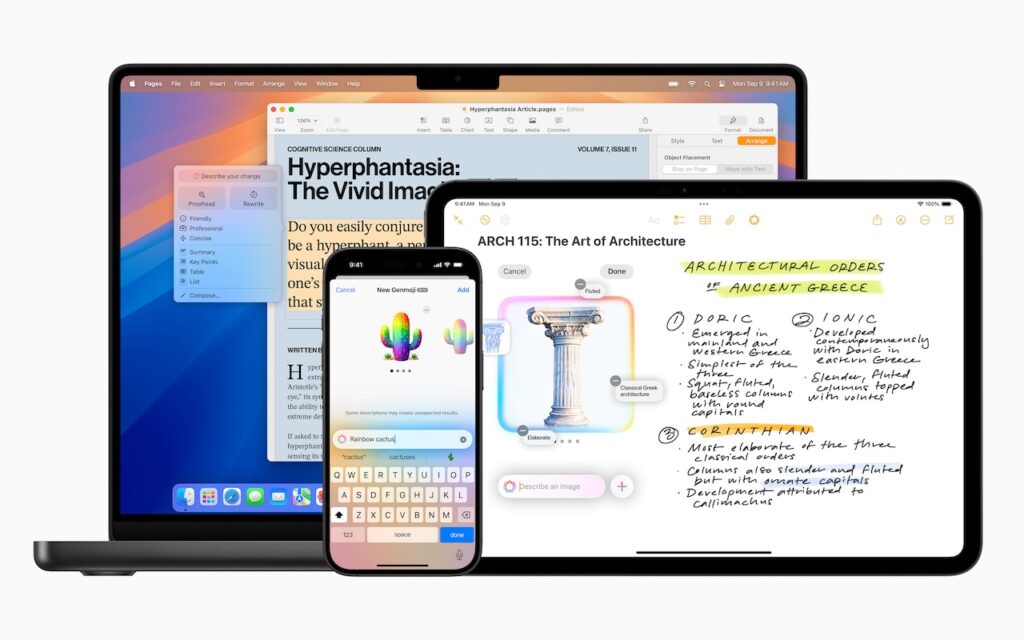
A MacBook, iPhone, and iPad display different apps: a text document on the MacBook, a mind map and handwritten notes about architecture on the iPad, and a colorful AI assistant on the iPhone—all showcasing Apple’s January 2025 releases that enhance Apple Intelligence features.

Apple unveiled Apple Intelligence in October 2024 and expanded its extensive collection of AI-powered features with its December updates. The company’s January 2025 releases of macOS 15.3 Sequoia, iOS 18.3, […]

iOS 18 and iPadOS 18 Offer Better PDF Handling in Mail
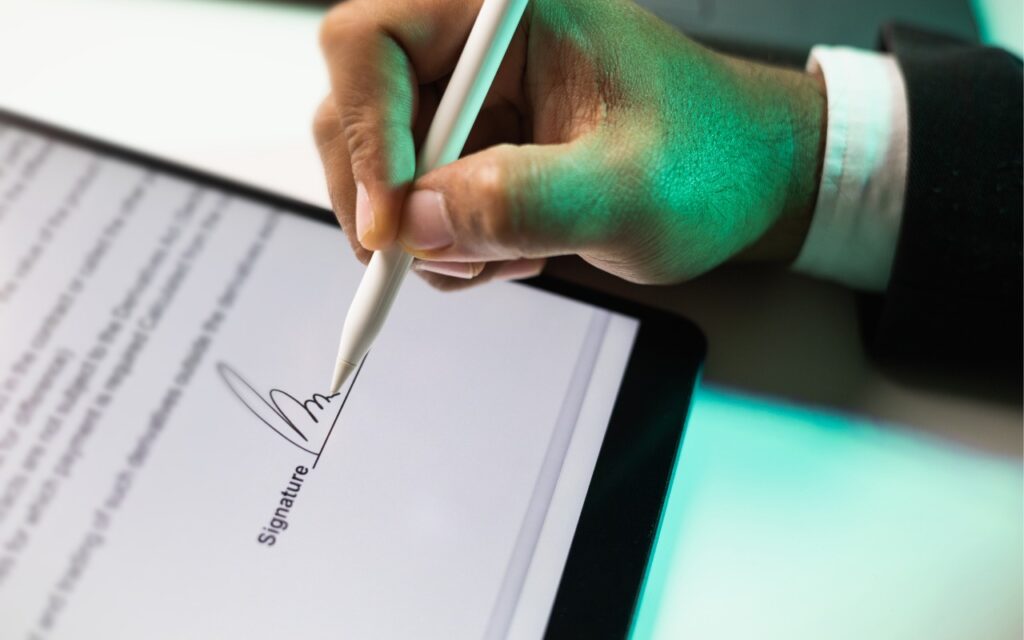
A person uses a stylus to sign an electronic document on a tablet, with the digital signature visible on the screen—showcasing how iOS 18 and iPadOS 18 offer better PDF handling in Mail.

You can now work directly with PDFs received in the Mail app using a little-known feature in iOS 18 and iPadOS 18. Tap a PDF attachment in a message and […]

Apple Brings Back the Calculator App’s Repeat Feature

Close-up view of a calculator keypad showing number and arithmetic operation buttons, including plus, minus, multiply, and divide on a metallic surface—perfect for when Apple Brings Back the Calculator App’s Repeat Feature.

In iOS 18, iPadOS 18, and macOS 15 Sequoia, Apple removed a standard feature of the Calculator app that allowed users to press the = button multiple times to repeat […]

What You Can Do with the December Wave of Apple Intelligence Features

A person lying down holds a smartphone displaying digital artwork, perhaps exploring What You Can Do with the December Wave of Apple Intelligence Features. The room’s wall is decorated with posters and framed pictures in soft, relaxed lighting.

The first set of Apple Intelligence features appeared in macOS, iOS, and iPadOS in October. Apple has now debuted the second set in the December releases of macOS 15.2 Sequoia, […]

Manage Default Apps in One Place in iOS 18.2 and iPadOS 18.2

A person holds an iPhone displaying the Default Apps settings menu. Shelves with yellow and white storage boxes are blurred in the background.

An unheralded feature in iOS 18.2 and iPadOS 18.2 helps you manage the default apps on your iPhone and iPad. A default app is one that opens automatically for a […]

Safari 18 Adds Highlights, Distraction Control, Redesigned Reader, and Video Viewer

A giraffe stands near a tree at sunset, with an orange sky. In the top-left corner, a Safari browser logo and the number 18 reference Safari 18 Adds Highlights for easier reading.

Alongside this year’s crop of operating systems comes Safari 18, the latest version of Apple’s Web browser. Most of what you do in Safari depends on the websites you use, […]

In iOS 18 and iPadOS 18, Quickly Turn Home Screen App Icons into Widgets
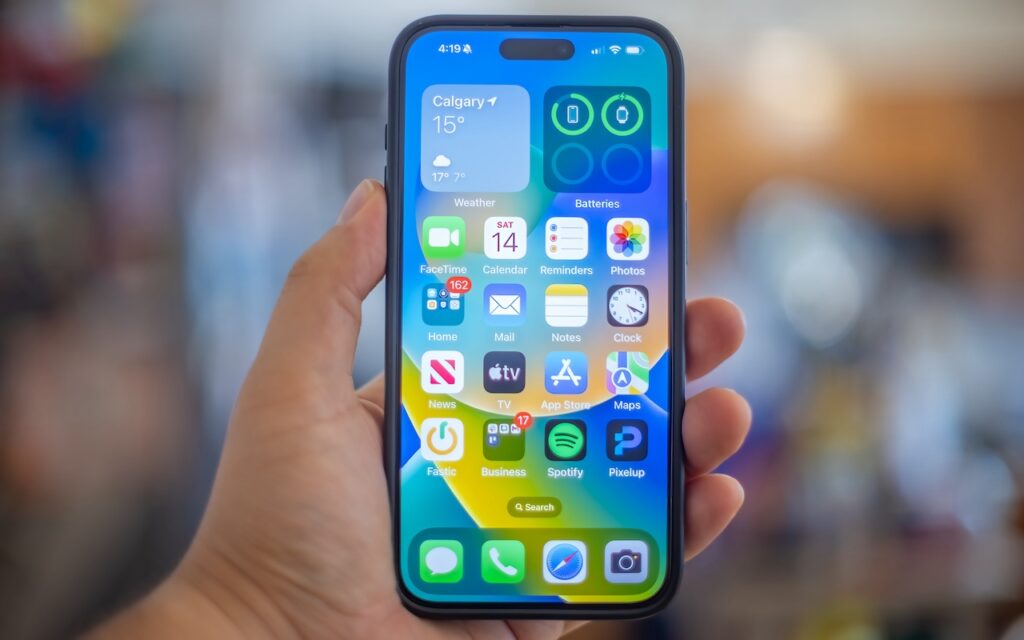
A hand holds an iPhone displaying the home screen with various app icons and a weather widget for Calgary. In iOS 18, you can quickly turn home screen app icons into widgets for enhanced customization and convenience.

Widgets on the iPhone or iPad Home Screen are enhanced versions of app icons that display extra information. You can now bypass the complicated widget creation process and experiment with […]

First Wave of Apple Intelligence Features Appear in macOS 15.1 Sequoia, iOS 18.1, iPadOS 18.1
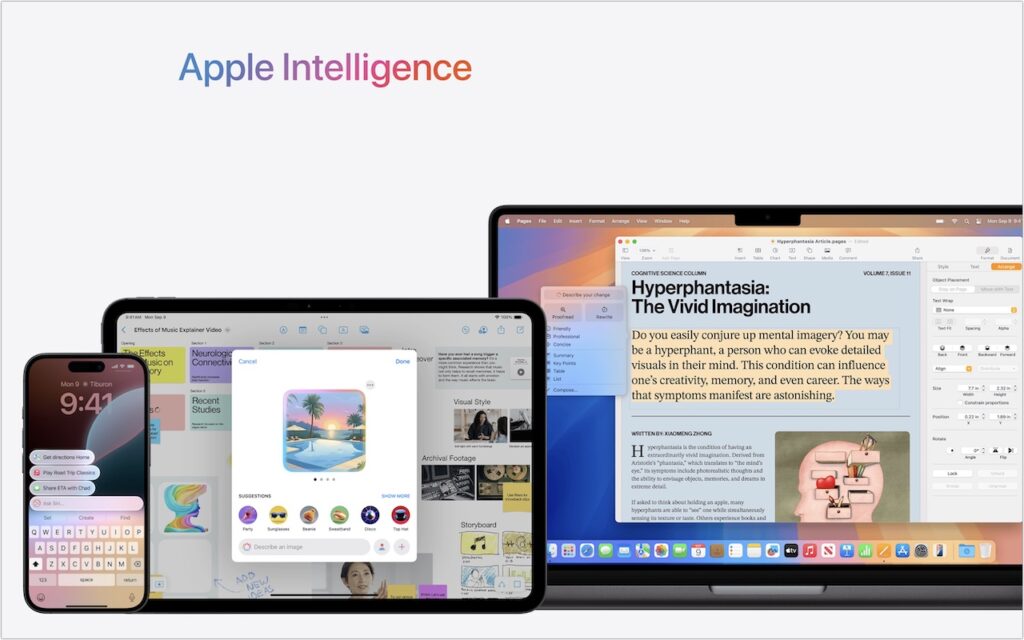
A smartphone, tablet, and laptop display Apple Intelligence features—including messaging, calendar, image generation, and document editing—under a gradient logo. The scene highlights iOS 18.1 and the first wave of Apple Intelligence features in macOS 15.1 Sequoia.

Is it time to make your Apple devices smarter? Apple has just released macOS 15.1 Sequoia, iOS 18.1, and iPadOS 18.1 with an initial collection of Apple Intelligence features and […]

In iOS 18 and iPadOS 18, Control Center Is Now Highly Customizable

A person stands in front of a large transparent screen displaying futuristic digital data, interacting with touch gestures—much like how Control Center is now highly customizable in iOS 18 and iPadOS 18.

Control Center has been a part of our iPhone and iPad experience for over a decade, first appearing in iOS 7 in 2013. It provides direct access to important controls […]

Passwords Becomes a Real App in macOS 15 Sequoia, iOS 18, and iPadOS 18

A notebook with My password written on it lists weak passwords—123456, qwerty, and UfRe8!te3=—next to a keyboard and a green highlighter, hinting at the new Passwords app in macOS 15 Sequoia, iOS 18, and iPadOS 18.

Although we’re still fans of 1Password, and there are plenty of other good password managers out there, like BitWarden and Dashlane, Apple has finally removed the last hurdle to using […]

Next →

Reliable Mac Support. Local Expertise.

Proudly serving Northern and Central New Jersey and the surrounding NJ/NY metro area.

No walk-ins — on-site service by appointment across our service area.

Contact

973-671-1122
info@macworks360.com

Mon–Fri 7:30 AM–6:00 PM
Weekends by appointment

Explore

Services
Case Studies
Areas We Serve
Blog
Contact
Terms of Service


Independent consultant; not affiliated with Apple Inc. © 2026 MacWorks 360. All Rights Reserved.