
Securing Your Apple Devices: Best Practices for Small Businesses
In today’s digital landscape, small businesses face an unprecedented challenge: protecting their valuable data and maintaining operational security while managing growing fleets of Apple devices. Securing Your Apple Devices: Best Practices for Small Businesses isn’t just about installing antivirus software—it’s about creating a comprehensive security ecosystem that protects your creative work, client data, and business operations without overwhelming your team or budget.
With cyber threats targeting small businesses at an alarming rate and remote work becoming the norm rather than the exception, the stakes have never been higher. Creative agencies, photography studios, and small businesses running Mac, iPhone, and iPad fleets need security solutions that match their innovative spirit while providing enterprise-level protection. The good news? Apple’s ecosystem offers robust security features that, when properly configured and managed, can provide peace of mind through technology solutions without requiring a full-time IT department.
Key Takeaways
• Implement a layered security approach combining device-level encryption, strong authentication, and centralized management to protect your Apple device fleet
• Establish standardized onboarding and offboarding procedures to maintain security consistency across all team members and devices
• Leverage Apple’s built-in security features like FileVault, two-factor authentication, and automatic updates as your foundation
• Create regular backup and data protection protocols to ensure business continuity and protect irreplaceable creative work
• Consider professional Mac IT support for ongoing monitoring, maintenance, and proactive risk management
Understanding the Apple Security Ecosystem
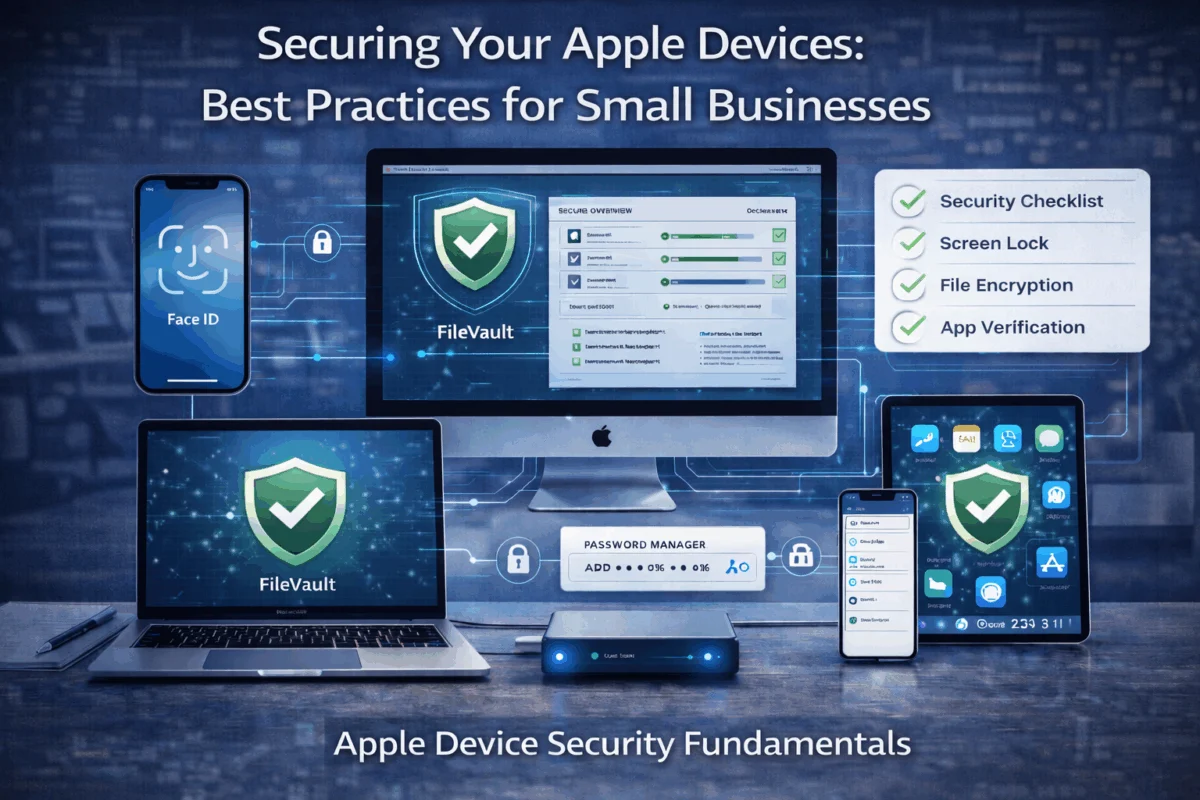
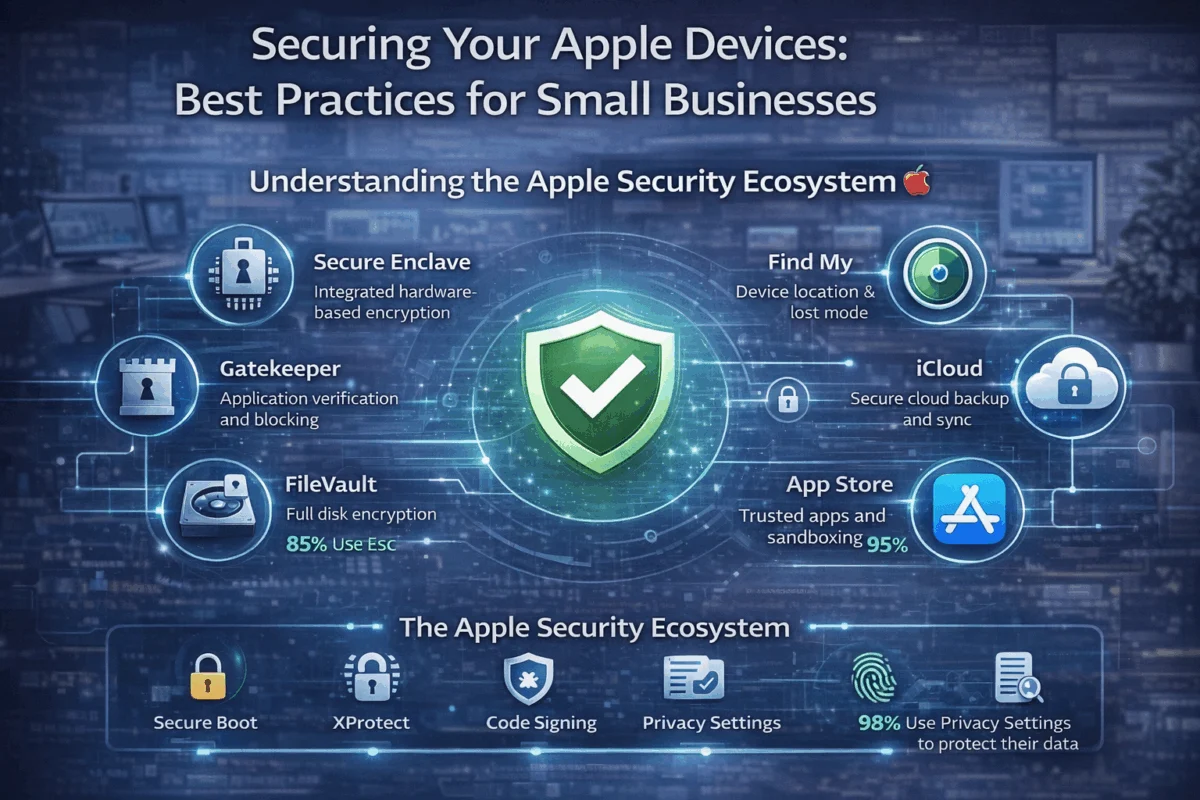
Apple has built security into the foundation of its ecosystem, but understanding how these features work together is crucial to securing your Apple devices. The integrated approach spans hardware, software, and services, creating multiple layers of protection that work seamlessly when properly configured.
Hardware-Level Security Features
Modern Apple devices include several hardware-based security components that form the bedrock of device protection:
Secure Enclave Technology: Every iPhone, iPad, and Mac with Apple silicon includes a dedicated security coprocessor that handles encryption keys and biometric data. This hardware-isolated environment ensures that even if the central system is compromised, your most sensitive security information remains protected.
Touch ID and Face ID: These biometric authentication systems don’t just provide convenience—they create unique, non-replicable security keys stored in the Secure Enclave. For small businesses, this means employees can access devices quickly while maintaining security standards that exceed traditional passwords.
T2 and Apple Silicon Security: Intel-based Macs with T2 chips and all Apple Silicon Macs include hardware-verified secure boot, ensuring that only trusted Apple software loads during startup. This prevents many types of malware from taking root at the system level.
Software Security Foundations
Apple’s operating systems include numerous built-in security features that small businesses should leverage:
- System Integrity Protection (SIP): Prevents modification of critical system files
- Gatekeeper: Ensures downloaded software comes from identified developers
- XProtect: Apple’s built-in antimalware that updates automatically
- Automatic Security Updates: Critical patches install without user intervention
Understanding these features helps small business owners make informed decisions about additional security tools and avoid common security pitfalls that could compromise their operations.
Essential Security Configurations for Small Business Apple Devices
Securing your Apple devices: best practices for small businesses begins with properly configuring built-in security features. These foundational settings create a robust security posture without requiring additional software investments.
Device Encryption and FileVault
FileVault encryption should be enabled on every Mac in your business fleet. This full-disk encryption ensures that if a device is lost or stolen, your business data remains entirely inaccessible to unauthorized users.
Configuration Steps:
- Navigate to System Preferences > Security & Privacy > FileVault
- Click the lock icon and authenticate with admin credentials
- Select “Turn On FileVault”
- Choose recovery method (iCloud account or recovery key)
- Allow the initial encryption process to complete
For iOS devices, encryption is enabled by default when you set a passcode. However, ensure all business devices use strong 6-digit numeric codes or alphanumeric passwords rather than simple 4-digit PINs.
Authentication and Access Controls
Two-Factor Authentication (2FA) represents one of the most critical security measures for small businesses. Apple’s 2FA implementation provides robust protection for Apple IDs and iCloud data.
Best Practices for Business 2FA:
- Enable 2FA for all employee Apple IDs
- Maintain a secure list of trusted phone numbers
- Use app-specific passwords for third-party applications
- Regularly audit trusted devices and remove old or unknown entries
Screen Time and Restrictions: Use Screen Time controls to limit access to sensitive business applications and prevent installation of unauthorized software. This feature works across all Apple devices and can be managed centrally.
Network Security and VPN Configuration
Small businesses often overlook network-level security, but proper configuration is essential for protecting data in transit.
Wi-Fi Security Essentials:
- Use WPA3 encryption on all business networks
- Create separate guest networks for visitors
- Implement MAC address filtering for critical devices
- Regularly update router firmware and change default passwords
VPN Implementation: For remote workers and when accessing public Wi-Fi, VPN protection is non-negotiable. Apple devices support multiple VPN protocols, and many business-grade solutions offer simple configuration profiles that can be distributed to all team members.
Implementing Device Management for Small Teams
As your small business grows beyond a handful of devices, implementing some form of device management becomes crucial for maintaining security and operational efficiency. Securing your Apple devices: best practices for small businesses at scale require moving beyond individual device configuration to centralized management.
Mobile Device Management (MDM) Solutions
MDM platforms designed for small businesses provide enterprise-level device control without enterprise-level complexity. These solutions enable remote configuration, app distribution, and security policy enforcement across your entire Apple device fleet.
Key MDM Capabilities for Small Businesses:
- Remote device configuration and policy enforcement
- App store management with approved application lists
- Lost device protection, including remote wipe capabilities
- Compliance monitoring and automated security reporting
- Zero-touch deployment for new employee devices
Popular small-business MDM solutions include Jamf Now, Microsoft Intune, and VMware Workspace ONE, each offering distinct feature sets and pricing models suited to businesses of varying sizes and needs.
Standardized Device Setup and Configuration
Creating standardized setup procedures ensures consistency across all business devices while reducing the time required for new employee onboarding.
Standard Configuration Checklist:
• Security Settings: FileVault, 2FA, screen lock timeouts
• Business Applications: Approved software installation
• Network Profiles: Wi-Fi, VPN, and email configurations
• Backup Settings: iCloud or local backup preferences
• Privacy Controls: Location services and data sharing preferences
Configuration Profiles: Apple’s configuration profiles enable IT administrators to deploy settings across multiple devices automatically. These profiles can include Wi-Fi passwords, email settings, VPN configurations, and security policies, dramatically reducing setup time and ensuring consistency.
Employee Training and Security Awareness
Technology solutions only work when employees understand and follow established security protocols. Developing security awareness helps prevent the human errors that account for the majority of security breaches.
Essential Training Topics:
- Password management and the importance of unique, strong passwords
- Phishing recognition and safe email practices
- Public Wi-Fi risks and proper VPN usage
- Physical device security and clean desk policies
- Incident reporting procedures for suspected security issues
Regular security training sessions, even brief monthly reminders, help maintain security awareness and reduce the likelihood of successful social engineering attacks.
Advanced Security Strategies and Monitoring
Moving beyond basic security configurations, securing your Apple devices: best practices for small businesses includes implementing advanced monitoring and protection strategies that provide early warning of potential security issues.
Backup and Data Protection Strategies
Comprehensive backup strategies form the foundation of business continuity planning. For small businesses using Apple devices, this means implementing multiple backup layers that protect against various failure scenarios.
Multi-Tier Backup Approach:
- Local Backups: Time Machine for Macs, iTunes/Finder backups for iOS devices
- Cloud Backups: iCloud for personal data, business cloud services for work files
- Offsite Backups: External drives stored securely offsite or cloud-based business backup services
- Version Control: For creative work, maintain multiple versions of critical projects
Data Classification and Protection: Not all business data requires the same level of protection. Implement a simple classification system:
- Public: Marketing materials, published content
- Internal: General business documents, team communications
- Confidential: Client data, financial information, proprietary work
- Restricted: Legal documents, employee records, security credentials
Each classification level should have corresponding protection measures, access controls, and backup requirements.
Security Monitoring and Incident Response
Proactive monitoring helps identify security issues before they become major problems. Small businesses can implement several monitoring strategies without significant investment:
Built-in Monitoring Tools:
- Screen Time reports for unusual app usage patterns
- iCloud security notifications for new device sign-ins
- System logs for suspicious activity or repeated failed login attempts
- Network monitoring through router logs and traffic analysis
Incident Response Planning: Every small business should have a basic incident response plan that outlines steps to take when security issues arise:
- Immediate Response: Isolate affected devices, change relevant passwords
- Assessment: Determine the scope and potential impact of the incident
- Containment: Prevent further damage or data loss
- Recovery: Restore systems and data from clean backups
- Lessons Learned: Update security procedures based on incident findings
Professional IT Support and Consultation
While many small businesses can handle basic security configurations internally, professional Mac IT support and Apple consulting provide significant value for comprehensive security management.
Benefits of Professional Support:
- 24/7 monitoring and rapid response to security incidents
- Proactive maintenance and security updates
- Expert consultation on security best practices and compliance requirements
- Custom infrastructure planning tailored to your business needs
- Employee training and security awareness programs
When to Consider Professional Support:
- Managing more than 10-15 devices
- Handling sensitive client data or regulated information
- Experiencing frequent technical issues or security concerns
- Planning significant business growth or technology expansion
- Lacking internal technical expertise
Professional support transforms from a cost center to a strategic advantage when it enables your team to focus on core business activities while maintaining robust security and system reliability.
Creating a Sustainable Security Culture
Securing your Apple devices: best practices for small businesses extends beyond technical implementations to creating a culture where security becomes a natural part of daily operations rather than an afterthought or obstacle.
Policy Development and Documentation
Clear, actionable policies provide the framework for consistent security practices across your organization. Small businesses need policies that are comprehensive enough to give guidance but simple enough for everyone to understand and follow.
Essential Security Policies:
- Acceptable Use Policy: Guidelines for business vs. personal use of company devices
- Password Policy: Requirements for password complexity, uniqueness, and regular updates
- Data Handling Policy: Procedures for accessing, sharing, and storing business data
- Incident Reporting Policy: Clear steps for reporting suspected security issues
- Remote Work Policy: Security requirements for working outside the office
Policy Implementation Tips:
- Keep policies concise and written in plain language
- Provide real-world examples and scenarios
- Review and update policies annually or after security incidents
- Ensure all team members acknowledge understanding of policies
- Make policies easily accessible through shared documents or internal wikis
Regular Security Audits and Updates
Quarterly security reviews help maintain security posture and identify areas for improvement. These reviews don’t need to be complex—a simple checklist approach works well for most small businesses.
Security Audit Checklist:
• Device Inventory: Confirm all business devices are accounted for and properly configured
• Software Updates: Verify all devices are running current operating systems and applications
• Access Review: Remove access for former employees and update permissions for role changes
• Backup Testing: Verify backup systems are working and test data recovery procedures
• Password Hygiene: Encourage password updates and review shared account access
• Network Security: Check router firmware, review connected devices, update Wi-Fi passwords
Scaling Security with Business Growth
As small businesses grow, security requirements become more complex. Planning for this growth ensures that security measures scale appropriately without becoming overwhelming.
Growth Considerations:
- Device Management: Transition from manual configuration to MDM solutions
- Access Controls: Implement role-based permissions and regular access reviews
- Compliance Requirements: Understand industry-specific security and privacy regulations
- Vendor Management: Evaluate the security practices of third-party service providers
- Business Continuity: Develop comprehensive disaster recovery and business continuity plans
Partnering for Success: Many growing small businesses find that partnering with experienced IT consultants provides the expertise needed to navigate complex security challenges while maintaining focus on core business objectives. Professional consultation can help avoid common pitfalls and ensure security investments align with business goals.
Conclusion
Securing your Apple devices: best practices for small businesses requires a thoughtful, layered approach that balances robust protection with operational efficiency. The strategies outlined in this guide provide a roadmap for building comprehensive security that grows with your business while leveraging Apple’s powerful built-in security features.
The key to success lies in starting with solid fundamentals—device encryption, strong authentication, and regular backups—then building additional layers of protection through device management, employee training, and professional support as your business grows. Remember that security is not a one-time implementation but an ongoing process that requires regular attention and updates.
Immediate Action Steps:
- Audit your current security posture using the checklists provided in this guide
- Implement essential security configurations on all business devices
- Develop basic security policies and ensure all team members understand them
- Establish regular backup procedures and test data recovery processes
- Consider professional consultation for complex security challenges or rapid growth scenarios
By taking a proactive approach to security, small businesses can protect their valuable assets while maintaining the flexibility and innovation that drives success. The investment in proper security measures pays dividends through reduced risk, improved productivity, and the peace of mind that comes from knowing your business is protected.
For businesses ready to take their Apple device security to the next level, partnering with experienced professionals who understand both the technical requirements and business realities of small business operations can provide the expertise and ongoing support needed to maintain robust security in an ever-evolving threat landscape.
References
[1] Apple Security Research: “iOS Security Guide” – Apple Platform Security Documentation, 2025
[2] Small Business Cybersecurity Statistics – National Cyber Security Alliance, 2025
[3] Mobile Device Management Market Research – Gartner Technology Research, 2025

Want this Mac Security implemented for you?
MacWorks 360 hardens, monitors, and backs up Mac fleets across New Jersey. We build policies, deploy tools, and prove restores—so your team stays safe and focused.
Contact us · Managed IT for Mac · Apple IT Support.
Based in Springfield, NJ—serving Summit, Millburn, Short Hills, Chatham, Montclair, and beyond.