
The risks of DIY troubleshooting (data loss, security holes)
The Hidden Dangers: Understanding the Risks of DIY Troubleshooting (Data Loss, Security Holes)
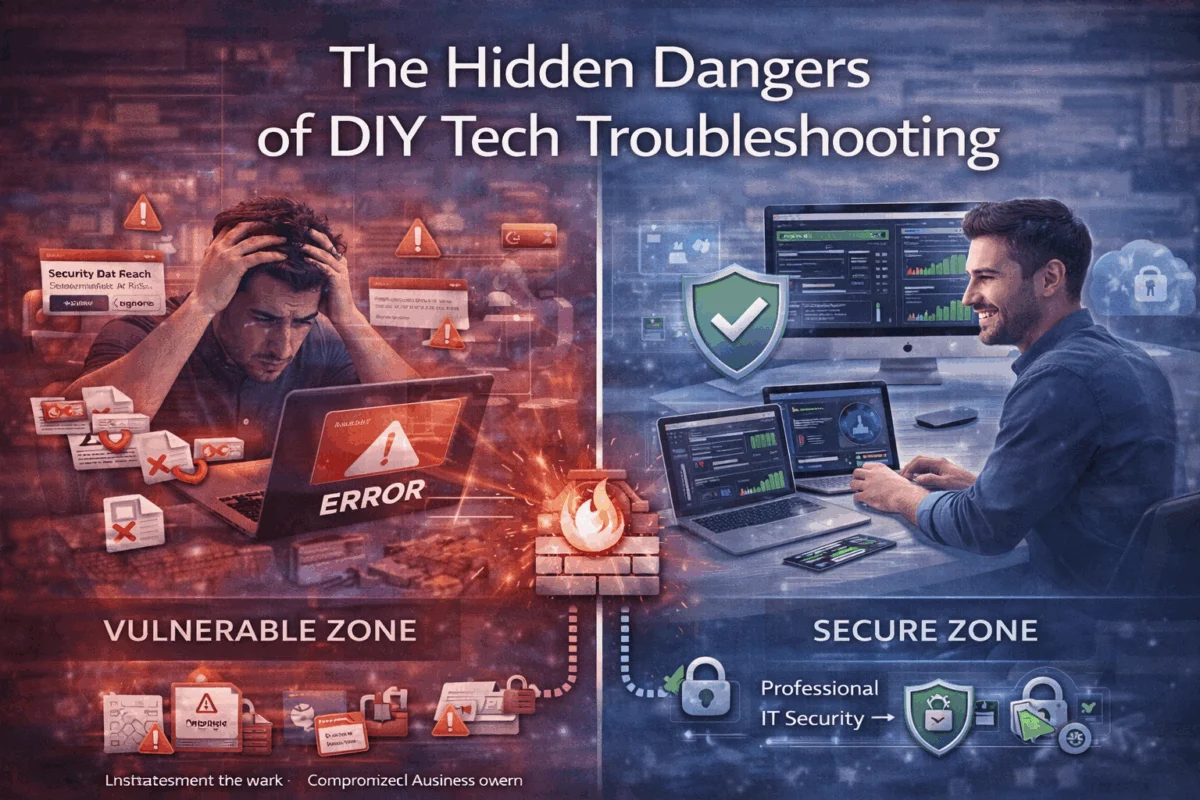
When your Mac suddenly won’t boot, your iPhone displays cryptic error messages, or your iPad refuses to sync critical business files, the temptation to dive into do-it-yourself troubleshooting can feel overwhelming. After all, countless YouTube tutorials and forum posts promise quick fixes that seem simple enough. However, the risks of DIY troubleshooting (data loss, security holes) extend far beyond temporary inconvenience—they can permanently compromise your business data, create devastating security vulnerabilities, and transform minor technical hiccups into catastrophic system failures.
Key Takeaways
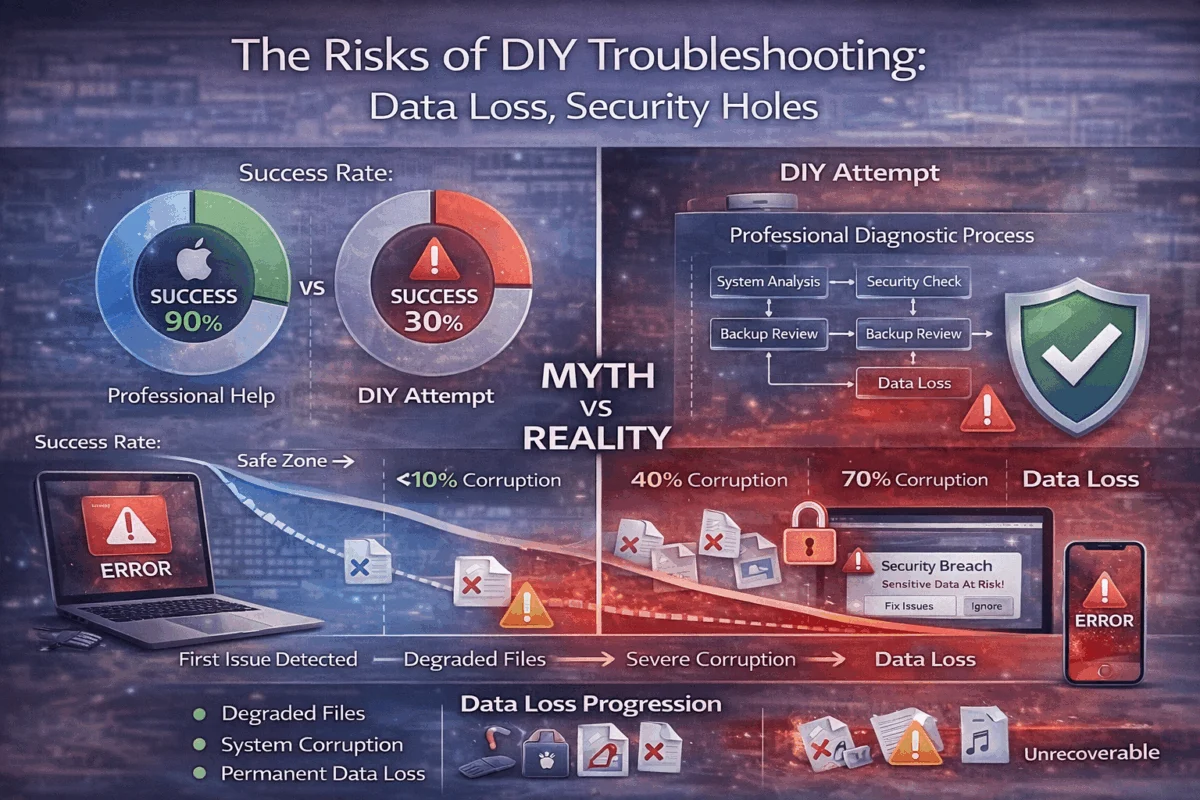
• DIY data recovery attempts reduce success rates from 90%+ to less than 30% compared to professional services, often making recoverable data permanently inaccessible
• Unauthorized troubleshooting software creates security vulnerabilities by installing unknown applications and modifying system permissions without proper authentication protocols
• Professional diagnostics identify underlying causes that generic fixes miss, preventing recurring issues and long-term system instability
• Expert Apple consultants provide proactive risk management through systematic approaches that protect data integrity while resolving technical problems
• Boutique IT consulting delivers customized solutions tailored to your specific Mac ecosystem rather than one-size-fits-all prescriptions that may worsen existing problems
The Real Cost of DIY Data Recovery Disasters
When Simple Fixes Become Permanent Losses
The most devastating consequence of amateur troubleshooting involves irreversible data corruption. Professional data recovery services achieve success rates of 85-95% for mechanical failures and software corruption.[1] However, DIY attempts using unfamiliar recovery software or following generic online tutorials reduce these success rates to less than 30%.[1]
This dramatic decline occurs because unauthorized recovery software attempts often worsen data corruption rather than fixing the underlying problems. What begins as partially recoverable data becomes permanently lost when inexperienced users apply inappropriate recovery methods to their specific hardware and software configurations.
Consider the creative professional who experiences a sudden external drive failure, containing months of client projects. Following a popular YouTube tutorial, they download recovery software that promises to restore everything. Instead of improving the situation, this software overwrites recoverable data locations, making professional recovery impossible—the result: complete loss of irreplaceable client work and potential damage to the business’s reputation.
The Hidden Dangers of Continued Device Usage
One of the most critical mistakes during DIY troubleshooting involves continuing to use affected devices while attempting repairs. Every operation—from temporary file creation to system processes—can overwrite recoverable data locations.[1] Professional technicians immediately isolate compromised systems to prevent further data degradation, but amateur troubleshooters typically continue working on affected devices.
Network connections during DIY recovery present additional risks. Automatic system updates may trigger during troubleshooting sessions or when modifying storage systems, further corrupting recoverable data.[1] These background processes, invisible to most users, can eliminate recovery opportunities that professional services would have preserved through proper isolation protocols.
Understanding how to identify potential data corruption early becomes crucial for preventing these escalating problems.
Security Vulnerabilities: The Hidden Risks of DIY Troubleshooting (Data Loss, Security Holes)
Unauthorized Software Installation Risks
Amateur troubleshooting frequently involves installing unfamiliar recovery tools and diagnostic applications from questionable sources. These applications often request administrative permissions, creating potential security vulnerabilities that extend far beyond the original technical problem.[1] Without proper vetting, these tools can introduce malware, keyloggers, or backdoor access points into business networks.
Professional Apple consultants understand the security implications of every diagnostic tool and recovery method. They utilize vetted, secure applications that don’t compromise system integrity while resolving technical issues. This approach ensures that solving one problem doesn’t create multiple security vulnerabilities.
Authentication and Permission Complications
DIY troubleshooting often disrupts carefully configured authentication systems and security permissions. Authentication and permission issues with backup systems frequently surface only during restoration attempts, compromising recovery efforts when businesses need them most.[2] These complications can lock users out of their own systems or create unauthorized access pathways.
Modern Mac environments integrate complex identity management systems, device management protocols, and security frameworks. Amateur troubleshooting can inadvertently modify these configurations, creating security holes that remain undetected until malicious actors exploit them. Professional IT consultants maintain detailed documentation of security configurations and implement changes systematically to preserve protective measures.
Learning about proper security protocols and two-factor authentication helps businesses understand the complexity of maintaining secure systems during troubleshooting.
Why Professional Diagnostics Outperform Generic Solutions
Systematic Problem Identification
Professional Apple consultants go deeper than surface-level symptoms to identify root causes that generic fixes miss entirely. While DIY approaches typically address immediate symptoms, expert diagnostics examine system logs, hardware diagnostics, software conflicts, and environmental factors that contribute to technical problems.
This comprehensive approach prevents the frustrating cycle of recurring issues that plague DIY troubleshooting efforts. Instead of applying temporary patches that mask underlying problems, professional diagnostics create long-term solutions that address systemic issues.
Advanced Diagnostic Tools and Methodologies
Professional Apple consulting firms utilize specialized diagnostic equipment and software unavailable to general consumers. These tools provide detailed insights into hardware performance, software conflicts, and system optimization opportunities that standard troubleshooting methods cannot access.
For example, professional diagnostics can identify failing storage components before complete failure, enabling proactive data protection and planned hardware replacement. DIY troubleshooting typically only addresses problems after catastrophic failure, when recovery options become limited and expensive.
Exploring advanced Apple ecosystem optimization techniques demonstrates the depth of professional diagnostic capabilities.
The Business Impact of Failed DIY Troubleshooting Attempts
Recovery Time and Business Continuity
Complex manual steps in DIY recovery processes are prone to human procedural errors, primarily when performed under pressure during critical business situations.[2] These errors can extend system downtime from hours to days, creating cascading business impacts that far exceed the cost of professional intervention.
Professional IT consultants understand business continuity requirements and prioritize rapid, reliable restoration over experimental troubleshooting methods. They maintain tested recovery procedures, backup systems, and replacement hardware strategies that minimize business disruption.
Hidden Costs of Amateur Troubleshooting
The apparent cost savings of DIY troubleshooting often prove illusory when accounting for:
- Lost productivity during extended troubleshooting attempts
- Permanent data loss requiring recreation of lost work
- Security breach remediation costs from compromised systems
- Professional recovery services are needed after failed DIY attempts
- Replacement hardware damaged by improper troubleshooting
Professional Apple consulting provides transparent, predictable costs that businesses can budget for, avoiding the unpredictable expenses that result from failed amateur troubleshooting.
Professional Apple Consulting: Your Strategic Technology Partner
 Proactive Risk Management Through Expert Support
Boutique IT consulting firms with 20+ years of Apple ecosystem expertise provide proactive risk management that prevents many troubleshooting scenarios entirely. Rather than waiting for problems to occur, professional consultants implement monitoring systems, maintenance schedules, and optimization protocols that identify potential issues before they impact business operations.
This proactive approach includes:
- Regular system health assessments to identify developing problems
- Automated backup verification to ensure recovery capabilities
- Security auditing to maintain protective measures
- Performance optimization to prevent resource-related failures
- Hardware lifecycle management to avoid unexpected failures
Customized Solutions for Your Mac Infrastructure
Professional Apple consultants reject one-size-fits-all approaches in favor of customized infrastructure optimization tailored to specific business requirements. They understand that creative professionals, small business owners, and operations managers have unique technology needs that require specialized solutions.
This customization extends to:
- Workflow-specific optimizations for creative applications
- Scalable infrastructure planning for growing businesses
- Integration strategies for mixed technology environments
- Training and support customized to user skill levels
- Documentation and procedures specific to organizational needs
Understanding how professional consultants approach complex technical challenges illustrates the value of expert guidance.
Building Reliable Systems Through Professional Partnership
Long-term Consulting Relationships vs. Transactional Fixes
Professional Apple consulting emphasizes long-term partnerships over transactional problem-solving. This relationship-based approach enables consultants to understand evolving business needs, anticipate technology requirements, and provide proactive solutions that grow with organizations.
Long-term partnerships provide several advantages:
- Institutional knowledge of your specific systems and configurations
- Predictable support costs through managed service agreements
- Priority response times during critical situations
- Strategic technology planning aligned with business objectives
- Continuous optimization based on usage patterns and performance data
Peace of Mind Through Technology Solutions
The ultimate goal of professional Apple consulting is to provide peace of mind through reliable technology solutions. Business owners and operations managers need technology that supports their objectives without creating additional stress or uncertainty.
Professional consultants deliver this peace of mind through:
- Guaranteed results backed by expertise and experience
- Transparent communication about problems and solutions
- Educational support that empowers informed decision-making
- 24/7/365 monitoring for critical business systems
- Documented procedures for consistent, reliable support
Learning about comprehensive security practices helps businesses understand the full scope of professional technology management.
Making the Smart Choice: Professional vs. DIY

When DIY Makes Sense
Professional consultants acknowledge that some basic troubleshooting makes sense for simple, low-risk situations:
- Restarting applications or devices for temporary glitches
- Checking cable connections for connectivity issues
- Updating software through official channels
- Basic preference adjustments for user interface issues
- Simple file organization and cleanup tasks
When Professional Help Becomes Essential
However, the risks of DIY troubleshooting (data loss, security holes) make professional intervention essential for:
- Data recovery from failed or corrupted storage devices
- Security breach investigation and remediation
- System crashes that prevent regular operation
- Network connectivity problems affecting multiple devices
- Performance issues that impact business productivity
- Hardware failures requiring diagnostic testing
- Software conflicts between critical applications
Understanding when to seek professional help for technical issues can prevent minor problems from becoming major disasters.
Conclusion
The risks of DIY troubleshooting (data loss, security holes) extend far beyond temporary inconvenience, potentially leading to permanent data loss, security vulnerabilities, and business disruption that cost significantly more than professional intervention. While the appeal of quick fixes and apparent cost savings makes amateur troubleshooting tempting, the reality involves complex technical challenges that require specialized expertise, professional-grade tools, and systematic approaches that protect data integrity while resolving underlying problems.
Professional Apple consulting provides peace of mind through technology solutions that address immediate problems while implementing proactive measures to prevent future issues. Through customized infrastructure optimization, long-term consulting relationships, and guaranteed results, expert consultants deliver reliable systems that support business objectives without creating additional stress or uncertainty.
Take action today by partnering with experienced Apple consultants who understand your specific technology needs. Don’t risk permanent data loss, security breaches, or extended downtime through amateur troubleshooting attempts. Contact MacWorks 360 to discuss how professional Mac IT support and Apple consulting can protect your business while delivering innovative solutions that enable smoother workflows and secure your competitive advantage.
References
[1] Professional Data Recovery Industry Standards and Success Rates, 2025
[2] Business Continuity and Disaster Recovery Best Practices for Small Business, 2025

Want this Mac Security implemented for you?
MacWorks 360 hardens, monitors, and backs up Mac fleets across New Jersey. We build policies, deploy tools, and prove restores—so your team stays safe and focused.
Contact us · Managed IT for Mac · Apple IT Support.
Based in Springfield, NJ—serving Summit, Millburn, Short Hills, Chatham, Montclair, and beyond.