
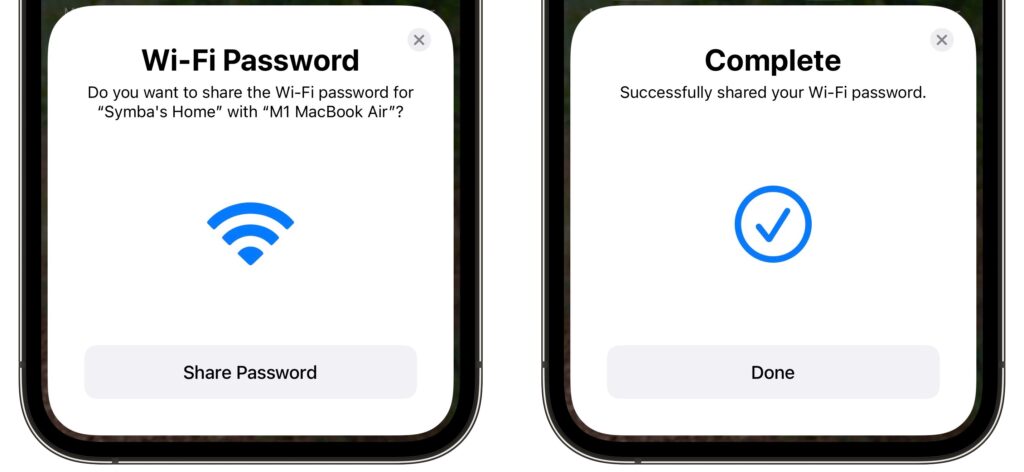
You’re on vacation with your family, staying in an Airbnb, with multiple Apple devices to connect to the apartment’s Wi-Fi. Typing the password repeatedly would be a pain, but happily, Apple has added a password-sharing feature to all its operating systems. Once you enter the password on your iPhone, whenever someone else—or another of your devices—tries to connect to the Wi-Fi network, your iPhone will prompt you to share the password. Tap Share Password and then Done. It’s also a great way to share your home Wi-Fi password with a visitor. (For password sharing to work, both devices must have Wi-Fi and Bluetooth on and Personal Hotspot disabled, and you and the other person must have each other’s Apple ID email address saved in Contacts.)
(Featured image by Adam Engst)