
Is Your WiFi LiFying About Your Speed? The Truth Behind Slow Mac Performance

Picture this: You’re rushing to meet a critical deadline for a client presentation, your MacBook Pro is fully charged, and your creative team is ready to collaborate. But as you try to upload that 4K video file or sync your latest design assets to the cloud, your WiFi crawls at a snail’s pace. The speed test you ran last month showed blazing fast numbers, but today feels like you’re back in the dial-up era. Is your WiFi LiFying about your speed? This frustrating scenario affects countless creative professionals and small business owners who depend on reliable Mac performance for their competitive advantage.
Key Takeaways
• WiFi speeds can fluctuate dramatically due to network congestion, router placement, and device-specific optimization issues that particularly affect Mac ecosystems
• Your internet service provider’s advertised speeds rarely match real-world performance, especially during peak business hours when creative teams need connectivity most
• Mac-specific network optimization requires specialized knowledge that goes beyond generic IT solutions, impacting everything from AirDrop functionality to cloud synchronization
• Proactive network monitoring and infrastructure planning can prevent costly downtime and ensure your creative workflows remain uninterrupted
• Professional Mac IT consulting provides customized solutions that address both immediate speed issues and long-term scalability for growing creative businesses
Understanding Why Your WiFi Performance Doesn’t Match Expectations
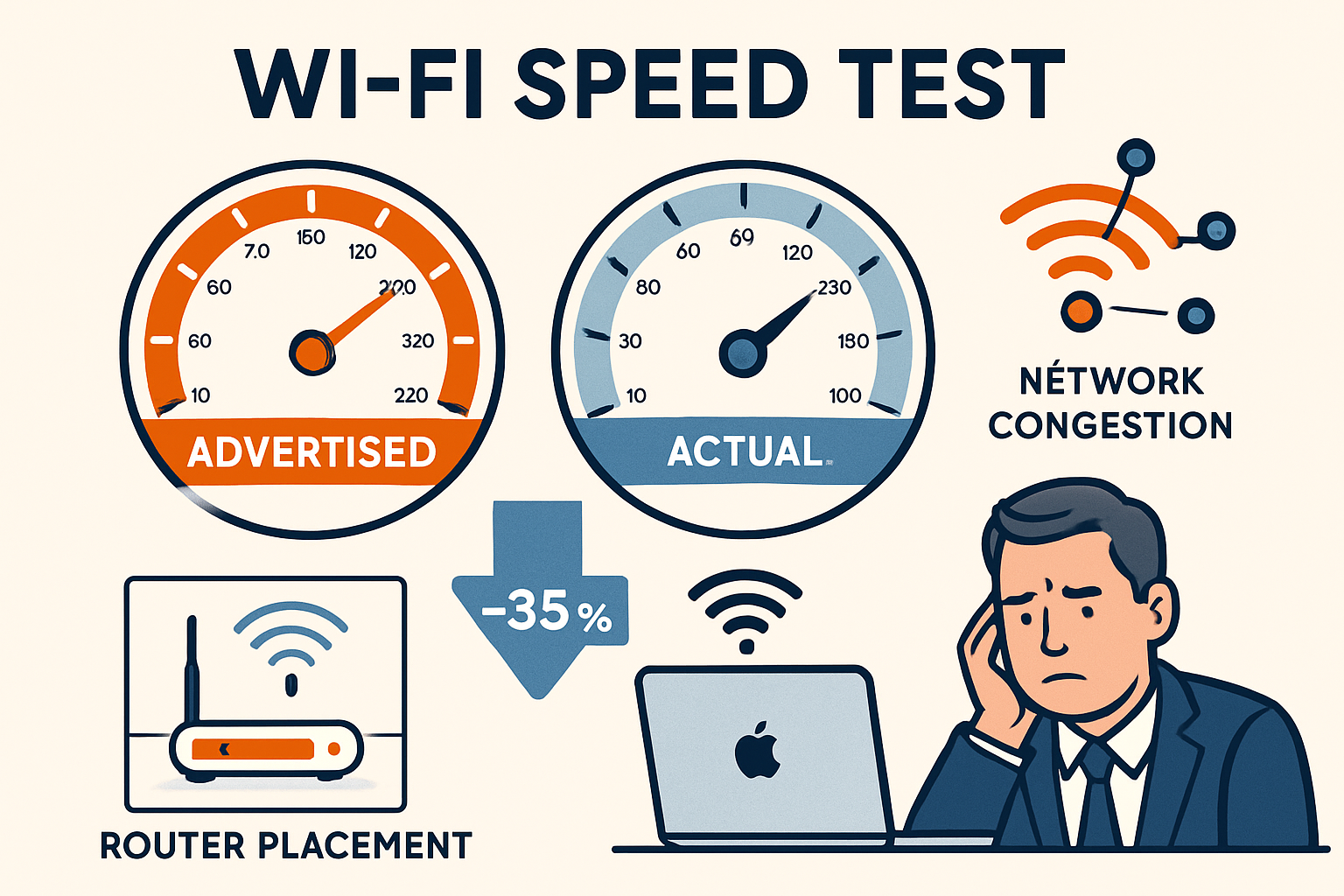
When creative professionals and small business owners ask, “Is your WiFi LiFying about your speed?” they’re often experiencing the gap between marketed internet speeds and actual performance. This disconnect becomes particularly pronounced in Mac-heavy environments, where seamless device integration is crucial for productivity.
The Reality Behind Advertised Internet Speeds
Internet service providers typically advertise their maximum theoretical speeds under ideal conditions—conditions that rarely exist in real-world business environments. These speeds assume:
- Zero network congestion from other users in your area
- Perfect router placement with no physical obstructions
- Optimal device configuration for your specific internet plan
- No competing bandwidth usage from other applications or devices
For creative professionals managing large media files, these ideal conditions are virtually impossible to maintain. A photographer uploading a wedding gallery or a video editor collaborating on a project through cloud-based platforms will experience significantly slower speeds than advertised.
Mac-Specific Connectivity Challenges
Apple devices have unique networking requirements that generic IT solutions often overlook. Mac IT support and Apple consulting expertise become essential when addressing:
Device Handoff Issues: When your iPhone, iPad, and MacBook struggle to maintain consistent connectivity during handoff operations, productivity suffers. This isn’t just a speed issue—it’s an ecosystem integration challenge.
AirDrop Performance: Large file transfers between Mac devices can consume significant bandwidth and may conflict with other network activities, creating bottlenecks that affect overall performance.
iCloud Synchronization: Background sync processes for Photos, Documents, and other iCloud services can saturate available bandwidth without users realizing it, making other internet activities appear slow.
Understanding the complexities of the Apple ecosystem requires specialized knowledge beyond standard networking troubleshooting.
Network Congestion and Peak Usage Patterns
Is your WiFi slowing down during specific times of day? Network congestion follows predictable patterns that directly impact creative workflows:
- 9 AM – 11 AM: Peak business hours when cloud services experience heavy usage
- 1 PM – 3 PM: Lunch hour streaming and personal device usage in shared office spaces
- 7 PM – 10 PM: Residential area congestion affecting home-based creative professionals
Innovative businesses implement proactive risk management strategies to anticipate these congestion periods and adjust critical workflows accordingly.
Diagnosing and Solving Mac WiFi Speed Issues
Identifying whether your WiFi is limiting your speed requires a systematic diagnosis that goes beyond simple speed tests. MacWorks 360’s approach combines technical expertise with practical solutions tailored to creative professional workflows.
Comprehensive Speed Testing for Mac Environments
Effective speed diagnosis involves multiple testing scenarios:
Multi-Device Testing: Run simultaneous speed tests on all Mac devices to identify device-specific issues versus network-wide problems. A MacBook Pro might produce different results than an iPad Pro due to differences in antenna design and processing capabilities.
Application-Specific Testing: Test speed while running typical creative applications such as Adobe Creative Suite, Final Cut Pro, or Capture One. These applications have different bandwidth requirements and may reveal bottlenecks not apparent in basic speed tests.
Time-Based Analysis: Document speed variations throughout the day to identify patterns related to network congestion or ISP throttling during peak usage periods.
Router Optimization for Mac Ecosystems
Many WiFi speed issues stem from router configuration problems that particularly affect Apple devices:
Band Steering Configuration: Modern routers support both the 2.4 GHz and 5 GHz bands. Mac devices benefit from proper band steering that automatically connects them to the optimal frequency based on distance and interference levels.
Quality of Service (QoS) Settings: Prioritize bandwidth for critical creative applications and Mac-specific services, such as Time Machine backups and iCloud sync operations.
Mesh Network Implementation: For larger creative studios or multi-room operations, mesh networks provide consistent coverage, support seamless device handoffs, and maintain connection quality throughout the workspace.
Professional Network Infrastructure Assessment
When your WiFi keeps LiFying about your speed, it’s time for a professional evaluation. MacWorks 360’s customized Mac infrastructure optimization process includes:
Site Survey and Analysis: Physical assessment of your workspace to identify interference sources, optimal router placement, and coverage gaps that affect Mac device performance.
Bandwidth Requirement Calculation: Detailed analysis of your creative workflows to determine actual bandwidth needs, considering file sizes, collaboration requirements, and growth projections.
Security-First Network Design: Implementation of enterprise-grade security measures that don’t compromise speed, ensuring your creative assets remain protected while maintaining optimal performance.
This comprehensive approach ensures that network improvements support both immediate productivity needs and long-term business growth. Professional assessment often reveals that upgrading to newer Apple devices can significantly improve network performance when combined with proper infrastructure optimization.
Ongoing Monitoring and Maintenance
Peace of mind through technology solutions requires continuous monitoring rather than reactive troubleshooting. Implementing automated network monitoring helps identify speed degradation before it impacts critical workflows.
Performance Baseline Establishment: Document optimal performance metrics for your specific Mac setup and workflows to identify when performance deviates from normal parameters quickly.
Proactive Maintenance Scheduling: Regular router firmware updates, network configuration reviews, and performance optimization ensure consistent speeds over time.
Scalability Planning: As creative teams grow and file sizes increase, network infrastructure must evolve to keep pace. Professional planning prevents future speed bottlenecks that could disrupt business operations.
MacWorks 360’s Approach to Network Performance Optimization
At MacWorks 360, we understand that reliable systems form the foundation of creative success. Our boutique IT consulting approach means we don’t offer prescriptive solutions—instead, we craft unique infrastructure plans that address your specific workflow requirements and growth objectives.
Our Three-Phase Methodology
Architect & Design: We begin with a comprehensive analysis of your current network performance, identifying bottlenecks and optimization opportunities specific to Mac environments. This phase includes detailed bandwidth analysis, security assessment, and scalability planning.
Deploy & Deliver: Implementation of customized network solutions that integrate seamlessly with your existing Mac ecosystem. Our team ensures minimal disruption to ongoing projects while delivering measurable performance improvements.
Maintain & Support: Ongoing monitoring and optimization through our managed service programs, providing priority response times and proactive maintenance that prevents speed issues before they impact productivity.
Why Mac-Specific Expertise Matters
Generic IT solutions often miss the nuances of Apple ecosystem optimization. Our 20+ years of expertise in Mac environments means we understand how device management (MDM) affects network performance and how to optimize configurations for creative workflows.
Creative Workflow Integration: We optimize network performance for innovative applications, ensuring that large file transfers, real-time collaboration, and cloud synchronization don’t compete for bandwidth, slowing critical work.
Security Without Compromise: Our security-first approach implements robust protection measures that maintain optimal speed, ensuring your creative assets remain safe without sacrificing performance.
Long-Term Partnership Benefits
Our commitment to long-term consulting relationships means we’re invested in your ongoing success. As your creative business grows and technology evolves, we adapt your network infrastructure to maintain optimal performance.
Scalable Solutions: Whether you’re a solo photographer or a growing creative agency, our solutions scale with your needs, ensuring consistent performance as you add team members and expand operations.
Educational Support: We provide practical solutions with educational value, helping your team understand how to maintain optimal network performance and recognize early warning signs of potential issues.
Guaranteed Results: Our confidence in delivering measurable improvements is backed by our commitment to guaranteed results and responsive support when you need it most.
Taking Action: Next Steps for Optimal Mac Network Performance

If you’ve been wondering, “Is your WiFi LiFying about your speed?” and experiencing frustration with inconsistent network performance, it’s time to take decisive action. The cost of slow connectivity—missed deadlines, frustrated clients, and reduced productivity—far exceeds the investment in professional network optimization.
Immediate Steps You Can Take
Document Performance Issues: Start tracking when speed problems occur, which applications are affected, and how these issues impact your workflows. This information helps identify patterns and provides valuable data for professional assessment.
Review Current Network Setup: Examine your router placement, check for firmware updates, and identify potential interference sources. Simple adjustments can sometimes provide immediate improvements while you plan for comprehensive optimization.
Assess Security Vulnerabilities: Slow network performance may indicate unauthorized device connections or malware affecting bandwidth. Implementing proper security measures can improve both speed and safety.
Professional Assessment Benefits
MacWorks 360’s comprehensive network assessment provides clarity about your current performance limitations and creates a roadmap for optimization. Our evaluation includes:
- Detailed speed analysis across all Mac devices and applications
- Security vulnerability assessment that identifies risks affecting performance
- Scalability planning that ensures your network grows with your business
- Cost-benefit analysis showing the ROI of network infrastructure improvements
Investment in Competitive Advantage
Innovative solutions for Mac users require investment in proper infrastructure. When your network performs optimally, your creative team can focus on delivering exceptional work rather than troubleshooting connectivity issues.
Consider the true cost of network problems: a single missed deadline due to upload failures can damage client relationships worth thousands of dollars. Professional network optimization pays for itself through improved productivity and reduced downtime.
Conclusion
Is your WiFi LiFying about your speed? The answer for most creative professionals and small business owners is a resounding yes. The gap between advertised internet speeds and real-world performance creates ongoing frustration that impacts productivity, client satisfaction, and business growth.
However, this challenge also represents an opportunity. By implementing professional network optimization tailored specifically to Mac environments, creative businesses can achieve reliable systems that support their most demanding workflows. MacWorks 360’s customized Mac infrastructure optimization approach ensures that your network infrastructure becomes a competitive advantage rather than a limiting factor.
The path forward is clear: document your current performance issues, assess your network infrastructure needs, and partner with Mac specialists who understand the unique requirements of creative workflows. Proactive care and professional optimization transform frustrating connectivity problems into reliable, high-performance systems that enable your creative vision.
Don’t let WiFi speed issues continue to undermine your creative potential. Contact MacWorks 360 today to schedule a comprehensive network assessment and discover how proper Mac infrastructure optimization can solve tech challenges and enable smoother workflows for your creative business.
Take the first step toward peace of mind through technology solutions—because your creativity deserves a network that keeps pace with your ambition.
References
[1] Federal Communications Commission. “Measuring Broadband America Fixed Broadband Report.” 2025.
[2] Apple Inc. “Network Optimization Guidelines for Enterprise Environments.” Technical Documentation, 2025.
[3] International Data Corporation. “Creative Professional Productivity Study: Impact of Network Performance.” 2025.

Want this Mac Email Security implemented for you?
MacWorks 360 hardens, monitors, and backs up Mac fleets across New Jersey. We build policies, deploy tools, and prove restores—so your team stays safe and focused.
Contact us · Managed IT for Mac · Apple IT Support
Based in Springfield, NJ—serving Summit, Millburn, Short Hills, Chatham, Montclair, and beyond.