
How Professional Diagnostics Go Deeper Than Genius Bar Checks
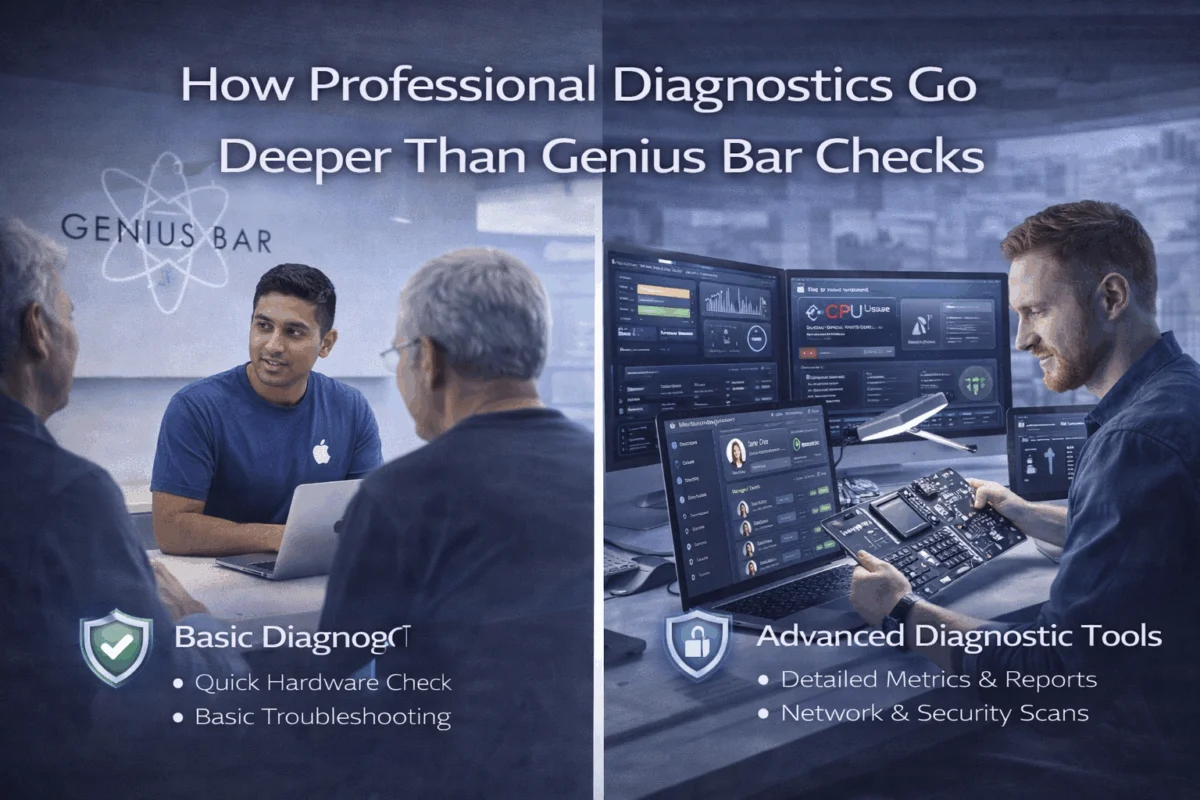
When your Mac starts acting up or your iPhone begins showing mysterious symptoms, the natural instinct is to book an appointment at the Apple Store’s Genius Bar. After all, who knows Apple products better than Apple itself? While Genius Bar technicians provide valuable support for basic issues and warranty concerns, understanding how professional diagnostics go deeper than Genius Bar checks can save your business time, money, and potential data disasters.
The reality is that Apple Store visits often focus on quick fixes and hardware replacements rather than comprehensive system analysis. For small business owners, creative professionals, and anyone managing multiple Apple devices, this surface-level approach can miss critical underlying issues that could impact productivity, security, and long-term device health.
Key Takeaways
- Professional diagnostics examine root causes, while Genius Bar checks often address symptoms
- Business-critical security vulnerabilities may go undetected in standard Apple Store diagnostics
- Comprehensive system analysis prevents future issues rather than just fixing current problems
- Customized solutions address specific workflow needs beyond generic troubleshooting
- Long-term cost savings result from proactive maintenance and strategic technology planning
The Fundamental Differences in Diagnostic Approaches

Surface-Level vs. Deep System Analysis
The Genius Bar operates within specific parameters designed for high-volume customer service. Technicians follow standardized diagnostic protocols that check basic hardware functionality, run Apple’s built-in diagnostic tools, and verify software integrity. While these checks effectively identify obvious hardware failures or software corruption, they rarely dig into the complex interactions between applications, network configurations, and business-specific workflows.
Professional Apple consultants approach diagnostics differently. We solve tech challenges by examining the entire technology ecosystem, not just individual symptoms. This means analyzing how different applications interact, identifying potential security vulnerabilities, examining network performance patterns, and understanding how device configurations impact overall productivity.
For instance, when a creative professional reports slow Photoshop performance, a Genius Bar technician might check available RAM and storage space, perhaps recommending a hardware upgrade. A professional diagnostic would examine memory allocation patterns, analyze storage fragmentation, review network latency affecting cloud-based assets, check for background processes consuming resources, and evaluate the entire creative workflow for optimization opportunities.
The Time Factor: Quick Fixes vs. Comprehensive Solutions
Apple Stores prioritize quick turnarounds to serve as many customers as possible. This approach works well for straightforward issues like battery replacements or simple software updates. However, complex business problems require time and expertise that standard retail environments cannot provide.
Professional diagnostics involve thorough analysis that might take hours or days, depending on the complexity of the issue. This investment in time enables comprehensive security assessments to prevent future breaches, detailed performance optimization to improve long-term productivity, and strategic planning that aligns technology solutions with business goals.
Security and Privacy: Where Professional Diagnostics Excel
Advanced Threat Detection
One of the most significant limitations of Genius Bar diagnostics is their focus on Apple’s built-in security features rather than a comprehensive threat assessment. While Apple devices are generally secure, business environments face sophisticated threats that require specialized detection methods.
Professional diagnostics include network vulnerability assessments, analysis of application permissions and data access patterns, examination of email security configurations, and evaluation of backup and recovery systems. These assessments often reveal security gaps that standard Apple diagnostics miss entirely.
For example, a small business might have properly configured its Mac security settings but unknowingly exposed sensitive data through misconfigured cloud sharing permissions or vulnerable third-party applications. Proactive risk management identifies these issues before they become costly security incidents.
Privacy Protection in Business Contexts
Business owners and creative professionals often handle sensitive client data, intellectual property, and confidential business information. Professional diagnostics can be conducted with strict privacy protocols, including on-site service to avoid data exposure, encrypted diagnostic tools to protect sensitive information, and comprehensive documentation to maintain audit trails for compliance purposes.
The Genius Bar environment, while secure for basic personal use, isn’t designed for the privacy requirements of business-critical systems. Understanding proper digital security practices becomes essential when handling business data.
Business-Specific Workflow Analysis
Understanding Real-World Usage Patterns
Professional diagnostics go beyond checking if individual components work correctly—they analyze how technology supports actual business workflows. This approach considers factors such as peak usage times and resource demands, integration between different applications and services, collaboration requirements and file-sharing patterns, and backup and disaster recovery needs.
For a photography studio, this might involve analyzing how large RAW files move through the editing workflow, ensuring color management profiles are properly configured across all devices, optimizing storage solutions for both speed and redundancy, and configuring automated backup systems that protect irreplaceable client work.
Customized Optimization Strategies
Rather than applying generic solutions, professional diagnostics result in customized Mac infrastructure optimization tailored to specific business needs. This might include custom automation scripts to streamline repetitive tasks, optimized network configurations to improve collaboration, strategic hardware recommendations based on actual usage patterns, and preventive maintenance schedules to minimize downtime.
The Hidden Costs of Surface-Level Diagnostics
Recurring Issues and Band-Aid Solutions
When diagnostics only address symptoms rather than root causes, problems often recur. A Mac that frequently freezes might receive a RAM upgrade at the Genius Bar, but if the underlying issue involves software conflicts or thermal management problems, the freezing will continue. This leads to multiple service visits, lost productivity during each incident, and eventual frustration with Apple products.
Professional diagnostics identify and address root causes, preventing recurring issues and reducing long-term support costs. Practical solutions with educational value ensure that business owners understand their technology systems and can make informed decisions about future investments.
The True Cost of Downtime
For businesses, device downtime translates directly into lost revenue and productivity. While the Genius Bar might resolve an issue in a few days, professional diagnostics often include temporary solutions that minimize downtime, priority parts sourcing that reduces wait times, and comprehensive backup strategies that enable work to continue even during hardware failures.
Understanding how to solve common iPhone issues demonstrates the value of having immediate access to expert troubleshooting knowledge rather than waiting for appointment availability.
When Professional Diagnostics Make the Most Sense
Complex Multi-Device Environments
Small businesses and creative studios often manage multiple Macs, iPads, and iPhones that need to work together seamlessly. Professional diagnostics can analyze the entire device ecosystem, ensuring optimal integration and identifying potential conflicts before they impact productivity.
This includes network optimization for multiple devices, shared storage and collaboration solutions, device management and security policies, and strategic upgrade planning that maintains compatibility across the fleet.
Mission-Critical Applications
When businesses depend on specific applications for their core operations, generic troubleshooting approaches often fall short. Professional diagnostics account for the unique requirements of specialized software, from video editing suites that demand specific hardware configurations to accounting systems that require specific security settings.
Regulatory Compliance Requirements
Some businesses must meet specific regulatory standards for data protection, audit trails, or system reliability. Professional diagnostics can ensure that Apple devices and configurations meet these requirements, something that standard Genius Bar service cannot address.
The Long-Term Partnership Advantage
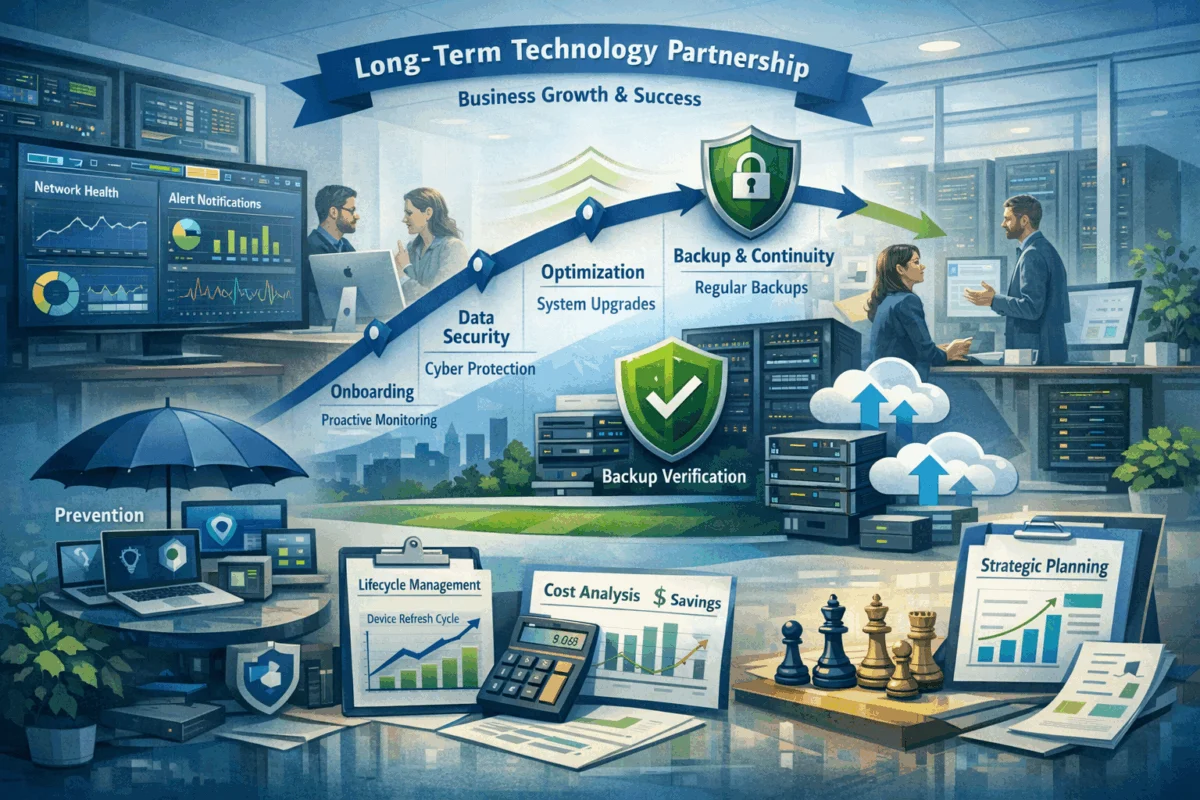 Proactive Monitoring and Maintenance
Perhaps the most significant advantage of professional diagnostics is the transition from reactive problem-solving to proactive system management. Long-term consulting relationships enable continuous monitoring to identify potential issues before they cause problems, regular optimization to maintain peak performance, and strategic planning to align technology investments with business growth.
This approach contrasts sharply with the transactional nature of Genius Bar visits, where each problem is addressed in isolation without consideration of broader system health or business objectives.
Educational Value and Knowledge Transfer
Professional Apple consultants don’t just fix problems—they educate clients about their technology systems. This knowledge transfer includes understanding how to optimize daily workflows, recognizing early warning signs of potential issues, making informed decisions about software and hardware investments, and implementing best practices for security and data protection.
Staying current with Apple’s latest features and security improvements becomes part of an ongoing educational relationship rather than sporadic learning during crisis situations.
Strategic Technology Planning
Professional diagnostics often reveal opportunities for strategic improvements that go far beyond fixing immediate problems. This might include recommendations for workflow automation that saves hours of manual work, strategic hardware refresh plans that optimize performance and minimize disruption, integration opportunities that improve collaboration and efficiency, and cost-optimization strategies that reduce ongoing technology expenses.
Making the Right Choice for Your Business
Evaluating Your Diagnostic Needs
Understanding when to choose professional diagnostics over Genius Bar service depends on several factors. Consider professional diagnostics when dealing with recurring issues that haven’t been resolved through standard troubleshooting, complex multi-device environments that require coordinated solutions, business-critical applications that demand specialized expertise, security and compliance requirements beyond basic consumer needs, and time-sensitive situations where extended downtime isn’t acceptable.
The Genius Bar remains an excellent resource for warranty service, basic hardware issues, simple software problems, and consumer-level support questions.
Building a Relationship with Professional Consultants
Boutique IT consulting offers advantages that large, impersonal firms cannot match. Look for consultants who demonstrate deep Apple ecosystem expertise, understand your specific industry and workflow requirements, offer flexible service models that align with your business needs, and communicate transparently about problems and solutions.
The goal is to establish peace of mind through technology solutions rather than constantly worrying about the next technical crisis.
Conclusion
While the Genius Bar provides valuable support for basic Apple device issues, understanding how professional diagnostics go deeper than Genius Bar checks reveals significant advantages for businesses and serious users. Professional diagnostics address root causes rather than symptoms, provide comprehensive security and privacy protection, optimize entire technology ecosystems rather than individual devices, and establish long-term partnerships that prevent problems rather than just fixing them.
For small business owners, creative professionals, and anyone who depends on Apple technology for mission-critical work, investing in professional diagnostics often proves more cost-effective than repeatedly addressing surface-level symptoms. The combination of deep technical expertise, business-focused solutions, and proactive maintenance creates reliable systems that support growth rather than hinder it.
Take action today: Evaluate your current approach to Apple device support. If you’re experiencing recurring issues, managing multiple devices, or simply want to optimize your technology investment, consider scheduling a comprehensive diagnostic assessment with qualified Apple consultants. Innovative solutions for Mac users begin with understanding the true health and potential of your technology ecosystem.
The difference between fixing problems and preventing them often determines whether technology becomes a competitive advantage or a constant source of frustration. Choose the diagnostic approach that aligns with your business goals and long-term success.
References
[1] Apple Support Communities – Common Diagnostic Procedures
[2] Business Technology Research – Cost of IT Downtime in Small Business
[3] Cybersecurity Framework – NIST Guidelines for Small Business

Want this Mac Security implemented for you?
MacWorks 360 hardens, monitors, and backs up Mac fleets across New Jersey. We build policies, deploy tools, and prove restores—so your team stays safe and focused.
Contact us · Managed IT for Mac · Apple IT Support
Based in Springfield, NJ—serving Summit, Millburn, Short Hills, Chatham, Montclair, and beyond.