
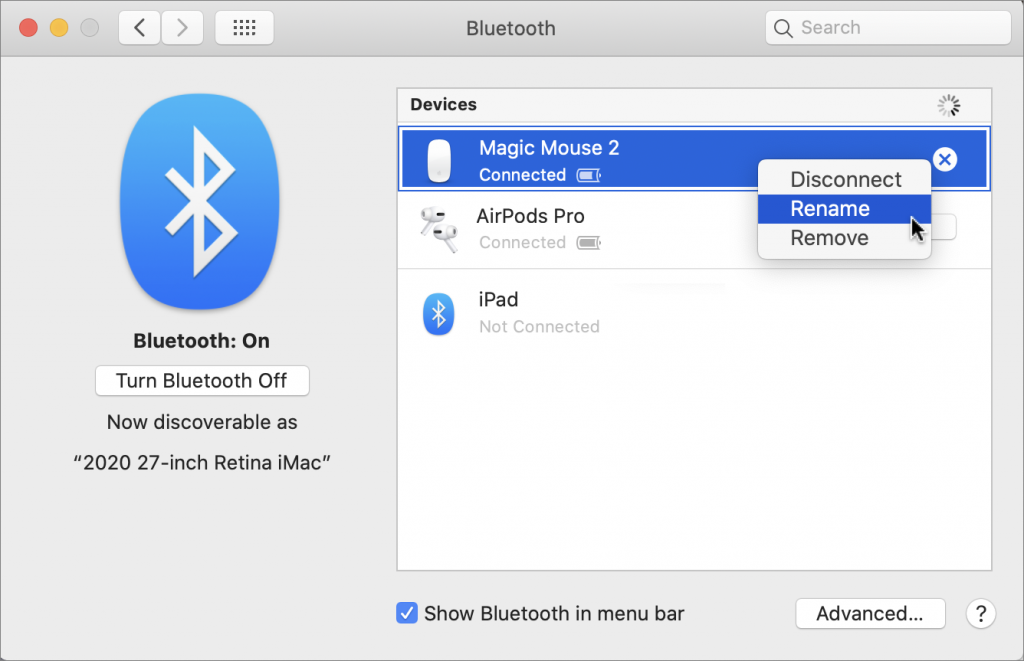
It’s all too easy to end up with a boatload of Bluetooth devices connected to your Mac. Apple devices will likely have sensible names, like Magic Mouse 2, but what if someone has given you a device with their name in it? Or you’ve ended up with a device called something really random like f023cp37. Happily, macOS lets you rename most Bluetooth devices, including pointing devices, keyboards, earbuds, and headphones. Open System Preferences > Bluetooth, Control- or right-click a device, and choose Rename. In the dialog that appears, enter the new name.
(Featured image by insung yoon on Unsplash)