
Stay Safe in 2026 with These New Year’s Resolutions

We’re approaching the end of 2025, so we encourage you to consider your New Year’s resolutions. For many people, the new year offers an opportunity to reflect on habits we’d […]
Dropbox Passwords Ending: Switch to 1Password Now
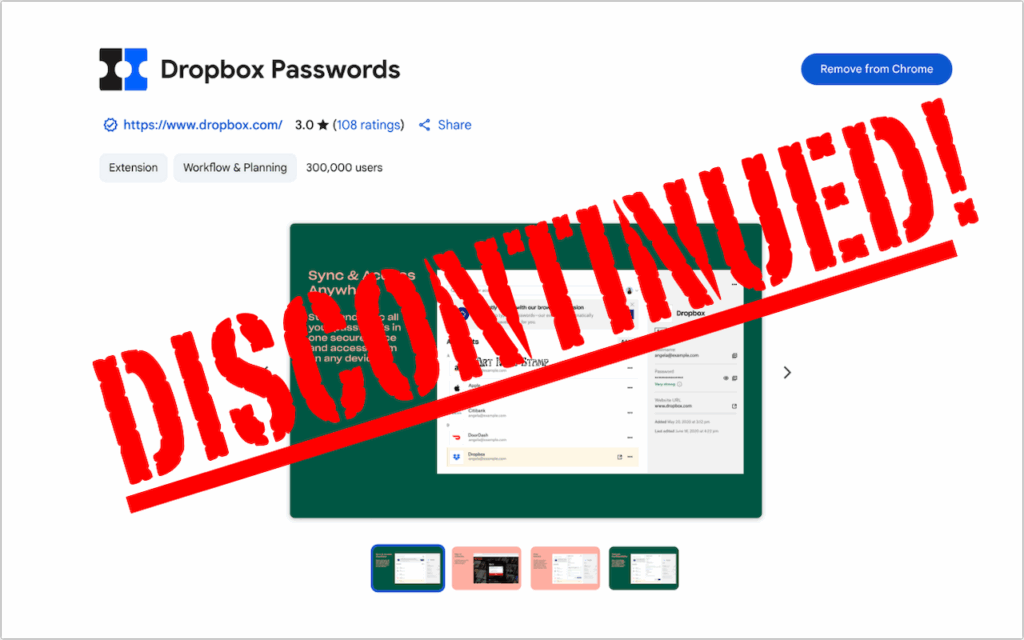
If you use Dropbox Passwords, it’s time to switch to a new password manager. Dropbox has announced it will discontinue the service on October 28, 2025, with key features being […]
Make Sure to Check Settings on Multiple Devices

We recently helped someone having trouble with 1Password requesting their password repeatedly on their iPad, but not on their iPhone. Since 1Password’s data syncs between devices, this person didn’t realize […]
Use 1Password to Enter Your Mac Login Password
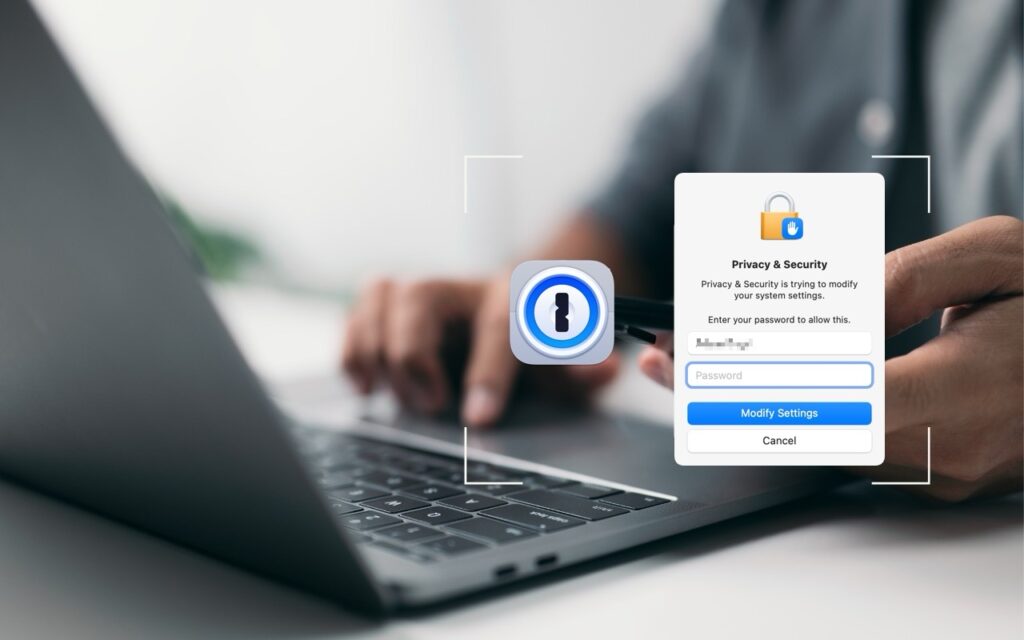
We think of 1Password as being helpful for entering passwords on websites and in iPhone and iPad apps. But its Universal Autofill feature has a hidden capability that lets 1Password […]
Improve Your Digital Security in 2024 with These New Year’s Resolutions

Happy New Year, and welcome to 2024! For many of us, starting a new year means reflecting on fresh habits we’d like to adopt. Although we support any resolutions you […]
Export Passwords from Safari to Ease the Move to a Password Manager

Although Apple has improved the built-in password management features in macOS and iOS (you can now add notes to password entries!), third-party password managers like 1Password and LastPass are still […]
Ransomware Is on the Rise: Learn How to Protect Your Macs

In cybercriminal circles, ransomware is all the rage. Once it has infected a computer, it encrypts all the files and then presents a ransom demand—pay up to get the decryption […]
Getting Started with 1Password
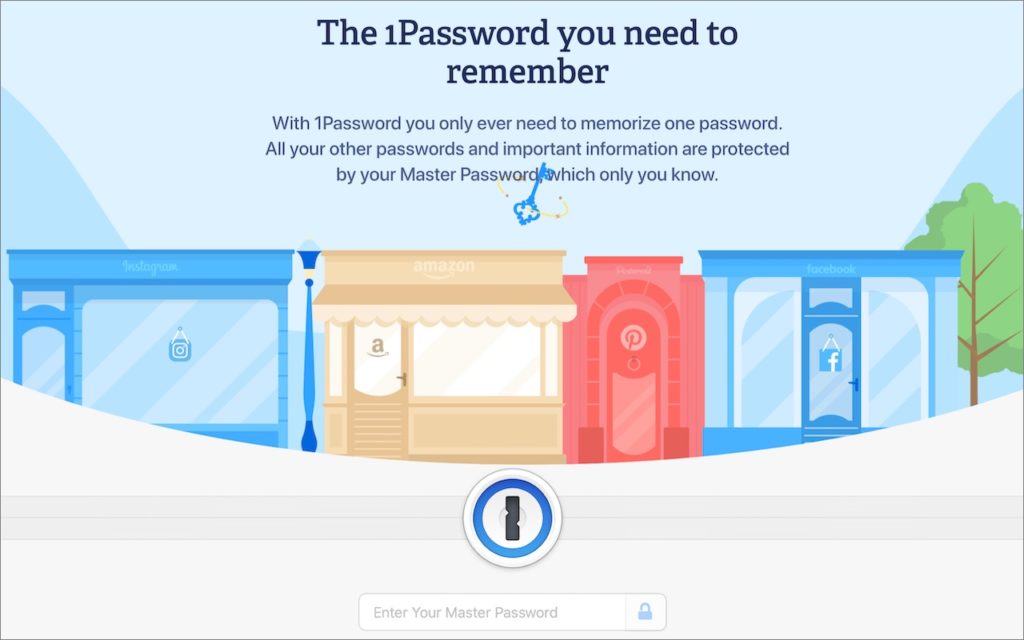
We’ve long recommended that everyone use a password manager like 1Password instead of attempting to memorize or write down passwords. Although there are other password managers, 1Password is the leading […]