
Skip to content
MacWorks 360
HomeAboutServicesCase StudiesAreas We ServeBlogTestimonialsFree Consultation: 973-671-1122

Tag: iPadOS 16

It’s Time to Try Dictation in iOS 16 and iPadOS 16

A man in a suit speaks into his smartphone, possibly using a voice assistant, while standing in a modern office with large windows and city buildings in the background.

Apple has long provided a microphone button in the keyboard to invoke dictation on the iPhone and iPad. But, it wasn’t always easy to hit, and you had to switch […]

Merge Duplicate Photos and Videos in iOS 16, iPadOS 16, and Ventura
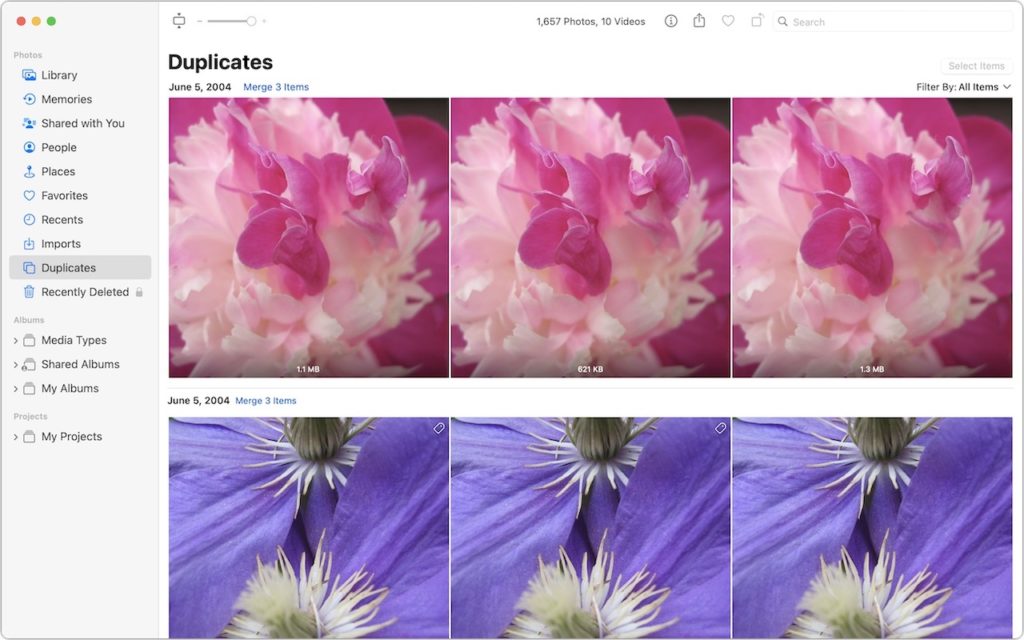
A computer screen shows a photo library’s “Duplicates” section, displaying three pink flower images and three purple flower images identified as duplicates, with options to merge items. The sidebar lists photo categories and albums.

It’s all too easy to end up with duplicate photos and videos in your Photos library. The most common way is to use the Duplicate command, but we’ve seen duplicates […]

Delete Contacts More Easily in iOS 16 and iPadOS 16

A person touches a screen displaying a network of user icons, with several icons crossed out in red, symbolizing removal or disconnection from the network. The background is blurred.

Deleting contacts on the iPhone and iPad used to be a pain, especially if you wanted to trash multiple contacts. You had to open the contact, tap Edit, scroll to […]

Mail Gains Welcome Features in iOS 16, iPadOS 16, and macOS 13 Ventura

A person in a white shirt and tie places letters into a mailbox with a large blue email app icon on the side, representing the concept of email or digital communication.

Email may not be as sexy a way to communicate as modern-day darlings like Messages, Slack, or Microsoft Teams, but it remains the workhorse of business and personal communications. While […]

When Should You Upgrade to macOS 13 Ventura, iOS 16, iPadOS 16, watchOS 9, and tvOS 16?
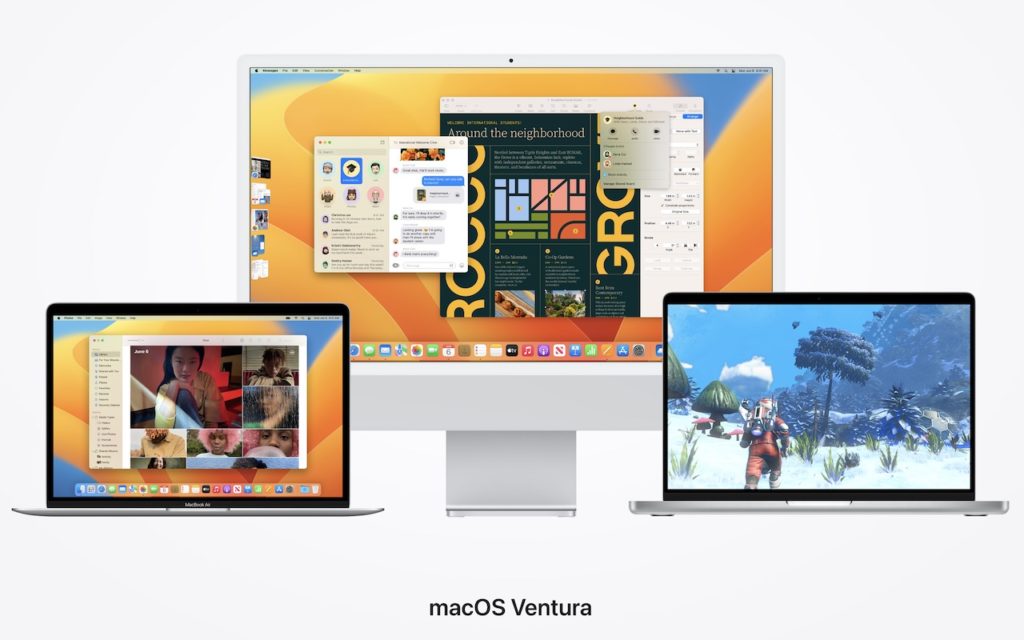
Three Apple computers display different screens: an iMac with multiple overlapping windows, a MacBook showing a video call, and another MacBook displaying a snowy video game. Text below reads macOS Ventura.

September is here, which means that Apple will soon start releasing major upgrades for all its operating systems. Note that we say “start.” Apple will release iOS 16 and watchOS […]

Reliable Mac Support. Local Expertise.

Proudly serving Northern and Central New Jersey and the surrounding NJ/NY metro area.

No walk-ins — on-site service by appointment across our service area.

Contact

973-671-1122
info@macworks360.com

Mon–Fri 7:30 AM–6:00 PM
Weekends by appointment

Explore

Services
Case Studies
Areas We Serve
Blog
Contact
Terms of Service


Independent consultant; not affiliated with Apple Inc. © 2026 MacWorks 360. All Rights Reserved.