
Customize Folder Colors and Icons in macOS 26 Tahoe

In macOS 26 Tahoe, Apple has made it easier to customize folder appearance in the Finder. Control-click any folder and choose Customize Folder. In the panel that appears, click a […]
Upgrade to macOS 26 Tahoe When You’re Ready

Apple has now sufficiently refined macOS 26 Tahoe to make an upgrade worthwhile for interested users. You don’t need to upgrade immediately, but there are no strong reasons for most […]
Spotlight Gets Brighter in macOS 26 Tahoe
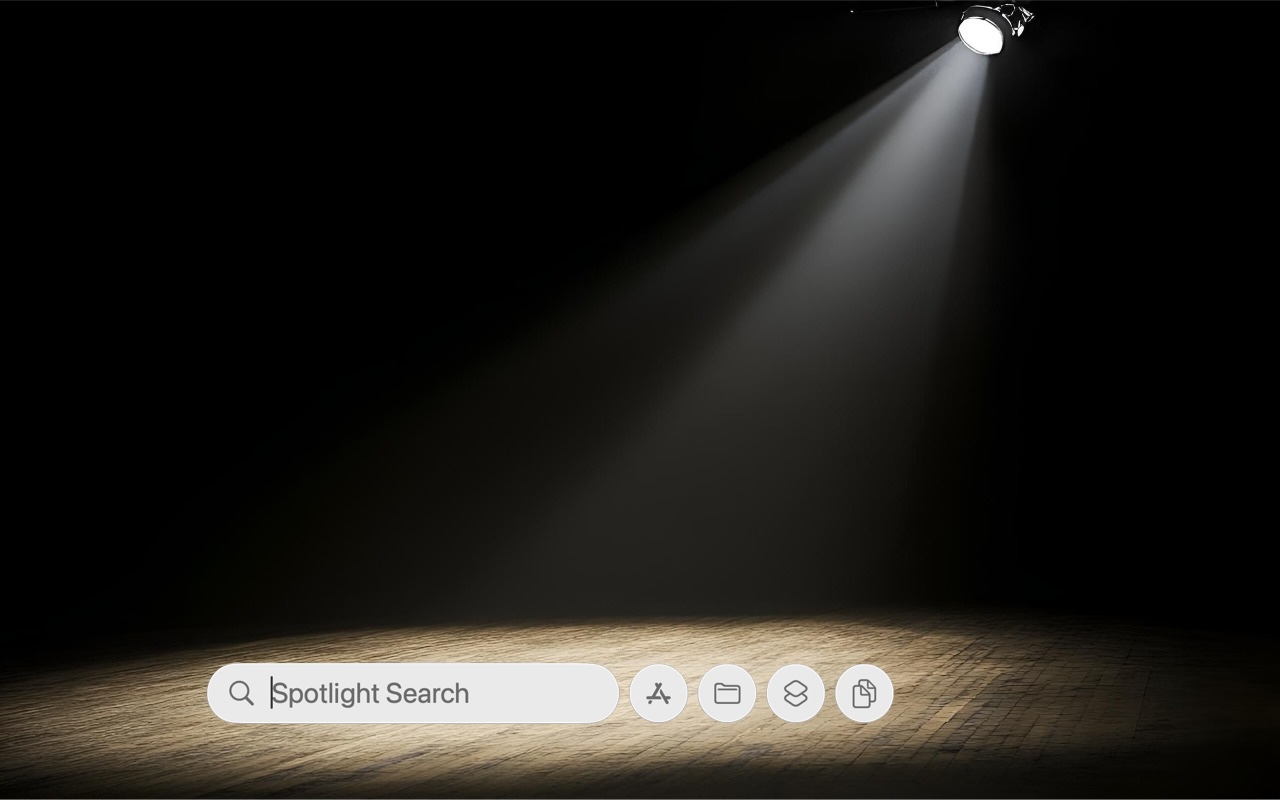
Spotlight has been a staple on macOS for decades, and at various points in its history, Apple has added new search capabilities. However, the revamp that Spotlight enjoyed in macOS […]
What’s Liquid Glass, and What to Do If You Don’t Like It
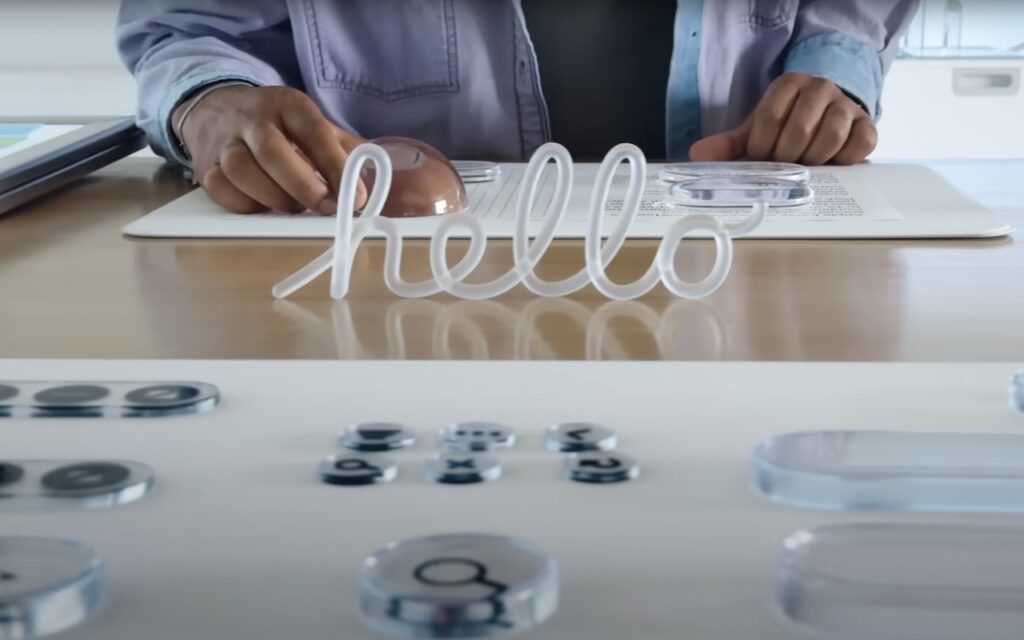
If you’ve been following Apple’s recent product releases, you’ve probably heard the term “Liquid Glass.” That’s what Apple calls its newest design language, a combination of an aesthetic look and […]
Notable User Interface Changes to Expect in macOS 26
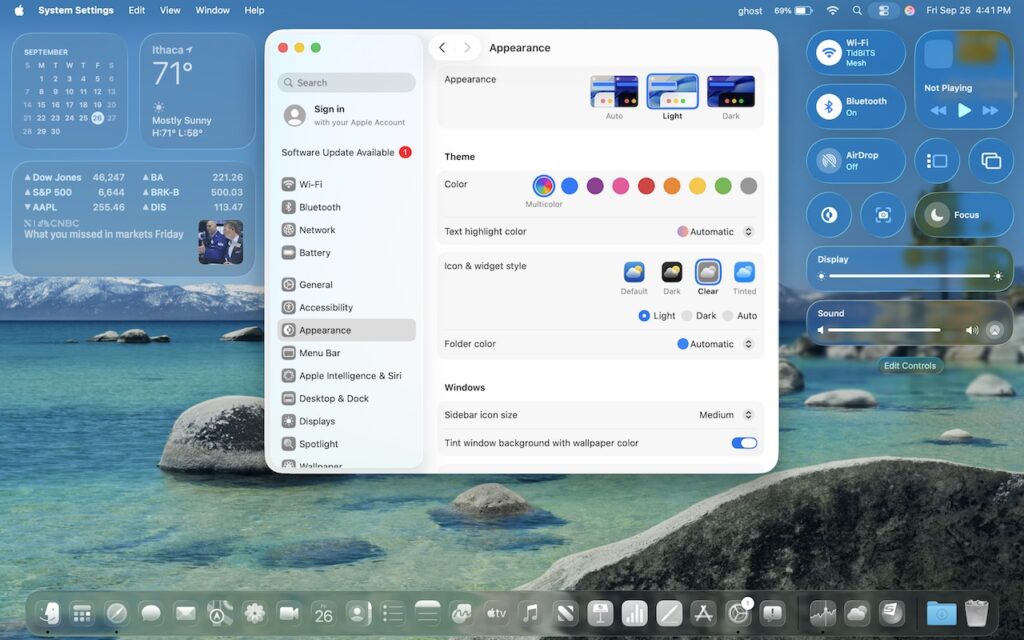
macOS 26 Tahoe is a larger visual leap than any recent upgrade. Although we don’t yet recommend that everyone upgrade, we want to show you some of the user interface […]
macOS 26 Tahoe Introduces New Recovery Assistant
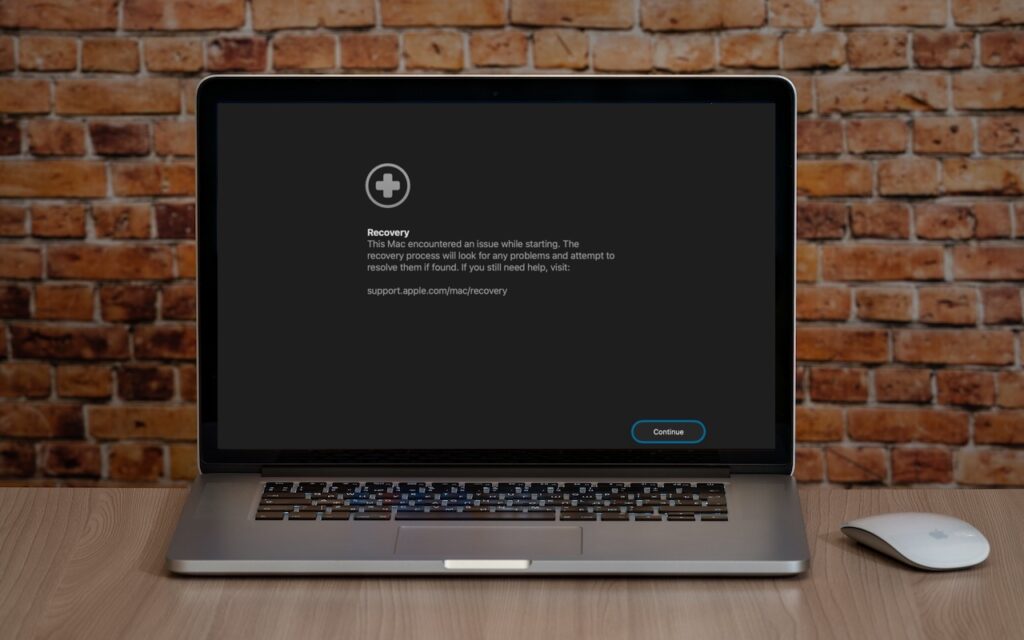
If a Mac running macOS 26 Tahoe experiences certain kinds of problems, it might automatically restart and launch a new Recovery Assistant. It will prompt you to unlock your disk […]
At WWDC 2025, Apple Unveils Liquid Glass and Previews New OS Features

Apple’s Worldwide Developer Conference keynote was a lightning-fast 92-minute tour of Apple’s vision for how we’ll use its products in the next year. Apple wove two themes through the presentation: […]