
Be Careful When Offloading iPhone Apps
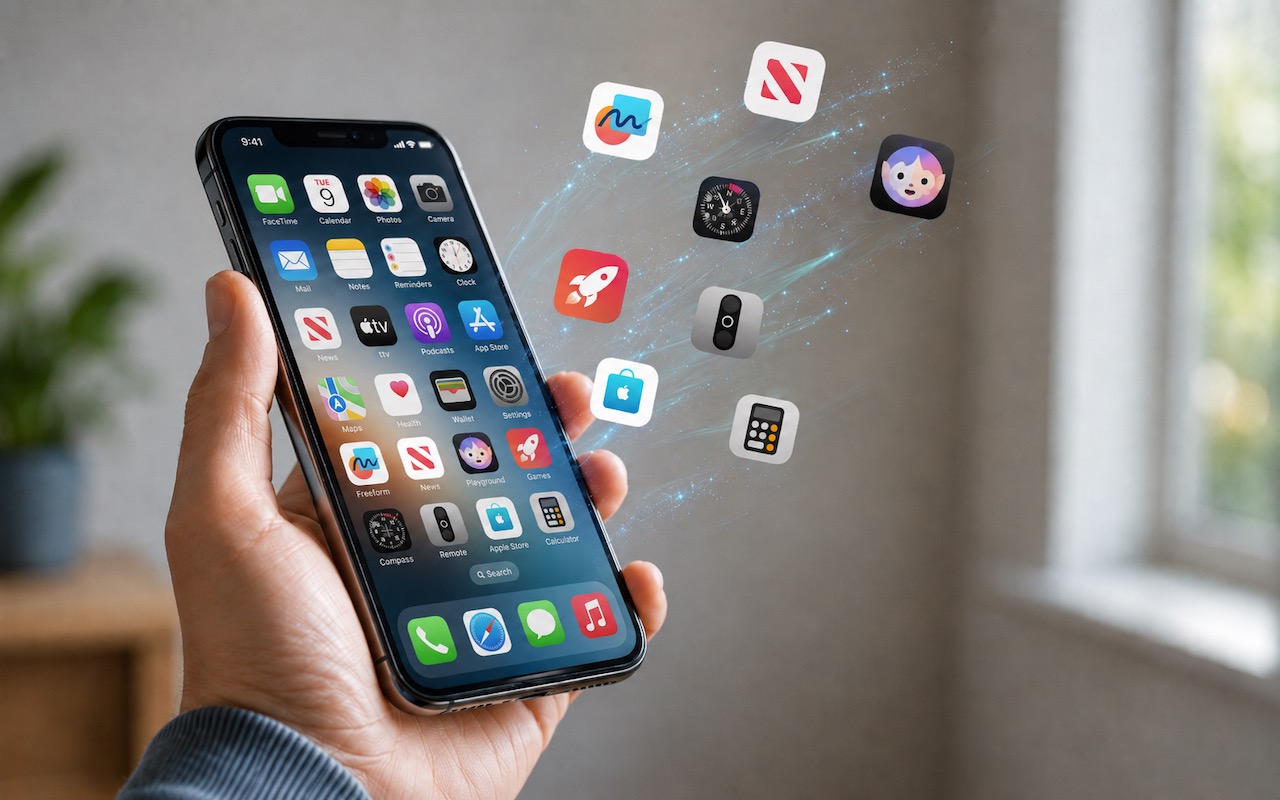
Automatic offloading of seldom-used apps can be a good strategy for recovering space on an iPhone whose storage is almost full, and iOS can do this for you in Settings […]
What Cable Reports on Your USB-C Cables

We’ve all ended up with a collection of random USB-C cables that arrived with devices, were purchased while traveling, or were left by visitors. But you can’t look at a […]
Losing Messages or Calls? Look in the Unknown Senders/Callers Filter

In iOS, iPadOS, and macOS 26, Apple added an option in the Messages app to filter messages from unknown people and those marked as spam by the carrier. To enable […]
Apple’s Focus Is Powerful but Unpredictable

Sometimes you just don’t want your phone to ring, chirp, or even vibrate. Maybe you’re asleep, in an important meeting, having dinner with family, meditating, playing a game, or simply […]
How to Find and Silence the Browser Tab That’s Playing Audio

When a Web browser has many tabs open, it can be hard to find the one playing audio if you need to silence it. Worse, when a browser relaunches, it […]
How to Look Up a Saved Wi-Fi Network Password

Apple offers several simple ways to share Wi-Fi network passwords. When someone nearby tries to connect to a Wi-Fi network with an iPhone, iPad, or Mac, and they are in […]
Upgrade to macOS 26 Tahoe When You’re Ready

Apple has now sufficiently refined macOS 26 Tahoe to make an upgrade worthwhile for interested users. You don’t need to upgrade immediately, but there are no strong reasons for most […]
Try macOS 26.2’s Edge Light for Low-Light Video Calls

We can’t always guarantee optimal lighting for video calls, especially when using laptops on the go. A new feature in macOS 26.2 Tahoe called Edge Light might help. It’s a […]
Clean Up Your Mac’s Login Items for Better Performance

If you use certain apps or documents regularly, you can ensure they’re ready to go after a restart by manually adding them to your Login Items list. Some login items […]
Backups: Trust but Verify

It’s easy to assume your backup app—whether it’s Time Machine, Carbon Copy Cloner, Backblaze, Retrospect, or something else—is quietly doing its job. But it’s possible for a bug to corrupt […]