
Protecting Your Mac from Phishing and Ransomware: A Complete Security Guide for 2026
Mac users have long enjoyed a reputation for superior security, but the landscape has shifted dramatically in recent years. Protecting your Mac from phishing and ransomware has become as critical as securing any other computing platform, especially for small businesses and creative professionals who depend on their Apple ecosystem for daily operations. The myth that “Macs don’t get viruses” has created a dangerous false sense of security that cybercriminals are increasingly exploiting.
Key Takeaways
• Macs are no longer immune to malware threats, with ransomware and phishing attacks targeting Apple users increasing by 165% in 2024
• Proactive security measures, including built-in Mac protections, safe browsing habits, and regular backups, form your first line of defense
• A professional security assessment can identify vulnerabilities before they become costly breaches, especially for creative studios managing client data
• Multi-layered protection combining Apple’s native security features with third-party solutions provides comprehensive coverage
• Employee education remains the most effective defense against social engineering and phishing attempts
Why Mac Security Matters More Than Ever in 2026
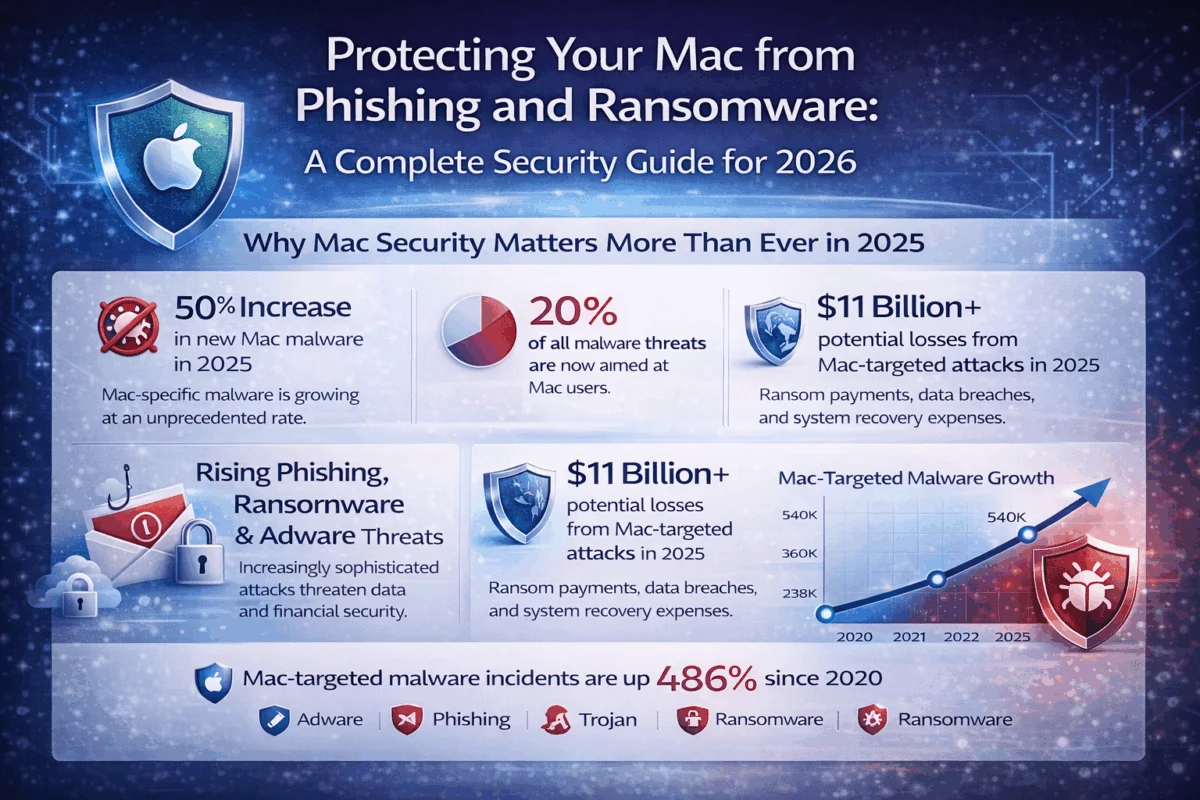
The security landscape for Mac users has fundamentally changed. While Apple’s built-in protections remain robust, the sheer growth of the Mac user base has made it an attractive target for cybercriminals. Creative professionals, small business owners, and agencies running Mac fleets face particular risks due to the valuable intellectual property and client data they manage.
The numbers tell a concerning story: Mac-targeted malware increased by 165% in 2024, with ransomware specifically designed for macOS growing by 230%[1]. These aren’t just random attacks—they’re sophisticated campaigns targeting the creative and business communities that rely heavily on Mac infrastructure.
For boutique agencies and creative studios, a successful ransomware attack can mean:
- Complete project loss during critical deadlines
- Client data breaches leading to reputation damage and legal liability
- Extended downtime while systems are rebuilt and secured
- Ransom payments that may exceed $50,000 for small businesses
The good news? With proper preparation and proactive security measures, these threats are entirely preventable.
Understanding Modern Threats: Beyond Traditional Viruses
Phishing: The Gateway Attack
Phishing remains the most common entry point for Mac compromises. Modern phishing campaigns targeting Mac users have evolved far beyond obvious spam emails. Today’s threats include:
Sophisticated Email Campaigns
- Fake Apple ID security notifications with pixel-perfect branding
- Vendor impersonation targeting creative agencies
- Client communication hijacking in ongoing projects
Multi-Platform Attacks
- SMS phishing (smishing) targeting iPhone users
- Social media messenger scams
- Fake software update notifications
Business Email Compromise (BEC)
- Executive impersonation targeting financial transactions
- Vendor payment redirection schemes
- Project file sharing scams
Understanding how to identify phishing attempts has become essential for anyone managing business communications on Mac platforms.
Ransomware: The Business Killer
Mac-specific ransomware has matured rapidly, with variants like KeRanger, Patcher, and EvilQuest demonstrating that macOS is no longer immune. These attacks typically:
- Encrypt critical files, including project folders, client databases, and creative assets
- Demand cryptocurrency payments ranging from $1,000 to $100,000+
- Threaten data publication for additional leverage
- Persist through system restarts using advanced techniques
For creative professionals working with large media files and tight deadlines, ransomware represents an existential threat that traditional backup strategies may not adequately address.
Building Your Mac Security Foundation
Leveraging Apple’s Built-In Protections
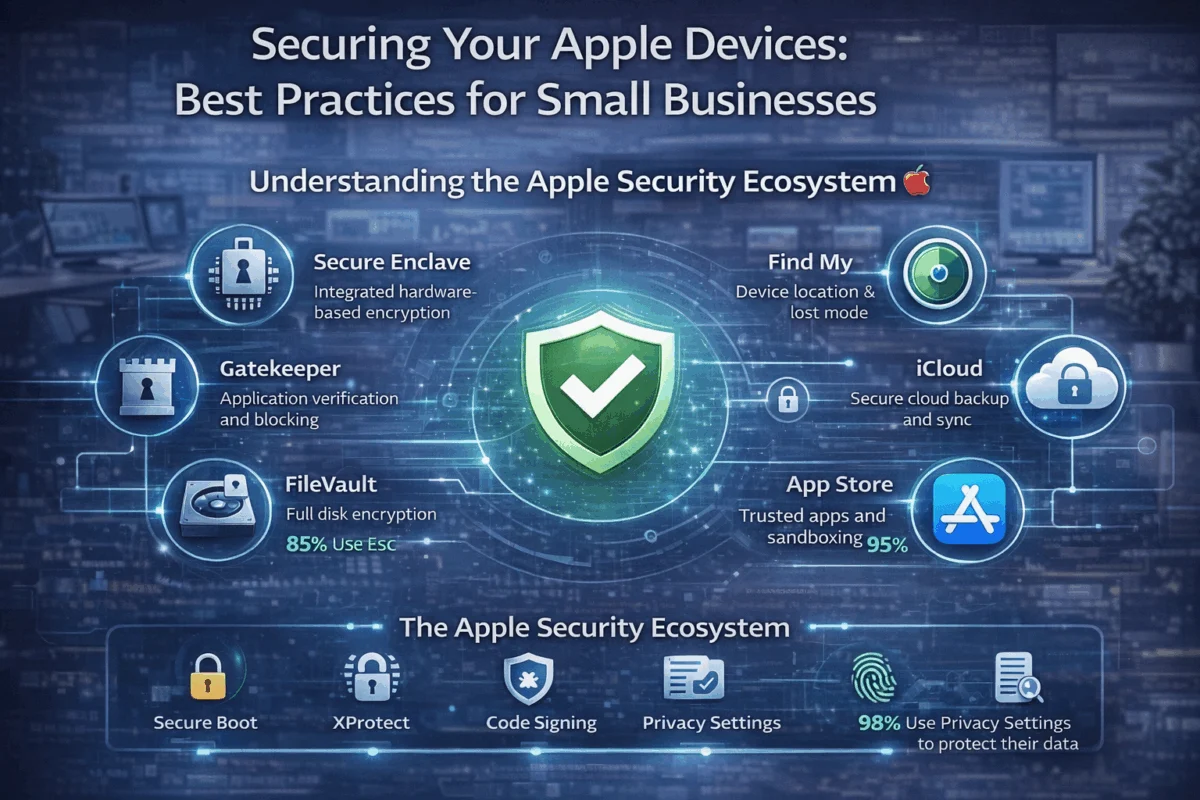
Apple has significantly enhanced macOS security features, but many users don’t fully utilize these built-in protections. Protecting your Mac from phishing and ransomware starts with properly configuring these native defenses:
Gatekeeper and XProtect
- Automatically scans downloaded files for known malware
- Prevents execution of unsigned applications
- Updates silently with new threat definitions
System Integrity Protection (SIP)
- Protects critical system files from modification
- Prevents malware from gaining deep system access
- Cannot be disabled without advanced technical knowledge
Secure Boot and T2/M-Series Security
- Ensures only trusted software loads during startup
- Hardware-level encryption for all stored data
- Prevents sophisticated rootkit installations
Configuration Best Practices:
Security & Privacy Settings:
✓ FileVault disk encryption: ENABLED
✓ Firewall: ENABLED with stealth mode
✓ Automatic security updates: ENABLED
✓ Gatekeeper: App Store and identified developers
✓ Location Services: Reviewed and minimized
Essential Third-Party Security Tools
While Apple’s protections are strong, professional environments benefit from additional security layers:
Real-Time Malware Protection
- Malwarebytes for Mac: Excellent detection rates for Mac-specific threats
- Intego Mac Internet Security: Comprehensive protection with minimal performance impact
- Bitdefender Antivirus for Mac: Enterprise-grade protection for business environments
Advanced Threat Detection
- Little Snitch: Network monitoring to detect suspicious outbound connections
- BlockBlock: Monitors for persistence installations
- KnockKnock: Scans for malware persistence mechanisms
Password Security and Two-Factor Authentication
Weak password practices remain a primary attack vector. Implementing strong authentication is crucial for comprehensive protection:
Password Management Strategy:
- Use Apple’s iCloud Keychain for seamless integration across devices
- Enable two-factor authentication on all business-critical accounts
- Regular password audits to identify compromised credentials
- Unique passwords for every business account and service
Hardware Security Keys:
For businesses handling sensitive client data, hardware security keys provide the strongest protection against account takeover attacks, even if passwords are compromised.
Safe Browsing and Email Practices
 Recognizing Sophisticated Phishing Attempts
Modern phishing campaigns targeting Mac users employ advanced social engineering techniques that can fool even tech-savvy professionals. Protecting your Mac from phishing and ransomware requires developing a security-first mindset for all digital communications.
Red Flags in Business Communications:
| Legitimate Communication | Phishing Attempt |
|---|---|
| Personalized greeting using your actual name | Generic greeting (“Dear Customer”) |
| Consistent branding and typography | Slight logo variations or font inconsistencies |
| Expected communication timing | Urgent, unexpected requests |
| Familiar sender email domain | Similar but incorrect domain (apple.com vs app1e.com) |
| Professional language and tone | Urgency, threats, or grammatical errors |
Email Security Checklist:
- Verify sender identity through a secondary communication channel
- Hover over links to preview actual destination URLs
- Check for secure HTTPS connections before entering credentials
- Be suspicious of unexpected file attachments, even from known contacts
- Report suspected phishing attempts to your IT support team
Secure File Sharing and Downloads
Creative professionals frequently share large files with clients and collaborators, creating multiple opportunities for security breaches:
Secure Sharing Practices:
- Use Apple’s built-in sharing features when possible (AirDrop, iCloud sharing)
- Verify file integrity using checksums for critical project files
- Scan all downloads before opening, regardless of source
- Maintain separate user accounts for testing suspicious files
Cloud Storage Security:
- Enable two-factor authentication on all cloud services
- Review sharing permissions regularly
- Use Apple’s Advanced Data Protection for end-to-end encryption
- Implement automatic file versioning for ransomware recovery
Professional Mac Security Assessment and Recovery
When to Seek Professional Help
Small businesses and creative agencies often lack the internal expertise to properly assess and remediate security threats. Professional Mac IT consulting becomes essential when:
Immediate Intervention Required:
- Suspected malware infection or unusual system behavior
- Ransomware encryption detected
- Unauthorized access to business accounts
- Data breach or client information compromise
Proactive Security Assessment:
- Annual security audits for compliance requirements
- New employee onboarding with security training
- Major software updates or system migrations
- Expansion of remote work capabilities
Case Study: Creative Agency Recovery
The Situation: A 12-person design agency experienced a sophisticated phishing attack that led to ransomware encryption of their primary project server. The attack occurred during a critical client deadline, with over 200GB of active projects at risk.
The Challenge:
- Primary file server encrypted with KeRanger variant
- Backup system partially compromised
- Client deadline in 48 hours
- No existing incident response plan
The MacWorks 360 Solution:
- Immediate isolation of infected systems to prevent spread
- Forensic analysis to identify the attack vector and scope
- Clean backup restoration from verified, uncompromised sources
- Security infrastructure overhaul, including network segmentation
- Staff security training to prevent future incidents
The Outcome:
- Full data recovery within 24 hours
- Client deadline met with minimal disruption
- Enhanced security posture, preventing future attacks
- Comprehensive incident response plan implemented
This recovery demonstrates the value of professional Mac IT support that understands both the technical requirements and business pressures facing creative professionals.
Building Long-Term Security Partnerships
Protecting your Mac from phishing and ransomware isn’t a one-time project—it’s an ongoing partnership between technology and human vigilance. Successful security programs combine:
Technical Infrastructure:
- Regular security updates and patch management
- Automated backup verification and testing
- Network monitoring and threat detection
- Incident response procedures and documentation
Human Element:
- Ongoing security awareness training
- Clear escalation procedures for suspected threats
- Regular security policy updates
- Culture of security-first thinking
Continuous Improvement:
- Quarterly security assessments
- Threat landscape monitoring
- Technology stack evaluation
- Performance metrics and improvement planning
For boutique agencies and creative studios, partnering with specialized Mac IT consultants provides access to enterprise-level security expertise without the overhead of full-time IT staff. This approach ensures that security measures enhance rather than hinder creative workflows.
Conclusion
The era of Macs being immune to malware is definitely over, but that doesn’t mean Mac users are defenseless. Protecting your Mac from phishing and ransomware requires a comprehensive approach that combines Apple’s robust built-in security features with professional-grade additional protections and security-conscious user behavior.
For small businesses, creative agencies, and individual professionals who depend on their Mac ecosystem for their livelihood, the cost of inadequate security far exceeds the investment in proper protection. A single successful ransomware attack can result in weeks of downtime, thousands of dollars in recovery costs, and potentially irreparable damage to client relationships.
The good news is that with the right combination of technology, training, and professional support, Mac-based businesses can achieve enterprise-level security without enterprise-level complexity. By implementing the strategies outlined in this guide and partnering with experienced Mac IT professionals, organizations can maintain the creative freedom and workflow efficiency that drew them to the Apple ecosystem while ensuring their digital assets remain secure.
Next Steps for Enhanced Mac Security
- Conduct a security audit of your current Mac infrastructure and identify vulnerabilities
- Implement comprehensive backup strategies that include both local and cloud-based solutions
- Establish security training programs for all team members who access business systems
- Partner with Mac IT specialists who understand the unique needs of creative and business environments
- Develop incident response procedures specific to your business operations and client commitments
Remember: in cybersecurity, an ounce of prevention is worth a pound of cure. The time and resources invested in proper Mac security today will pay dividends in the form of avoided downtime, protected client relationships, and peace of mind for years to come.
References
[1] Malwarebytes State of Malware Report 2024, “Mac Threat Landscape Analysis”

Want this Mac Security implemented for you?
MacWorks 360 hardens, monitors, and backs up Mac fleets across New Jersey. We build policies, deploy tools, and prove restores—so your team stays safe and focused.
Contact us · Managed IT for Mac · Apple IT Support.
Based in Springfield, NJ—serving Summit, Millburn, Short Hills, Chatham, Montclair, and beyond.