
Recommended Security Tools for macOS: Essential Protection for Your Apple Ecosystem
Picture this: A creative agency’s Mac fleet gets compromised by malware, bringing their entire operation to a standstill just days before a major client deadline. Unfortunately, this scenario isn’t as rare as Mac users might think. While Apple’s ecosystem has built-in security advantages, the myth that Macs are immune to threats can leave businesses dangerously exposed. Recommended Security Tools for macOS aren’t just nice-to-have additions—they’re essential components of a comprehensive security strategy that protects your creative work, client data, and business operations.
Key Takeaways
• Macs aren’t immune to malware—they face increasing threats, including adware, ransomware, and targeted attacks that require proactive protection beyond Apple’s built-in security features.
• Essential security tools include reputable antivirus software, robust backup solutions, password managers, VPNs, and firewall configurations that work together to create multiple layers of protection.
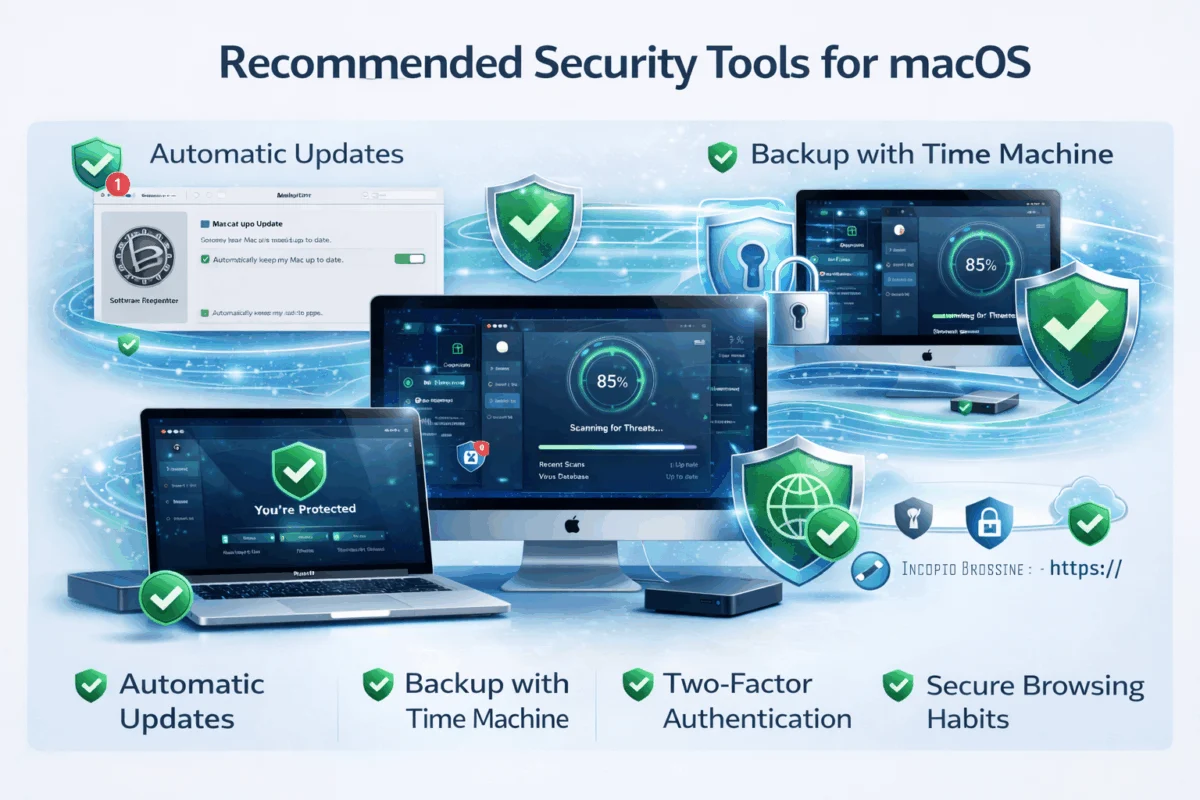
• Proactive security habits like enabling automatic updates, using two-factor authentication, and practicing safe browsing are just as important as the tools themselves.
• Professional security management can prevent costly downtime and data loss while ensuring your Mac infrastructure supports rather than hinders your creative workflows.
• Regular security audits help identify vulnerabilities before they become problems, maintaining the reliability your business depends on.
Understanding the macOS Security Landscape
Why Macs Aren’t Immune to Security Threats
The persistent belief that Macs don’t get viruses has created a false sense of security among many Apple users. While macOS includes robust built-in protections such as Gatekeeper, XProtect, and System Integrity Protection, these defenses aren’t foolproof against today’s sophisticated threats.
Modern Mac threats include:
- Adware and potentially unwanted programs (PUPs) that slow down systems and compromise browsing experiences
- Ransomware variants specifically targeting macOS users and creative professionals
- Social engineering attacks that bypass technical protections by targeting human behavior
- Supply chain compromises affecting legitimate software distributed through unofficial channels
The reality is that as Mac adoption grows in creative industries and small businesses, cybercriminals are increasingly targeting Apple’s ecosystem. Understanding these evolving threats is the first step toward building effective defenses.
The Cost of Inadequate Security
For creative professionals and small businesses, a security breach isn’t just an inconvenience—it’s a potential business catastrophe. Consider the impact of:
- Lost creative work from corrupted project files or encrypted ransomware attacks
- Client data exposure leading to damaged relationships and potential legal liability
- System downtime during critical project phases or client presentations
- Recovery costs, including data restoration, system rebuilding, and lost productivity
Our experience with over 20 years of Mac IT support has shown that proactive security measures cost significantly less than reactive damage control. The recommended security tools for macOS we’ll discuss provide peace of mind through technology solutions that protect your competitive advantage.
Essential Security Tools Every Mac User Needs
Antivirus and Anti-Malware Solutions
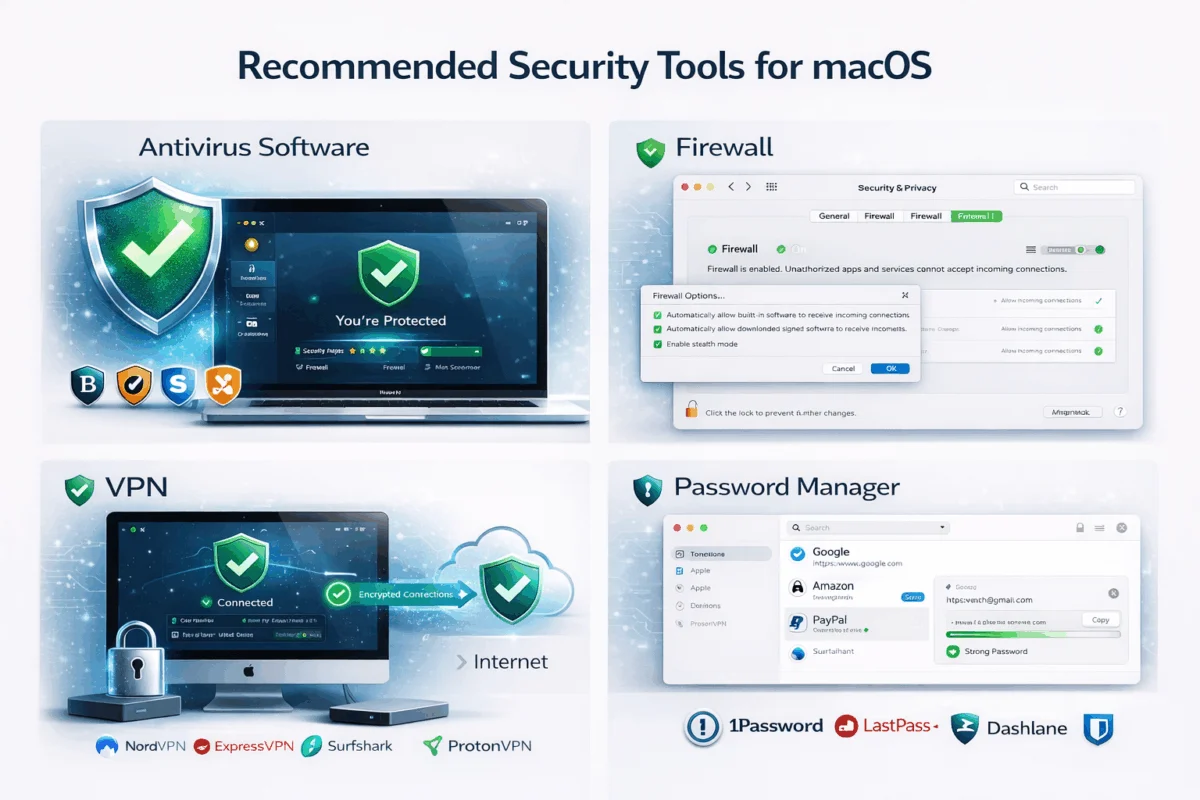
While Apple’s built-in XProtect provides basic malware detection, comprehensive third-party solutions offer superior protection against emerging threats. Recommended security tools for macOS in this category include:
Top-Tier Options:
- Malwarebytes for Mac: Excellent for detecting and removing adware, browser hijackers, and potentially unwanted programs that commonly affect Macs
- Bitdefender Antivirus for Mac: Lightweight solution with strong real-time protection and minimal system impact
- Intego Mac Internet Security X9: Mac-specific security suite designed specifically for Apple’s ecosystem
Key Features to Look For:
- Real-time scanning that doesn’t slow down creative workflows
- Regular definition updates to catch new threats
- Minimal resource usage to preserve system performance
- Integration with macOS security features rather than replacement
Password Management Systems
Weak or reused passwords remain one of the biggest security vulnerabilities. Professional password managers create and store unique, complex passwords for every account while maintaining the seamless user experience Mac users expect.
Leading Password Managers:
- 1Password: Excellent integration with Safari and iOS devices, perfect for Mac-centric workflows
- Bitwarden: Open-source solution with strong security and cross-platform compatibility
- Dashlane: User-friendly interface with built-in VPN features
Essential Features:
- Secure password generation with customizable complexity requirements
- Cross-device synchronization across your entire Apple ecosystem
- Secure sharing for team passwords and client access credentials
- Two-factor authentication support for enhanced account protection
Implementing strong password practices is crucial for protecting both personal and business accounts from unauthorized access.
Backup and Recovery Solutions
No security strategy is complete without reliable backup systems. Mac users have several excellent options that provide both local and cloud-based protection:
Apple’s Built-in Solutions:
- Time Machine: Automatic local backups to external drives with easy file recovery
- iCloud Backup: Seamless cloud storage for documents, photos, and system settings
Professional Backup Tools:
- Carbon Copy Cloner: Creates bootable backups for immediate system recovery
- Chronosync: Advanced synchronization and backup scheduling for complex workflows
- Backblaze: Unlimited cloud backup with continuous protection
Best Practices for Mac Backups:
- Follow the 3-2-1 rule: Three copies of important data, on two different media types, with one stored offsite
- Test recovery procedures regularly to ensure backups work when needed
- Automate backup schedules to eliminate human error and ensure consistency
Network Security Tools
Protecting your Mac extends beyond the device itself to include network-level security, especially important for remote work and public Wi-Fi usage.
VPN Solutions:
- ExpressVPN: Fast, reliable service with excellent Mac app integration
- ProtonVPN: Strong security features with specialized servers for different use cases
- Surfshark: Cost-effective option with unlimited device connections
Firewall Configuration:
macOS includes a built-in firewall that should be properly configured rather than left in default settings. Professional configuration ensures:
- Incoming connections are properly filtered
- Legitimate applications can communicate as needed
- Network-based attacks are blocked before reaching your system
Advanced Security Configurations and Best Practices
System-Level Security Hardening
Beyond installing security tools, proper macOS configuration creates multiple layers of protection that work together to secure your system.
Essential System Settings:
- FileVault disk encryption: Protects data if your Mac is lost or stolen
- Secure Boot and System Integrity Protection: Prevents unauthorized system modifications
- Gatekeeper configuration: Balances security with the ability to run necessary creative software
- Privacy settings audit: Controls which applications can access sensitive data and system features
User Account Management:
- Create separate admin and standard user accounts
- Use Touch ID or Apple Watch for secure authentication
- Configure automatic screen locks for unattended systems
- Implement proper device and data access controls
Safe Browsing and Email Security
Many security threats arrive through web browsers and email applications, making safe digital habits as important as security software.
Browser Security Best Practices:
- Keep Safari updated with the latest security patches
- Configure intelligent tracking prevention
- Use reputable ad blockers to prevent malicious advertisements
- Verify website certificates before entering sensitive information
Email Security Measures:
- Learn to identify phishing attempts before they can compromise your system
- Avoid opening attachments from unknown senders
- Use encrypted email services for sensitive communications
- Configure spam filters to reduce exposure to malicious messages
Mobile Device Integration
For businesses using Mac/iPhone/iPad fleets, security must extend across the entire Apple ecosystem with consistent policies and protections.
Mobile Device Management (MDM):
- Centralized security policy enforcement
- Remote wipe capabilities for lost or stolen devices
- App distribution and update management
- Compliance monitoring and reporting
Cross-Device Security Considerations:
- Synchronized security settings across all Apple devices
- Consistent password policies and two-factor authentication
- Secure file sharing between devices
- Regular security audits across the entire device fleet
Real-World Security Implementation: A Client Success Story
 The Challenge: Creative Agency Under Attack
Last year, we worked with a 25-person creative agency that discovered their Mac systems were infected with sophisticated adware that was redirecting web traffic and stealing browser data. The malware had spread across multiple machines through a compromised software download, highlighting how quickly security issues can escalate in creative environments.
Initial Symptoms:
- Slower web browsing and unexpected pop-up advertisements
- Redirected search results leading to suspicious websites
- Their internet service provider detected unusual network traffic
- Client concerns about data security during collaborative projects
The Recovery Process
Our systematic approach to cleaning and securing their Mac infrastructure demonstrates the importance of comprehensive security tools and professional expertise:
Immediate Response (Day 1):
- Isolated infected machines from the network to prevent further spread
- Performed comprehensive malware scans using multiple detection tools
- Identified the infection vector through system logs and user interviews
- Began clean removal process using specialized Mac security software
System Restoration (Days 2-3):
- Completely removed malware using a combination of Malwarebytes and manual cleaning
- Restored clean system configurations from Time Machine backups
- Verified data integrity across all affected creative projects
- Tested all applications to ensure proper functionality
Security Hardening (Week 1):
- Deployed enterprise-grade antivirus across all Mac systems
- Configured centralized password management for the entire team
- Implemented a comprehensive backup strategy with both local and cloud components
- Established network-level filtering to prevent future infections
Long-Term Security Strategy
The agency now operates with a proactive security framework that protects their creative work while maintaining the workflow efficiency they depend on:
Ongoing Protection:
- 24/7 monitoring of all Mac systems with automatic threat detection
- Regular security training for staff on safe browsing and email practices
- Quarterly security audits to identify and address new vulnerabilities
- Incident response planning to minimize the impact of any future security events
Business Impact:
- Zero security incidents in the 18 months since implementation
- Improved client confidence through demonstrated security practices
- Reduced IT support calls related to system performance issues
- Enhanced productivity through a reliable, secure Mac infrastructure
This success story illustrates how the right combination of recommended macOS security tools, professional implementation, and ongoing maintenance creates a security posture that enables rather than hinders creative work.
Maintaining Your Security Investment
Regular Security Hygiene
Security isn’t a one-time setup—it requires ongoing attention and maintenance to remain effective against evolving threats.
Monthly Security Tasks:
- Update all security software and definitions
- Review and update passwords for critical accounts
- Check backup integrity and test recovery procedures
- Audit installed applications and remove unnecessary software
Quarterly Security Reviews:
- Assess security tool effectiveness and performance impact
- Review user access permissions and account privileges
- Update security policies based on new threats or business changes
- Conduct simulated phishing tests to evaluate user awareness
Annual Security Planning:
- Evaluate new security tools and technologies
- Review incident response procedures and update as needed
- Assess business continuity and disaster recovery plans
- Budget for security infrastructure improvements and training
Staying Current with Security Trends
The security landscape evolves rapidly, making it essential to stay informed about new threats and protection strategies. Following Apple’s security updates and industry best practices ensures your defenses remain current and effective.
Information Sources:
- Apple Security Updates and security bulletins
- Mac security vendor blogs and threat reports
- Industry security conferences and webinars
- Professional IT security communities and forums
Conclusion: Building Comprehensive Mac Security
Implementing recommended security tools for macOS isn’t just about preventing problems—it’s about creating a technology foundation that enables your creative work and business operations to thrive without security concerns. The combination of proper tools, configuration, and ongoing maintenance creates multiple layers of protection that adapt to new threats while preserving the user experience that makes Macs so valuable for creative professionals.
Your Next Steps:
- Audit your current security posture by reviewing installed protections and identifying gaps in coverage
- Implement essential security tools, starting with antivirus, password management, and backup solutions
- Configure system-level protection,s including FileVault, firewall settings, and user account controls
- Establish security habits for safe browsing, email handling, and software installation
- Consider professional security management to ensure comprehensive protection without the complexity of managing it yourself.
Remember, effective Mac security isn’t about perfect protection—it’s about creating enough barriers and detection capabilities to stop threats before they can impact your work or compromise your data. The peace of mind that comes from knowing your Mac infrastructure is properly secured allows you to focus on what you do best: creating exceptional work for your clients.
Whether you’re managing a single MacBook or an entire fleet of Apple devices, the investment in proper security tools and practices pays dividends through reliable systems, protected data, and the confidence that comes from proactive risk management. Don’t wait for a security incident to discover the value of comprehensive Mac protection—start building your security foundation today.
References
[1] Apple Security Research, “macOS Security Overview,” 2025
[2] Malwarebytes Labs, “State of Malware Report,” 2025
[3] Verizon, “Data Breach Investigations Report,” 2025

Want this Mac Security implemented for you?
MacWorks 360 hardens, monitors, and backs up Mac fleets across New Jersey. We build policies, deploy tools, and prove restores—so your team stays safe and focused.
Contact us · Managed IT for Mac · Apple IT Support.
Based in Springfield, NJ—serving Summit, Millburn, Short Hills, Chatham, Montclair, and beyond.