
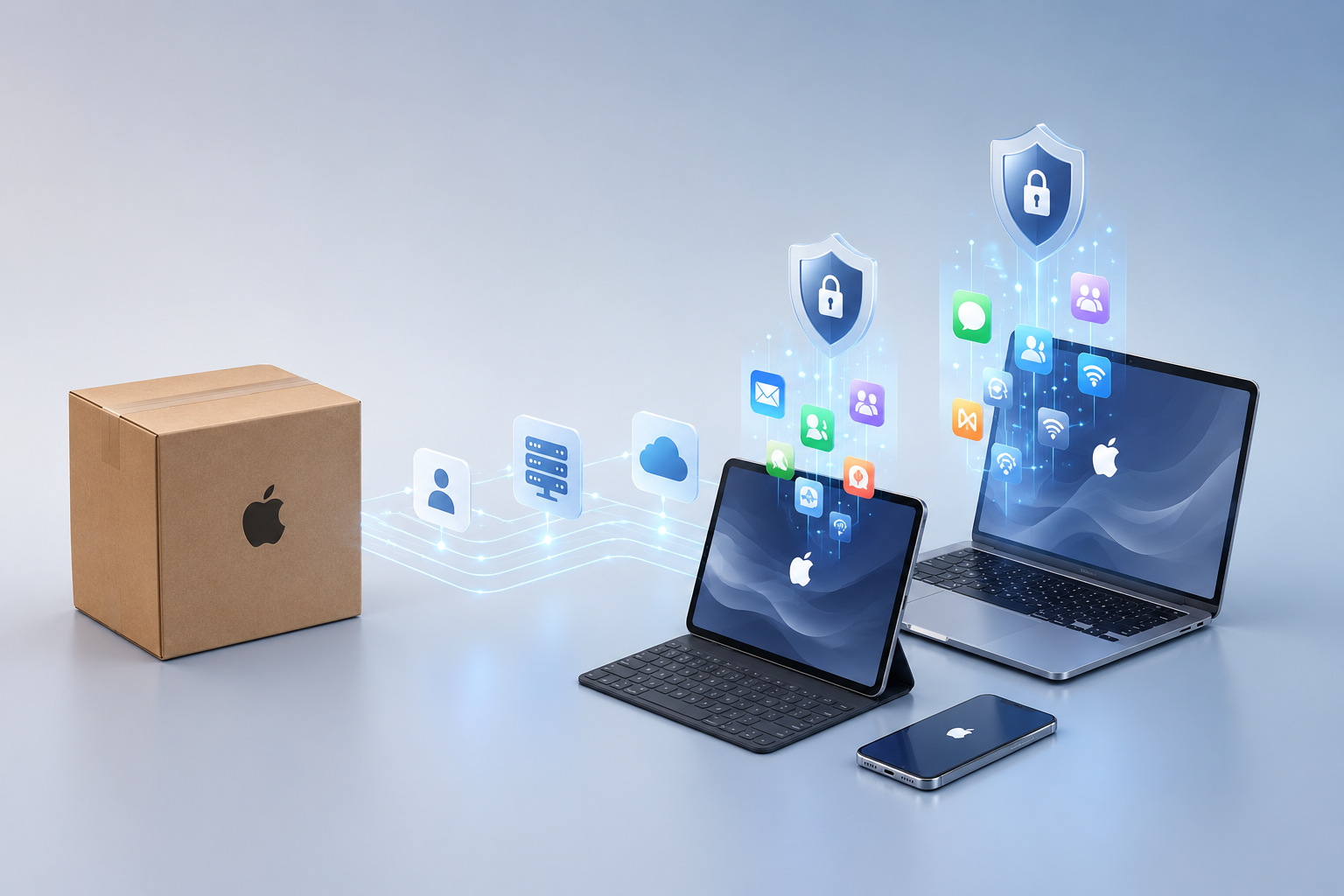
A single shipping box arrives at a new hire’s home. They unbox a fresh MacBook Air, tap through the setup screens, sign in once, and within ten minutes, they have email, Slack, the company VPN, security policies, and printer drivers — without ever calling IT. That experience depends on two coordinated layers. Apple Business establishes organizational ownership and initiates Automated Device Enrollment, while an Apple-focused management platform such as Addigy applies applications, security controls, settings, monitoring, and ongoing support policies. The technology is powerful, but the design and day-to-day management determine whether it produces a secure, dependable result.
For small businesses, creative studios, and Apple-first teams across New Jersey, this kind of zero-touch deployment used to feel like something only Fortune 500 companies could pull off. It is not. With the right setup, ABM MDM, managed Apple accounts, automated device enrollment, Apple DEP (now ADE), and the volume purchase program (now Apps and Books) are accessible to any organization with a handful of Macs, iPhones, or iPads. This guide breaks down what Apple Business Manager is, how it has evolved into the broader Apple Business platform announced in 2026 [1], and how to set it up correctly.
Key Takeaways
- Apple Business Manager (ABM) is Apple’s free web-based portal for IT admins to automate device enrollment, distribute apps and books at scale, and create Managed Apple Accounts for employees.
- You need a D-U-N-S Number and verifiable business information to enroll — the process typically takes a few business days for Apple to approve.
- Apple Business and an MDM have different jobs. Apple Business now includes built-in device management, while third-party Apple-focused platforms such as Addigy provide organizations and their consultants with deeper ongoing monitoring, policy deployment, software management, remediation, and remote-support workflows.
- In 2026, Apple consolidated ABM, Apple Business Essentials, and Apple Business Connect into a single platform called Apple Business, with built-in MDM capabilities and a new “Blueprints” feature for zero-touch deployment [1].
- Managed Apple Accounts, when combined with the appropriate Apple enrollment method and correctly configured MDM policies, help organizations control work accounts, apps, and data while respecting personal information on employee-owned devices.
What Is Apple Business Manager?
Apple Business Manager is a free, web-based portal that lets IT administrators manage Apple devices, apps, and user identities at scale. Think of it as the control tower — it does not fly the planes (your MDM does that), but it coordinates everything that happens before takeoff.
Three core jobs live inside ABM:
- Automated Device Enrollment (ADE) — formerly known as Apple DEP (Device Enrollment Program). Devices bought through Apple or an authorized reseller are automatically assigned to your organization and supervised the moment they connect to Wi-Fi during setup.
- Apps and Books — formerly the Volume Purchase Program (VPP). Buy app licenses in bulk, then assign or revoke them across users and devices without re-purchasing.
- Managed Apple Accounts — work-only Apple IDs created and owned by your organization, with role-based access and federated sign-in support.
For a primer on the broader category of device management that this all plugs into, see “What’s MDM, and why is it useful for organizations?”
Apple Business Manager vs. Apple Business — What’s the Difference?
This is where things got interesting in 2026. Apple announced Apple Business on March 24, 2026, and launched it on April 14, 2026. The unified platform replaced Apple Business Manager, Apple Business Essentials, and Apple Business Connect and became available in more than 200 countries and regions [1]. Existing customers transitioned to Apple Business; Apple specifically stated that existing Business Connect organization and location data would migrate automatically.
Here is the practical difference:
| Feature | Old Apple Business Manager | New Apple Business (2026) |
|---|---|---|
| Device enrollment | Yes (ADE) | Yes, plus new “Blueprints” preconfigured setups |
| Apps and Books | Yes | Yes, expanded licensing |
| Managed Apple Accounts | Yes | Yes, with cryptographic work/personal separation |
| Built-in MDM | No (third-party required) | Yes, built in (third-party still supported) |
| Business email, calendar, directory | No | Yes, with custom domain support |
| Brand presence (Maps, Mail, Wallet, Siri) | No (separate Connect) | Integrated |
| Cost | Free | Free; paid add-ons for iCloud storage and AppleCare+ for Business |
The new platform positions Apple as a direct competitor to Microsoft 365 and Google Workspace for businesses standardized on Apple hardware [3]. For most IT admins, the core ABM workflows you already know — enrollment, apps, accounts — still work the same way. The companion app and new email/directory features require iOS 26, iPadOS 26, or macOS 26 [1].
Bottom line: If you have been Googling “Apple Business Manager,” you will land on the new Apple Business platform. The terminology is shifting, but the underlying workflows IT admins rely on are intact and expanded.
Key Features: ADE, Apps and Books, and Managed Apple Accounts
Automated Device Enrollment (formerly Apple DEP)
When a device is purchased through Apple or an authorized reseller and tied to your organization’s ABM account, it is automatically registered. The moment the end user powers it on and connects to the internet, the device:
- Recognizes that it belongs to your organization
- Auto-enrolls into your MDM
- Becomes “supervised” (granting IT deeper management controls)
- It receives its assigned configuration profile, apps, restrictions, and Wi-Fi settings.
This deployment approach eliminates the need for USB cables, manual imaging, and setup procedures, embodying zero-touch deployment.
Apps and Books (formerly Volume Purchase Program)
Instead of buying ten copies of the same productivity app on ten different Apple IDs, you buy ten licenses centrally. Licenses can be:
- Device-assigned — tied to a specific iPad or Mac (great for shared devices)
- User-assigned — tied to a Managed Apple Account (great for personal-use professional devices)
- Revoked and reassigned when an employee leaves
You can also distribute custom in-house apps, B2B apps from the App Store, and even free apps at scale.
Managed Apple Accounts
Managed Apple Accounts (formerly Managed Apple IDs) are work identities created and controlled by your organization. They support:
- Federated sign-in with Google Workspace or Microsoft Entra ID, so employees use their existing work credentials [1]
- Separation of managed work data from personal data when used with a supported enrollment method, such as User Enrollment, and correctly configured MDM policies
- Role-based access (admin, manager, content manager, device enrollment manager, staff)
- Controlled deprovisioning when connected to a properly configured identity provider and documented offboarding workflow
Managed Apple Accounts vs. Personal Apple IDs:
| Capability | Personal Apple ID | Managed Apple Account |
|---|---|---|
| Owned by | The individual | The organization |
| App Store purchases | Yes | No (apps come from ABM Apps and Books) |
| iMessage / FaceTime | Yes | Limited/configurable |
| iCloud storage | Yes (paid by user) | Yes (paid by org if needed) |
| Recovery if the employee leaves | None for org | Org retains data |
| Federated sign-in (SSO) | No | Yes |
How to Sign Up for Apple Business Manager
Signing up is free but requires verification. Here is the step-by-step.
What You Need Before You Start
- A D-U-N-S Number for your business. This is a free nine-digit identifier from Dun & Bradstreet. If you do not have one, request it at dnb.com — it can take 1–5 business days to issue.
- Legal business name, address, and phone number that match public records and your D-U-N-S record.
- A work email address on your business domain (no Gmail, no iCloud).
- A verification contact — an authorized senior person at your organization, such as an owner, executive, or officer, whom Apple can contact to confirm that you are authorized to enroll the business.
The Enrollment Steps
- Go to business.apple.com and click “Enroll now.”
- Enter your D-U-N-S Number and confirm the auto-populated business details.
- Create the initial administrator account. Use an organization-controlled work address that can be recovered if responsibilities change, and create at least two individually assigned administrator accounts. Do not share administrator credentials between people.
- Provide your verification contact’s details. Apple may call them within 1–5 business days.
- Once approved, log in, accept the terms, and begin setup.
- Link your Apple-purchased devices by adding your Apple Customer Numbers or Reseller IDs (CDW, Insight, your local Apple Authorized Reseller, etc.) under Preferences > Device Purchases.
MacWorks 360 tip: Create at least two individually assigned administrator accounts, document ownership and recovery procedures, and keep recovery details under company control. Shared credentials make auditing and secure offboarding more difficult.
Connecting ABM to Your MDM (Addigy, Jamf, Mosyle, Intune)
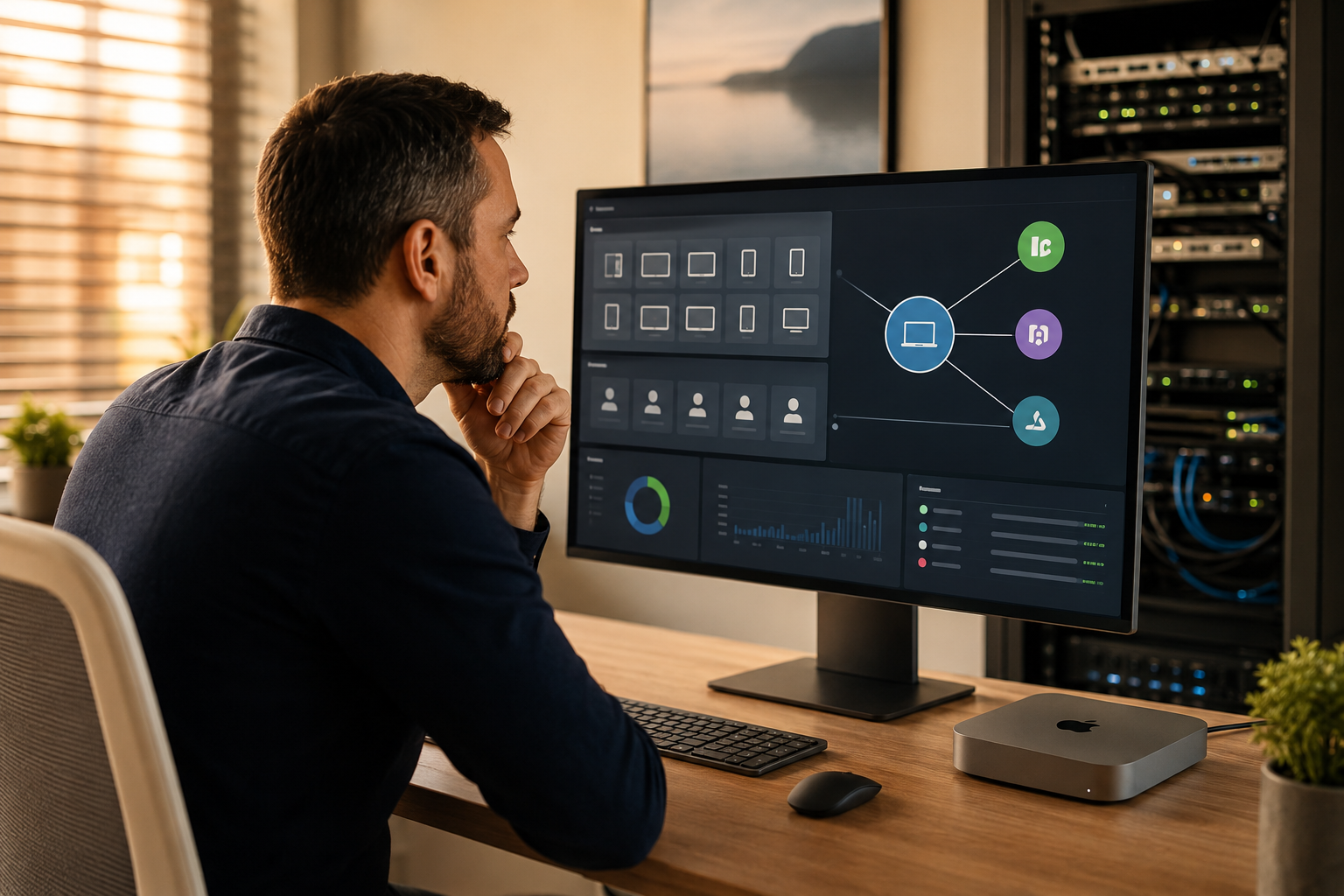
ABM is the source of truth for which devices belong to your organization. Your MDM is what actually configures and manages those devices. The two must be linked via a server token (an MDM server certificate).
The general process is identical across MDM vendors:
- In your MDM (Addigy, Jamf Pro, Jamf Now, Mosyle, Kandji, Microsoft Intune, etc.), download a public key (.pem file).
- In ABM, go to Preferences > MDM Server Assignment (or “Your MDM Servers”), add a new MDM server, and upload the public key.
- ABM generates a server token (.p7m file). Download it.
- Upload the server token back into your MDM.
- Tokens expire annually — set a calendar reminder. An expired token silently breaks new device enrollments.
For the Apps and Books side, you separately link a content token (formerly called a VPP token) to your MDM so it can assign app licenses.
Which MDM Should You Pick?
A quick non-exhaustive comparison for organizations managing 5–200 Apple devices:
| MDM | Best For | Notes |
|---|---|---|
| Addigy | MSPs and Mac-first small businesses | Apple-focused monitoring, policy deployment, software management, remediation, and remote-support capabilities; especially effective when continuously managed by an experienced Apple consultant or MSP |
| Jamf Pro | Mid-market and enterprise | Most powerful, steeper learning curve |
| Jamf Now | Very small businesses (under 25 devices) | Simple, limited features |
| Mosyle | Education + small business | Aggressive pricing, growing rapidly |
| Microsoft Intune | Microsoft 365 shops | Best if you already live in Entra ID |
| Kandji | Design-forward small/mid-market | Slick UI, good automation |
MacWorks 360 has hands-on experience deploying across most of these. We commonly use Addigy for Apple-focused organizations that want proactive management and an ongoing consulting relationship. Selecting an MDM is only the first decision: its value depends on how enrollment profiles, security policies, software deployment, alerts, remediation rules, permissions, and offboarding procedures are designed and maintained. MacWorks 360 uses Addigy as part of an actively managed service, not simply as software installed and left for the client to operate alone. The right choice still depends on your identity stack, risk profile, budget, and internal resources. Our Mac IT consulting and managed services team regularly helps clients evaluate and migrate between platforms.
Roles and Permissions in ABM
ABM uses role-based access control, so you do not have to give everyone the keys to the kingdom. Standard roles include:
- Administrator — full control, including billing and adding other admins
- People Manager — creates and manages Managed Apple Accounts
- Device Enrollment Manager — assigns devices to MDM servers
- Content Manager — buys and assigns apps and books
- Staff — limited self-service access
You can also create custom roles in the new Apple Business platform, scoped to teams or functions [1]. Best practice: have at least two administrators (in case one is unavailable), and apply the least-privilege principle to everyone else.
Best Practices for Small Businesses
After 20+ years of consulting on Apple deployments, a few patterns consistently separate smooth rollouts from painful ones:
- Buy devices through channels that auto-link to ABM. Apple Business, CDW, Insight, and most Apple Authorized Resellers do this. Big-box retail (Best Buy, Costco) typically does not, meaning manual enrollment with Apple Configurator.
- Set calendar reminders for the annual renewal of both your MDM server token and your content (VPP) token.
- Use a shared admin mailbox, never a personal email, for the primary ABM administrator.
- Federate with your identity provider (Google Workspace or Microsoft Entra ID), so employees use one set of credentials [1].
- Document your Blueprint/enrollment profile so a successor knows what is being deployed and why.
- Test with one device first. Always. Push to a single test Mac or iPad before rolling a new configuration to the fleet.
- Plan offboarding from day one. Managed Apple Accounts and supervised devices make offboarding clean — but only if you set them up that way from the start.
- Pair ABM with strong device security and data access safety practices.
“We don’t just fix issues. We prevent them.” Most of the support tickets that show up after a botched deployment trace back to one of these eight items being skipped.
FAQs
Do I need Apple Business Manager if I only have a few devices?
Device count is only one consideration. Apple Business can be worthwhile even for a very small company when devices contain sensitive information, employees work remotely, onboarding and offboarding must be controlled, or the business expects to grow. A consultant can help determine whether the operational and security benefits justify the setup for your environment.
Is Apple Business Manager free?
Yes. The core platform is free. In the United States, Apple currently publishes additional iCloud storage starting at $0.99 per user per month and AppleCare+ for Business starting at $6.99 per device per month, or $13.99 per user per month for up to three devices [1]. These are Apple’s optional add-on prices, not the total cost of designing, implementing, securing, documenting, and supporting a managed Apple environment. Pricing can change, so confirm current terms with Apple.
What happened to Apple DEP and VPP?
They were renamed and folded into ABM years ago. Apple DEP is now Automated Device Enrollment (ADE), and VPP is now Apps and Books. Functionally, they are the same concepts, just more integrated.
Can I use ABM without an MDM?
You can sign up and create Managed Apple Accounts, but you cannot actually push configurations, apps, or policies to devices without an MDM. The new Apple Business platform includes a built-in MDM option, which changes this for small businesses without existing tooling [1].
What if I lose my D-U-N-S number or the admin email?
Apple has a recovery process, but it can take weeks and requires legal documentation. This is exactly why we recommend a shared admin inbox and at least two administrators.
Does ABM work for BYOD (employee-owned) devices?
Yes, through User Enrollment with Managed Apple Accounts. Work data is cryptographically separated from personal data, and IT cannot see or wipe the personal side.
Will my existing ABM data move to the new Apple Business platform?
Existing Apple Business Manager, Apple Business Essentials, and Apple Business Connect customers transitioned to Apple Business. Apple specifically stated that existing Business Connect organization and location data would migrate automatically [1]. Administrators should still verify devices, users, locations, MDM assignments, tokens, and permissions after any platform transition.
Conclusion: Your Next Steps
Apple Business Manager — and now the broader Apple Business platform — turns Apple device management from a series of one-off setup headaches into a repeatable, secure, scalable workflow. For a New Jersey small business managing anywhere from 5 to 200 Macs, iPhones, and iPads, the ROI shows up fast: less time provisioning, faster onboarding, cleaner offboarding, and far fewer surprises.
Here is a practical first-week checklist:
- Request your D-U-N-S number at dnb.com if you do not already have one.
- Enroll your organization at business.apple.com.
- Pick (or evaluate) your MDM — Addigy, Jamf, Mosyle, Intune, or Kandji.
- Link ABM to your MDM using server and content tokens.
- Test enrollment with one device before rolling out to the team.
- Federate identity with Google Workspace or Microsoft Entra ID.
- Document the workflow so it survives staff turnover.
If you are in New Jersey and would rather not figure this out alone, MacWorks 360 has been architecting, deploying, and supporting Apple environments for 20+ years. We offer customized Mac infrastructure planning — no prescriptive, one-size-fits-all packages — and long-term consulting relationships built around peace of mind.
Schedule an Apple Business and Addigy readiness consultation with MacWorks 360 to talk through your ABM and MDM strategy, or learn more about our mobile device management services for small businesses and creative teams.
References
[1] Introducing Apple Business: A New All-In-One Platform for Businesses of All Sizes – https://www.apple.com/newsroom/2026/03/introducing-apple-business-a-new-all-in-one-platform-for-businesses-of-all-sizes/
[2] Apple School Manager and Apple Business API Changelog – https://developer.apple.com/documentation/apple-school-and-business-manager-api/apple-school-manager-and-apple-business-api-changelog
[3] Apple Takes On Microsoft 365 and Google Workspace with New Business Platform – https://www.techspot.com/news/111838-apple-takes-microsoft-365-google-workspace-new-business.html