
Skip to content
MacWorks 360
HomeAboutServicesCase StudiesAreas We ServeBlogTestimonialsFree Consultation: 973-671-1122

Month: December 2021

Keep the Menu Bar Showing in Full Screen in macOS 12 Monterey
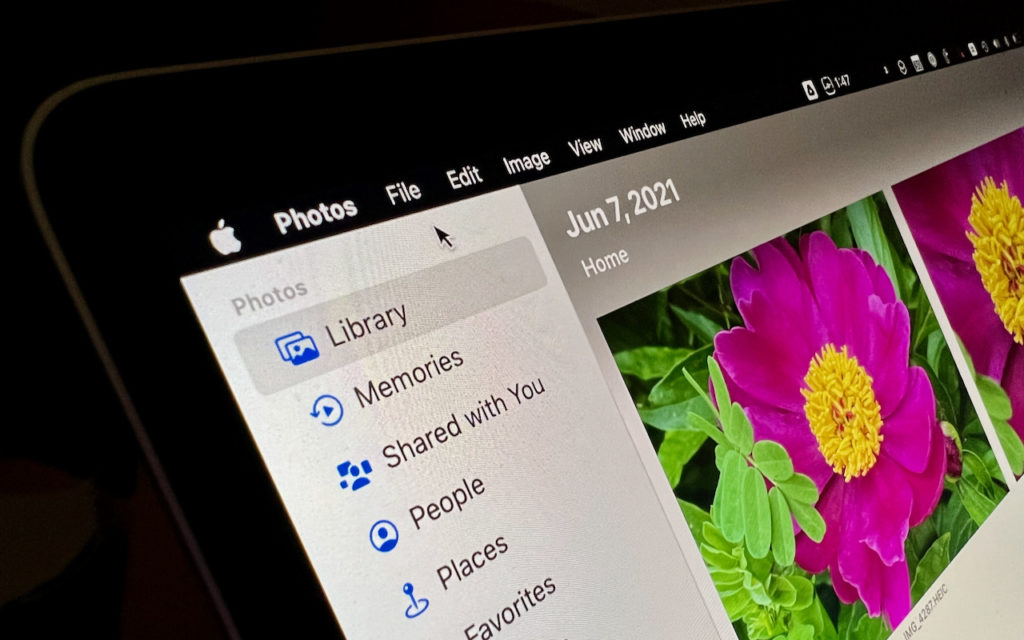
A close-up of a computer screen displaying the Photos app with a bright pink flower image and sidebar options like Library, Memories, Shared with You, People, and Places. The date shown is June 7, 2021.

Do you like using full-screen mode on your new M1-based MacBook Pro but hate having the menu bar disappear unless you move the pointer to the top of the screen? […]

Avoid Inclement Weather by Enabling Notifications in iOS 15’s Weather App

A triangular warning sign with an exclamation mark stands in the foreground while heavy rain pours down against a dark, cloudy sky and distant mountains.

Thanks to Apple’s 2020 acquisition of weather company Dark Sky, the iPhone’s Weather app has learned some new tricks in iOS 15. (It still isn’t available on the iPad, oddly.) […]

Shrink Apps to Prevent the MacBook Pro Notch from Obscuring App Controls

A MacBook screen displays video editing software with color grading tools and a close-up of a person’s face. At the top center, a red box with “???” is highlighted above the screen.

The new 14-inch and 16-inch MacBook Pro models feature a camera housing built into the screen, resulting in a notch like that on the iPhone. Most developers are updating their […]

FaceTime Gains Cool New Features in Apple’s Latest Operating Systems

A person sits at a table in a café, holding a smartphone and video calling a smiling man. A cup of coffee and a laptop are on the table, and a green plant is in the background.

It’s no exaggeration to say that videoconferencing went mainstream during the pandemic. However, Apple’s FaceTime didn’t stack up well against Zoom and others due to its emulation of the telephone […]

Should You Use Apple’s New Password Manager in iOS 15, iPadOS 15, and macOS 12 Monterey?

A woman in a business suit looks thoughtful, with her finger on her chin. Behind her, a drawing shows the word “PASSWORD” and a question mark, suggesting she is trying to remember or think of a password.

We continually recommend that every Apple user rely on a password manager like 1Password for creating, managing, and entering passwords securely. What we haven’t encouraged as heavily is relying on […]

Apple’s Evolution of Do Not Disturb Helps You Focus

A person sits cross-legged on a modern chair indoors, eyes closed and hands resting on their knees, appearing calm and meditative. The setting is a bright room with a fireplace and large windows.

Between texts, alarms, reminders, calls, and myriad other notifications on our iPhones, iPads, and Macs, it’s a miracle we get anything done at all. To free us from this onslaught, […]

Pay Attention to the iPhone’s Emergency SOS Auto Call Feature

A police officer in uniform holds a radio and looks ahead seriously, standing near a police car with flashing lights. Another officer stands by the open car door under an overpass.

Did you know that pressing and holding the side button and one of the volume buttons on an iPhone 8 or later brings up a screen that lets you power […]

Print Mailing Labels for Your Holiday Cards with Apple’s Contacts App

A stack of vintage airmail envelopes, some stamped and postmarked, with blue and red borders. The envelopes are addressed but not fully legible, and are arranged in a slightly overlapping pile.

If mailing your holiday cards (which you designed in Photos with a plug-in like Motif or Mimeo Photos, right?) is made harder by having to write addresses on envelopes, you […]

Reliable Mac Support. Local Expertise.

Proudly serving Northern and Central New Jersey and the surrounding NJ/NY metro area.

No walk-ins — on-site service by appointment across our service area.

Contact

973-671-1122
info@macworks360.com

Mon–Fri 7:30 AM–6:00 PM
Weekends by appointment

Explore

Services
Case Studies
Areas We Serve
Blog
Contact
Terms of Service


Independent consultant; not affiliated with Apple Inc. © 2026 MacWorks 360. All Rights Reserved.