
AirTag Basics and How to Protect Yourself from Stalking
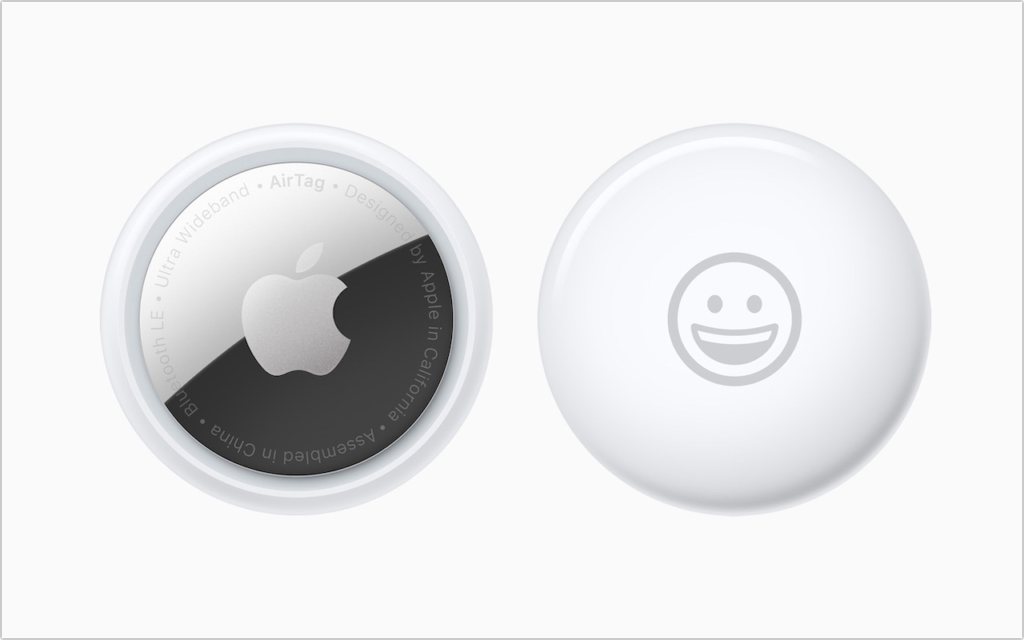
Apple’s new AirTag tracking device is an amazing bit of technology—it’s an elegant disc about the size of a stack of four US quarters that communicates its location with other […]
Looking for More iOS 14 Widgets? Be Sure to Launch Seldom-Used Apps
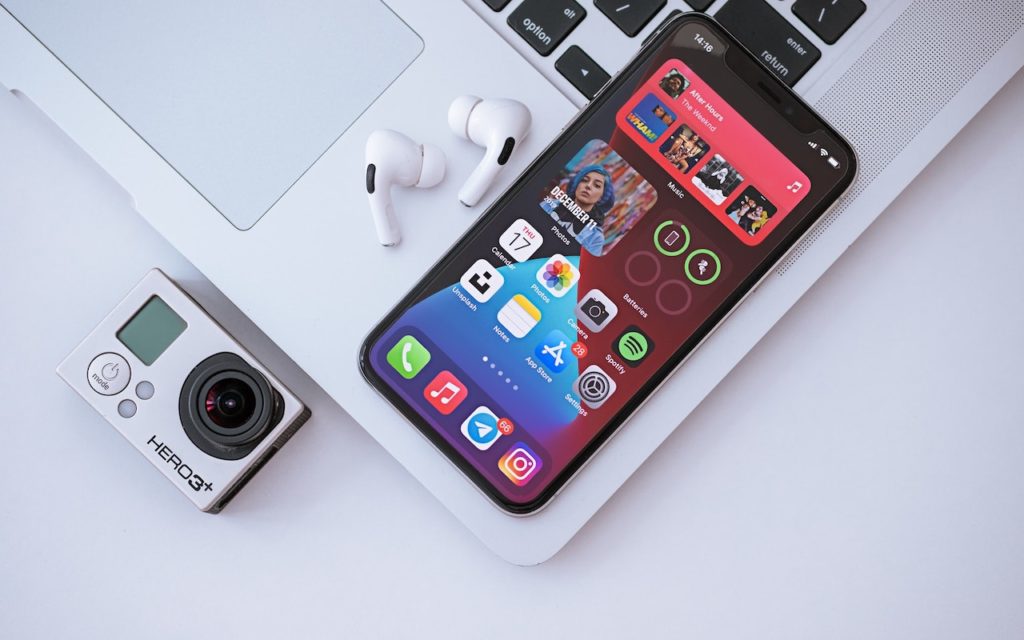
Home screen widgets are one of the coolest features of iOS 14. They enable apps to offer quick access to features or at-a-glance previews of changing information, such as the […]
Pin Your Chats in Messages for Faster Access

A new feature of Messages in both iOS 14 and macOS 11 Big Sur is the option to pin up to nine conversations at the top of the conversation list […]
What Is This “App Tracking Transparency” Apple Added to iOS 14.5?

You’ve likely seen mention of the dispute between Apple and Facebook. It revolves around App Tracking Transparency (ATT), a technology Apple released in iOS 14.5. The goal of ATT is […]
How to Digitize Your Signature So You’re Ready for Online Document Signing

Over the last decade, and particularly during the last year of pandemic life, documents have become more likely to arrive in email or as downloads than on paper. If you […]
Use Messages to Share Your Current Location Quickly

We’ve all gotten that panicked “Where are you?!?” text message at some point. Sometimes it’s an easy question to answer, but at other times, the answer is “Well, right here, […]
Are You Incurring Technical Debt? Avoid It by Staying Current

Have you heard the term technical debt? It’s what you incur whenever you delay upgrading software and hardware for too long. It’s like forgetting to brush your teeth regularly and […]
Upgrade to iOS 14.5 and watchOS 7.4 to Unlock Face ID iPhones with Your Watch

You have to feel for Apple sometimes. The company’s engineers put an astonishing amount of work into the hardware and software necessary for Face ID to recognize your face nearly […]
Work with iOS App Updates in Your Account in the App Store
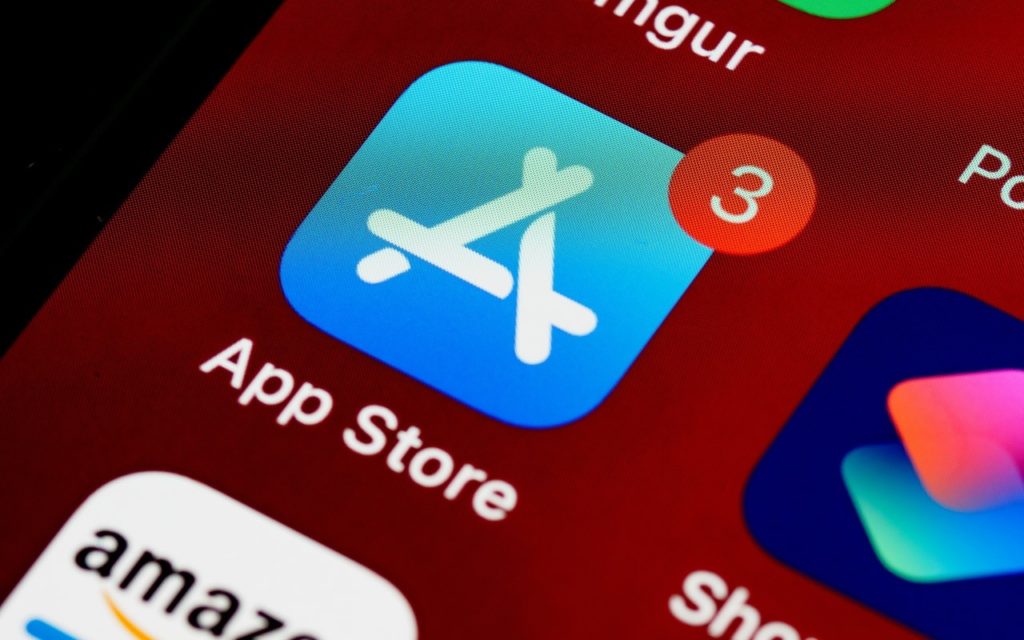
If you’ve turned on automatic App Updates in Settings > App Store on your iPhone or iPad, you might wonder how you’d know if an app was updated or what […]
Choose Your Preferred Default Web Browser and Email App in iOS and iPadOS 14
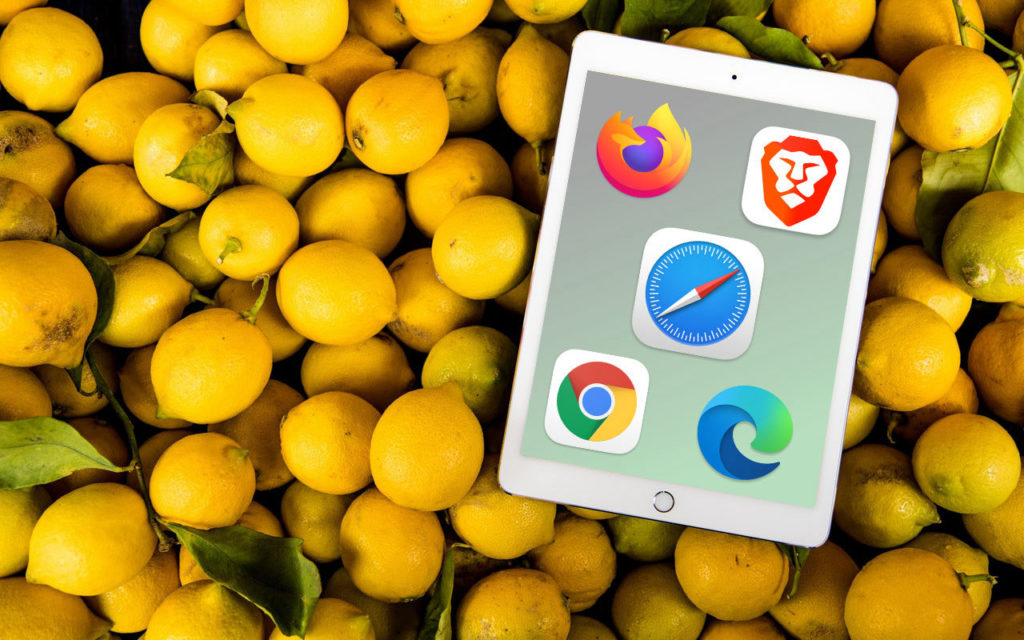
Since the earliest days of the iPhone, Apple’s Safari and Mail have been the default Web and email apps for iOS and, later, iPadOS. There was no way to choose […]