
The Hardware You’ll Need to Run Apple’s 2023 Operating Systems

At Apple’s Worldwide Developer Conference in June, the company unveiled the upcoming versions of its operating systems: macOS 14 Sonoma, iOS 17, iPadOS 17, watchOS 10, and tvOS 17. They […]
Need to Mask Nearby Noise? Try Ventura’s Background Sounds

Do you have trouble concentrating at work because of a loud office environment? Or do you work at home and want to block out the sounds of kids or appliances? […]
At WWDC23, Apple Releases New Macs, Previews New OS Features, and Unveils Vision Pro
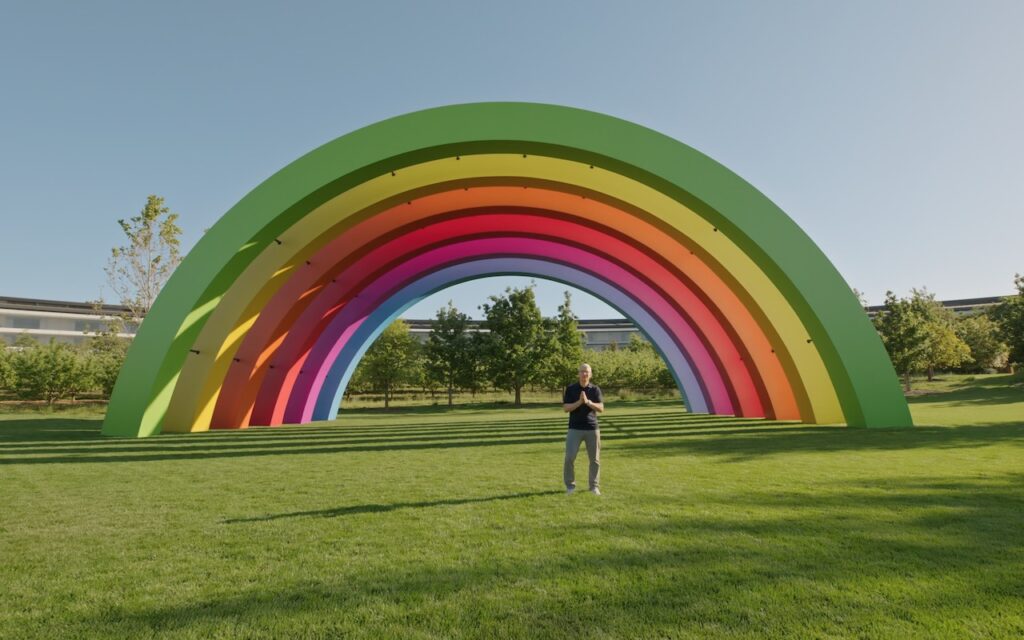
Apple’s Worldwide Developer Conference keynote (full video or 2-minute recap) is primarily an opportunity for Apple to give developers a first look at new features coming in its operating systems, […]
Apple Starts Releasing Rapid Security Responses for the iPhone, iPad, and Mac

By now, you’ve probably seen a new form of update for iOS, iPadOS, and macOS: the Rapid Security Response. Early in May, Apple released the first instances of these updates, […]
You Can Now Upgrade to macOS 13 Ventura When You’re Ready
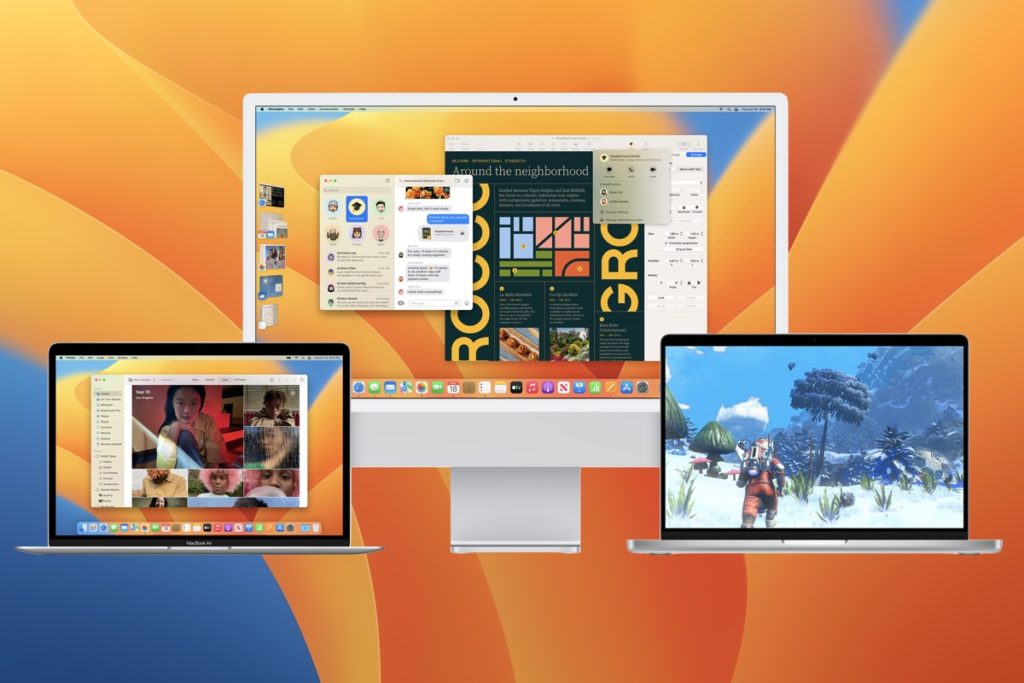
When upgrading to a new version of macOS, we err on the side of caution, at least in our recommendations. (We’ve been using macOS 13 Ventura for some time now […]
Use Quick Look to Preview Spotlight Results in Ventura

When you search using Spotlight on the Mac, it provides a decent amount of information about each result, including name and other metadata. But what if you want to see […]
Apple Delivers Promised Features in End-of-Year OS Updates

Every year at its Worldwide Developer Conference in June, Apple previews planned features in the upcoming versions of macOS, iOS, iPadOS, watchOS, and tvOS. However, not all of those features […]
Upgrade Past macOS 10.15 Catalina to Keep Getting Microsoft Office Updates
We aren’t quite ready to recommend that everyone upgrade to macOS 13 Ventura, but if you use Microsoft Office with macOS 10.15 Catalina, you should start planning for an upgrade. […]
Merge Duplicate Photos and Videos in iOS 16, iPadOS 16, and Ventura
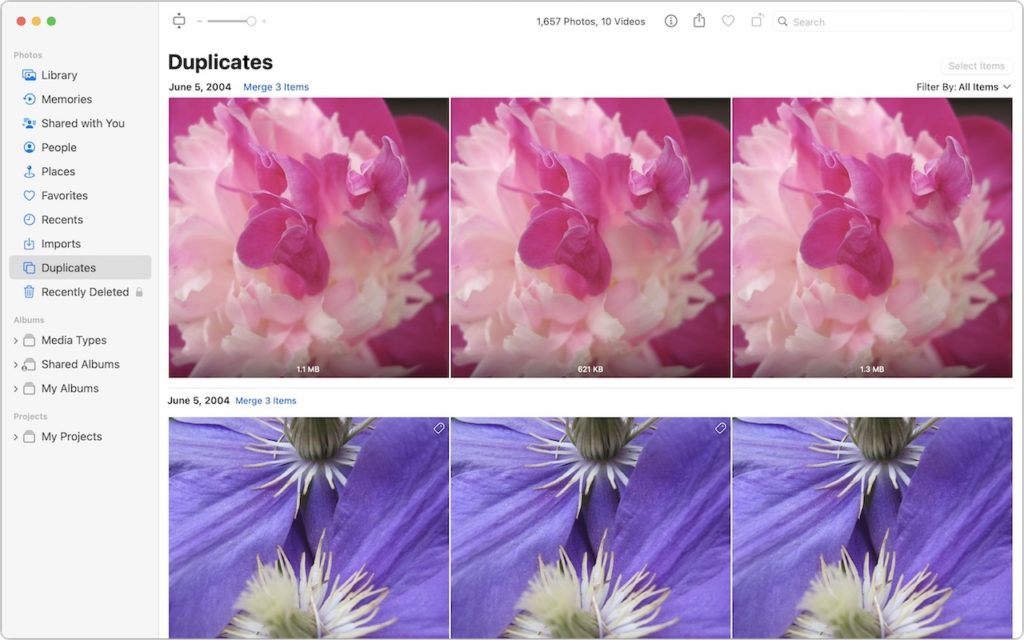
It’s all too easy to end up with duplicate photos and videos in your Photos library. The most common way is to use the Duplicate command, but we’ve seen duplicates […]
Mail Gains Welcome Features in iOS 16, iPadOS 16, and macOS 13 Ventura

Email may not be as sexy a way to communicate as modern-day darlings like Messages, Slack, or Microsoft Teams, but it remains the workhorse of business and personal communications. While […]