
Check the Weather on Your Mac and iPad, Finally!

At long last, Apple has plugged one of the most inexplicable holes in its app library—the lack of a Weather app for the iPad and Mac. In iPadOS 16 and […]
When Should You Upgrade to macOS 13 Ventura, iOS 16, iPadOS 16, watchOS 9, and tvOS 16?
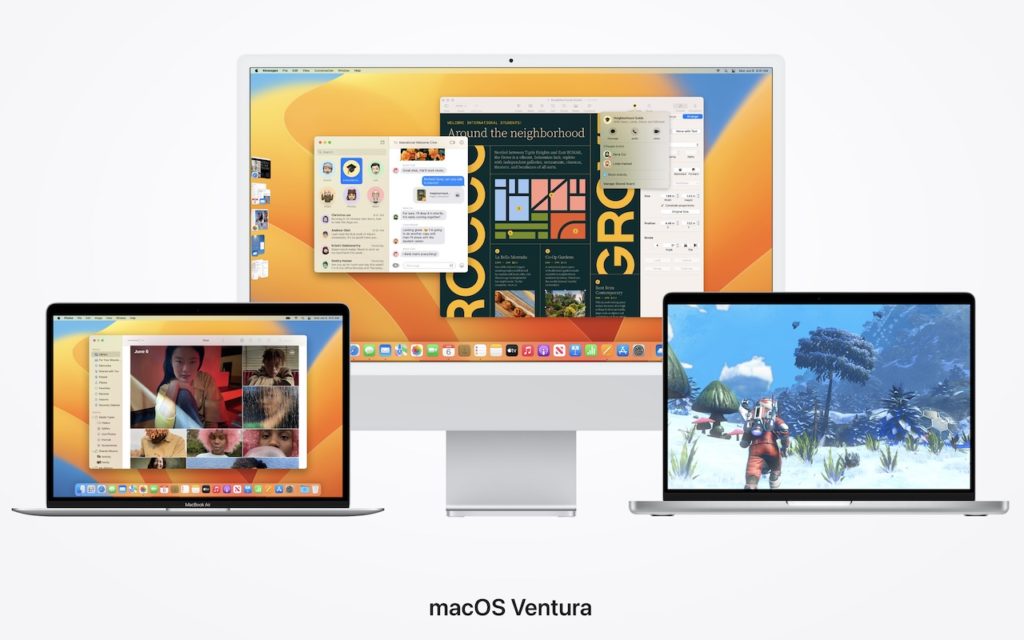
September is here, which means that Apple will soon start releasing major upgrades for all its operating systems. Note that we say “start.” Apple will release iOS 16 and watchOS […]
iCloud, Google Calendar, Microsoft Exchange: Choosing a Personal Calendar Service

We Mac, iPhone, and iPad users have an embarrassment of riches when it comes to calendaring flexibility. Apple provides free calendar services via iCloud, and the Calendar app lets you […]
What’s That Little Orange Dot by Control Center in macOS 12 Monterey?

Have you noticed a little orange dot next to the icon for Control Center on the menu bar in macOS 12 Monterey? (And if not, you can’t miss it now.) […]
The Hardware You’ll Need to Run Apple’s 2022 Operating Systems

At Apple’s Worldwide Developer Conference in June, the company threw back the curtains on macOS 13 Ventura, iOS 16, iPadOS 16, and watchOS 9. These operating systems won’t be available […]
Universal Control Arrives in macOS 12.3 and iPadOS 15.4
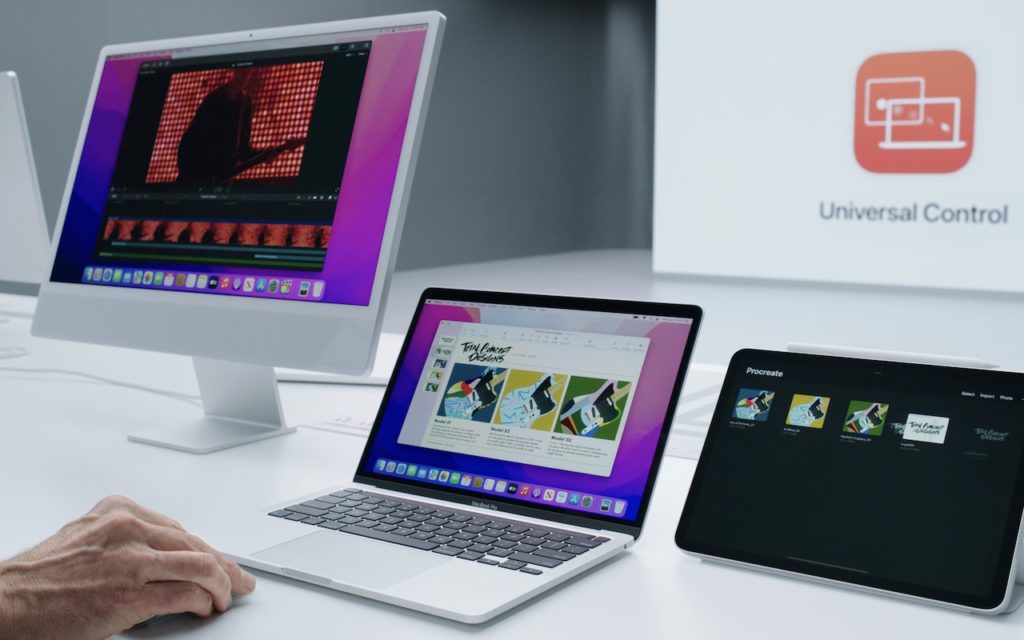
With the recent release of macOS 12.3 Monterey and iPadOS 15.4, Apple shipped Universal Control, the last major technology promised in its 2021 operating system upgrades. Universal Control enables you […]
Extend Your Battery Life in macOS 12 Monterey with Low Power Mode

We’ve become accustomed to our iPhones and iPads switching into Low Power Mode to preserve battery life, and you can enable it manually if you want to reduce power usage […]
You Can Now Upgrade to macOS 12 Monterey When You’re Ready
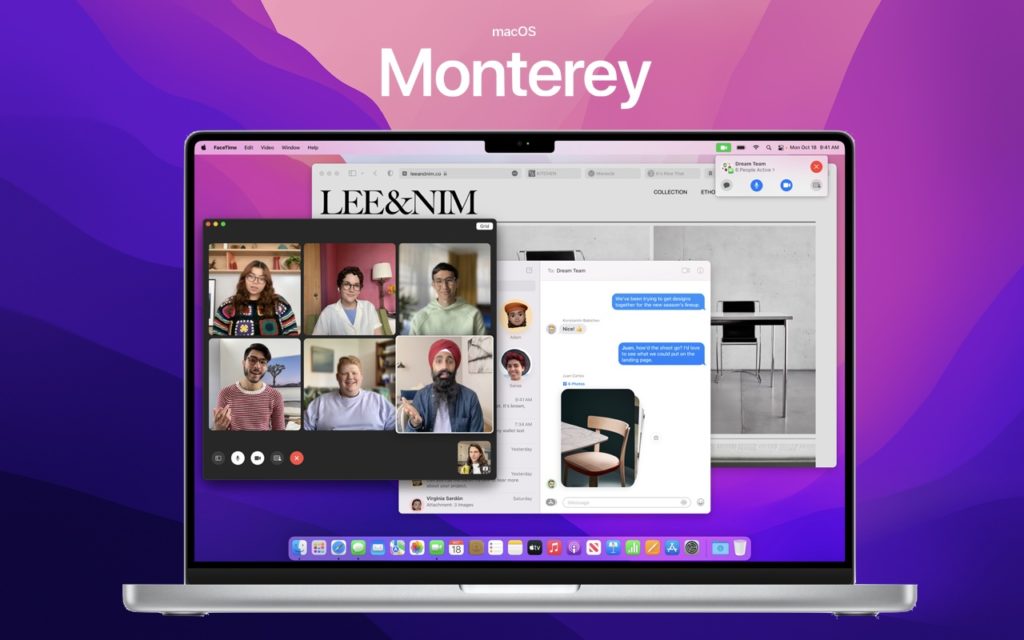
When it comes to upgrading to a new version of macOS, we err on the side of caution, at least in our recommendations. (We often install even beta releases on […]
Change Your Pointer Color in macOS 12 Monterey

Some people find it hard to find the mouse pointer at times, particularly on a large screen or when working in Dark Mode or in apps with dark interfaces. You’ve […]
Giving Away a Mac Running macOS 12 Monterey? Try Erase All Content and Settings

Before macOS 12 Monterey, if you wanted to sell, trade in, or give away your Mac, you had to boot into Recovery, erase the internal drive with Disk Utility, and […]