
Skip to content
MacWorks 360
HomeAboutServicesCase StudiesAreas We ServeBlogTestimonialsFree Consultation: 973-671-1122

Category: Apple

Apple Computers

Apple Introduces AppleCare One for Multi-Device Coverage
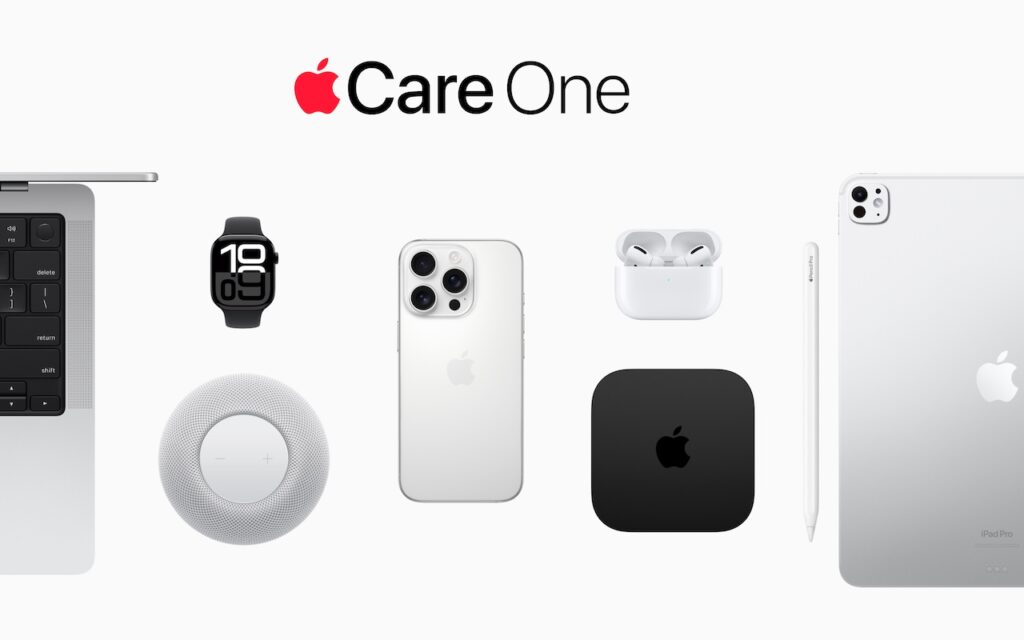
A variety of Apple products are displayed under the AppleCare One logo on a white background, highlighting how Apple introduces AppleCare One for multi-device coverage to protect your MacBook, iPhone, AirPods, iPad, and more.

Apple has launched AppleCare One, a new device protection plan that consolidates coverage for multiple Apple devices into a single monthly subscription. For $19.99 per month, US customers can protect […]

Stay Connected Off the Grid: How to Use Messages via Satellite in iOS 18

A person wearing a backpack holds a smartphone up in the air while standing in a forest, trying to stay connected off the grid—perhaps using Messages via Satellite in iOS 18—while searching for signal among tall trees.

If you own an iPhone 14, 15, or 16 and are in the US, Canada, or Mexico, you now have access to a feature that could make all the difference […]

Upgrade Soon: Intel-based Macs and Apps Are On Their Way Out

A male athlete in competition gear lifts a giant red cylindrical barbell over his shoulder in an indoor arena with digital scoreboards and a blue backdrop, reminiscent of how Upgrade Soon: Intel-based Macs and Apps Are On Their Way Out.

In 2020, Apple introduced the M1 chip, the first of the family of Apple silicon chips that now power the entire Mac lineup. At the time, Apple said it would […]

Combat Smart TV Privacy Abuses with an Apple TV

A TV screen displays the Apple TV home interface with app icons like Apple TV, Music, and Disney+. The show Presumed Innocent is featured. Combat Smart TV privacy abuses with an Apple TV device and remote shown below the screen.

If you own a smart TV or are shopping for a new one, you should be aware of a troubling trend: modern TVs have evolved from simple screens into sophisticated […]

Anker Recalls Millions of Power Banks: Check Yours Today
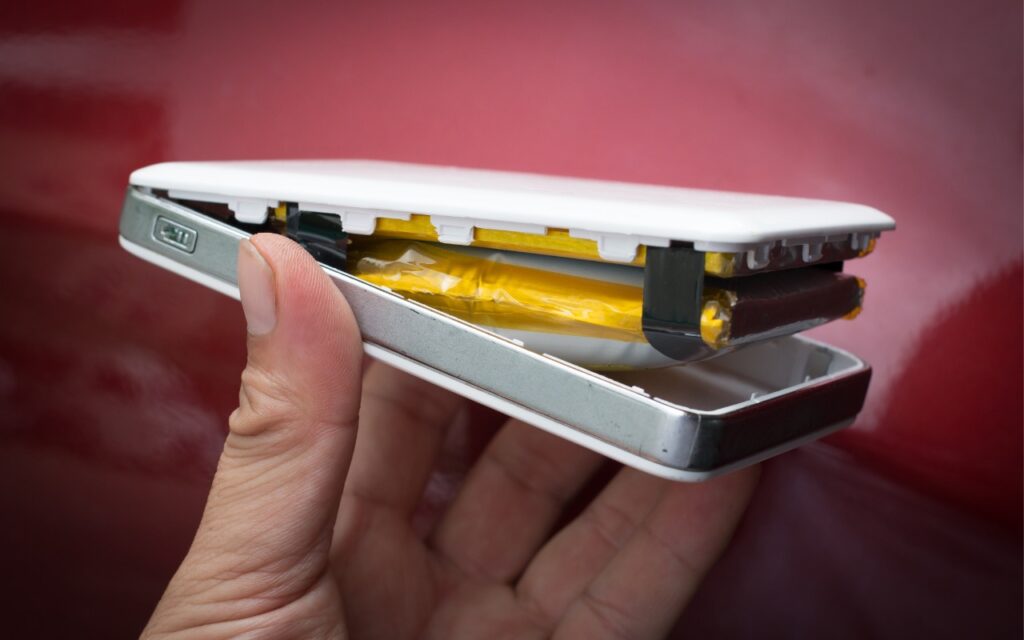
A hand holds a smartphone with its back cover partially detached, revealing a swollen, yellow battery inside. The device appears damaged, echoing recent headlines like "Anker Recalls Millions of Power Banks: Check Yours Today." A red surface is in the background.

We recommend sticking with well-known brands when buying accessories, and a recent example illustrates why this is important. Anker, a highly regarded accessory manufacturer, has initiated voluntary recalls of power […]

Choosing the Best Mac for a College-Bound Student in 2025

A person in a beige blazer and blue jeans holds a closed, dark-colored Apple MacBook under their arm—perhaps considering Choosing the Best Mac for a College-Bound Student in 2025—while standing outdoors with blurred buildings in the background.

Is your child heading off to college soon? Now is a good time to consider getting them a new Mac, especially if their current computer is old or unreliable, is […]

Make Apple Devices Easier for Family to Access with Secondary Biometrics
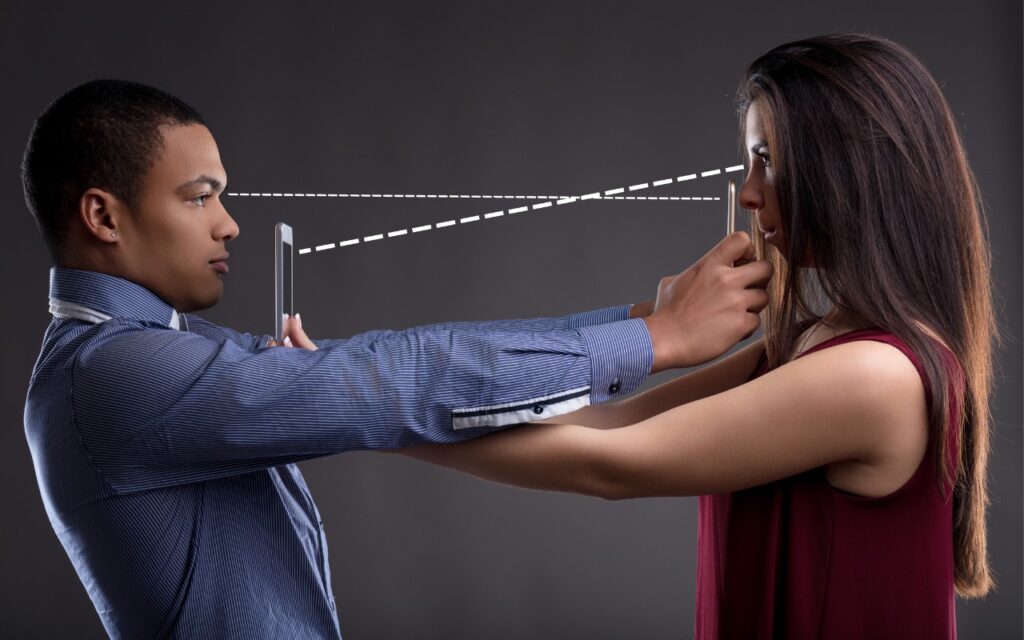
A man and woman stand facing each other, holding a phone between them at arm’s length. Dashed lines connect their eyes to the device and each other's faces, evoking both digital and personal interaction—hinting at how secondary biometrics can make Apple devices easier for family to access.

It’s only safe to share your iPhone, iPad, and Mac passcodes and passwords with people you trust completely, which typically includes family members whom you would trust with your healthcare […]

At WWDC 2025, Apple Unveils Liquid Glass and Previews New OS Features

At WWDC 2025, a presenter stands on stage in front of a large screen as Apple unveils Liquid Glass and previews new iPadOS features like window controls, folders, background tasks, live translation, and updated apps at a tech event.

Apple’s Worldwide Developer Conference keynote was a lightning-fast 92-minute tour of Apple’s vision for how we’ll use its products in the next year. Apple wove two themes through the presentation: […]

Switch Between Apps Fluidly on Face ID iPhones
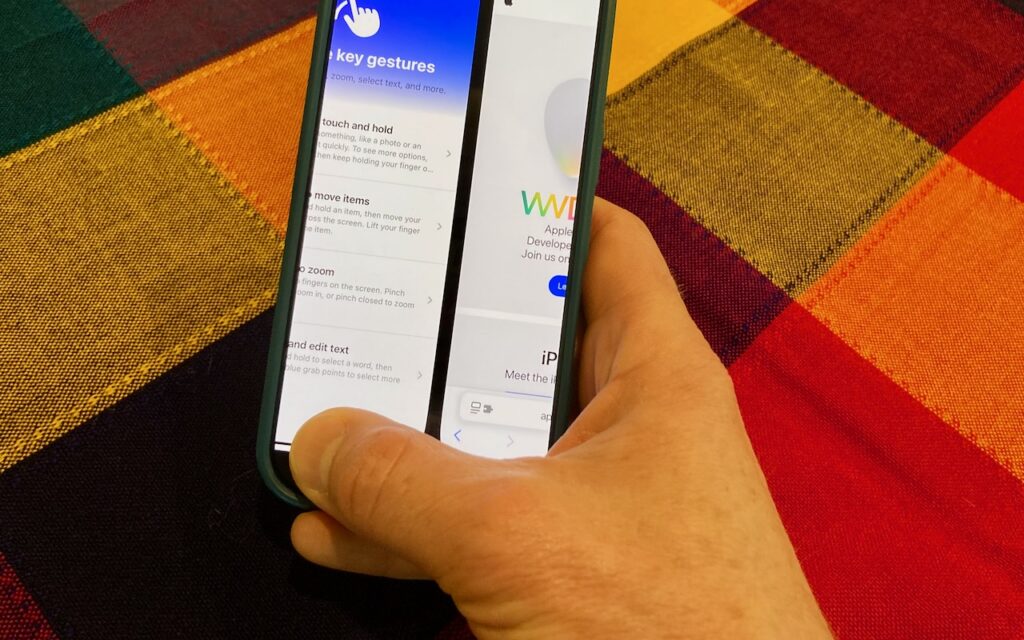
A hand holds a smartphone displaying two apps side by side on a colorful plaid tablecloth, highlighting split-screen multitasking and how you can switch between apps fluidly on Face ID iPhones.

The ongoing threat of tariffs raising the price of iPhones has recently prompted some people to upgrade from an old Touch ID iPhone to a new iPhone 16. Although most […]

Did You Know You Can Rename Many Bluetooth Devices?

Black wireless headphones, a small round portable speaker, a Bluetooth earpiece, and a Bluetooth symbol are arranged on a light blue background. Did you know you can rename many Bluetooth devices for easier identification?.

All Bluetooth devices come with a name, but those names are often difficult to decipher, such as ATUMTEK, DX01Gu, and MY-CAR, making it hard to remember which is which in […]

← Previous
Next →

Reliable Mac Support. Local Expertise.

Proudly serving Northern and Central New Jersey, with on-site support within about 20 miles of Springfield.

No walk-ins — on-site service by appointment across our service area.

Contact

973-671-1122
info@macworks360.com

Mon–Fri 7:30 AM–6:00 PM
Weekends by appointment

Explore

Services
Case Studies
Areas We Serve
Blog
Contact
Terms of Service


Independent consultant; not affiliated with Apple Inc. © 2026 MacWorks 360. All Rights Reserved.