
Skip to content
MacWorks 360
HomeAboutServicesCase StudiesAreas We ServeBlogTestimonialsFree Consultation: 973-671-1122

Category: Apple

Apple Computers

Passwords Becomes a Real App in macOS 15 Sequoia, iOS 18, and iPadOS 18

A notebook with My password written on it lists weak passwords—123456, qwerty, and UfRe8!te3=—next to a keyboard and a green highlighter, hinting at the new Passwords app in macOS 15 Sequoia, iOS 18, and iPadOS 18.

Although we’re still fans of 1Password, and there are plenty of other good password managers out there, like BitWarden and Dashlane, Apple has finally removed the last hurdle to using […]

Restrict Access to Sensitive Apps in iOS 18 and iPadOS 18

A smartphone displays digital graphics and a glowing shield icon with a padlock, symbolizing data protection and cybersecurity—perfect for illustrating how to Restrict Access to Sensitive Apps in iOS 18 and iPadOS 18, set against a starry night sky.

Do you worry about family members with whom you’re otherwise happy to share your iPhone passcode reading your private diary in a journaling app? Or perhaps you want to keep […]

Apple ID Renamed to Apple Account in Latest Operating System Releases
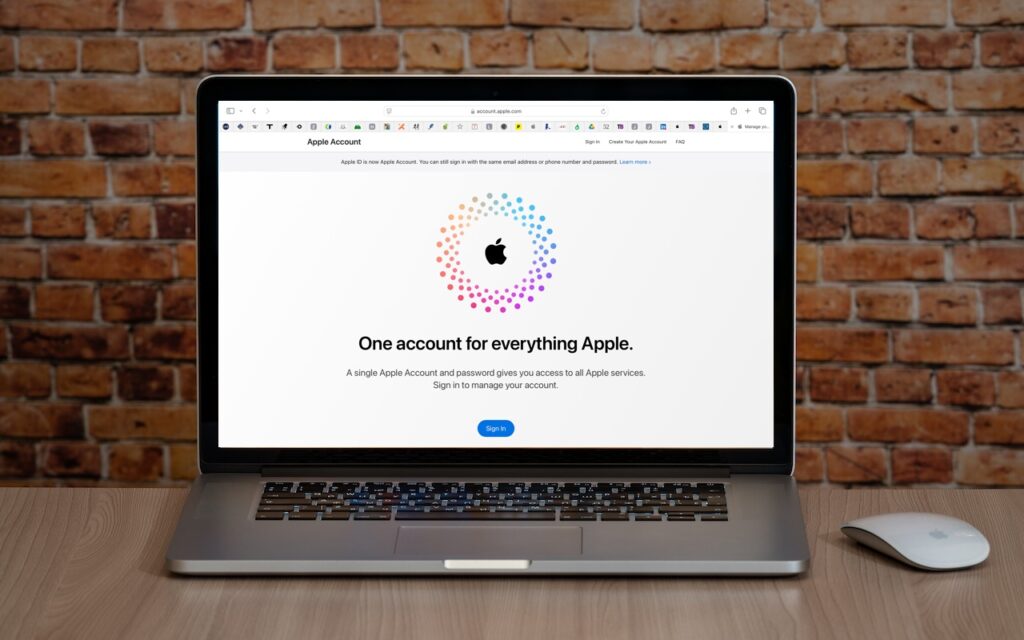
A laptop on a wooden desk displays the Apple Account login page with the message “One account for everything Apple,” highlighting that Apple ID is renamed to Apple Account in the latest operating system releases. A wireless mouse sits nearby against a brick wall backdrop.

In macOS 15 Sequoia, iOS 18, iPadOS 18, and watchOS 11, Apple has officially renamed Apple ID to Apple Account. The new name is a slightly more sensible term because […]

Reveal Mac Window Proxy Icons Permanently with This Setting

A computer screen displays a markdown file titled Glowtime Transcript.md with text about Apple Watch, AirPods, and services. A red arrow points to the document’s name in the title bar, illustrating how to Reveal Mac Window Proxy Icons Permanently with This Setting.

We’re big fans of the Mac’s window proxy icons, those little icons that appear in window title bars next to the filename. They’re not just cosmetic—you can use them just […]

When Should You Should Upgrade to macOS 15 Sequoia, iOS 18, iPadOS 18, watchOS 11, tvOS 18, and visionOS 2?
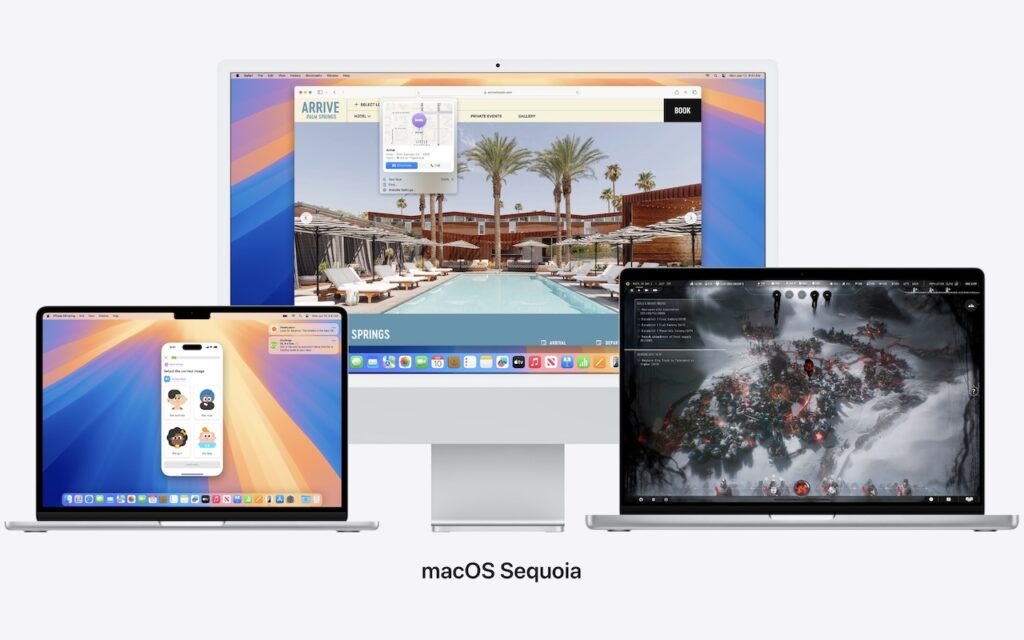
Three Apple devices display different screens: an iMac in the center shows a travel booking site, a MacBook on the left displays a messaging app, and a MacBook on the right shows a video game. Text below reads macOS Sequoia—when should you upgrade to macOS 15 Sequoia?.

The calendar has flipped over to September, so Apple will soon release major upgrades for all its operating systems. iOS 18 and watchOS 11 will undoubtedly ship alongside new iPhone […]

What You Need to Know Before Switching to a New iPhone

A person’s hands are unboxing a new smartphone, peeling protective film off the device—what you need to know before switching to a new iPhone is displayed by the open white Apple box and accessories on a light wood surface in bright natural light.

Are you planning to upgrade to a new iPhone 16? It’s exciting, we know, but it’s best to proceed deliberately when setting up your new iPhone to avoid causing yourself […]

Apple Announces iPhone 16 Lineup, Apple Watch Series 10, and AirPods 4
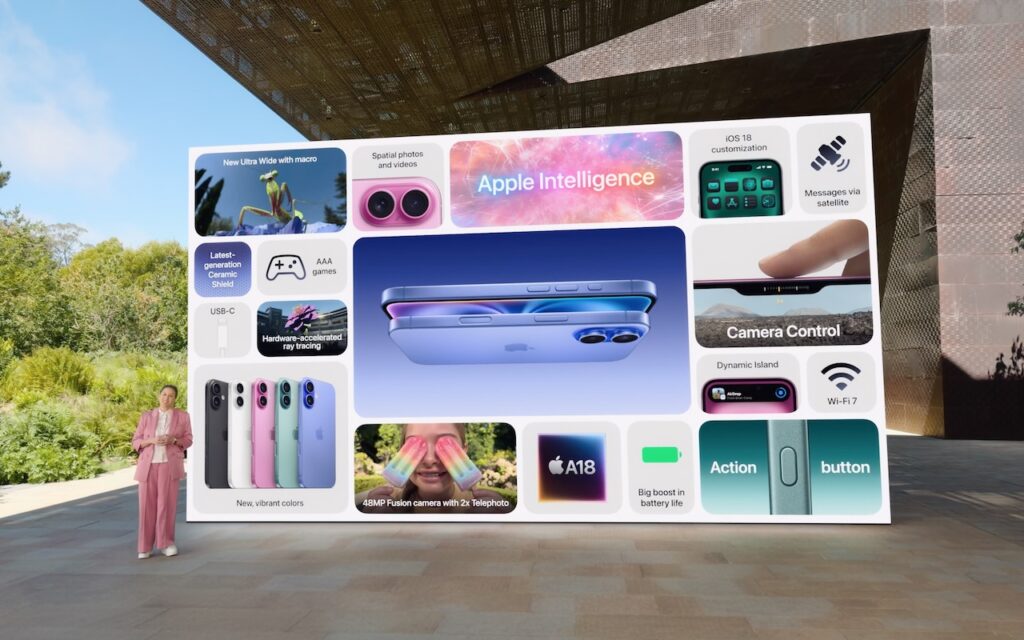
A large display shows Apple iPhone features like Apple Intelligence, new camera, A18 chip, Wi-Fi 7, and AirPods 4. A person in pink stands beside the screen. The setting appears to be an outdoor modern venue.

It’s September, which brings the annual Apple crops: new iPhones, Apple Watches, and AirPods. At its recent Glowtime event, Apple unveiled the new iPhone 16 lineup, Apple Watch Series 10, […]

Five Quick Tips to Ease iPhone and iPad Text Editing and Amaze Your Friends
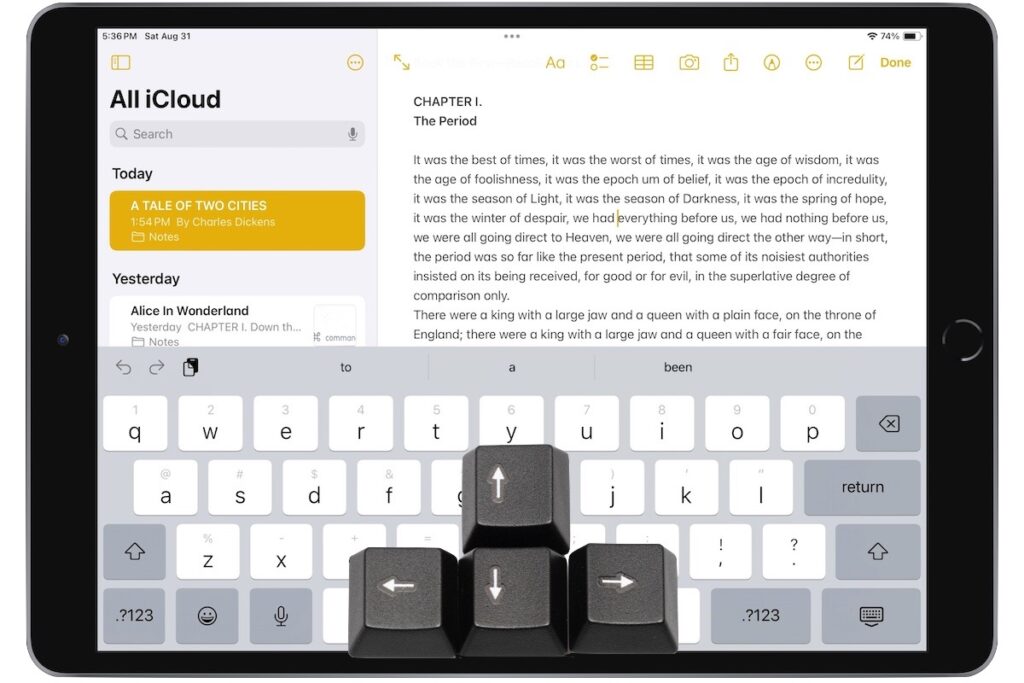
An iPad displays a text editor with A Tale of Two Cities open, showing both a document list and text. The on-screen keyboard is visible, with physical arrow keys atop virtual keys—just one of Five Quick Tips to Ease iPhone and iPad Text Editing and Amaze Your Friends.

A friend recently expressed astonishment when she saw us using trackpad mode while editing text on an iPhone. (It works on the iPad, too!) So, even if you already know […]

Make the Most of the Mac’s Videoconferencing Capabilities

A computer screen shows a Zoom video call with a smiling woman, the time 11:22 AM, and the date August 1, 2024. A red banner at the bottom reads, BREAKING! Make the Most of the Mac’s Videoconferencing Capabilities.

A side effect of the pandemic is that online videoconferencing improved drastically. Video calls happened before 2020, but videoconferencing wasn’t an everyday activity for most people. Now, with many people […]

Use High-Quality Cables for Optimal Performance and Safety

A damaged charging cable plugged into a device on a wooden surface, with the warning text “Use High-Quality Cables for Optimal Performance and Safety” in bold, bright orange letters.

Apple’s prices for Thunderbolt, USB-C, and Lightning cables often seem unnecessarily high. $69 for a Thunderbolt 4 cable or $19 for a simple USB-C to Lightning cable? Unfortunately, when it […]

← Previous
Next →

Reliable Mac Support. Local Expertise.

Proudly serving Northern and Central New Jersey, with on-site support within about 20 miles of Springfield.

No walk-ins — on-site service by appointment across our service area.

Contact

973-671-1122
info@macworks360.com

Mon–Fri 7:30 AM–6:00 PM
Weekends by appointment

Explore

Services
Case Studies
Areas We Serve
Blog
Contact
Terms of Service


Independent consultant; not affiliated with Apple Inc. © 2026 MacWorks 360. All Rights Reserved.