
Missed an Alert? Check Notification Center

iOS, iPadOS, and macOS all let you specify whether any given app should show no notifications, temporary banners, or persistent alerts: look in Settings > Notifications and System Settings > […]
Be Careful When Scanning Unknown QR Codes

QR codes, those square, blocky codes you scan with your iPhone’s camera to load a Web page, have become ubiquitous. So much so that we seldom pause before scanning any […]
Choosing the Best Mac for a College-Bound Student in 2024

Is your child heading off to college soon? They’ve undoubtedly been using a computer throughout high school, though now is a good time to look at getting them a new […]
Remember the Magnifier App When You Need to Read Tiny Text

Trying to make out a tiny serial number or some fine print you can barely read can be frustrating. Years ago, Apple added a magnifier mode to its accessibility options […]
How to Copy an App Icon on the Mac

Let’s say you’re writing documentation to help colleagues use Preview to edit images, sign PDFs, and convert graphics. (A worthy task for which they will thank you!) For this documentation, […]
Insert Emoji More Easily with Text Replacements
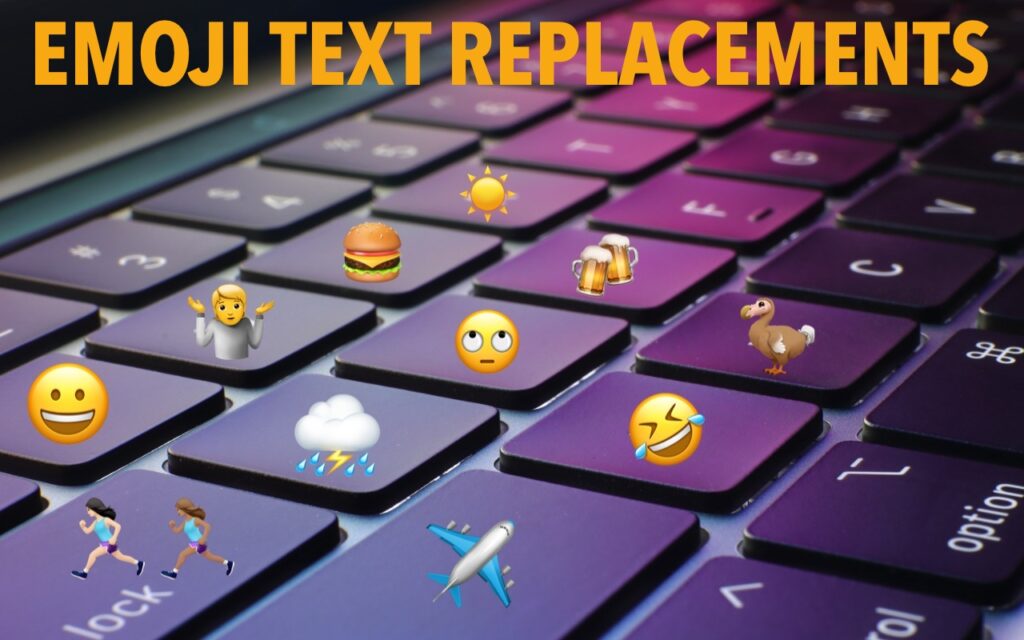
For many of us, emoji are fun, but we don’t want to choose Edit > Emoji & Symbols whenever we want to insert one. A faster, better technique is to […]
Apple Explains Its Approach to Device Longevity

We Apple users tend to believe that our devices usually last longer—both physically and functionally—than Windows PCs and Android smartphones. For instance, Apple’s current operating systems work on nearly all […]
Sorry, Apple Isn’t Going to Update the 27-inch iMac with Apple Silicon
Are you a 27-inch iMac owner wondering when Apple will release a new model with speedy Apple silicon? We hate to be the bearer of bad news, but the answer […]
Working Late on Your Mac? Turn on Night Shift to Help Your Sleep

Research suggests that exposure to blue light fools your body into thinking it’s daytime, making it harder to fall asleep if you work late on a Mac with a bright […]
At WWDC, Apple Unveils Apple Intelligence and Previews New OS Features

Apple’s Worldwide Developer Conference keynote was a lightning-fast (even in the full 1:44-long video—or try the 3-minute recap) look at what Apple is bringing to the software side of the […]