
Use Guided Access for Securely Allowing Others to Use an App on Your iPhone or iPad

iPhones and iPads are highly personal devices, but you might want to let someone else use a particular app on yours without letting them poke through Messages, Mail, and Photos. […]
Five Quick Tips to Ease iPhone and iPad Text Editing and Amaze Your Friends
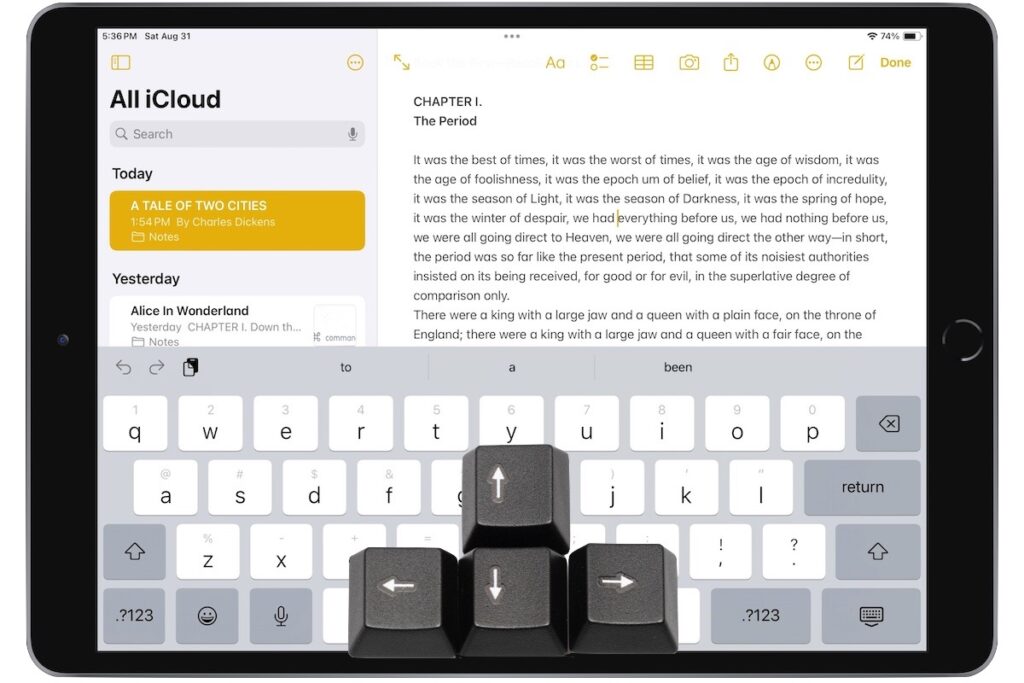
A friend recently expressed astonishment when she saw us using trackpad mode while editing text on an iPhone. (It works on the iPad, too!) So, even if you already know […]
Use High-Quality Cables for Optimal Performance and Safety

Apple’s prices for Thunderbolt, USB-C, and Lightning cables often seem unnecessarily high. $69 for a Thunderbolt 4 cable or $19 for a simple USB-C to Lightning cable? Unfortunately, when it […]
Missed an Alert? Check Notification Center

iOS, iPadOS, and macOS all let you specify whether any given app should show no notifications, temporary banners, or persistent alerts: look in Settings > Notifications and System Settings > […]
Remember the Magnifier App When You Need to Read Tiny Text

Trying to make out a tiny serial number or some fine print you can barely read can be frustrating. Years ago, Apple added a magnifier mode to its accessibility options […]
Apple Explains Its Approach to Device Longevity

We Apple users tend to believe that our devices usually last longer—both physically and functionally—than Windows PCs and Android smartphones. For instance, Apple’s current operating systems work on nearly all […]
Quickly Catalog Books or Other Named Items on Shelves

If you have trouble finding particular items across multiple shelves of books, labeled boxes, or anything else that’s clearly identified with a text name, take carefully composed photos that capture […]
Apple’s iCloud Keychain Password Management Is All Many People Need

Apple’s iCloud Keychain Password Management Is All Many People Need We constantly recommend using a password manager like 1Password, BitWarden, or Dashlane. But many people resist committing to yet another […]
Display an Album of Photos on Your iPhone or iPad Lock Screen

A popular feature of iOS 16 was the Photo Shuffle option for customizing the iPhone Lock Screen. It used machine learning to select photos in four categories—People, Pets, Nature, and […]
Select Non-Contiguous Text in Pages, Keynote, and Numbers 14

The latest versions of the Mac and iPad apps in Apple’s iWork suite—Pages 14, Keynote 14, and Numbers 14—have gained a helpful feature: non-contiguous text selection. By holding down the […]