
Choosing the Right Mac for Your Needs (vs. PC Options)
Choosing the Right Mac for Your Needs (vs. PC Options): A Strategic Guide
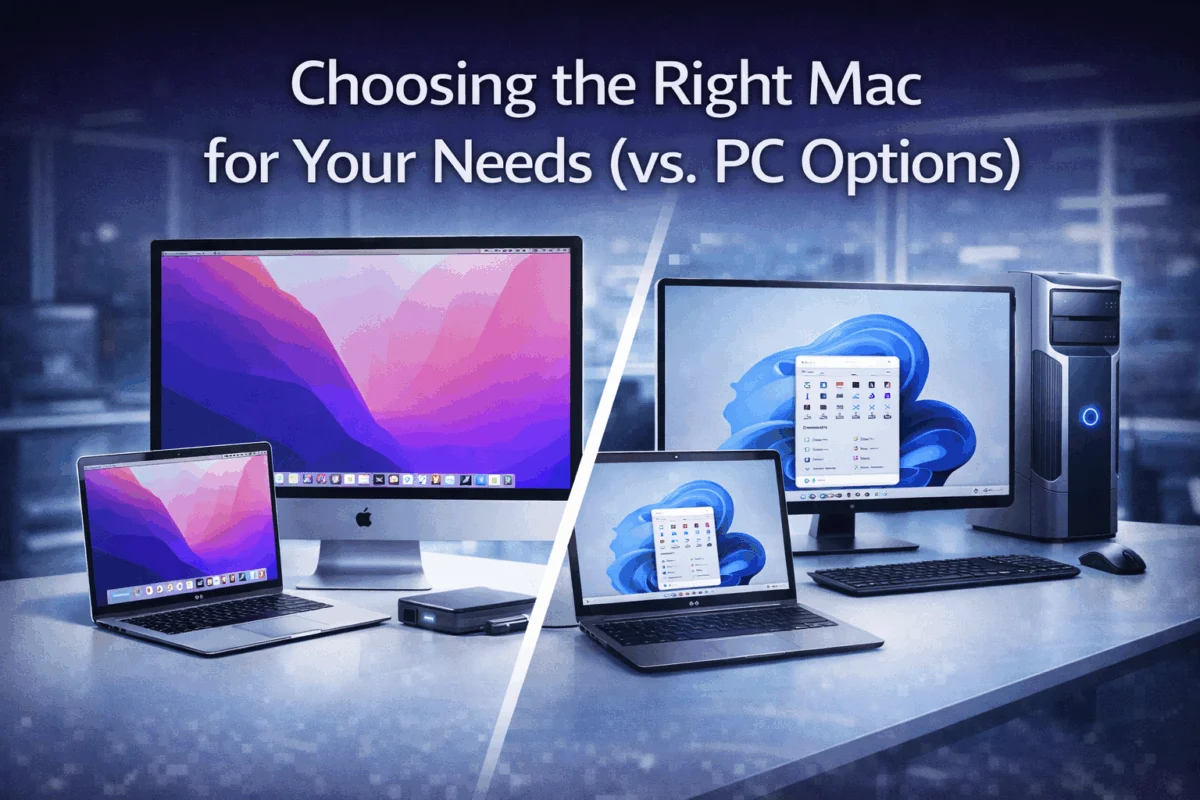
In today’s rapidly evolving technology landscape, the decision between Mac and PC platforms has become more nuanced than ever before. Choosing the Right Mac for Your Needs (vs. PC Options) isn’t just about personal preference—it’s a strategic business decision that impacts productivity, security, and long-term operational costs. With Apple’s continued innovation in silicon technology and Microsoft’s aggressive push into cloud services, understanding the true value proposition of each platform requires careful analysis beyond surface-level specifications.
Key Takeaways
• Mac ecosystem integration provides unparalleled workflow efficiency for creative professionals and businesses already invested in Apple devices
• Total cost of ownership often favors Mac despite higher upfront costs due to longer device lifecycles and reduced IT maintenance
• Security architecture differs significantly between platforms, with Mac offering built-in advantages for small businesses without dedicated IT teams
• Performance considerations vary by use case, with Apple Silicon delivering exceptional efficiency for creative workflows while PC maintains advantages in gaming and specialized enterprise software
• Strategic planning should consider your existing technology infrastructure, team expertise, and five-year growth projections
Understanding the Modern Mac vs. PC Landscape
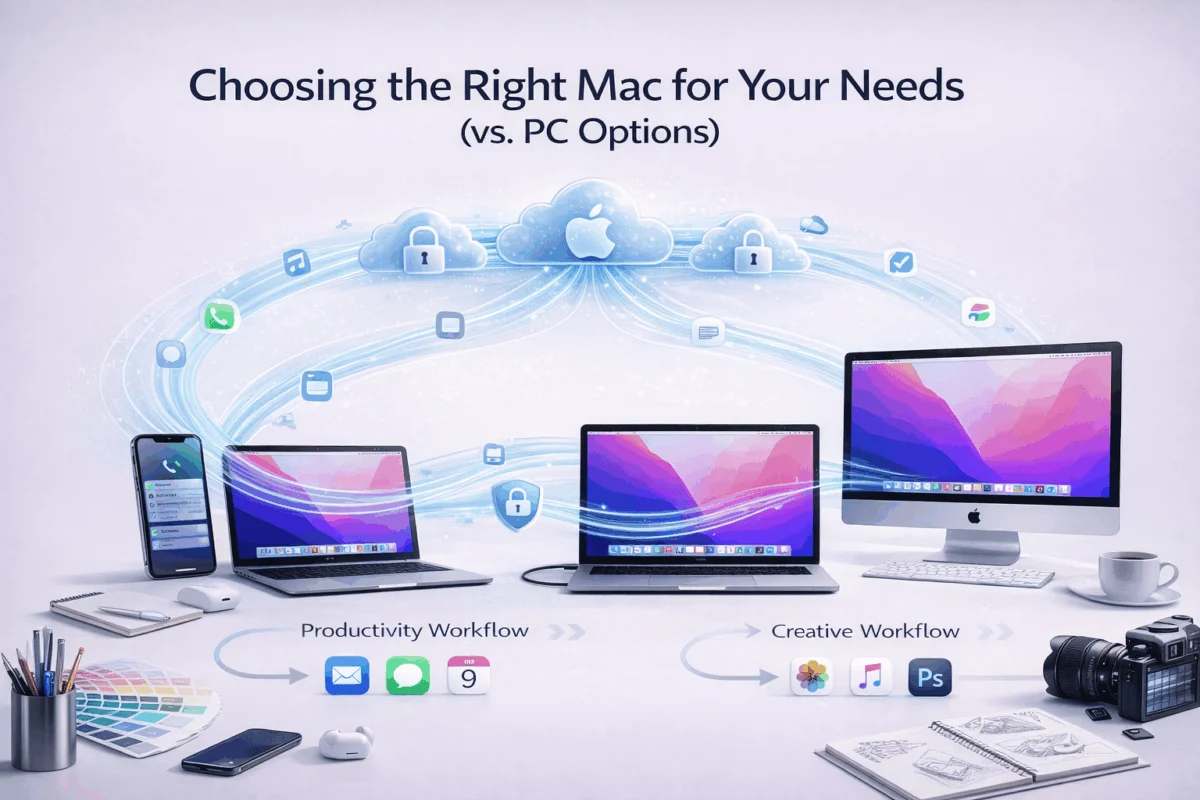
The technology ecosystem has fundamentally shifted since Apple introduced its custom silicon chips. Choosing the Right Mac for Your Needs (vs. PC Options) now involves evaluating not just hardware specifications, but also the broader ecosystem benefits that extend far beyond individual devices.
The Apple Silicon Revolution
Apple’s transition to custom M-series processors has redefined performance expectations for Mac users. The M4 chip family, introduced in late 2024, delivers remarkable performance-per-watt ratios that translate into longer battery life and cooler operation—critical factors for mobile professionals and creative teams working on demanding projects.
Performance Benefits Include:
- Unified memory architecture that eliminates traditional RAM bottlenecks
- Neural engine integration for AI-accelerated workflows
- Native compatibility with iOS and iPadOS applications
- Energy efficiency resulting in all-day battery life for most use cases
PC Platform Advantages
While Mac has gained significant ground, PC platforms maintain distinct advantages in specific scenarios:
Enterprise Integration: Many businesses rely on Windows-specific software and Active Directory infrastructure, which require careful consideration when evaluating Mac adoption.
Hardware Flexibility: The PC ecosystem offers unprecedented choice in form factors, specifications, and price points, allowing for highly customized solutions.
Gaming Performance: High-end PC configurations still lead in gaming performance and compatibility with the broadest range of titles.
Mac Ecosystem: Beyond Individual Devices
One of the most compelling reasons for choosing the Right Mac for Your Needs (vs. PC Options) lies in the seamless integration across Apple’s entire product lineup. This ecosystem approach delivers tangible productivity benefits that compound over time.
Workflow Integration Benefits
Handoff and Continuity: Start a document on your iPhone during commute, continue editing on your MacBook at the Office, and present from your iPad in the conference room—all without manual file transfers or compatibility concerns.
Universal Clipboard: Copy content on one Apple device and paste it on another, streamlining content creation workflows across platforms.
AirDrop File Sharing: Instant, secure file transfers between Apple devices eliminate the need for email attachments or cloud uploads for quick sharing needs.
Security Through Integration
Apple’s approach to security extends beyond individual device protection to encompass the entire ecosystem. Enhanced security features work seamlessly across all Apple devices, providing comprehensive protection without user intervention.
Key Security Advantages:
- System Integrity Protection prevents unauthorized system modifications
- Secure Boot process ensures only trusted software loads during startup
- Hardware-level encryption protects data even if devices are physically compromised
- Automatic security updates maintain protection without disrupting workflows
Strategic Considerations for Business Decision-Makers
Total Cost of Ownership Analysis
While Mac devices typically require a higher initial investment, the total cost of ownership calculation often reveals surprising value propositions for businesses.
| Cost Factor | Mac Advantage | PC Advantage |
|---|---|---|
| Device Lifespan | 5-7 years typical | 3-5 years typical |
| Malware Protection | Built-in, minimal cost | Requires third-party solutions |
| IT Support Needs | Lower due to stability | Higher due to configuration variety |
| Resale Value | 40-60% after 3 years | 20-30% after 3 years |
| Software Licensing | Often included or simplified | Complex enterprise licensing |
Productivity Considerations
Creative Workflows: Mac platforms excel in creative industries due to optimized software performance and color-accurate displays. Applications like Final Cut Pro, Logic Pro, and the Adobe Creative Suite often perform better on Mac hardware due to closer hardware-software integration.
Business Applications: Modern business software increasingly operates through web browsers, reducing platform dependency. However, specialized industry software may still require Windows compatibility.
Team Onboarding and Management
For small businesses and creative agencies, choosing the Right Mac for Your Needs (vs. PC Options) significantly impacts team onboarding efficiency. Mac devices offer several advantages for organizations without dedicated IT departments:
Simplified Device Management: Apple’s Device Enrollment Program and Mobile Device Management (MDM) solutions provide enterprise-level control without the complexity of an enterprise.
Consistent User Experience: Reduced training time when team members transition between different Mac models due to a consistent macOS interface.
Remote Support Capabilities: Built-in screen-sharing and remote-access tools simplify technical support for distributed teams.
Specific Use Case Recommendations
Creative Professionals and Agencies
For photographers, videographers, and design agencies, Mac platforms provide compelling advantages that often justify the premium pricing:
Color Accuracy: Mac displays, particularly the Pro Display XDR and Studio Display, offer exceptional color reproduction crucial for professional creative work.
Software Optimization: Creative applications often receive Mac-specific optimizations that improve performance and stability.
File Format Support: Native support for professional formats like ProRes and HEIF reduces transcoding time and maintains quality throughout the creative pipeline.
Apple’s latest operating system features continue to enhance creative workflows with improved media handling and collaboration tools.
Small Business Operations
Small businesses benefit from Mac’s simplified IT management and reduced security overhead:
Reduced IT Complexity: Mac devices require less hands-on IT management, allowing business owners to focus on core operations rather than technology troubleshooting.
Built-in Business Tools: Applications like Numbers, Pages, and Keynote provide capable alternatives to Microsoft Office for many business needs, reducing software licensing costs.
Integration with Business Services: Seamless integration with popular business platforms like Google Workspace, Microsoft 365, and various CRM systems ensures compatibility without sacrificing ecosystem benefits.
Enterprise Considerations
Large organizations evaluating Mac adoption should consider several factors:
Directory Services Integration: Modern Mac devices integrate well with Microsoft Active Directory and other enterprise directory services, though implementation requires careful planning.
Compliance Requirements: Mac platforms meet most industry compliance standards, but specific regulatory requirements may necessitate additional configuration or third-party solutions.
Support Infrastructure: Organizations must evaluate their ability to support Mac devices alongside existing PC infrastructure, including help desk training and spare parts inventory.
Performance Deep Dive: Real-World Scenarios

Creative Workload Performance
Apple Silicon Macs excel in creative applications due to optimized hardware-software integration:
Video Editing: M4 Pro and M4 Max chips handle 4K and 8K video editing with remarkable efficiency, often outperforming much more expensive PC workstations in timeline scrubbing and export times.
3D Rendering: While high-end PC configurations may still lead in raw rendering performance, Mac devices offer excellent performance-per-watt ratios and quieter operation during extended rendering sessions.
Photo Processing: The unified memory architecture eliminates traditional bottlenecks when working with large RAW files or complex Photoshop compositions.
Business Application Performance
Modern business applications perform excellently on both platforms, but subtle differences can impact user experience:
Web-Based Applications: Both platforms handle modern web applications equally well, with browser choice often having more impact than the underlying operating system.
Microsoft Office: While Office runs natively on both platforms, the Mac version occasionally lags behind Windows in feature implementation, though the gap continues to narrow.
Specialized Software: Industry-specific applications may still favor one platform over another, requiring careful evaluation during the decision process.
Security and Privacy Considerations
Built-in Security Advantages
Mac platforms provide several security advantages that reduce ongoing management overhead:
Gatekeeper Technology: Automatically verifies downloaded applications for known malware before execution, protecting without user intervention.
System Integrity Protection: Prevents even administrative users from modifying critical system files, reducing the risk of malware persistence.
Hardware Security Module: T2 and M-series chips include dedicated security processors that handle encryption and secure boot processes independently of the central processor.
Implementing strong security practices remains essential regardless of platform choice, but Mac’s built-in protections provide a stronger foundation.
Privacy Framework
Apple’s approach to privacy extends beyond marketing claims to include technical implementations that protect user data:
On-Device Processing: Many AI and machine learning features process data locally rather than uploading to cloud services, maintaining privacy while providing functionality.
App Tracking Transparency: Built-in controls let users limit app data collection and sharing, providing transparency often missing on other platforms.
Differential Privacy: Apple’s implementation of differential privacy in system telemetry provides usage insights while protecting individual user privacy.
Making the Strategic Decision
Assessment Framework
When choosing the Right Mac for Your Needs (vs. PC Options), consider these strategic factors:
Current Infrastructure Evaluation:
- Existing device inventory and replacement timeline
- Software licensing and compatibility requirements
- IT support capabilities and training needs
- Security and compliance requirements
Future Growth Planning:
- Anticipated team size changes over 3-5 years
- Evolving software requirements and industry trends
- Budget allocation for technology refresh cycles
- Integration with emerging technologies and workflows
Implementation Considerations
Gradual Transition Strategy: Many organizations benefit from gradual Mac adoption, starting with specific departments or use cases before broader deployment.
Hybrid Environment Management: Modern businesses often operate mixed Mac and PC environments successfully, requiring thoughtful planning for file sharing, collaboration, and support processes.
Training and Support Planning: Budget for team training and potential consulting support during transition periods to ensure smooth adoption and optimal productivity.
Professional Mac consulting services can provide valuable guidance during evaluation and implementation phases, ensuring decisions align with long-term business objectives.
Conclusion
Choosing the Right Mac for Your Needs (vs. PC Options) requires careful evaluation of your specific use cases, existing infrastructure, and long-term strategic goals. While Mac platforms offer compelling advantages in ecosystem integration, security, and creative workflows, PC platforms maintain strengths in enterprise integration, hardware flexibility, and specialized applications.
The decision ultimately depends on your organization’s priorities: Mac excels for creative teams, small businesses seeking simplified IT management, and organizations already invested in the Apple ecosystem. PC platforms remain optimal for enterprises with complex Windows-based infrastructure, gaming-focused users, and scenarios requiring maximum hardware customization.
Next Steps:
- Audit your current technology infrastructure and identify integration requirements.
- Evaluate the total cost of ownership over a 5-year planning horizon, including support and training costs.
- Pilot test Mac devices with key team members to assess real-world compatibility and productivity impact
- Consult with Apple-certified professionals to develop implementation strategies that minimize disruption while maximizing benefits.
- Plan for ongoing support and training to ensure your team maximizes the value of your platform investment
The technology landscape continues to evolve rapidly, but understanding the fundamental differences between Mac and PC platforms provides the foundation for making informed decisions that support your organization’s success in 2025 and beyond.
References
[1] Apple Inc. Performance benchmarks and technical specifications, 2024-2025 product releases
[2] Gartner Research. Total Cost of Ownership Analysis: Mac vs PC in Enterprise Environments, 2024
[3] IDC Market Research. Device Lifecycle and Replacement Patterns in Small Business Environments, 2024

Want this Mac Security implemented for you?
MacWorks 360 hardens, monitors, and backs up Mac fleets across New Jersey. We build policies, deploy tools, and prove restores—so your team stays safe and focused.
Contact us · Managed IT for Mac · Apple IT Support.
Based in Springfield, NJ—serving Summit, Millburn, Short Hills, Chatham, Montclair, and beyond.