
Planning an Apple-Centered Office: Macs, iPads, and iPhones Working Together
Picture this: Your creative team seamlessly transitions from brainstorming on iPads to detailed design work on Macs, while staying connected through iPhones—all without missing a beat. Planning an Apple-Centered Office: Macs, iPads, and iPhones Working Together isn’t just about buying Apple devices; it’s about creating a unified ecosystem that amplifies productivity, streamlines workflows, and delivers the peace of mind that comes with reliable technology infrastructure.
For small business owners, creative agencies, and operations managers, the decision to build an Apple-centered workplace represents more than a technology choice—it’s a strategic investment in seamless collaboration and reduced IT complexity. When properly planned and implemented, this integrated approach eliminates the friction points that plague mixed-device environments while providing the security and management capabilities modern businesses demand.
Key Takeaways
• Ecosystem Integration: Apple devices work together through features like Handoff, AirDrop, and Universal Clipboard, creating seamless workflows that boost productivity across your team
• Simplified Management: Modern device management (MDM) solutions enable centralized control of Macs, iPads, and iPhones without requiring dedicated IT staff
• Enhanced Security: Apple’s built-in security features, combined with proper configuration, provide enterprise-level protection for small and medium businesses
• Cost-Effective Scaling: Strategic device selection and phased deployment allow businesses to build robust Apple infrastructure within realistic budgets
• Future-Proof Investment: Apple’s commitment to long-term device support and consistent ecosystem evolution protects your technology investment
The Foundation: Understanding Apple’s Ecosystem Advantage
Why Apple Devices Excel in Business Environments
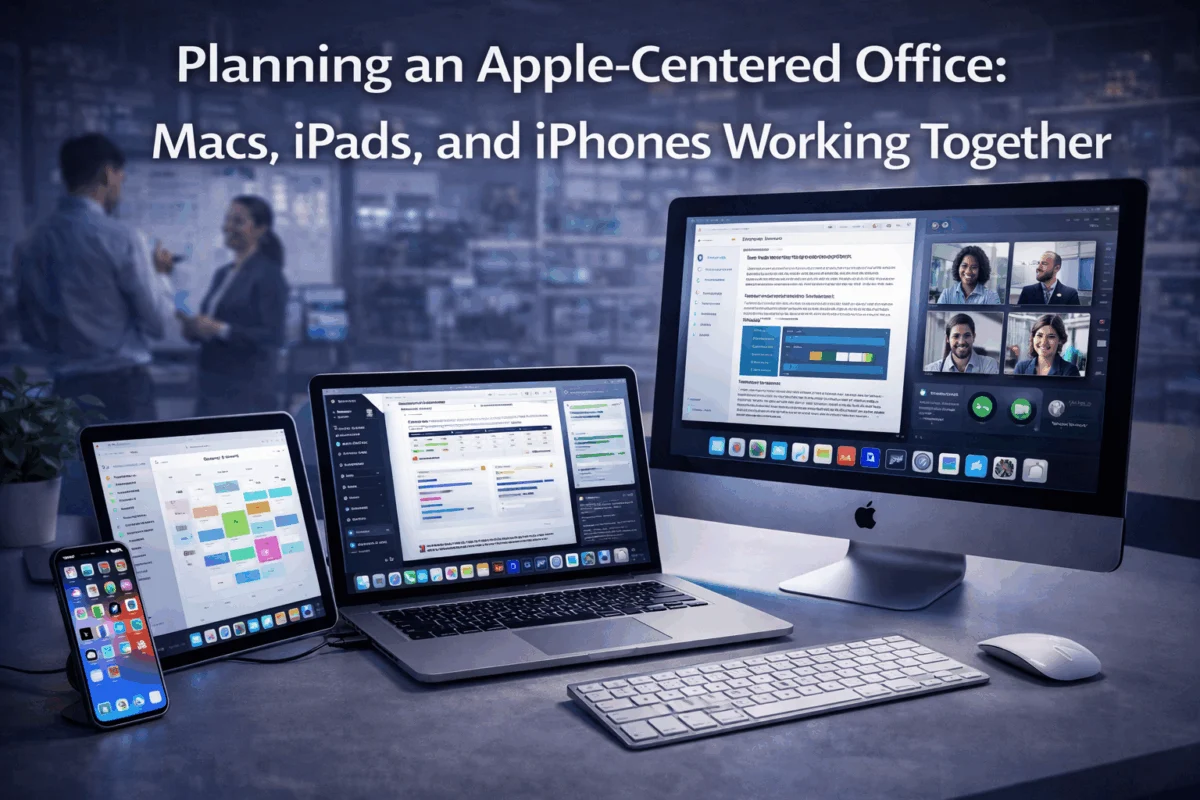
The magic of planning an Apple-centered office: Macs, iPads, and iPhones working together lies in Apple’s commitment to ecosystem integration. Unlike environments where different manufacturers create compatibility challenges, Apple designs its devices to function as interconnected components of a larger system.
Handoff allows users to start work on one device and seamlessly continue on another. A designer can begin sketching concepts on an iPad Pro during a client meeting, then immediately pick up where they left off on their Mac Studio back at the office. This isn’t just convenient—it’s transformative for creative workflows.
Universal Clipboard means copying text, images, or files on one device makes them instantly available on all connected Apple devices. For photographers managing client communications, this eliminates the tedious process of emailing files between devices and the frustration of cloud-sync delays.
AirDrop provides instant, secure file sharing between nearby Apple devices without requiring network setup or third-party applications. Creative teams can share large video files, design assets, or presentation materials in seconds rather than minutes.
Real-World Integration Scenarios
Consider a typical day at a boutique marketing agency. The creative director starts their morning reviewing campaign concepts on an iPhone during their commute, using Handoff to seamlessly transition to a detailed review on their iMac upon arriving at the office. When the client calls requesting immediate changes, the director can quickly access files and make real-time adjustments while maintaining call quality through the integrated ecosystem.
Meanwhile, the design team collaborates using iPads for initial sketching and concept development, then moves to Mac workstations for detailed production work. File versions remain synchronized across devices via iCloud, eliminating the version-control nightmares that plague mixed-device environments.
Strategic Device Selection for Your Apple-Centered Office
Choosing the Right Mac Configuration
MacBook Air vs. MacBook Pro: For most business applications, the M3 MacBook Air delivers exceptional performance and battery life at a compelling price. However, creative professionals working with 4K video, complex 3D rendering, or large-scale design projects benefit from the additional processing power and enhanced cooling systems found in MacBook Pro models.
iMac vs. Mac Studio: The 24-inch iMac offers an elegant all-in-one solution perfect for reception areas, administrative roles, and general business applications. Mac Studio, paired with Apple’s Studio Display or Pro Display XDR, provides the ultimate creative workstation for demanding professional workflows.
Mac Mini for Specialized Roles: Often overlooked, the Mac Mini excels as a dedicated server for file sharing, backup coordination, or running specialized software that supports the broader office infrastructure.
iPad Integration Strategy
iPad Pro for Creative Work: The iPad Pro with Apple Pencil Pro transforms how creative professionals approach initial concept development, client presentations, and collaborative brainstorming sessions. Its ability to seamlessly integrate with Mac workflows, through features like Sidecar (which uses an iPad as a second display), makes it invaluable for design-intensive businesses.
iPad Air for Business Applications: For sales teams, project managers, and executives who need portable productivity, iPad Air provides the perfect balance of capability and portability. Combined with the Magic Keyboard, it becomes a legitimate laptop alternative for travel and client meetings.
Standard iPad for Specialized Functions: Basic iPads excel in roles like digital signage, point-of-sale systems, inventory management, or dedicated application terminals where focused functionality matters more than raw processing power.
iPhone as the Mobile Hub
Modern iPhones serve as more than communication devices—they’re mobile command centers that keep teams connected to office systems and workflows. Features such as enhanced camera capabilities enable high-quality field content creation, while robust security safeguards protect sensitive business communications.
Device Management and Security Implementation
Modern Device Management (MDM) Solutions
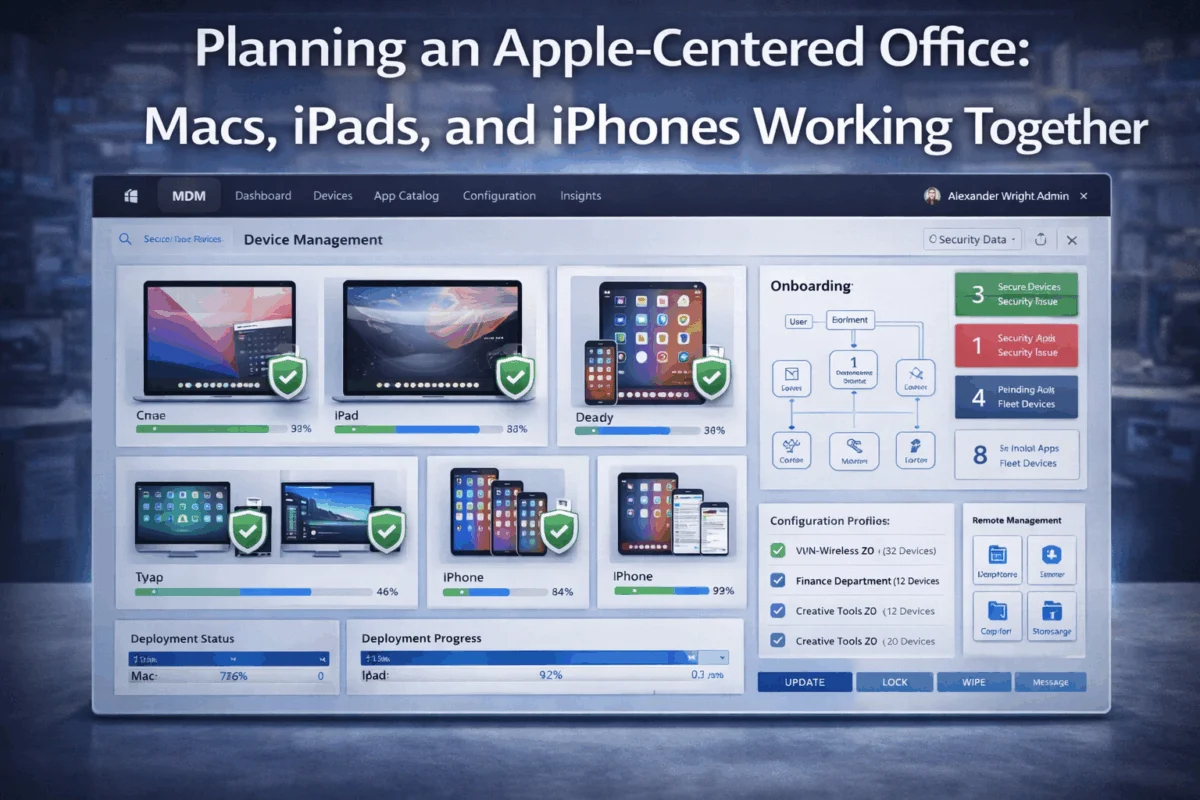
Successfully planning an Apple-centered office: Macs, iPads, and iPhones working together requires proper device management infrastructure. Modern MDM solutions designed for small and medium businesses provide enterprise-level control without enterprise-level complexity.
Zero-Touch Deployment allows new devices to automatically configure themselves when first powered on, downloading necessary applications, security settings, and user configurations without manual intervention. This capability transforms device onboarding from a time-consuming IT task into a streamlined business process.
Remote Management Capabilities enable administrators to troubleshoot issues, deploy software updates, and maintain security compliance across all devices regardless of location. For businesses with remote workers or multiple office locations, this centralized control proves invaluable.
Security Best Practices
Apple’s security foundation provides an excellent starting point, but proper configuration amplifies these protections. Enabling two-factor authentication across all Apple IDs creates the first line of defense against unauthorized access.
FileVault encryption on Macs ensures that sensitive business data remains protected even if devices are lost or stolen. Combined with automatic screen locks and biometric authentication, this creates multiple security layers without impacting user experience.
App Store restrictions prevent users from installing unauthorized software while still allowing access to approved business applications. This approach maintains security without creating the restrictive environment that frustrates creative professionals.
Backup and Data Protection
Apple’s ecosystem provides multiple backup strategies that work together to ensure business continuity. Time Machine creates comprehensive local backups of Mac systems, while iCloud backup protects iOS devices and enables rapid device replacement when needed.
For businesses handling sensitive client data, implementing a comprehensive backup strategy that combines local and cloud-based solutions provides both immediate recovery capabilities and long-term data protection.
Optimizing Workflows and Productivity
Creative Workflow Optimization
The true power of planning an Apple-centered office: Macs, iPads, and iPhones working together emerges in optimized creative workflows. Professional design applications like Adobe Creative Suite, Sketch, and Final Cut Pro are designed to leverage Apple’s hardware capabilities while integrating seamlessly with iOS companion apps.
Sidecar functionality transforms iPads into professional drawing tablets for Mac-based design work, eliminating the need for separate graphics tablets while providing the familiar iOS interface that many creatives prefer.
AirPlay and screen sharing capabilities enable seamless client presentations and team collaboration. Designers can wirelessly share their work with Apple TV-equipped conference rooms or collaborate in real time using built-in screen-sharing features.
Business Process Integration
Beyond creative applications, Apple’s ecosystem excels at streamlining standard business processes. Continuity features ensure that phone calls, messages, and notifications remain accessible across all devices, reducing the communication gaps that often plague busy offices.
Shared calendars and contacts through iCloud provide team-wide coordination without requiring complex server infrastructure. Combined with location-based reminders and intelligent scheduling features, this creates a comprehensive business coordination system.
Troubleshooting Common Integration Challenges
Even well-planned Apple environments occasionally encounter connectivity or synchronization issues. Common iPhone call failures can often be resolved with simple network configuration adjustments, while iCloud syncing problems typically respond to systematic troubleshooting.
Understanding these common issues and their solutions enables businesses to maintain smooth operations without requiring extensive technical support. Many connectivity problems stem from network configuration rather than device failures, making them readily addressable through proper setup procedures.
Implementation Strategy and Timeline
Phased Deployment Approach
Rather than attempting to transform an entire office overnight, successful planning of an Apple-centered office: Macs, iPads, and iPhones working together follows a strategic phased approach that minimizes disruption while building momentum for broader adoption.
Phase 1: Core Team Implementation begins with key decision-makers and creative leads who can evaluate the ecosystem benefits firsthand. This group serves as internal advocates, identifying workflow optimizations that benefit the broader organization.
Phase 2: Department-by-Department Rollout expands implementation to complete departments, allowing for refined processes and user training before moving to the next group. This approach prevents overwhelming support resources while ensuring each team receives adequate attention during transition.
Phase 3: Organization-Wide Completion finalizes the ecosystem implementation while maintaining legacy system support for critical applications that require additional migration time.
Training and Adoption Support
Successful ecosystem adoption requires more than device deployment—it demands comprehensive user education that helps team members understand and leverage integration features. Many users familiar with individual Apple devices remain unaware of the powerful collaboration capabilities available when devices work together.
Hands-on workshops focusing on specific workflow scenarios prove more effective than generic training sessions. Showing designers how to move seamlessly from iPad sketching to Mac production work, or demonstrating how sales teams can access presentation materials across all devices, creates immediate value recognition.
Ongoing support resources, including quick reference guides, video tutorials, and regular tips sharing, help teams discover advanced features over time. The ecosystem’s depth means users continue to find new productivity enhancements months after initial deployment.
Budget Planning and ROI Considerations
While Apple devices command premium pricing, the total cost of ownership often proves competitive when factoring in reduced IT support requirements, longer device lifecycles, and improved productivity metrics. Apple’s approach to device longevity means that properly selected devices provide years of reliable service with consistent software support.
Leasing options and business financing programs help spread costs across multiple years while ensuring access to current technology. Many businesses find that the productivity improvements and reduced support costs offset the higher initial investment within the first year of implementation.
Advanced Integration Techniques
Custom Automation and Shortcuts
Apple’s Shortcuts app enables businesses to create custom automations that leverage the ecosystem’s integration capabilities. Creative agencies can build workflows that automatically organize client files, resize images for different platforms, and distribute content across team members’ devices.
Location-based automations can trigger specific device configurations when team members arrive at the office, client sites, or remote work locations. This ensures that devices automatically adapt to different work environments without manual intervention.
Enterprise-Level Features for Small Businesses
Apple Business Manager provides small businesses with enterprise-level device management capabilities without requiring dedicated IT infrastructure. Volume purchasing programs offer significant discounts on apps and services while simplifying license management across the organization.
Custom app deployment through Apple Business Manager enables businesses to distribute proprietary applications or configure standard apps with company-specific settings. This capability proves particularly valuable for companies with specialized workflow requirements.
Integration with Third-Party Business Systems
Modern Apple devices integrate seamlessly with popular business platforms, including Microsoft 365, Google Workspace, Salesforce, and specialized industry applications. Single sign-on (SSO) capabilities reduce password fatigue while maintaining security across multiple business systems.
API integrations allow custom business applications to leverage Apple’s ecosystem features, creating tailored solutions that combine the reliability of Apple hardware with specialized business functionality.
Measuring Success and Continuous Improvement
Key Performance Indicators
Successful planning an Apple-centered office: Macs, iPads, and iPhones working together requires ongoing measurement and optimization. Productivity metrics, including project completion times, client satisfaction scores, and team collaboration efficiency, provide quantifiable evidence of ecosystem benefits.
Technical performance indicators such as device uptime, support ticket volume, and software deployment success rates help identify areas for continued improvement while demonstrating the infrastructure’s reliability.
Staying Current with Ecosystem Evolution
Apple’s commitment to continuous improvement means that ecosystem capabilities expand with each software update. Staying informed about new features and integration possibilities ensures that businesses continue to maximize their technology investment over time.
Regular ecosystem audits help identify underutilized features, outdated configurations, and opportunities for enhanced integration. Many businesses achieve significant productivity gains by better leveraging existing capabilities rather than purchasing additional hardware.
Conclusion
Planning an Apple-centered office: Macs, iPads, and iPhones working together represent a strategic investment in seamless collaboration, enhanced security, and simplified IT management. The ecosystem’s integration capabilities transform individual devices into components of a unified productivity platform that adapts to diverse business needs while maintaining the reliability and user experience for which Apple devices are known.
Success requires thoughtful device selection, proper implementation planning, and ongoing optimization—but the results speak for themselves. Businesses that embrace Apple’s ecosystem approach report improved team collaboration, reduced IT complexity, and enhanced creative capabilities, driving competitive advantage in their respective markets.
The key lies in understanding that this isn’t simply about buying Apple products—it’s about architecting a technology environment that enables your team to focus on what they do best while the technology seamlessly supports their efforts. With proper planning and implementation, your Apple-centered office becomes more than the sum of its individual devices, creating a collaborative workspace that evolves with your business needs.
Next Steps: Begin by assessing your current technology pain points and identifying the team members who would benefit most from seamless device integration. Consider starting with a pilot implementation that demonstrates ecosystem benefits before expanding to organization-wide deployment. Remember that successful ecosystem implementation combines the right technology choices with proper training and ongoing optimization—creating a foundation for long-term business success.
References
[1] Apple Inc. Business Integration Documentation, 2025
[2] Enterprise Mobility Management Industry Report, 2025
[3] Small Business Technology Adoption Study, 2025

Want this Mac Security implemented for you?
MacWorks 360 hardens, monitors, and backs up Mac fleets across New Jersey. We build policies, deploy tools, and prove restores—so your team stays safe and focused.
Contact us · Managed IT for Mac · Apple IT Support.
Based in Springfield, NJ—serving Summit, Millburn, Short Hills, Chatham, Montclair, and beyond.