
Want an Event List in Apple’s Calendar App? Try This Trick

Along with day, week, month, and year views, most calendar apps offer the option of a simple chronological list of events, which can be a handy way to see what’s […]
Tips for Working with Mac Display Resolutions
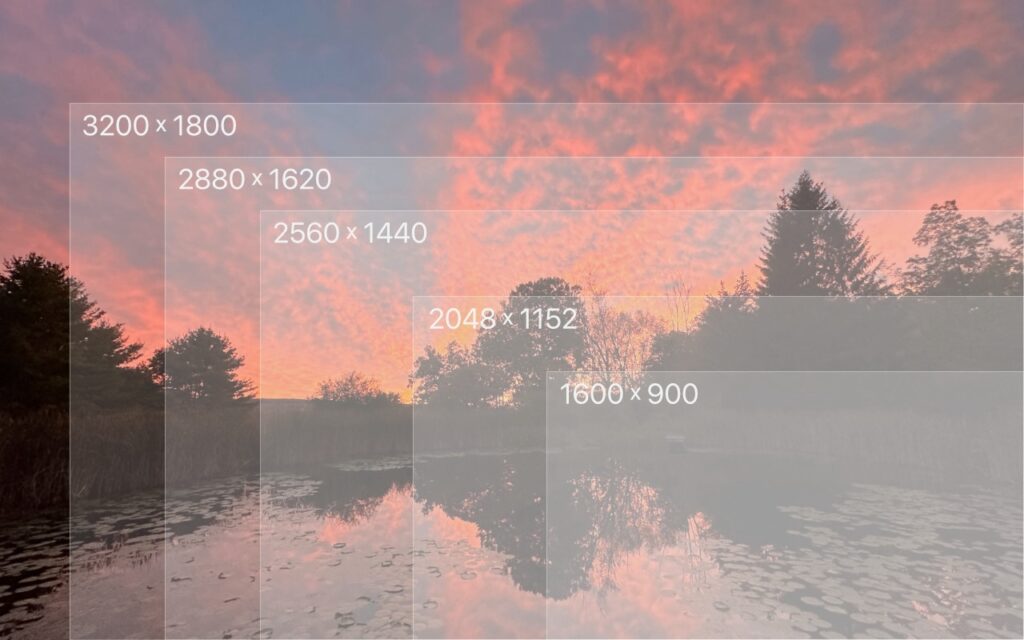
You can change the resolution of your Mac’s screen—how many pixels appear—to make text and graphics larger and easier to see or smaller to fit more content onscreen. In System […]
Use the Command Key to Rearrange and Remove Menu Bar Icons

Is your Mac’s menu bar overwhelmed with icons? They’re helpful little critters, but finding one can be difficult when you have too many and they’re in no particular order. The […]
Did You Know Text Entry Boxes in Web Browsers Are Easy to Expand?

Have you ever noticed the shading in the corner of text area fields in Safari, Chrome, Firefox, and most other Mac Web browsers? These “handles” let you resize the field—always […]
How to Search Directly in Your Favorite Websites from Safari’s Search Bar

We’re all accustomed to searching the Web generally in Safari by typing in the search field and pressing Return or tapping Go. Most of us are also familiar with the […]
Too Many Windows Open? Close Them All Quickly with These Tricks

Have you ever selected a bunch of files and accidentally opened them all by double-clicking one? Or perhaps inadvertently pressed Command-I to get info, ending up with oodles of open […]
How to Merge Two Similar Folders in the Mac’s Finder

You’ve ended up with two folders whose contents—hundreds of files or more—are similar but not identical. Perhaps you’re recovering from a sync failure, or maybe you pulled an old version […]
In Your Face App Guarantees That You Notice Appointment Alerts

It’s easy to get caught up in what you’re doing and miss an alert for a Zoom meeting or a reminder to leave for an appointment. The Mac app In […]
Tips for Getting Back to Work Faster After Restarting Your Mac
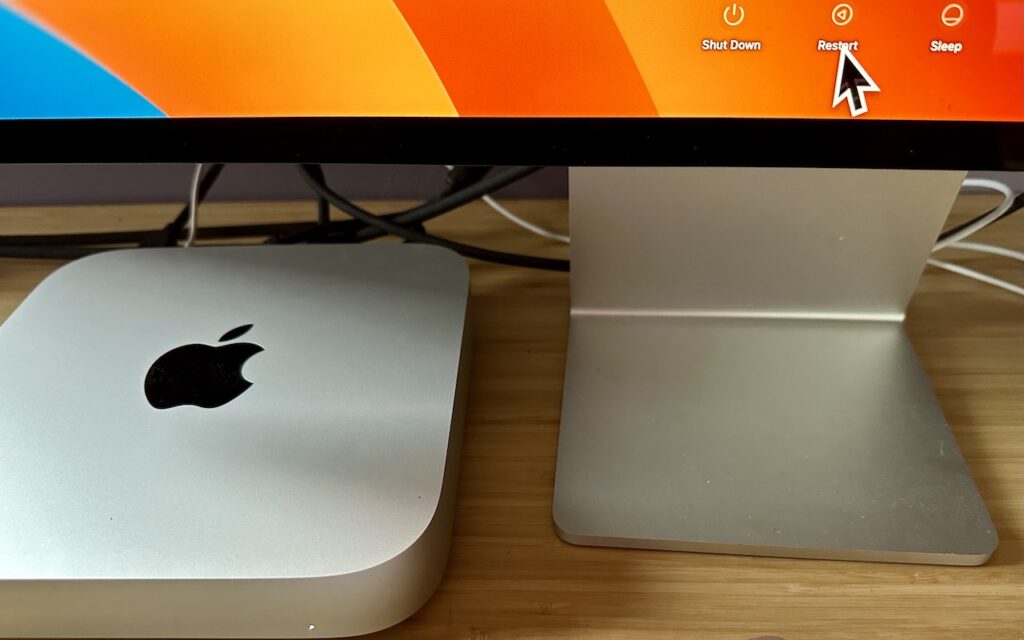
All too often, Mac users put off installing updates because of the bother of having to set everything up again afterward. We get it—you’re busy, and it can take time […]
Convert Image Formats Directly in the Finder

If you need to convert images to JPEG, PNG, or (unlikely) HEIF, try this hidden Finder feature: Control-click an image in one of those formats or other common image formats […]