
Reclaim Local Storage Space by Removing iCloud Drive Downloads

With iCloud Drive, Apple provides an Optimize Mac Storage checkbox that, when checked, stores the full contents of iCloud Drive on the Mac only if there’s enough space. However, you […]
Home Sharing Lets You Access Media on Your Mac from Other Local Apple Devices

In the heyday of iTunes, Apple users stored their music, movies, and TV shows on their Macs and shared them with other Macs in their homes, as well as their […]
M1-Based Macs Have New Startup Modes: Here’s What You Need to Know
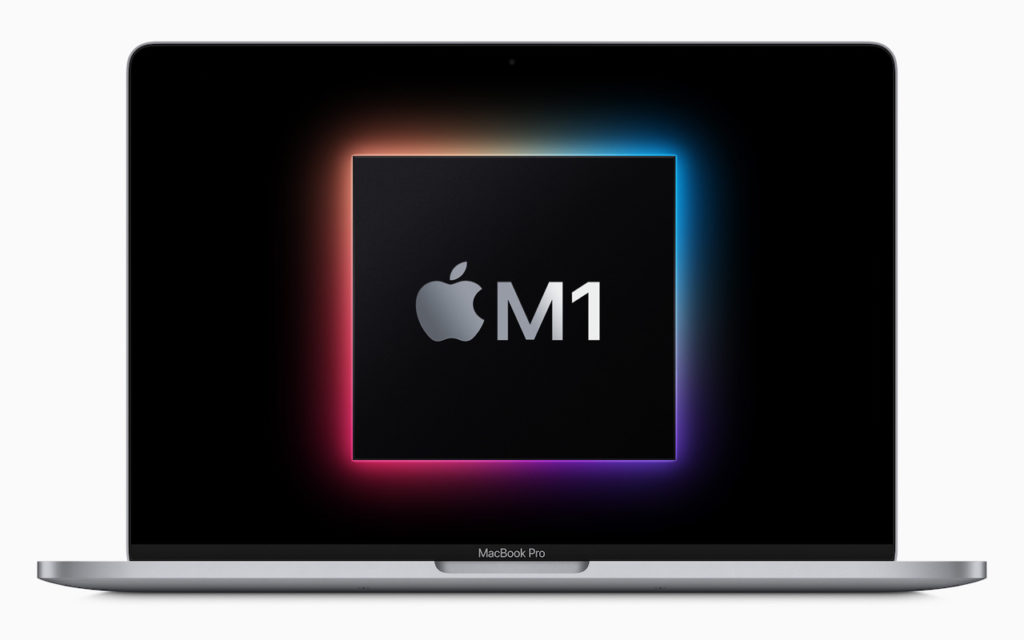
For many years, Macs have relied on sets of keys held at startup to enable specific modes. Most notably, pressing Option displays the Startup Manager and lets you pick a […]
A Quick Shortcut to Create an Instant Slideshow from a Folder of Images

You probably know that you can select an image in the Finder and press the Space bar to preview it in a Quick Look window. And you may know that […]
Use These Settings to Show or Hide Filename Extensions
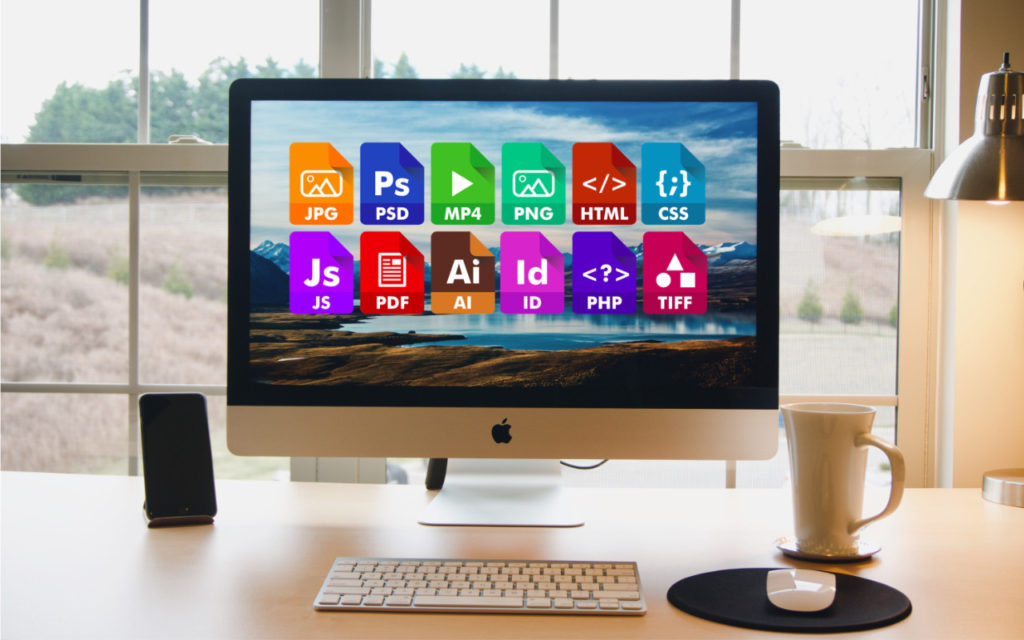
On the Mac, nearly every file has an extension, a set of characters after a period that indicates what type of file it is and determines which app opens it. […]
What’s MDM, and Why Is It Useful for Organizations?

For those who work in organizations, regardless of size, you know how much effort is involved with coordinating a group’s technology. It can take quite some time to set up […]
Don’t Worry about an Occasional “Not Charging” Message on Your MacBook

Starting with macOS 10.15.5 Catalina, Apple introduced a battery health management feature that improves your battery’s lifespan by adjusting charging patterns to reduce the rate at which the battery chemically […]
Scribble: Why the Pencil Is Mightier Than the Finger in iPadOS 14

With iPadOS, you have to remember that it shares most of its capabilities with iOS. So if it seems that iPadOS 14 doesn’t have as many major new capabilities as […]
Too Many Home Screens in iOS 14? Here’s How to Hide Them!
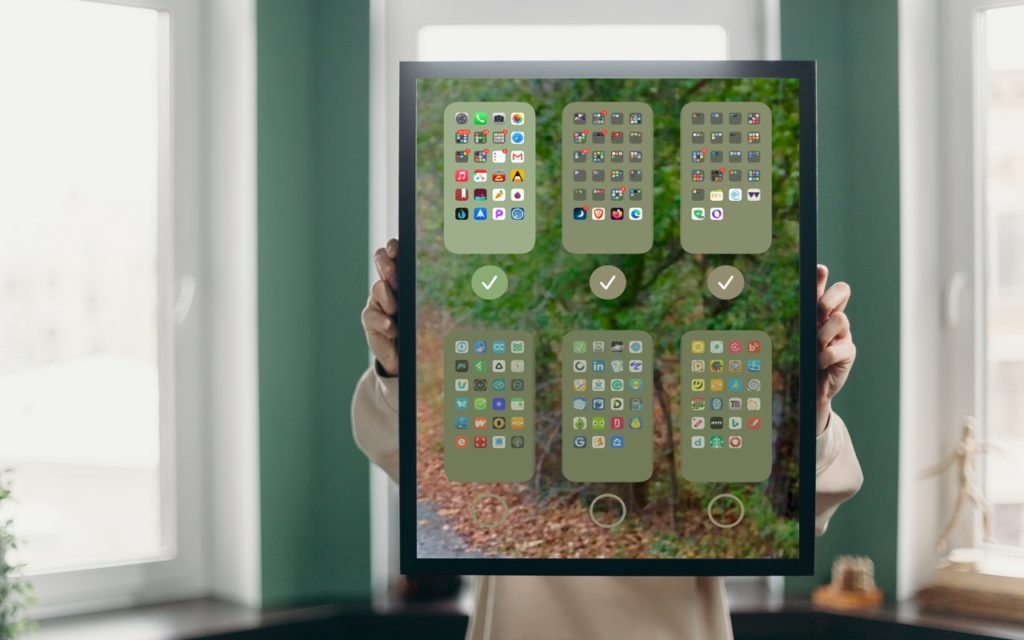
The App Library in iOS 14 ensures that you can find all the apps installed on your iPhone without having to hunt through Home screens. So if you already have […]
Make Your Finder Window Columns the Right Size

We’re big fans of column view in Finder windows (choose View > as Columns). You never have to worry about missing icons that are outside the window, everything is sorted […]