
How to Search Directly in Your Favorite Websites from Safari’s Search Bar

We’re all accustomed to searching the Web generally in Safari by typing in the search field and pressing Return or tapping Go. Most of us are also familiar with the […]
Too Many Windows Open? Close Them All Quickly with These Tricks

Have you ever selected a bunch of files and accidentally opened them all by double-clicking one? Or perhaps inadvertently pressed Command-I to get info, ending up with oodles of open […]
How to Merge Two Similar Folders in the Mac’s Finder

You’ve ended up with two folders whose contents—hundreds of files or more—are similar but not identical. Perhaps you’re recovering from a sync failure, or maybe you pulled an old version […]
In Your Face App Guarantees That You Notice Appointment Alerts

It’s easy to get caught up in what you’re doing and miss an alert for a Zoom meeting or a reminder to leave for an appointment. The Mac app In […]
Tips for Getting Back to Work Faster After Restarting Your Mac
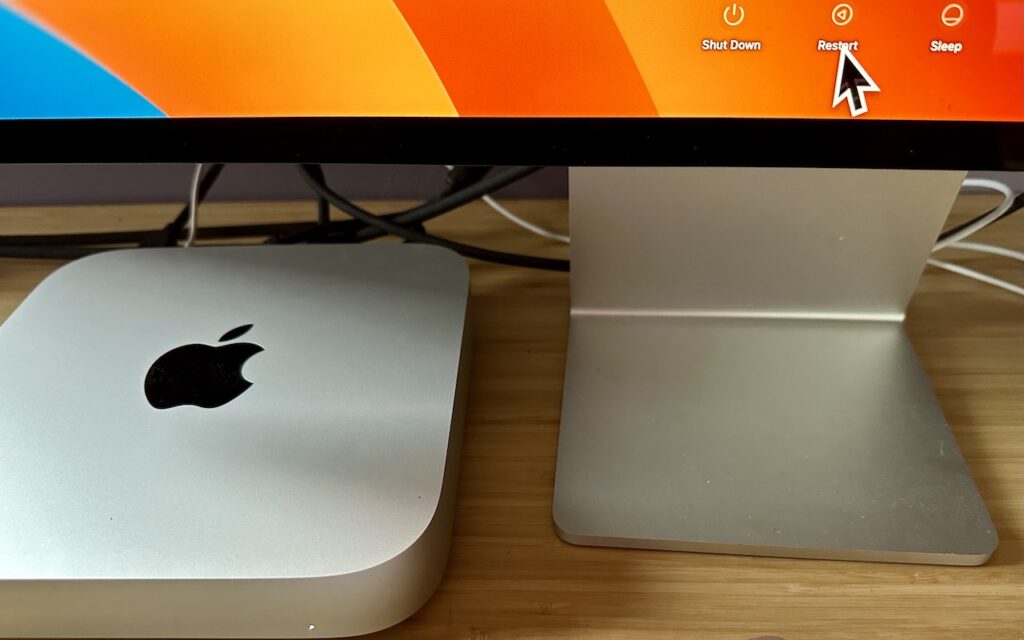
All too often, Mac users put off installing updates because of the bother of having to set everything up again afterward. We get it—you’re busy, and it can take time […]
Convert Image Formats Directly in the Finder

If you need to convert images to JPEG, PNG, or (unlikely) HEIF, try this hidden Finder feature: Control-click an image in one of those formats or other common image formats […]
Consider Moving Your Mac’s Dock to the Side of the Screen

For most of us, our Mac’s screen is wider than it is tall, so longer Web pages and documents often benefit from more room from top to bottom. To maximize […]
Make Apple Watch Apps Easier to Find with List View

With the original version of the Apple Watch, Apple introduced “grid” view, which shows tiny icons for each app in a random circular pattern, making them difficult to find for […]
Sidestep MacBook Optimized Battery Charging When Necessary

Have you ever run into a situation where the battery icon in your menu bar is stuck at 80% even though your Mac has been plugged in for hours? Luckily, […]
How to Turn Mail’s Rich Website Previews into Plain Links
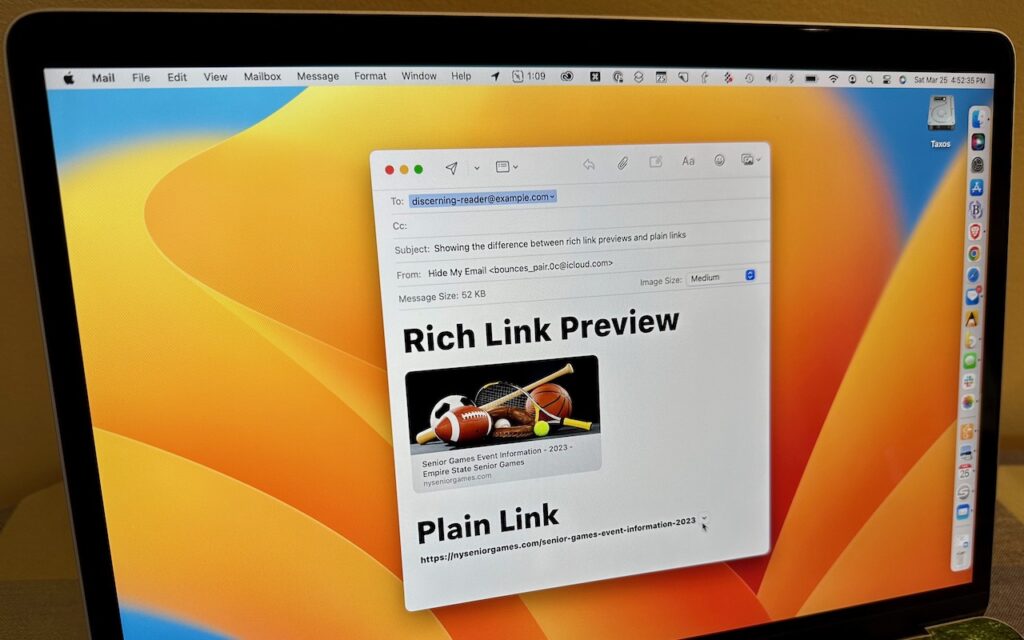
Sometimes apps can be too helpful. Apple’s Mail on the Mac likes to turn pasted URLs into graphically rich previews, and sometimes that’s OK. But other times, the preview is […]