- Tap once to position the insertion point at the start or end of a word.
- Touch and hold to reveal the magnifier and move the insertion point within words ... Read more

-
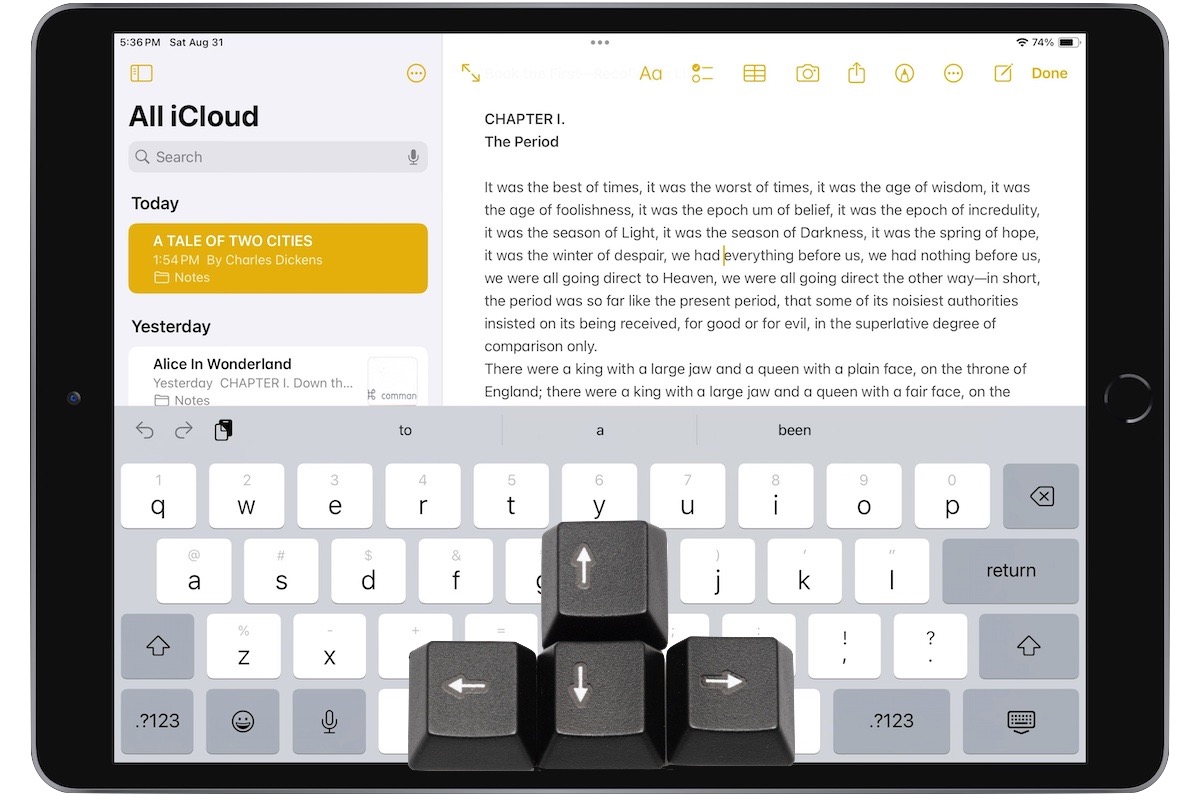
Five Quick Tips to Ease iPhone and iPad Text Editing and Amaze Your Friends
A friend recently expressed astonishment when she saw us using trackpad mode while editing text on an iPhone. (It works on the iPad, too!) So, even if you already know these tips, do your friends a favor and show them: -
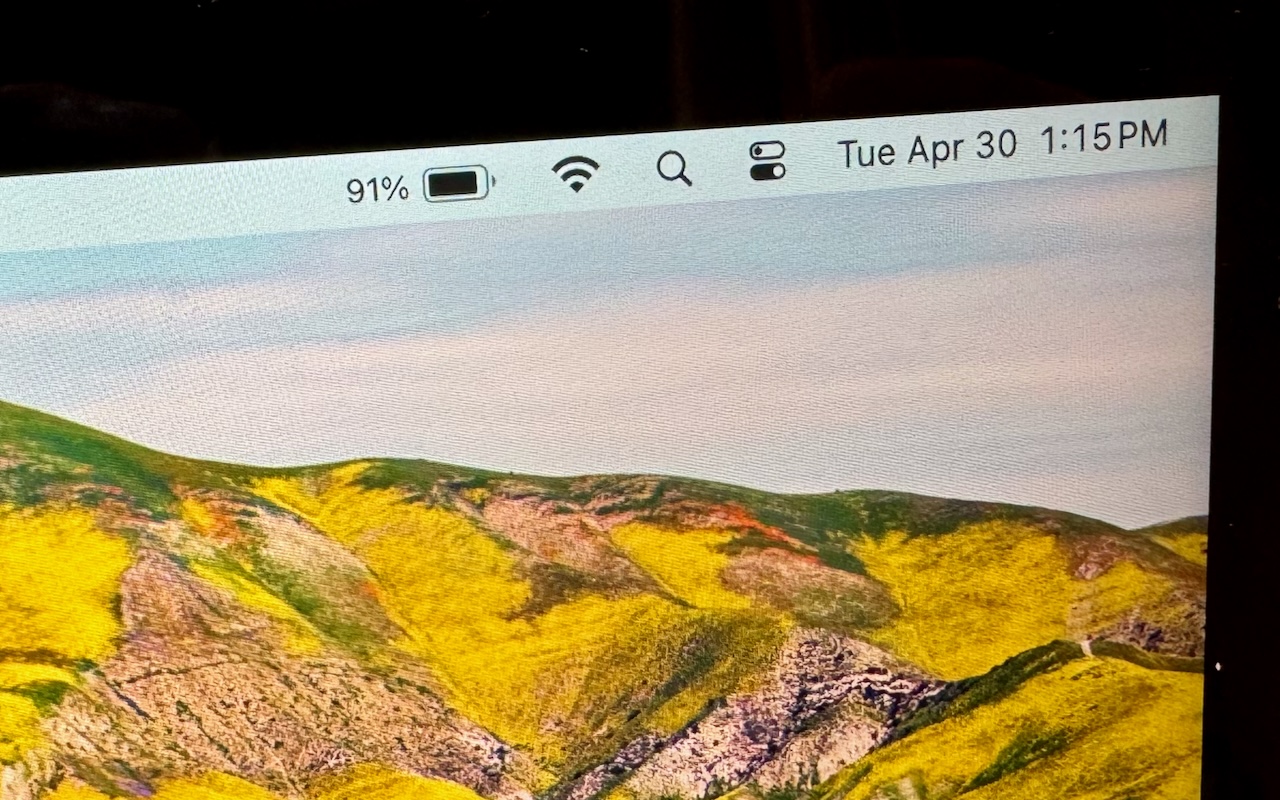
How to Display the Battery Percentage in Your Mac’s Menu Bar
By default, the battery icon in your Mac laptop’s menu bar shows how full your battery is. Clicking it reveals the exact percentage, but you can also set macOS to display the battery percentage next to the icon. The setting isn’t where you might expect in System Settings > Battery. Instead, you’ll find it in System Settings > Control Center, where you need to turn on both “Show in Menu Ba... Read more -

Where Can You Control Automatic Smart Quotes and Dashes in macOS?
Most people like smart quotes and dashes, at least most of the time. Your Mac is probably set up to turn the single (') and double (") hash marks and double hyphens (--) that you type into the apostrophes (’) and single smart quotes (‘’), double smart quotes (“”), and em dashes (—) used in professional publications. However, in some situations, like programming, smart quotes and dashes are prob... Read more -

Looking for Apple Manuals? Check the New Documentation Site
Apple publishes a multitude of manuals and tons of technical documentation for its products on its support site, but until recently, it could be challenging to find something specific because the search engine on Apple’s site is poor. For a better path into Apple’s online support materials, check out the company’s new Read more -

Want an Event List in Apple’s Calendar App? Try This Trick
Along with day, week, month, and year views, most calendar apps offer the option of a simple chronological list of events, which can be a handy way to see what’s coming up. Apple’s Calendar app on the Mac is unfortunately not among those apps. However, there is a trick you can use to get it to show all your upcoming events in a scrolling list. Click in the Search field in the upper-right corner... Read more -
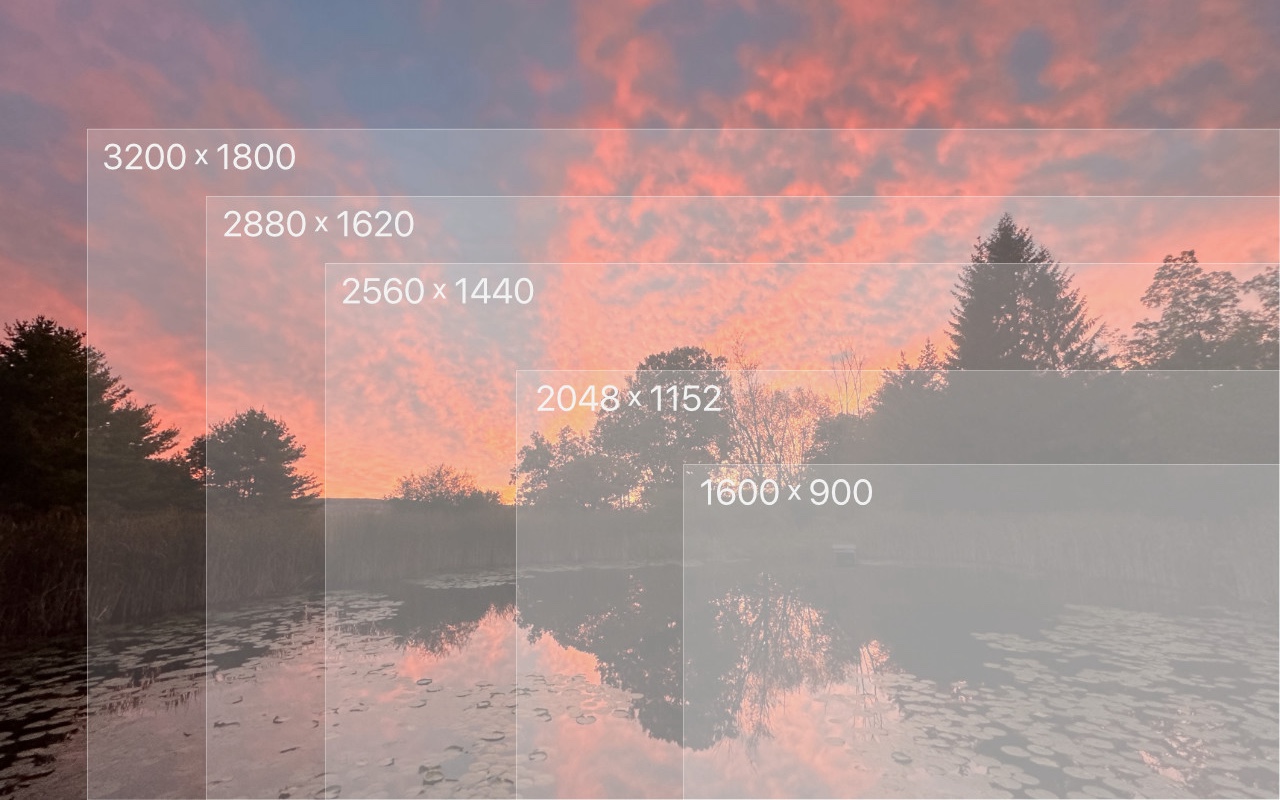
Tips for Working with Mac Display Resolutions
You can change the resolution of your Mac’s screen—how many pixels appear—to make text and graphics larger and easier to see or smaller to fit more content onscreen. In System Settings > Displays, Apple shows thumbnails for five likely possibilities. Hover the pointer over a thumbnail to see its numeric resolution underneath. If you prefer the traditional list of numeric resolutions, Option-... Read more -

Use the Command Key to Rearrange and Remove Menu Bar Icons
Is your Mac’s menu bar overwhelmed with icons? They’re helpful little critters, but finding one can be difficult when you have too many and they’re in no particular order. The hidden trick to cleaning up your menu bar relies on the Command key.- Rearrange the menu bar icons in an order that makes sense to you by Command-dragging them around. You can’t move the Control Center icon or... Read more
-

Did You Know Text Entry Boxes in Web Browsers Are Easy to Expand?
Have you ever noticed the shading in the corner of text area fields in Safari, Chrome, Firefox, and most other Mac Web browsers? These “handles” let you resize the field—always vertically and sometimes horizontally. That’s handy when the website designer has provided only a small text box and you want to enter more text than will fit. Just drag the handle to make the text box the size you need.... Read more