
Keep Your IT Budget Working During a Slowdown

When business slows down, it’s tempting to reduce IT spending. But that approach often backfires, creating bigger problems—and larger bills—down the road. Beyond the productive work you accomplish on your […]
UniFi Default Security Posture: What Small Business Owners Need to Know | MacWorks 360
UniFi Default Security Posture: What Small Business Owners Need to Know When creative agencies and small businesses deploy Ubiquiti’s UniFi networking equipment, understanding the UniFi Default Security Posture becomes critical […]
Is Your WiFi LiFying About Your Speed? Mac Network Solutions | MacWorks 360
Is Your WiFi LiFying About Your Speed? The Truth Behind Slow Mac Performance Picture this: You’re rushing to meet a critical deadline for a client presentation, your MacBook Pro is […]
AirDrop 101: Transform How You Share Files! | MacWorks 360
AirDrop 101: Transform How You Share Files! Picture this: You’re in the middle of a critical client presentation, and you need to share a 500MB video file with your team […]
Having Trouble with a Public Wi-Fi Network’s Captive Portal Login Page?

When you connect to a public Wi-Fi network at an airport, hotel, coffee shop, or school, you may need to interact with a captive portal login page to be granted […]
Tame the Tangle! Quick Cable Management Tips
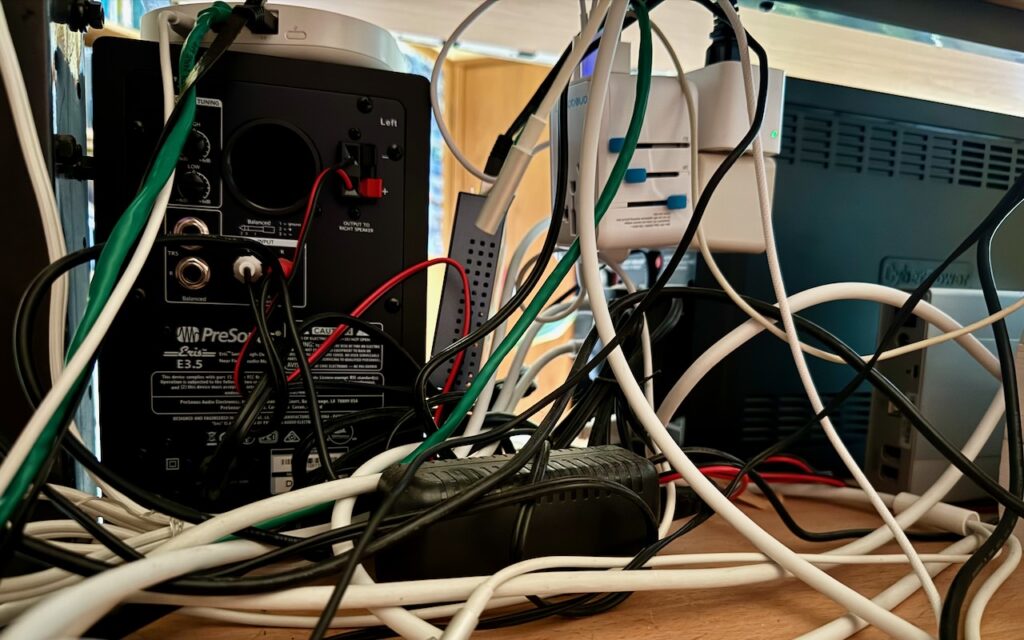
Take a moment and look behind your Mac. Do you see a tangle of cables? The main downside of a mess of cables is that it’s a cluster of chaos […]
Networking Gear Does Wear Out—Suspect It in Internet Slowdowns and Dropouts

We’ve helped some clients recently with networking problems that seemed to be related to Internet connections. Most notable was intermittently slow Internet performance, causing the client to call their ISP […]
Is Your Wi-Fi Network a Security Risk?

With Wi-Fi security, it’s easy to fall into the “out of sight, out of mind” trap. Your Wi-Fi router probably lives in a corner or closet, and of course, Wi-Fi’s […]
Apple Is Driving the iPhone to eSIM: Here’s What You Need to Know

Perhaps the most surprising change in the iPhone 14 line, at least in the United States, was the shift from using removable SIM cards to eSIM. SIM cards—SIM stands for […]
Are You Paying Too Much for Internet or Cellular Connectivity?
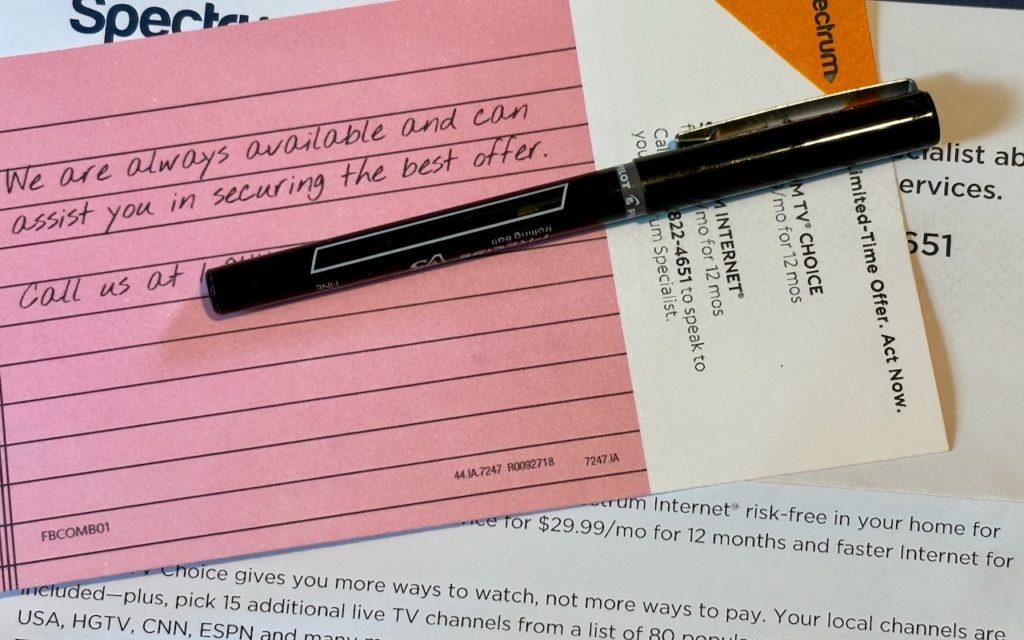
We’ve recently worked with a few clients who were paying too much for their Internet or cellular service. Internet service providers (ISPs) and cellular carriers occasionally adjust their service plans […]