
-
Why Cloud Storage Isn’t a Backup
Many people assume that storing files in iCloud Drive, Box, Dropbox, Google Drive, or OneDrive means those files are backed up. After all, the files exist on remote servers maintained by large companies with professional IT teams and redundant storage. But that doesn’t mean they are backed up. Cloud storage is tremendously useful and can play a valuable role in recovering from disasters, but... Read more -

Stay Safe in 2026 with These New Year’s Resolutions
We’re approaching the end of 2025, so we encourage you to consider your New Year’s resolutions. For many people, the new year offers an opportunity to reflect on habits we’d like to adopt or solidify. Although we support reducing social media use and making other positive lifestyle changes, we’d like to suggest a few additional resolutions to improve your digital security and reduce the risk of... Read more -

Backups: Trust but Verify
It’s easy to assume your backup app—whether it’s Time Machine, Carbon Copy Cloner, Backblaze, Retrospect, or something else—is quietly doing its job. But it’s possible for a bug to corrupt backups or for a destination disk to fail silently, such that you can’t restore backed-up data. We’ve seen this happen! For peace of mind, set a quarterly reminder to verify your backups. Test by restoring a ... Read more -
Businesses, Don’t Overlook Email Backup
Cloud-based email services such as Google Workspace and Microsoft 365 dominate the market for organizational email for good reason. Dealing with the constant onslaught of spam and online attacks is hard, as those traumatized by running mail servers in the “good old days” can attest. While email service providers excel at ... Read more -
When Purchasing a Fireproof Safe, Pay Attention to the Details
The devastating losses caused by the Los Angeles wildfires have underscored the need to protect data from catastrophic events. A traditional offsite backup—periodically moving a hard drive to another location—might not have sufficed in areas affected by wildfires, where many structures were destroyed. An online backup using a service like Read more -

How to Minimize Downtime and Lost Work from Tech Failures
Macs are much more reliable than in the past, but it remains the case that computers and apps can fail in a wide variety of ways. And they’ve become so integral to daily life that an occasional failure is almost inevitable. Unfortunately, if you aren’t prepared for that eventuality, you may lose work and suffer from unnecessary downtime. A little forethought can significantly minimize the impac... Read more -

What You Need to Know Before Switching to a New iPhone
Are you planning to upgrade to a new iPhone 16? It’s exciting, we know, but it’s best to proceed deliberately when setting up your new iPhone to avoid causing yourself headaches. Follow these instructions when you’re ready to transfer your data—and, for many people, much of your digital life—to the new iPhone. Apple also has a Read more -

Prep Your Tech for Travel
Long ago, to get ready for a trip, we’d mostly make sure we had our plane tickets, books and magazines to read, and a snack. Prepping for travel in today’s tech-heavy world comes with a new set of tasks, most of which shouldn’t be left to the last minute.Identify Devices, Chargers, and Cables to Bring
Resist the temptation to bring every piece of tech you have. Do you really need yo... Read more -
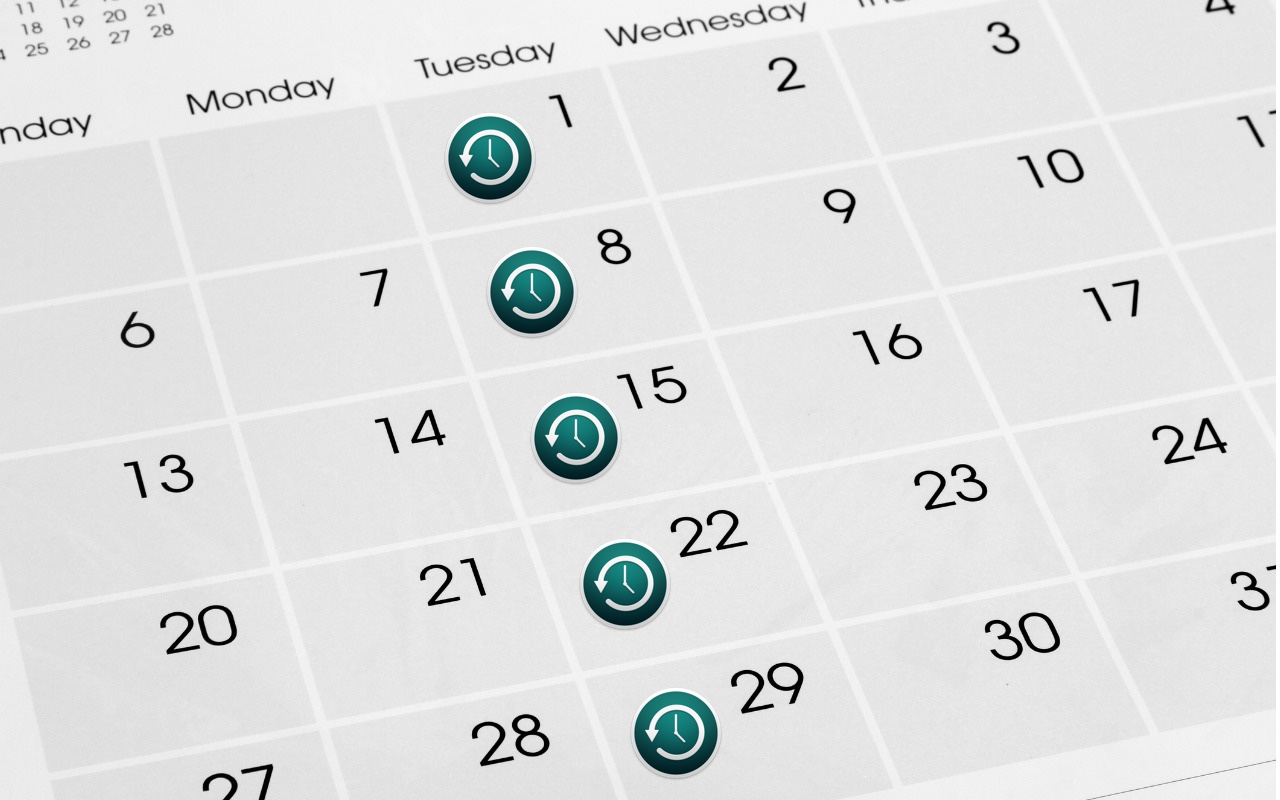
Time Machine Now Offers Daily and Weekly Frequencies
Since its inception, Time Machine has backed up on an hourly schedule. It then keeps hourly backups for the previous 24 hours, daily backups for the last month, and weekly backups back to the start of the backup. Once free space on the backup drive gets low, Time Machine deletes older backups to make room for new ones, always maintaining at least one copy of every backed-up file. The traditiona... Read more -
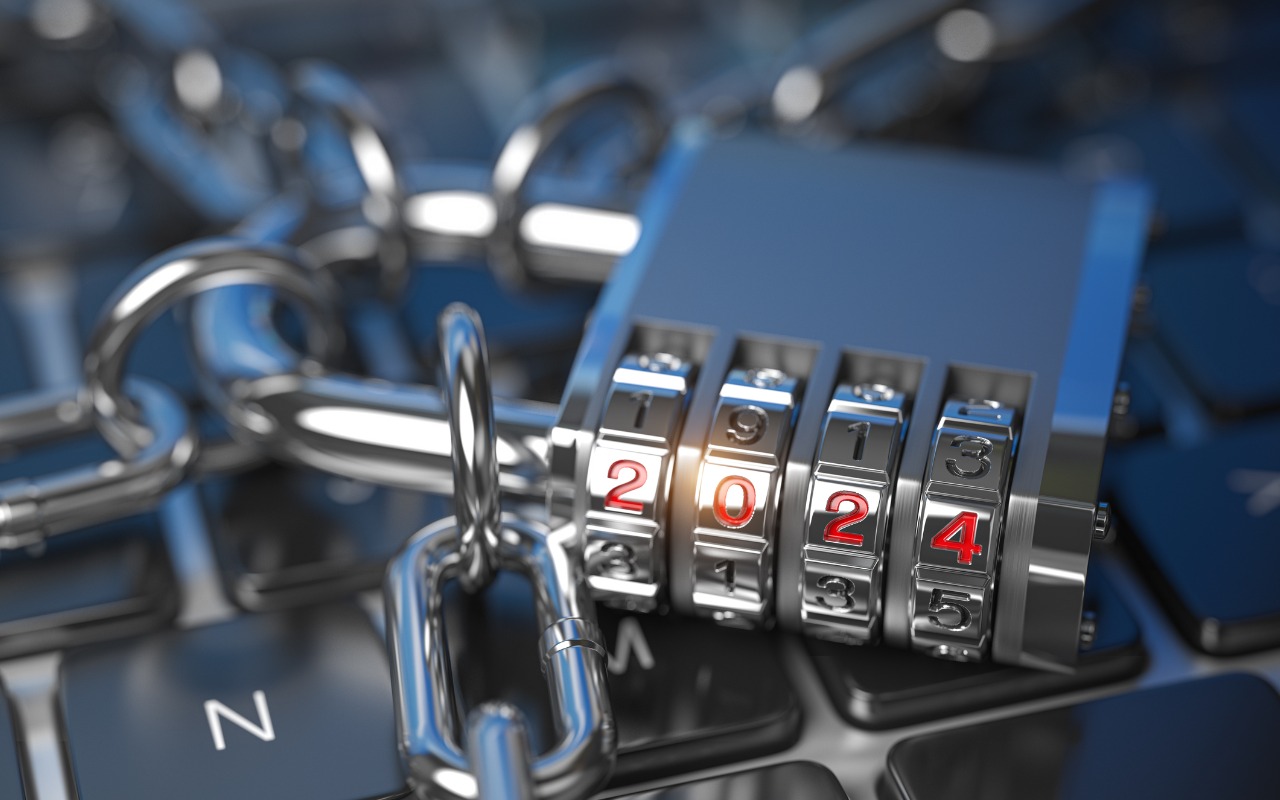
Improve Your Digital Security in 2024 with These New Year’s Resolutions
Happy New Year, and welcome to 2024! For many of us, starting a new year means reflecting on fresh habits we’d like to adopt. Although we support any resolutions you may have made to get enough sleep, eat better, exercise more, and reduce social media usage, allow us suggest a few more that will improve your digital security and reduce the chances that bad things will happen to you online.Read more