-

iOS 26 Can AutoFill Credit Card Details
Sadly, not all websites and apps support Apple Pay, so we’ve become accustomed to manually entering our credit card information into fields, like animals. No longer! In iOS 26, the Wallet app now supports AutoFill. If you need to add a card—those set up with Apple Pay... Read more -
What Can You Do With the iPhone’s Action Button? Nearly Anything!
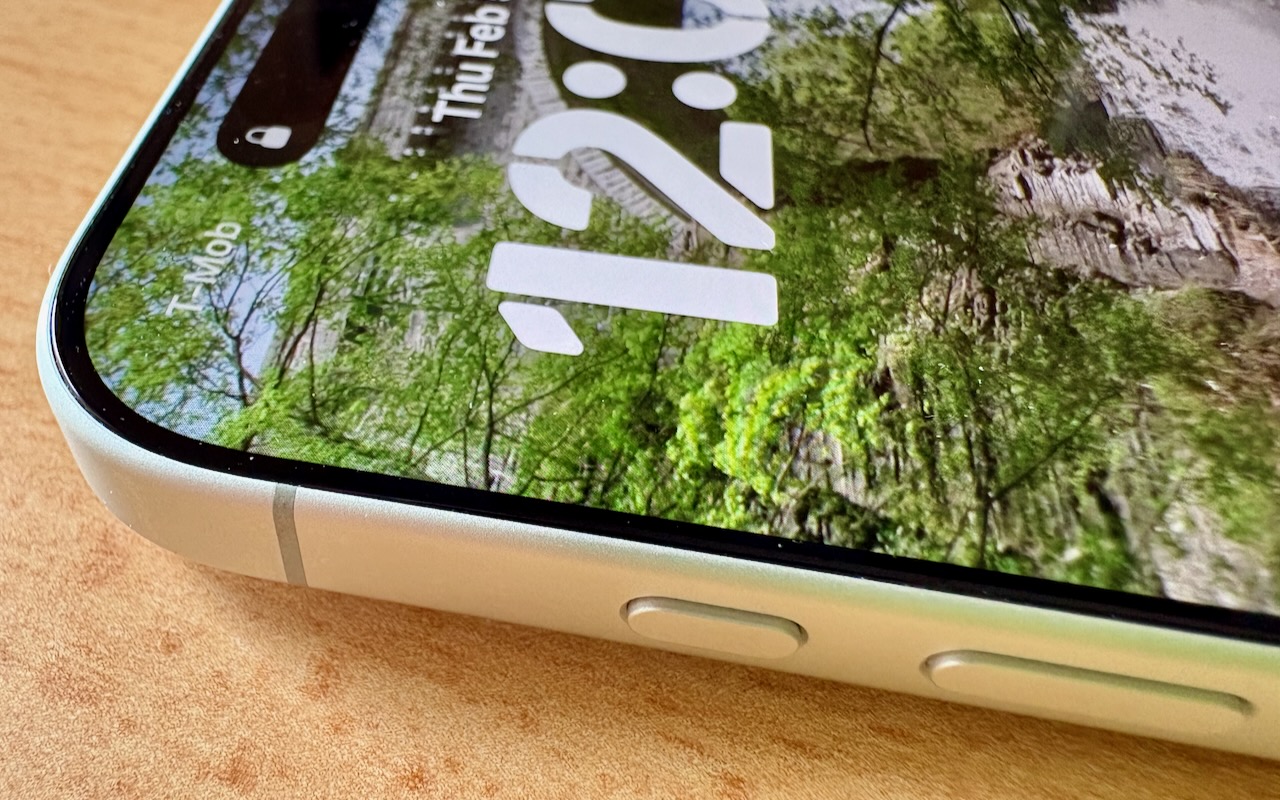
Starting with the iPhone 15 Pro and Pro Max, Apple replaced the Ring/Silent switch on the top-left edge of the iPhone with the Action button, making the new button standard across the iPhone 16 and iPhone 17 lineups in subsequent years. The Action button is a dedicated hardware button you can configure to perform one of many different tasks. Although Apple prompts everyone setting up a new iPho... Read more -
How to Look Up a Saved Wi-Fi Network Password
Apple offers several simple ways to share Wi-Fi network passwords. When someone nearby tries to connect to a Wi-Fi network with an iPhone, iPad, or Mac, and they are in your Contacts app, you will be automatically prompted to share the network password with them. Additionally, in the Passwords app, you can display a Wi-Fi network QR code that anyone can scan to join the network. However, someti... Read more -

Control Song Transitions in Apple Music
A new feature for Apple Music subscribers in the Music app in iOS 26, iPadOS 26, and macOS 26 is AutoMix, which Apple says causes songs to “transition at the perfect moment, based on analysis of the key and tempo of the music.” It fades between songs as a DJ would, but it’s not always successful. If AutoMix’s tr... Read more -

How to Ensure You Don’t Miss Reminders
Recording a task in Apple’s Reminders app on your Mac, iPhone, or iPad is just the first step—the app captures what you need to do—but what matters more is being reminded to take action at the right moment. (The most important step, of course, is following through, but that’s on you.) Here’s how to configure Reminders to get your attention at the right moment, whether through time-based aler... Read more -

If Your iPhone’s Lock Screen Clock Is Too Transparent, You Can Fix It
One place where the Liquid Glass transparency in iOS 26 and iPadOS 26 can be annoying is the time display on the Lock Screen. Liquid Glass tries—but often fails—to adjust the clock’s transparency so it’s readable over whatever photo you chose or the Photo Shuffle option displayed. Starting in iOS 26.2 and iPadOS 26.2, you can manually adjust the clock’s transparency: touch and hold the Lock Scr... Read more -

Create Reminders to Return Calls Directly in the Phone App
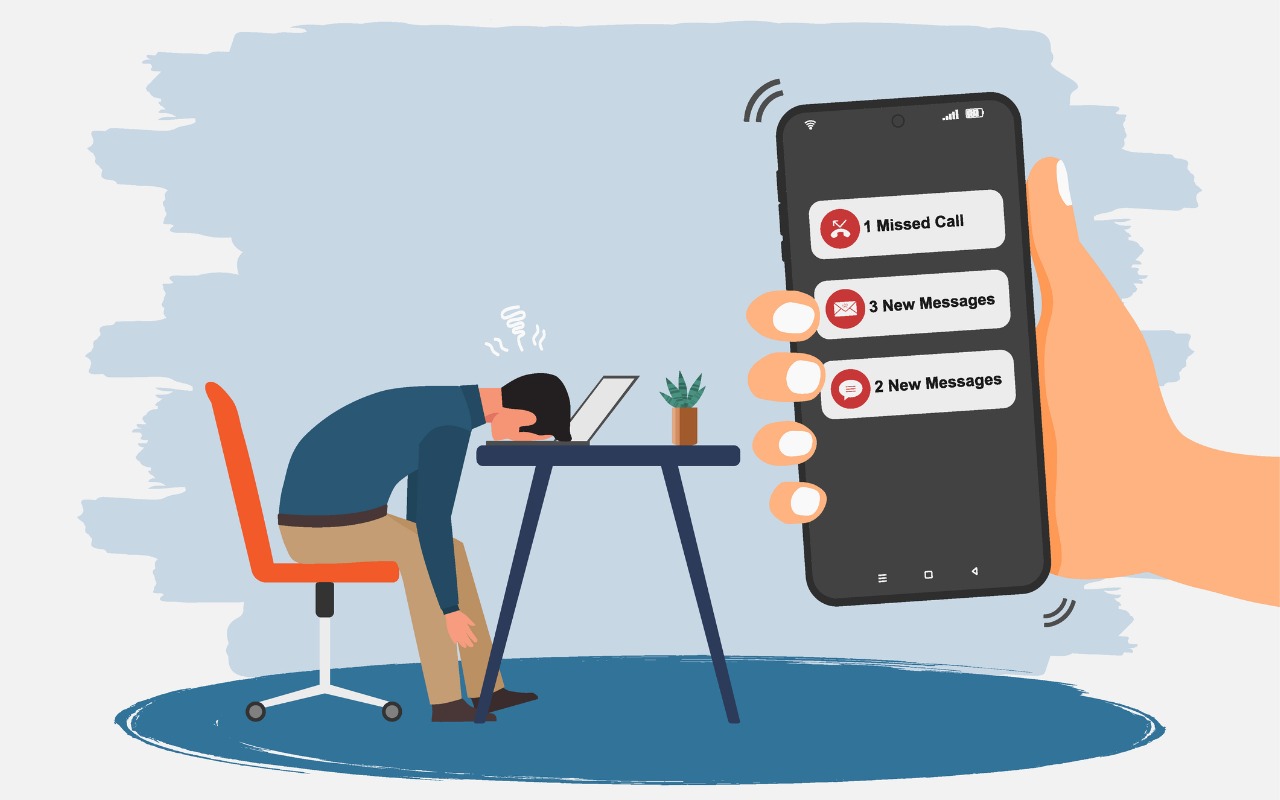
Apple introduced a neat new feature in the Phone app in iOS 26 and iPadOS 26 (but not macOS 26): callback reminders. Whenever you miss a call and think, “I’d better call this person back later,” you can now create a reminder to do that right within the Phone app. Swipe left on any call, tap the blue clock icon ➊, and select Remind Me in 1 Hour, Tonight, Tomo... Read more -
New Features in iOS 26.1
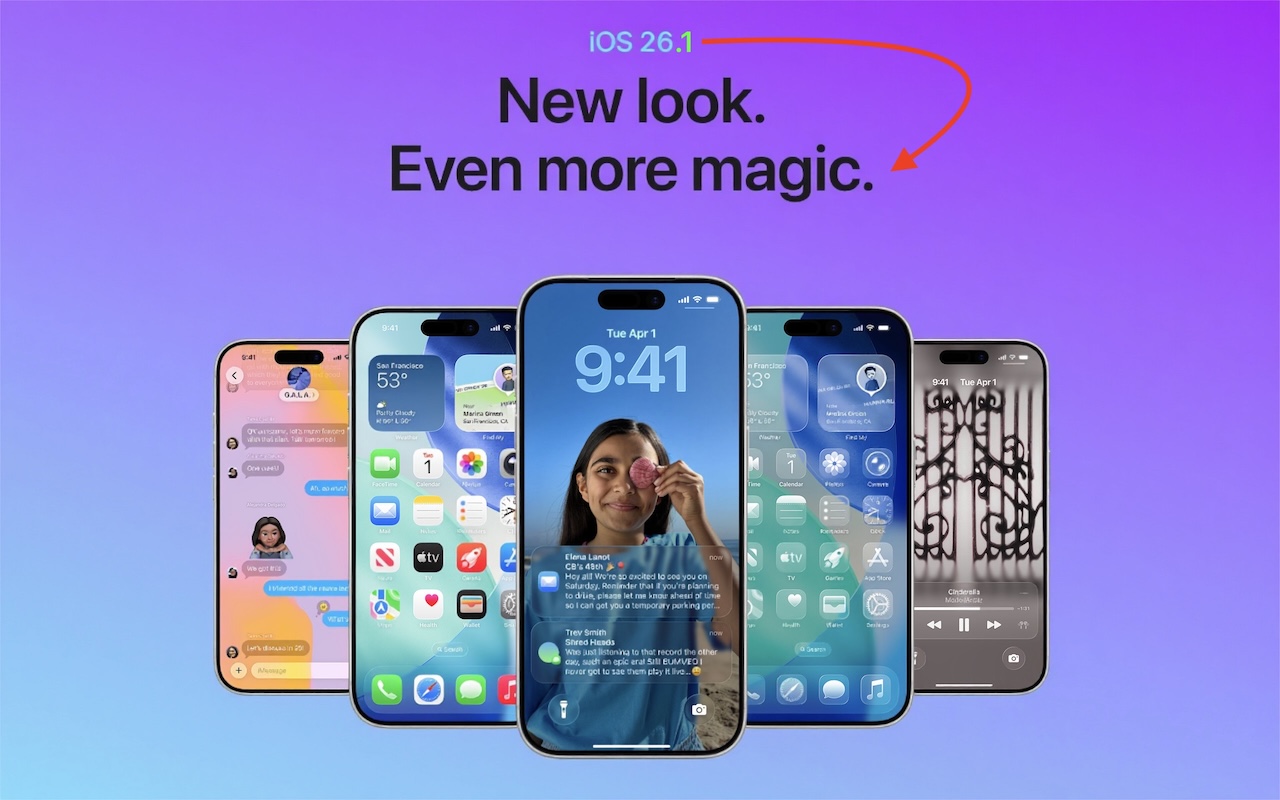
The first feature update to iOS 26 is now available—go to Settings > General > Software Update to install iOS 26.1. It doesn’t introduce any game-changers, but there are a few new options and tweaks worth knowing about.Tinted Option for Liquid Glass
For many people, Liquid Glass’s aggressive transparency can make some interface elements, especially notifications, diffic... Read more