-

iOS 26 Can AutoFill Credit Card Details
Sadly, not all websites and apps support Apple Pay, so we’ve become accustomed to manually entering our credit card information into fields, like animals. No longer! In iOS 26, the Wallet app now supports AutoFill. If you need to add a card—those set up with Apple Pay... Read more -

Apple Refreshes Studio Display and Introduces Studio Display XDR
Apple has updated its Studio Display with an improved 12-megapixel Center Stage camera with Desk View support, two Thunderbolt 5 ports, and improved bass from its six-speaker system—all for the same $1,599 starting price. More significantly, Apple introduced theRead more -

Apple Refreshes iPhone, iPad Air, and MacBook Lineups
Apple kicked off March 2026 with a flurry of product updates, refreshing its budget iPhone, mid-range iPad, and entire MacBook lineup. The announcements bring real upgrades across the board, with improved chips, faster storage, and better connectivity.iPhone 17e Adds MagSafe
The iPhone 17e replaces last y... Read more -

How to Find and Silence the Browser Tab That’s Playing Audio
When a Web browser has many tabs open, it can be hard to find the one playing audio if you need to silence it. Worse, when a browser relaunches, it can be tough to identify and silence all the tabs that have automatically started playing audio. Happily, all browsers can help. Tabs with active audio show a speaker icon next to their names; click it to mute the audio. These speaker icons are easi... Read more -

How Does the New MacBook Neo Compare to the MacBook Air?
Apple has unveiled the MacBook Neo, a new entry-level laptop. With pricing starting at $599, a whopping $500 less than the MacBook Air, the MacBook Neo is positioned as an affordable computing option, particularly for families buying devices for K–12 students.Read more
-

Why Your Windows Reopen (Or Don’t) As You Expect
Have you noticed that when you restart your Mac or relaunch an app, your previous windows and documents sometimes reappear exactly as you left them, but at other times you’re greeted with a clean slate? This behavior is controlled by Resume, a technology introduced in OS X 10.7 Lion back in 2011. Resume automatically reopens app windows and documents so you can pick up where you left off aft... Read more -
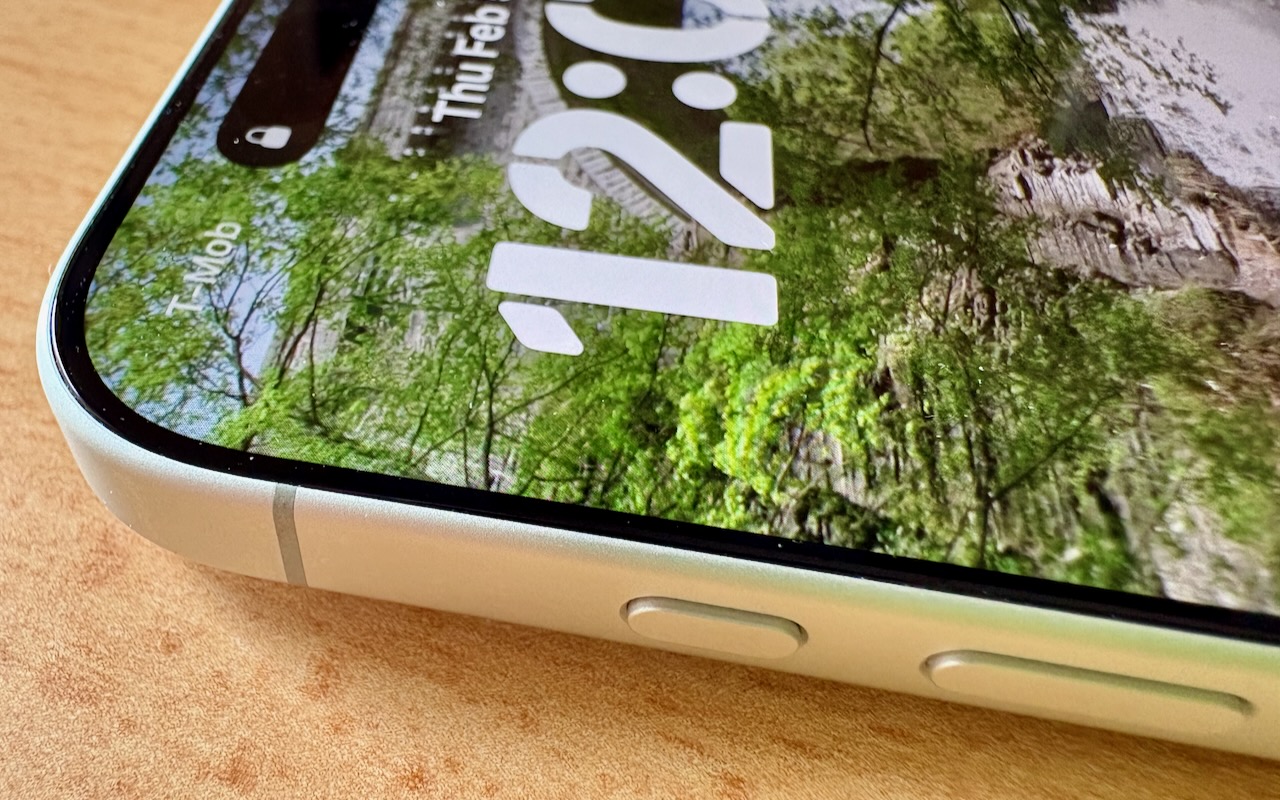
What Can You Do With the iPhone’s Action Button? Nearly Anything!
Starting with the iPhone 15 Pro and Pro Max, Apple replaced the Ring/Silent switch on the top-left edge of the iPhone with the Action button, making the new button standard across the iPhone 16 and iPhone 17 lineups in subsequent years. The Action button is a dedicated hardware button you can configure to perform one of many different tasks. Although Apple prompts everyone setting up a new iPho... Read more -

Make Finder Window Columns Resize to Fit Filenames
Column view in the Finder has an annoying tendency to either show overly wide columns that waste space or truncate long filenames, forcing you to drag a column divider to see more of the name. In macOS 26.1 Tahoe, Apple added an option to the Finder’s View Options window that automatically adjusts column widths to display the longest visible filename in each column. To activate it, choose Vi... Read more