
Skip to content
MacWorks 360
HomeAboutServicesCase StudiesAreas We ServeBlogTestimonialsFree Consultation: 973-671-1122

Month: December 2022

Merge Duplicate Photos and Videos in iOS 16, iPadOS 16, and Ventura
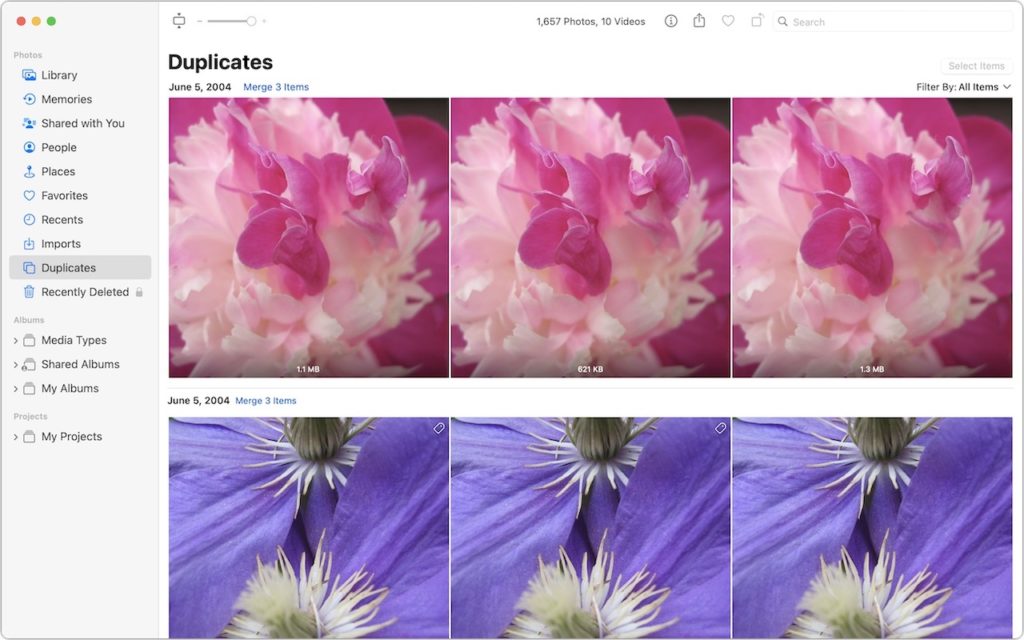
A computer screen shows a photo library’s “Duplicates” section, displaying three pink flower images and three purple flower images identified as duplicates, with options to merge items. The sidebar lists photo categories and albums.

It’s all too easy to end up with duplicate photos and videos in your Photos library. The most common way is to use the Duplicate command, but we’ve seen duplicates […]

These New Year’s Resolutions Will Improve Your Digital Security in 2023

A close-up of a combination padlock displaying the numbers 2023, attached to a metal chain, resting on a black computer keyboard, symbolizing cybersecurity or data protection in 2023.

Happy New Year! For many of us, starting a new year means reflecting on fresh habits we’d like to adopt. Although we certainly support any resolutions you may have made […]

Two Ways to Manage Your Email So You Can Find It Later

A person typing on a laptop with illustrated email icons floating above the keyboard, symbolizing sending or receiving emails.

We recently wrote about different ways to organize your files, which prompted some people to ask us about the best ways to manage email. Email may have competition from messaging […]

Practice with the Emergency SOS via Satellite Demo, Just in Case
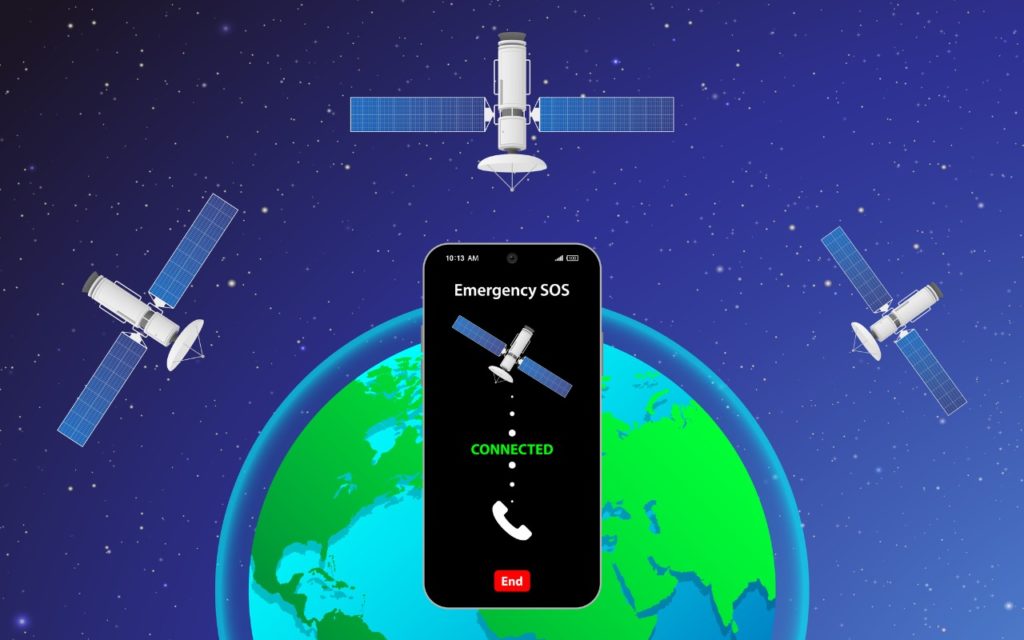
A smartphone displaying Emergency SOS Connected is shown above Earth, with three orbiting satellites, indicating a satellite emergency communication connection. The background is a starry space scene.

In mid-November, Apple launched its new Emergency SOS via satellite feature for the iPhone 14 lineup. If you have an iPhone 14 and find yourself in an emergency situation in […]

Need to Amuse Small Children During the Holidays? Try Slow Motion Video
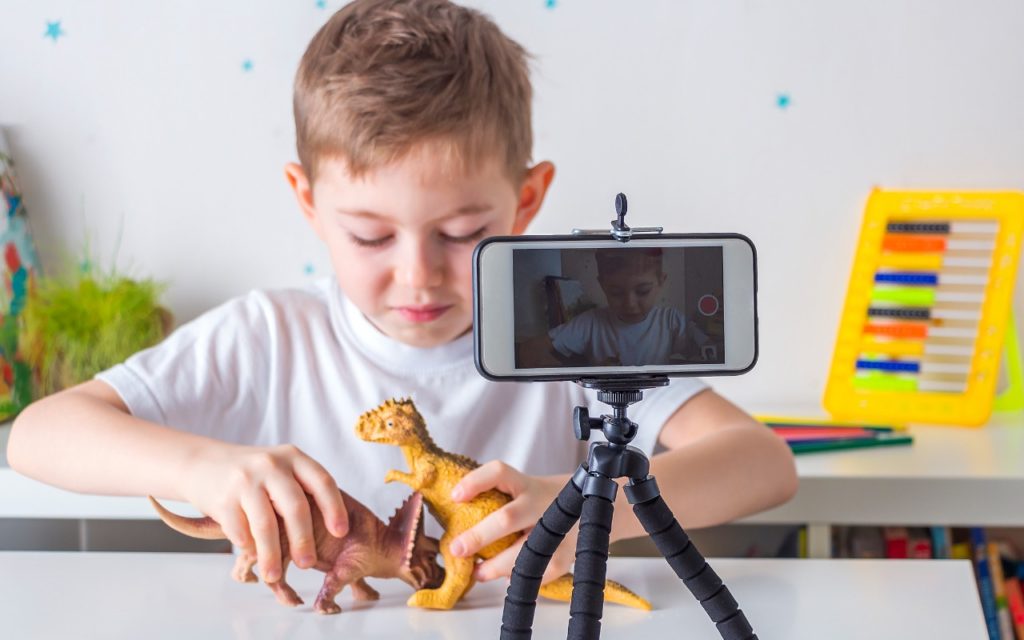
A young boy plays with two toy dinosaurs at a table while recording himself with a smartphone mounted on a tripod. A colorful xylophone and other toys are in the background.

If you find yourself at a family gathering with bored children over the holidays, allow us to recommend an activity that can keep kids engaged. Figure out something the kids […]

Delete Contacts More Easily in iOS 16 and iPadOS 16

A person touches a screen displaying a network of user icons, with several icons crossed out in red, symbolizing removal or disconnection from the network. The background is blurred.

Deleting contacts on the iPhone and iPad used to be a pain, especially if you wanted to trash multiple contacts. You had to open the contact, tap Edit, scroll to […]

You Can Now Use Siri to Reboot Your iPhone or iPad

A hand holds a smartphone with the screen displaying Go ahead, Im listening... indicating a voice assistant is active. The phone is plugged in with a white cable, and a bare foot is visible in the background.

Although iOS and iPadOS are extremely stable, there are times when rebooting your iPhone or iPad can eliminate odd or problematic behavior, and there’s no harm in trying it. In […]

Here’s How to Stop Getting Paste Permission Requests

A man wearing glasses holds a clipboard with a mock “paste” pop-up message and raises his hand in a stop gesture, standing against a white brick wall.

In iOS 16, Apple tightened security by displaying a confirmation alert when you copy data from one app and paste it into another. More security isn’t bad, but these alerts […]

Reliable Mac Support. Local Expertise.

Proudly serving Northern and Central New Jersey and the surrounding NJ/NY metro area.

No walk-ins — on-site service by appointment across our service area.

Contact

973-671-1122
info@macworks360.com

Mon–Fri 7:30 AM–6:00 PM
Weekends by appointment

Explore

Services
Case Studies
Areas We Serve
Blog
Contact
Terms of Service


Independent consultant; not affiliated with Apple Inc. © 2026 MacWorks 360. All Rights Reserved.