
Skip to content
MacWorks 360
HomeAboutServicesCase StudiesAreas We ServeBlogTestimonialsFree Consultation: 973-671-1122

Tag: Text Replacements

Text Replacements Not Working on the Mac? Check This Setting

Three beige keyboard keys with the letters B, T, and W are arranged in a row on a flat, bright blue background—a perfect scene for discussing issues like "Text Replacements Not Working on the Mac? Check This Setting.

Apple provides a handy ecosystem-wide feature that replaces a typed abbreviation—say “eml”—with text you specify, like your email address. (Seriously, copy that one so you don’t have to type your […]

Insert Emoji More Easily with Text Replacements
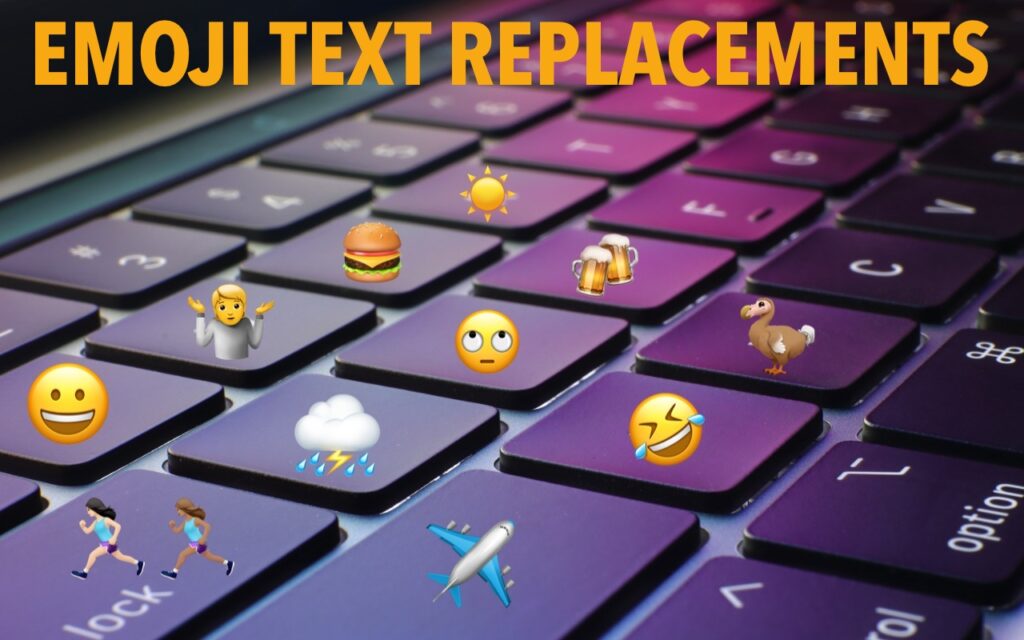
A colorful laptop keyboard features emojis—a burger, sun, airplane, and laughing face—on its keys. Bold yellow text at the top reads EMOJI TEXT REPLACEMENTS, highlighting how to Insert Emoji More Easily with Text Replacements.

For many of us, emoji are fun, but we don’t want to choose Edit > Emoji & Symbols whenever we want to insert one. A faster, better technique is to […]

Reliable Mac Support. Local Expertise.

Proudly serving Northern and Central New Jersey and the surrounding NJ/NY metro area.

No walk-ins — on-site service by appointment across our service area.

Contact

973-671-1122
info@macworks360.com

Mon–Fri 7:30 AM–6:00 PM
Weekends by appointment

Explore

Services
Case Studies
Areas We Serve
Blog
Contact
Terms of Service


Independent consultant; not affiliated with Apple Inc. © 2026 MacWorks 360. All Rights Reserved.