
Transferring Data Securely from Old Devices: A Complete Guide for Small Business Mac Users
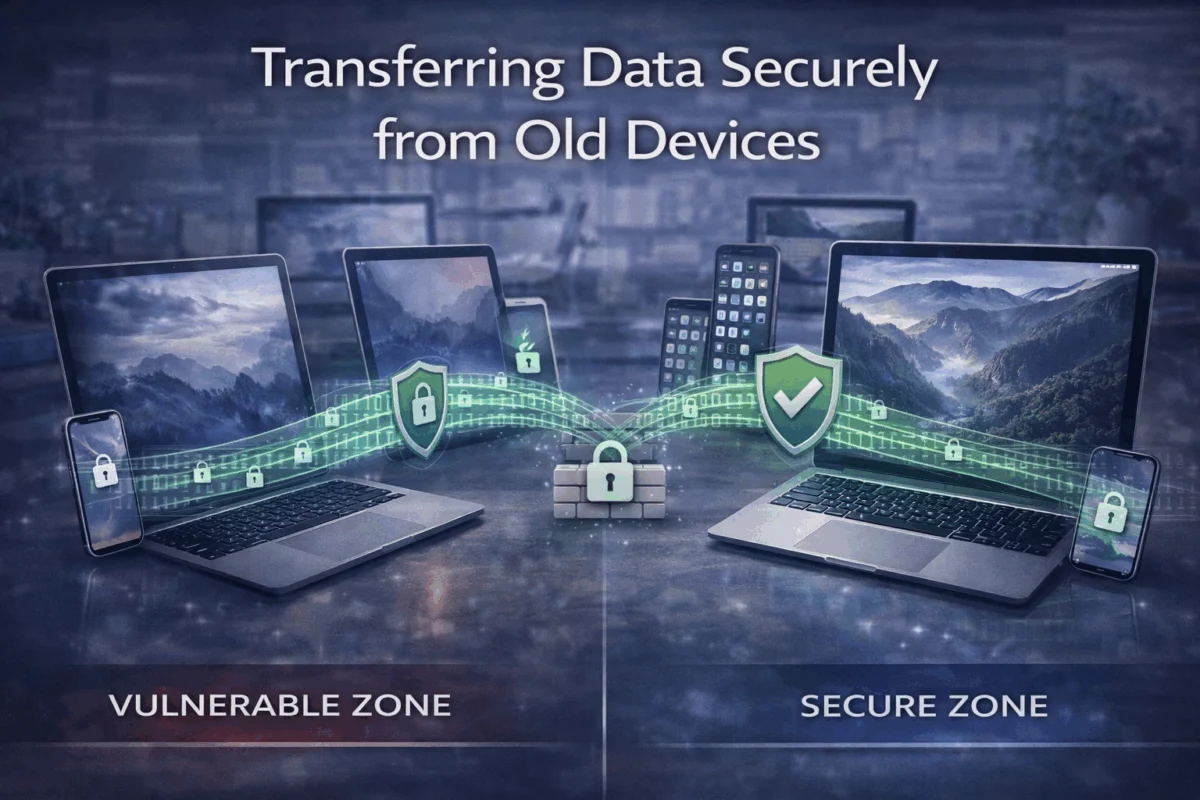
When upgrading business devices or onboarding new team members, transferring data securely from old devices becomes a critical operation that can make or break your workflow continuity. One mishandled transfer can expose sensitive client information, corrupt essential project files, or create security vulnerabilities that haunt your business for months. Yet with the right approach, this process becomes a seamless bridge between your old technology investments and new productivity gains.
Key Takeaways
• Security-first approach: Implement encryption, two-factor authentication, and verified backup strategies before initiating any data transfer
• Apple ecosystem advantages: Leverage built-in tools like Migration Assistant, iCloud sync, and Quick Start for streamlined, secure transfers between Mac and iOS devices
• Business continuity planning: Establish standardized transfer protocols that minimize downtime and ensure consistent security across your entire device fleet
• Proactive risk management: Address common transfer pitfalls through proper preparation, including network security, storage verification, and post-transfer cleanup
• Documentation and training: Create repeatable processes that empower your team while maintaining security standards and reducing support requests
Understanding the Stakes: Why Secure Data Transfer Matters
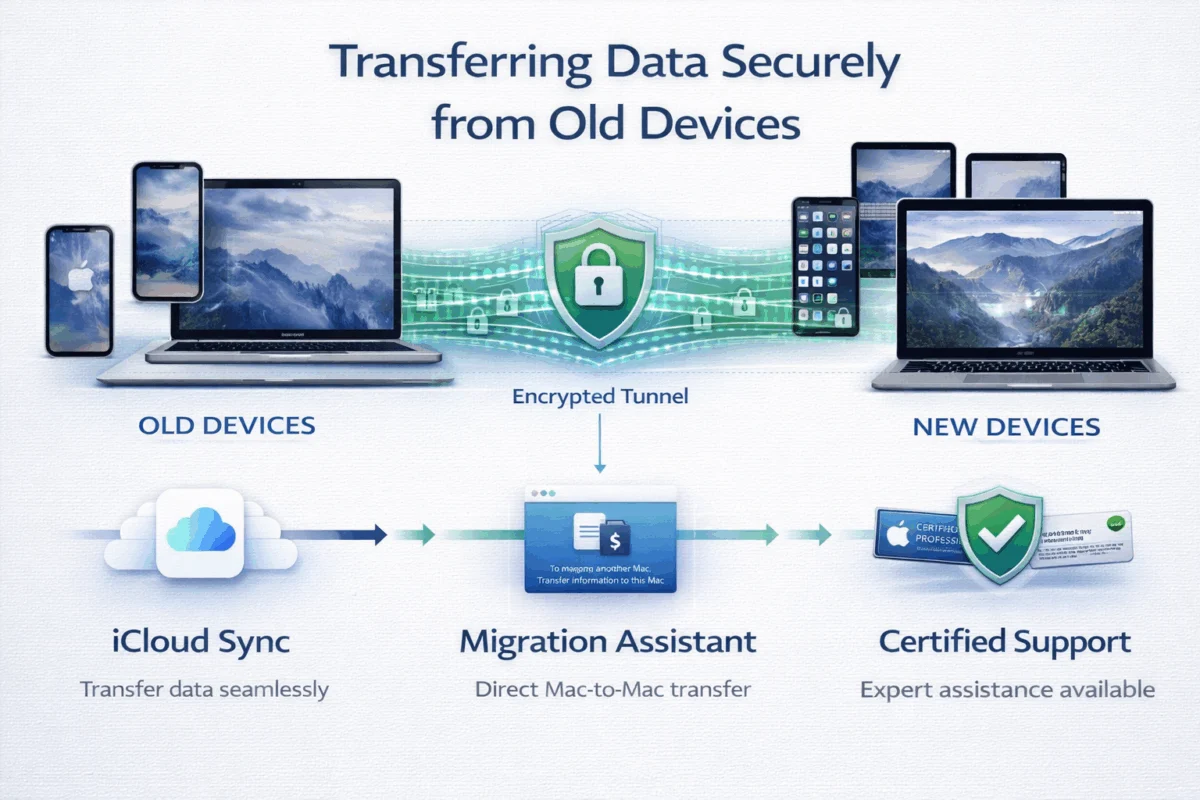 Transferring data securely from old devices isn’t just about moving files—it’s about protecting your business’s digital foundation. Small business owners and creative professionals handle increasingly sensitive information, including client contracts and financial records, as well as proprietary designs and strategic communications. A single compromised transfer can expose this data to unauthorized access, regulatory violations, or competitive threats.
The challenge intensifies when managing multiple devices across your team. Creative agencies juggling MacBooks, iPads, and iPhones need consistent security protocols that don’t slow down project deadlines. Operations managers require transfer methods that scale efficiently without requiring dedicated IT staff for every device upgrade or employee transition.
Modern threats make ad-hoc transfer methods particularly risky. Cybercriminals actively target small businesses during vulnerable moments, such as device transitions, knowing that rushed transfers often bypass security protocols. Digital security best practices become essential when your business data moves between devices.
The hidden costs of insecure transfers extend beyond immediate security risks:
- Compliance violations that trigger regulatory fines and legal complications
- Data corruption requires expensive recovery services and project delays
- Incomplete transfers leave critical files stranded on old devices
- Credential exposure compromises business accounts and client access
- Workflow disruption as team members struggle with missing applications and settings
Essential Security Foundations Before Transferring Data
Audit Your Current Data Landscape
Before initiating any transfer process, conduct a comprehensive audit of the data on your old devices. This inventory reveals not just obvious files and applications, but also cached credentials, saved passwords, and background sync services that could create security vulnerabilities during transfer.
Create a systematic data inventory covering:
- Business documents and client files are stored locally versus cloud services
- Application data, including preferences, licenses, and custom configurations
- Saved passwords, certificates, and authentication tokens
- Email accounts, calendar data, and contact databases
- Creative assets, project files, and version histories
- System preferences and security settings
Implement Strong Authentication Protocols
Two-factor authentication (2FA) serves as your first line of defense during data transfers. Enable robust security measures across all accounts involved in the transfer process, including iCloud, business email, and any cloud storage services.
Configure authentication requirements for:
- Apple ID accounts manage device transfers
- Business cloud services (Google Workspace, Microsoft 365, Dropbox)
- Financial and client management applications
- Creative software with cloud sync capabilities
Secure Your Transfer Environment
The network environment in which you perform transfers directly affects security outcomes. Public Wi-Fi networks expose data transfer to potential interception, while unsecured business networks create internal vulnerabilities.
Establish a secure transfer environment by:
- Using dedicated, password-protected Wi-Fi networks for device transfers
- Implementing VPN connections when transferring over public networks
- Ensuring firewall protection on both source and destination devices
- Verifying network encryption protocols (WPA3 preferred)
- Isolating transfer activities from general business network traffic
Apple Ecosystem Transfer Methods: Security and Efficiency Combined
Migration Assistant: The Gold Standard for Mac Transfers
Apple’s Migration Assistant provides the most comprehensive and secure way to transfer data from old devices within the Mac ecosystem. This built-in tool encrypts data during transfer while preserving file permissions, application settings, and user preferences, and offers multiple transfer options to suit different business scenarios.
Migration Assistant supports three primary transfer methods:
- Direct Mac-to-Mac transfer via Thunderbolt, USB-C, or Wi-Fi connection
- Time Machine backup restoration from external drives or network storage
- Startup disk cloning for complete system replication
The tool automatically identifies transferable content, including user accounts, applications, documents, and system settings. For business users, this comprehensive approach ensures that custom workflows, licensed software configurations, and productivity setups transfer intact without requiring manual reconfiguration.
Security advantages of Migration Assistant include:
- End-to-end encryption during all transfer operations
- Verification checksums prevent data corruption
- Selective transfer options protecting sensitive information
- Automatic cleanup of temporary transfer files
- Integration with FileVault disk encryption
Quick Start for iOS Devices: Streamlined iPhone and iPad Transfers
iOS devices benefit from Quick Start, which automates secure transfers between iPhones and iPads. This wireless transfer method leverages device proximity authentication and encrypted data streams to efficiently transfer apps, settings, and user data.
Quick Start process overview:
- Device proximity verification using Bluetooth and visual confirmation
- Apple ID authentication ensures authorized access to user data
- Selective data transfer allowing customization of transferred content
- Background completion enabling device use during extended transfers
For business environments managing multiple iOS devices, Quick Start integrates seamlessly with Apple Business Manager for automated device enrollment and configuration. This combination enables zero-touch deployment scenarios in which new devices arrive preconfigured with business applications and security policies.
iCloud Sync: Continuous Protection and Accessibility
iCloud provides ongoing data protection and transfer capabilities that extend beyond one-time device migrations. For businesses committed to the Apple ecosystem, iCloud sync ensures that critical data remains accessible and protected across all devices while facilitating smooth transitions during device upgrades.
iCloud’s business-friendly features include:
- Documents and Desktop sync keep work files accessible across all Macs
- Keychain synchronization maintains secure access to business passwords
- Photos and media backup protecting creative assets and client materials
- App data synchronization, preserving custom settings and preferences
- Automatic backup scheduling ensures continuous data protection
Apple provides temporary additional iCloud storage during device transfers, addressing storage limitations that might otherwise complicate the migration process.
Advanced Transfer Strategies for Business Environments
Device Management Integration
Transferring data securely from old devices becomes significantly more manageable when integrated with Mobile Device Management (MDM) solutions. Apple Business Manager, combined with MDM platforms, enables automated device provisioning that reduces manual transfer requirements while maintaining security standards.
MDM-enhanced transfer benefits:
- Automated app deployment, eliminating manual software installation
- Configuration profile distribution ensuring consistent security settings
- Selective data restoration protects sensitive information during transfers
- Compliance monitoring, verifying successful transfer completion
- Remote management capabilities supporting distributed team transfers
Network-Attached Storage Solutions
For businesses handling large creative files or extensive databases, network-attached storage (NAS) systems provide secure intermediate storage during device transfers. These solutions offer greater control over transfer timing and data verification while maintaining security through encrypted connections and access controls.
NAS transfer advantages include:
- High-speed transfer capabilities for large media files
- Centralized backup verification and integrity checking
- Granular access controls protecting sensitive business data
- Scheduled transfer operations minimize business disruption
- Redundant storage protects against transfer failures
Cloud-First Transfer Strategies
Modern businesses increasingly adopt cloud-first approaches that minimize local data storage and simplify device transfers. By maintaining primary data in secure cloud services, device transfers focus on application installation and preference configuration rather than large-scale data movement.
Cloud-first transfer components:
- Document storage in services like iCloud Drive, Google Drive, or Dropbox Business
- Email and calendar are hosted through cloud providers rather than local applications
- Creative asset management using Adobe Creative Cloud or similar platforms
- Password management through dedicated services like 1Password or Bitwarden
- Application preferences synchronized through cloud-based configuration services
Common Transfer Pitfalls and Prevention Strategies
 Incomplete Application Data Transfer
Many business applications store critical data in non-obvious locations that standard transfer methods might miss. Creative software often maintains custom brushes, templates, and project libraries in application-specific folders that require manual identification and transfer.
Prevent incomplete transfers by:
- Documenting application-specific data locations before starting transfers
- Verifying license activation and subscription access on new devices
- Testing critical application functionality immediately after transfer
- Maintaining temporary access to old devices until verification completes
- Creating application-specific backup procedures for specialized software
Network Security Vulnerabilities
Transfer operations can expose business data to network-based attacks, particularly when using wireless connections or public networks. Phishing attempts often increase during device transition periods when users might be more likely to click suspicious links or provide credentials.
Strengthen network security during transfers:
- Use dedicated transfer networks isolated from general business operations
- Implement network monitoring to detect unusual transfer activity
- Require VPN connections for any transfers over public networks
- Verify device identity before initiating transfer operations
- Monitor for unauthorized access attempts during transfer windows
Post-Transfer Security Cleanup
Completing the transfer process requires a thorough cleanup of both source and destination devices to prevent security vulnerabilities. Old devices may retain cached credentials or temporary files that could provide unauthorized access to business systems.
Essential cleanup procedures include:
- Secure wiping of old devices using built-in erase functions
- Verification of account logout from all business services
- Removal of device-specific certificates and authentication tokens
- Confirmation of data deletion from temporary transfer locations
- Documentation of transfer completion for compliance purposes
Building Repeatable Transfer Processes for Your Business
Documentation and Standard Operating Procedures
Transferring data securely from old devices requires consistent processes that team members can follow independently while maintaining security standards. Comprehensive documentation reduces errors, speeds up transfers, and ensures compliance with business security policies.
Essential documentation components:
- Pre-transfer checklists covering security verification and data inventory
- Step-by-step transfer procedures for different device types and scenarios
- Security verification protocols ensuring transfer integrity and completeness
- Troubleshooting guides addressing common transfer complications
- Post-transfer cleanup procedures, maintaining security after completion
Training and Empowerment
Effective transfer processes balance security requirements with user empowerment, enabling team members to handle routine transfers while escalating complex scenarios to appropriate support resources. This approach reduces support ticket volume while maintaining security standards across your device fleet.
Training program elements:
- Hands-on workshops demonstrating secure transfer procedures
- Security awareness education covering transfer-related risks
- Application-specific guidance for specialized business software
- Escalation procedures for complex or high-risk transfers
- Regular updates addressing new security threats and transfer methods
Continuous Improvement and Monitoring
Transfer processes require ongoing refinement based on actual business experience, security developments, and technology changes. Regular review and improvement ensure that procedures remain effective and efficient as your business grows and technology evolves.
Monitoring and improvement strategies:
- Regular audits of transfer completion and security compliance
- User feedback collection, identifying process pain points, and improvements
- Security incident analysis revealing transfer-related vulnerabilities
- Technology update assessment, ensuring compatibility with new devices and software
- Performance metrics tracking transfer efficiency and success rates
Conclusion: Your Path to Secure, Efficient Device Transfers
Transferring data securely from old devices demands a strategic approach that balances security, efficiency, and business continuity. The investment in proper transfer processes pays dividends through reduced security risks, minimized downtime, and empowered team members who can handle device transitions confidently.
Success requires moving beyond ad-hoc transfer methods toward documented, tested procedures that integrate with your broader business security strategy. Whether managing a small creative team or scaling a growing agency, the principles remain consistent: prepare thoroughly, transfer securely, and verify completely.
Your next steps toward transfer excellence:
- Audit your current transfer practices and identify security gaps or inefficiencies
- Implement standardized procedures using Apple’s built-in transfer tools as your foundation
- Train your team on secure transfer protocols and escalation procedures
- Document everything to ensure consistency and continuous improvement
- Monitor and refine your processes based on real-world experience and evolving threats
The peace of mind that comes from knowing your business data transfers securely and efficiently enables you to focus on what matters most: growing your business and serving your clients. With proper preparation and the right tools, device transfers become routine operations that strengthen rather than threaten your business operations.
For businesses seeking expert guidance on implementing secure transfer processes or managing complex Apple device fleets, professional Mac IT support can provide the specialized knowledge and ongoing support needed to maintain security while maximizing productivity. The investment in proper transfer infrastructure and training creates lasting value that protects your business and empowers your team for years to come.
References
[1] Apple Inc. “Use Migration Assistant to copy files from your old Mac to your new Mac.” Apple Support, 2025.
[2] National Institute of Standards and Technology. “Guidelines for Media Sanitization.” NIST Special Publication 800-88 Rev. 1, 2014.
[3] Apple Inc. “Apple Business Manager User Guide.” Apple Inc., 2025.

Want this Mac Security implemented for you?
MacWorks 360 hardens, monitors, and backs up Mac fleets across New Jersey. We build policies, deploy tools, and prove restores—so your team stays safe and focused.
Contact us · Managed IT for Mac · Apple IT Support
Based in Springfield, NJ—serving Summit, Millburn, Short Hills, Chatham, Montclair, and beyond.