
Heat Wave Survival Guide for Your Apple Devices

A massive heat dome earlier this summer exposed large swaths of the United States to heat index values approaching or exceeding 120ºF, underscoring the importance of protecting our devices from […]
Dropbox Passwords Ending: Switch to 1Password Now
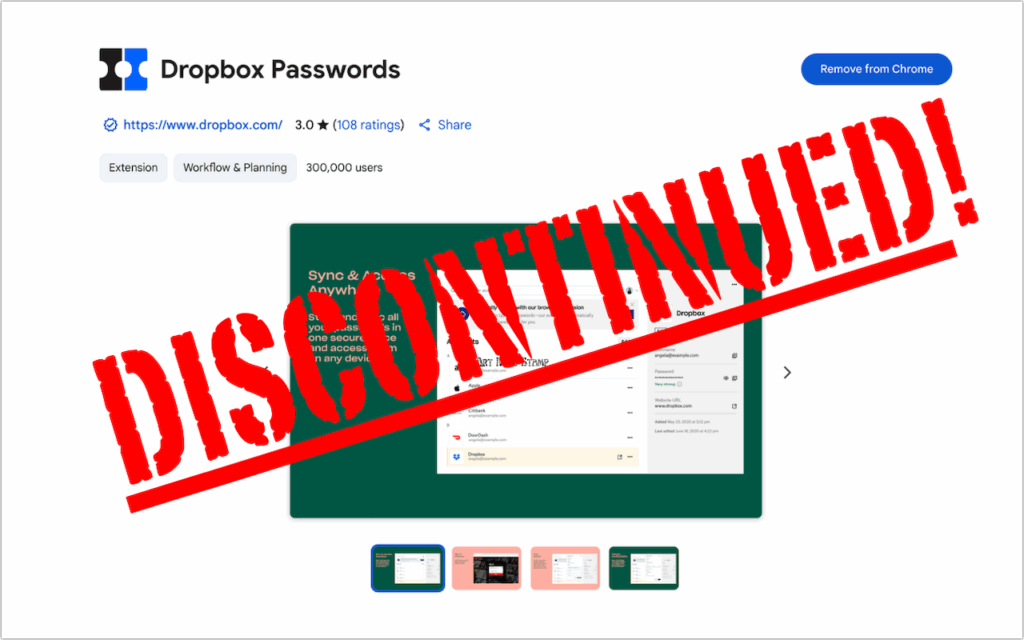
If you use Dropbox Passwords, it’s time to switch to a new password manager. Dropbox has announced it will discontinue the service on October 28, 2025, with key features being […]
Apple Introduces AppleCare One for Multi-Device Coverage
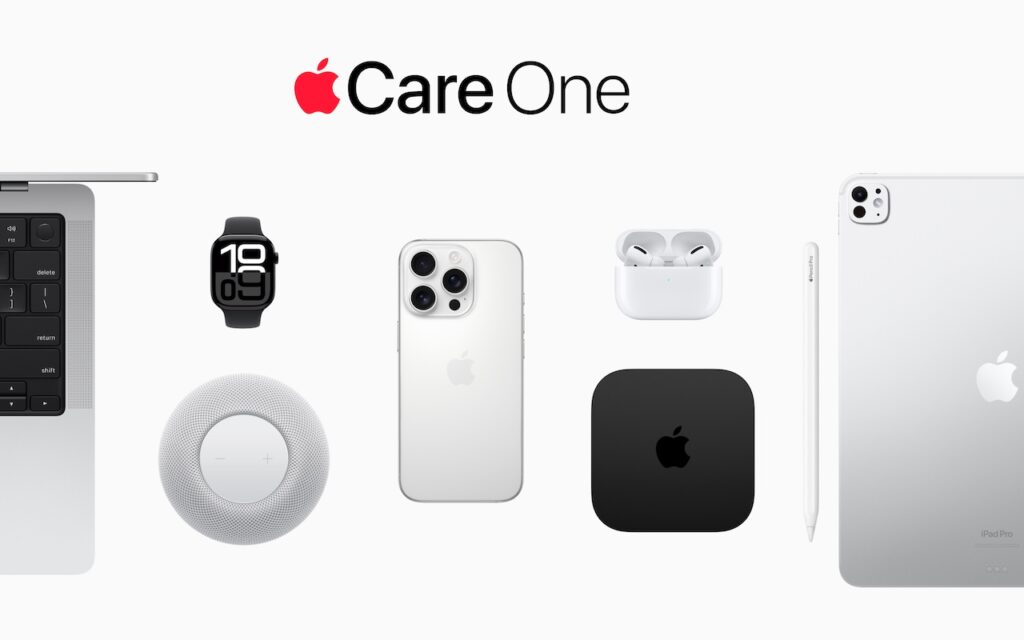
Apple has launched AppleCare One, a new device protection plan that consolidates coverage for multiple Apple devices into a single monthly subscription. For $19.99 per month, US customers can protect […]
Recovering from a Failed Update with a Nearby iPhone or iPad
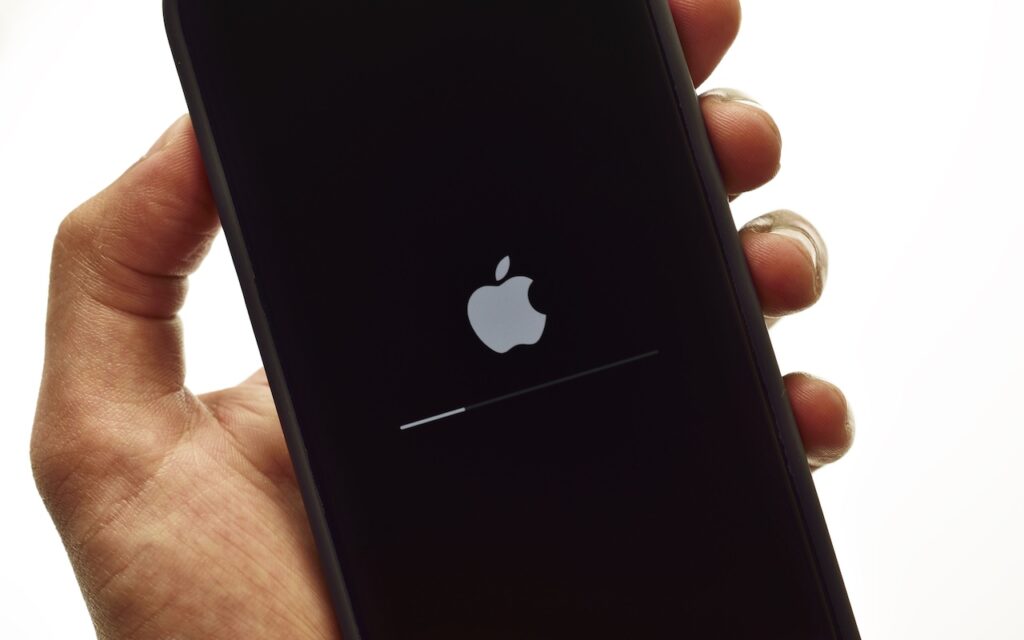
We hope you never need a new recovery option that Apple has added to the iPhone 16 and current iPad mini (with an A17 Pro chip). If a device gets […]
Clean Your iPhone’s Camera Lens

Serious photographers take care of their lenses. The rest of us just stuff our iPhones into our pockets or purses and pay no attention to the fingerprints and grime they […]
Apple Silicon Macs Can’t Boot from the DFU Port
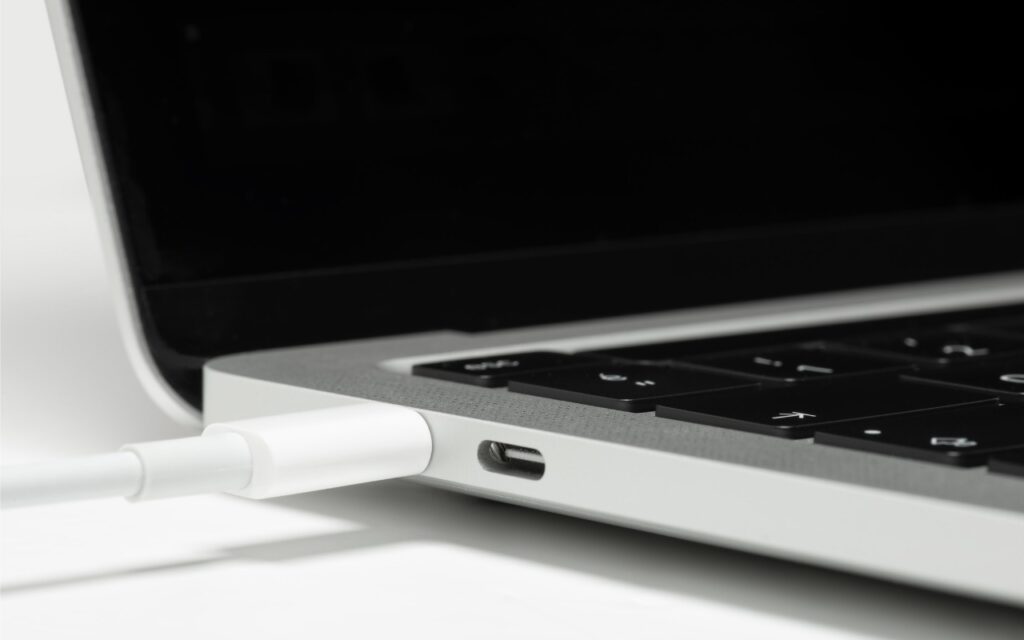
Booting from an external SSD (hard disks are too slow) provides a convenient way to test specific versions of macOS or troubleshoot problems with your Mac’s internal storage. However, a […]
Make Sure to Check Settings on Multiple Devices

We recently helped someone having trouble with 1Password requesting their password repeatedly on their iPad, but not on their iPhone. Since 1Password’s data syncs between devices, this person didn’t realize […]
Working with Time Zones in Apple’s Calendar Apps

Calendar events are usually straightforward. For instance, if you schedule a meeting for 3 PM on Thursday, an alert will remind you to leave 30 minutes beforehand. However, since we […]
Never Save Your Work in These Locations
In every job that involves interaction with the public, amusing “Can you believe…” stories about customers abound. They’re often triggered by seemingly reasonable behaviors that experts recognize as problematic. A […]
How to Convince Microsoft Office Apps to Save Files on Your Mac
By default, Microsoft Office apps—Word, Excel, and PowerPoint—try to save files on Microsoft OneDrive as a way of promoting the company’s cloud storage. If that’s undesirable, you can easily keep […]