
Two Tricks for Fixing a Mac That’s Restarting Unexpectedly
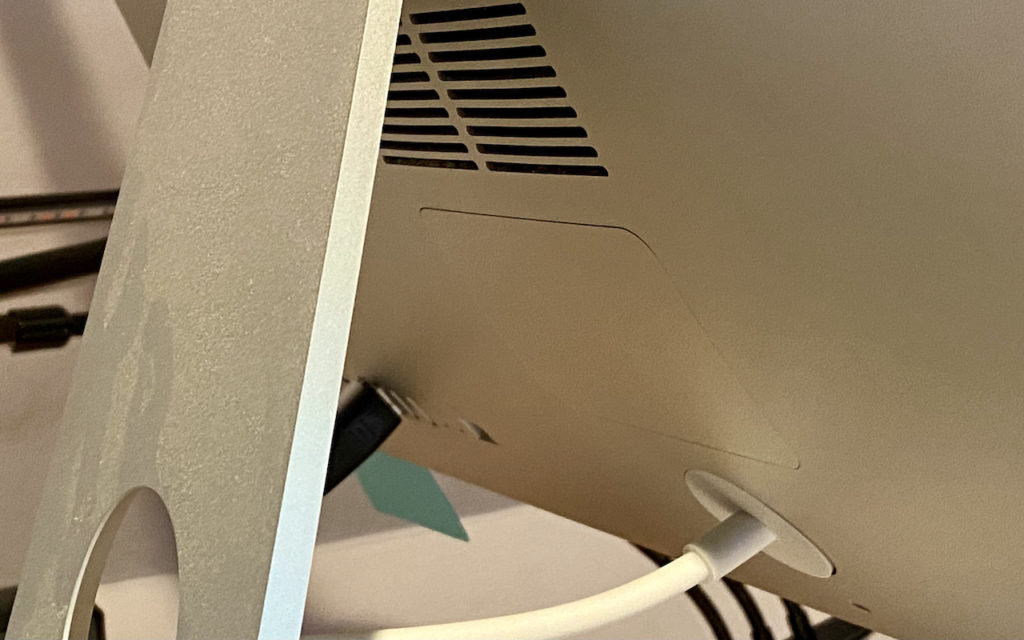
Although extremely uncommon, it’s not unheard of for a Mac, particularly an older model, to restart unexpectedly. If it happens once, chalk it up to cosmic rays and move on. […]
Work with iOS App Updates in Your Account in the App Store

If you’ve turned on automatic App Updates in Settings > App Store on your iPhone or iPad, you might wonder how you’d know if an app was updated or what […]
Archive Email to Avoid Mail Quotas, Improve Performance, and Reduce Clutter

Email is a major part of all our lives, both personally and professionally, and as such, it can add up. Before you know it, you have years of email stored […]
Having Trouble Finding Files on Your Mac? Here’s How to Reset Spotlight

For the most part, Spotlight works well. Press Command-Space or use the Search field in a Finder window, and it finds everything that matches your search term. Sometimes, however, Spotlight […]
When Asking about Phishing Email, Make Sure to Write Separately Too

Sadly, email is not an entirely reliable communications medium, thanks to spam filters, addressing errors, and server failures. With certain types of email, it’s worth double-checking that a message was […]
PostScript Type 1 Fonts Losing Support This Year—Here’s What to Do

For you graphic designers out there, Adobe has announced that it will be ending support for PostScript Type 1 fonts starting with Photoshop in 2021. All Adobe apps will stop […]
Manage Your Apple Purchases and Subscriptions on the Mac and iPhone

Last quarter, Apple’s Services segment generated a whopping $15.8 billion in revenue, 14% of the company’s total—sales of apps, media, and subscriptions are a big deal to Apple. And if […]
Reclaim Local Storage Space by Removing iCloud Drive Downloads

With iCloud Drive, Apple provides an Optimize Mac Storage checkbox that, when checked, stores the full contents of iCloud Drive on the Mac only if there’s enough space. However, you […]
M1-Based Macs Have New Startup Modes: Here’s What You Need to Know
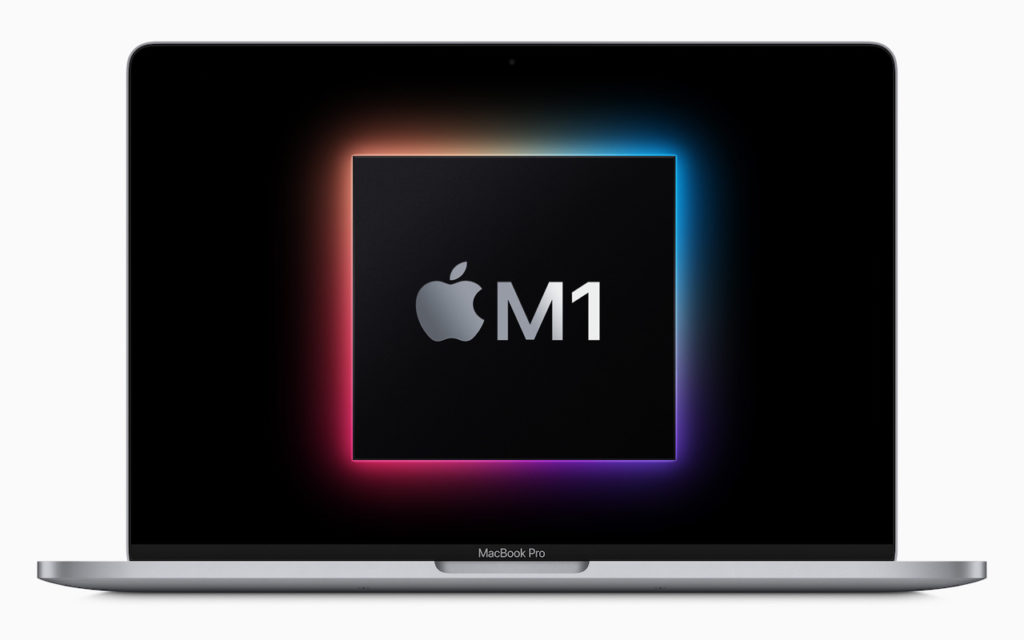
For many years, Macs have relied on sets of keys held at startup to enable specific modes. Most notably, pressing Option displays the Startup Manager and lets you pick a […]
Not Enough Space to Install iOS 14 or iPadOS 14? Try This Approach

Suppose you have an older iPhone or iPad, especially one with only 16 GB of storage. In that case, it’s possible that you won’t have enough space to upgrade to […]