
Skip to content
MacWorks 360
HomeAboutServicesCase StudiesAreas We ServeBlogTestimonialsFree Consultation: 973-671-1122

MacWorks 360 Blog

Browse topics:All ArticlesApple NewsSecurityTips & GuidesBackup & RecoveryNetwork & Wi-FiAI

About That Worrying Message Saying Your Password Has Been Breached…

A person holding a smartphone with the word SECURE and security icons, such as locks and shields, overlaid digitally, representing mobile device security and data protection.

In iOS 14, Apple added a feature that warns you when one of your website passwords stored in iCloud Keychain has appeared in a data breach. We’ve fielded some questions […]

Losing the Occasional Important Message? Set up a Ham Filter

A close-up of a pink piglet with large ears and a snout, leaning over a wooden barrier. Another piglet is partially visible in the background inside a pen.

Although spam remains as much of a scourge as ever, spam filters have improved enough that most people see relatively little spam and lose relatively few legitimate messages (known as […]

Sort Your Lists Differently in Reminders in iOS 14 and Big Sur

A woman stands behind a glass wall covered with colorful sticky notes. She is looking at and adjusting a pink note while wearing glasses and a striped blazer, in a modern office setting.

For many years, Apple’s Reminders app let you sort your lists, but in just one way that applied to all lists equally. That was a problem if you had a […]

Ransomware Is on the Rise: Learn How to Protect Your Macs

A shadowy figure sits behind falling binary code, with a red padlock and dollar sign above the word RANSOMWARE and the text your files have been encrypted in red.

In cybercriminal circles, ransomware is all the rage. Once it has infected a computer, it encrypts all the files and then presents a ransom demand—pay up to get the decryption […]

Share Files, Photos, and other Data between Apple Devices with AirDrop

A blue digital file folder is suspended by a red and white parachute, floating in a blue sky with scattered white clouds.

It’s common to want to share files, photos, and other data between your devices—or with friends and family. When the desired person or device isn’t nearby, it’s easiest to use […]

How to Take the Annoyance Out of Your Key Passwords and Passcodes

A hand holds a smartphone in front of an open laptop, with scattered floating letters in various sizes overlaying the image, creating an abstract digital communication theme.

We constantly say, “Use a password manager!” for good reason. Password managers make it easy to generate, store, and enter strong passwords. You don’t have to decide whether or not […]

Picking the Best Mac for a College-Bound Student
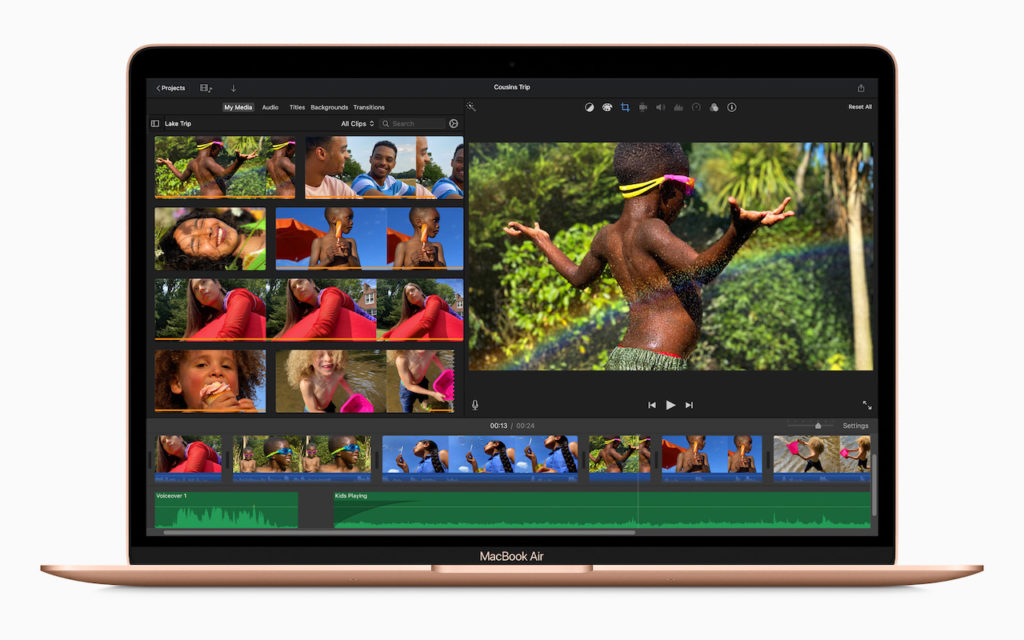
A MacBook Air displays a video editing program with multiple video clips and a timeline. The main preview shows a child dancing outdoors, while thumbnails of other video clips are visible on the left.

Do you have a child heading off to college soon? As you’re undoubtedly aware from high school, a computer is essential for a college student. If you haven’t been paying […]

Filter What’s Showing in Photos to Focus on Specific Types

A digital collage of floating video screens displaying people, eyes, and landscapes, set against a dark, futuristic background with abstract networks and glowing connections.

You know you can make albums and smart albums in Photos, and do searches to find photos that contain particular objects. But what if you want to separate photos from […]

The Mac’s Magic Shortcut to Trashing Files and Photos Quickly

A close-up of a persons hand pressing the delete key on a laptop keyboard. The focus is on the finger and the keyboard, with the hand positioned above the black keys.

Sure, you could select a file in the Finder and choose File > Move to Trash or drag it to the Trash in the Dock. Similarly, you can trash selected […]

Nightstand Mode Makes Your Apple Watch a Helpful Bedroom Companion

A digital watch in a stand shaped like a retro computer displays the time 11:56 on a wooden bedside table next to a colorful patchwork quilt and a white pillow.

Most Apple Watch users charge their watch every night, putting it on a charger as part of a bedtime routine. If that’s you, make sure you’re not missing one of […]

← Previous
Next →

Reliable Mac Support. Local Expertise.

Proudly serving Northern and Central New Jersey, with on-site support within about 20 miles of Springfield.

No walk-ins — on-site service by appointment across our service area.

Contact

973-671-1122
info@macworks360.com

Mon–Fri 7:30 AM–6:00 PM
Weekends by appointment

Explore

Services
Case Studies
Areas We Serve
Blog
Contact
Terms of Service


Independent consultant; not affiliated with Apple Inc. © 2026 MacWorks 360. All Rights Reserved.