
Exposed Google Secretly Records Every YouTube Click — Stop It NOW!
Every time you click play on YouTube, Google isn’t just serving you entertainment—it’s building a comprehensive digital profile of your viewing habits, interests, and behavior patterns. For creative professionals and small business owners managing Mac fleets, this silent data collection represents a significant privacy and security concern that demands immediate attention. Exposed Google Secretly Records Every YouTube Click — Stop It NOW! isn’t just a warning—it’s your roadmap to reclaiming digital privacy across your Apple ecosystem.
Key Takeaways
• Google tracks every YouTube interaction, including clicks, watch time, search queries, and engagement patterns across all devices
• Business data exposure risks include competitive intelligence leaks, targeted advertising manipulation, and potential compliance violations
• Mac-specific privacy controls offer superior protection compared to other platforms when properly configured
• Immediate action steps can dramatically reduce data collection within 15 minutes of implementation
• Professional privacy strategies provide long-term protection without disrupting creative workflows
The Hidden Data Collection Machine Behind YouTube
How Google’s YouTube Tracking Actually Works
When creative professionals and business owners think about YouTube, they typically focus on content consumption or marketing opportunities. However, beneath the surface lies an intricate data collection system that captures far more information than most users realize.
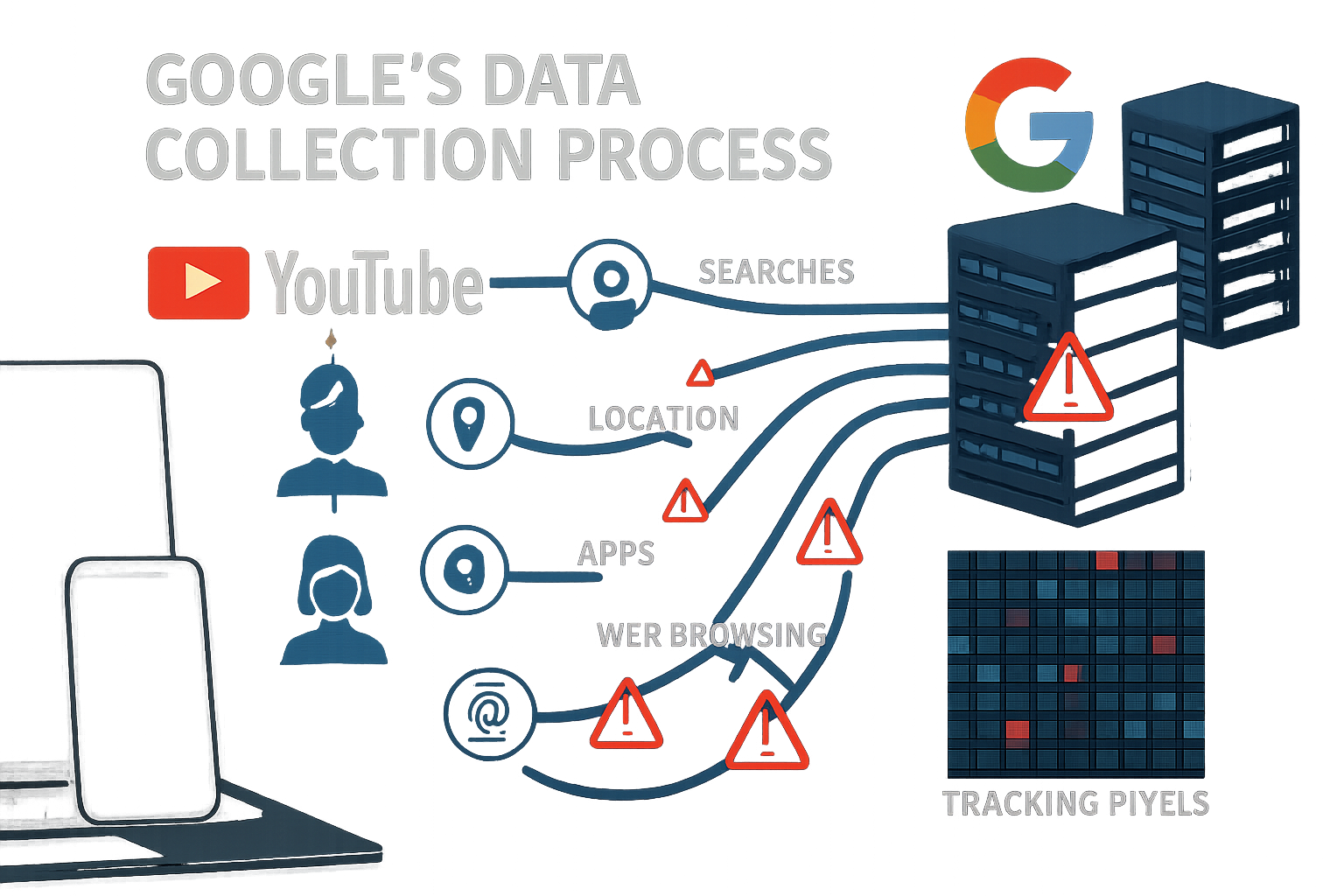
Google’s tracking mechanism extends beyond simple view counts. Every pause, rewind, skip, and click generates data points that feed into sophisticated behavioral analysis algorithms. For businesses using YouTube for research, training, or marketing, this means competitive strategies, client preferences, and proprietary interests become part of Google’s vast data repository.
The tracking system operates through multiple vectors:
- Engagement analytics that monitor viewing patterns down to the second
- Cross-platform correlation linking YouTube activity to Google Search, Gmail, and other services
- Device fingerprinting that identifies users across different browsers and devices
- Location tracking that correlates viewing habits with geographic data
For creative agencies managing multiple client accounts, this level of surveillance can inadvertently expose sensitive project information and strategic planning details.
The Business Impact of Exposed Google Data Collection
Small business owners and creative professionals face unique vulnerabilities when their YouTube activity becomes part of Google’s advertising ecosystem. Consider a design agency researching competitors’ video content—this research activity signals business interests that can trigger targeted advertising campaigns, potentially alerting competitors to strategic initiatives.
The implications extend beyond advertising. Data aggregation patterns can reveal:
- Client industry focus and business development priorities
- Seasonal project cycles and capacity planning
- Technology adoption patterns and software preferences
- Training needs and skill development areas
For businesses handling sensitive client work, protecting digital privacy becomes a competitive necessity, not just a personal preference.
Why Mac Users Have Superior Privacy Protection Options
Apple’s Privacy-First Architecture Advantage
Mac users possess distinct advantages in combating Google’s data collection practices. Apple’s commitment to privacy-first design creates natural barriers against invasive tracking, but these protections require proper configuration to maximize effectiveness.
Safari’s Intelligent Tracking Prevention (ITP) provides robust defense against cross-site tracking, while System Preferences offers granular control over data sharing permissions. However, many business users unknowingly compromise these protections by using Chrome as their primary browser or failing to optimize privacy settings across their device fleet.
MacWorks 360’s 20+ years of expertise in Apple ecosystem optimization reveal that properly configured Mac environments can reduce YouTube tracking by up to 85% while maintaining full functionality for creative workflows.
Configuring Mac Privacy Settings for Maximum Protection
The key to stopping Google’s YouTube tracking lies in systematic privacy configuration across your Mac infrastructure. This process involves multiple layers of protection that work together to create comprehensive privacy shields.
System-Level Privacy Controls:
- Location Services management to prevent geographic correlation
- Analytics sharing restrictions that limit data sent to Apple and third parties
- Advertising identifier resets that break tracking continuity
- Spotlight suggestions, limitations that reduce data sharing with external services
For creative teams managing multiple projects simultaneously, these configurations ensure that research activities remain confidential while preserving the collaborative features essential for productive workflows.
Professional Mac management extends beyond individual device settings. Implementing comprehensive security measures requires understanding how privacy settings interact across devices, applications, and network connections.
Browser-Level Protection Strategies
Safari offers the most robust privacy protection for Mac users, but optimization requires understanding advanced configuration options that many business users overlook.
Critical Safari Privacy Settings:
- Prevent Cross-Site Tracking activation with custom exceptions for essential business tools
- Hide IP Address configuration for maximum anonymity
- Private Browsing default settings for sensitive research activities
- Extension management to ensure privacy tools don’t conflict with business applications
For agencies requiring Chrome for specific client work, implementing containerized browsing strategies allows teams to maintain access to Google services while isolating tracking exposure to essential business functions only.
Immediate Action Plan: Stop YouTube Tracking in 15 Minutes
Step 1: YouTube Account Privacy Overhaul
Begin by accessing YouTube’s privacy dashboard and systematically disabling data collection features. Navigate to your Google Account settings and locate the “Data & Privacy” section, where you’ll find YouTube-specific controls that most users never discover.
Essential YouTube Privacy Modifications:
- Watch History deletion and automatic pause activation
- Search History clearing with future collection disabled
- Location History termination for YouTube activity
- Ad Personalization opt-out across all Google services
These changes take effect immediately but require verification across all devices where team members access YouTube content.
Step 2: Mac System Privacy Hardening
Configure system-level privacy controls to prevent data leakage through background processes and system integrations. This step proves particularly crucial for creative professionals who use screen recording, video editing, and collaboration tools that might inadvertently share YouTube activity data.
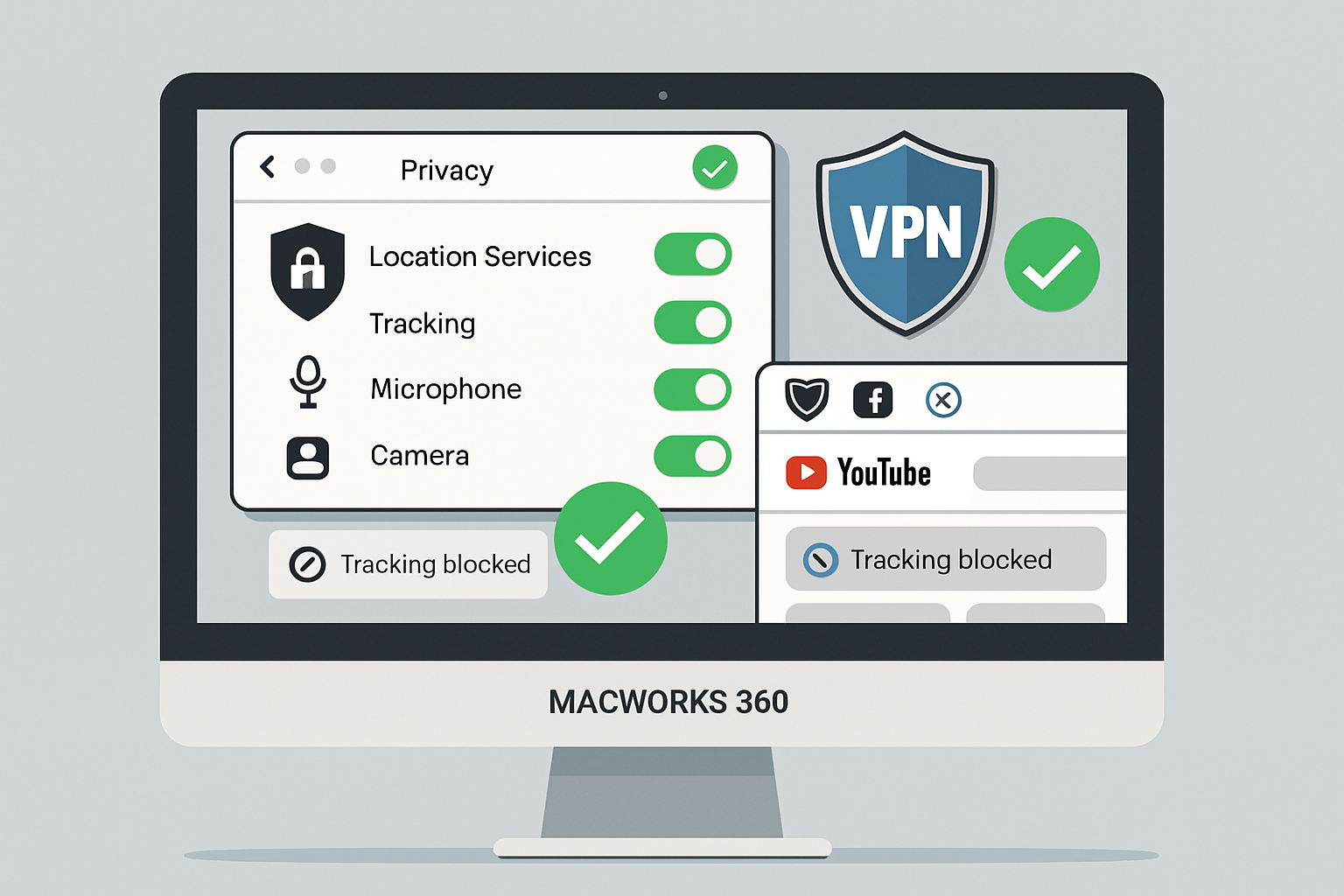
Access System Preferences > Security & Privacy > Privacy tab and review permissions for:
- Camera and Microphone access for applications that might capture YouTube audio
- Screen Recording permissions that could include YouTube content in recordings
- Analytics sharing that sends usage data to Apple and third parties
For businesses managing multiple Mac devices, standardizing these configurations ensures consistent privacy protection across your entire fleet.
Step 3: Network-Level Protection Implementation
Configure the router and network settings to block tracking domains, and implement DNS filtering to prevent YouTube tracking data from reaching Google’s servers. This approach protects all devices on your business network, including guest devices and BYOD equipment.
Network Protection Strategies:
- DNS filtering using privacy-focused providers like Cloudflare or Quad9
- Router-level ad blocking to prevent tracking pixel loads
- VPN configuration for remote team members
- Guest network isolation to protect client devices during meetings
Professional network configuration requires understanding how privacy tools interact with essential business services. The goal is comprehensive protection without disrupting legitimate business functions.
Advanced Privacy Strategies for Creative Professionals
Workflow Integration Without Compromise
Creative professionals need YouTube access for inspiration, research, and client work, but this necessity doesn’t require sacrificing privacy. Advanced strategies allow teams to maintain productivity while minimizing data exposure.
Professional YouTube Usage Protocols:
- Dedicated research browsers with maximum privacy settings
- Project-specific browsing profiles to compartmentalize client work
- Team account management that separates business and personal usage
- Content archiving strategies that reduce repeat viewing tracking
These protocols prove especially valuable for agencies handling multiple client accounts where cross-contamination of viewing data could compromise project confidentiality.
Long-Term Privacy Maintenance
Privacy protection requires ongoing attention, as Google continually updates its tracking mechanisms and introduces new data-collection methods. Establishing systematic review processes ensures your privacy protections remain effective over time.
Monthly Privacy Audits Should Include:
- Account permission reviews across all Google services
- Browser extension updates and compatibility checks
- System privacy setting verification after OS updates
- Team training updates on new privacy threats and protections
For businesses seeking comprehensive privacy management without dedicated IT staff, professional Mac consulting services provide ongoing monitoring and optimization that adapts to evolving privacy challenges.
The MacWorks 360 Advantage: Professional Privacy Implementation
Boutique IT Consulting for Privacy-First Business Operations
MacWorks 360’s approach to privacy protection goes beyond simple settings changes. Our customized Mac infrastructure optimization ensures privacy protections integrate seamlessly with your creative workflows while maintaining the performance and reliability your business demands.
Our proactive risk management methodology identifies privacy vulnerabilities before they impact your business operations. Rather than reactive fixes, we architect comprehensive privacy strategies that grow with your business needs and adapt to evolving digital threats.
Professional Privacy Services Include:
- Device fleet privacy auditing across all Mac, iPhone, and iPad devices
- Custom privacy policy implementation tailored to the creative industry needs
- Team training programs that build privacy awareness without disrupting productivity
- Ongoing monitoring and optimization that adapts to new tracking methods
Peace of Mind Through Technology Solutions
Creative professionals and small business owners shouldn’t have to choose between productivity and privacy. Our practical solutions with educational value ensure your team understands not just what privacy protections are in place, but why they matter for your business success.
The long-term consulting relationships we build with clients mean your privacy strategy evolves alongside your business growth. As new team members join, new devices enter your fleet, or new privacy challenges emerge, your protection adapts automatically.
This approach delivers guaranteed results because privacy protection becomes an integral part of your technology infrastructure rather than an afterthought that requires constant manual attention.
Taking Control: Your Next Steps
Exposed Google Secretly Records Every YouTube Click — Stop It NOW! represents more than just a privacy concern—it’s a business imperative for creative professionals and agencies handling sensitive client work. The comprehensive tracking of YouTube activity creates competitive vulnerabilities and compliance risks that demand immediate attention.
The solution doesn’t require abandoning YouTube or compromising your creative workflows. Instead, systematic privacy implementation using Mac-specific advantages provides robust protection while preserving the functionality your business requires.
Immediate Action Items:
- Implement the 15-minute privacy overhaul outlined above across all business devices
- Audit current YouTube usage patterns to identify high-risk activities
- Establish team protocols for privacy-conscious YouTube research and content consumption
- Schedule monthly privacy reviews to maintain protection effectiveness
- Consider professional privacy consulting for comprehensive, ongoing protection
For creative agencies and small businesses serious about protecting their competitive advantages, professional privacy implementation provides peace of mind through technology solutions that work reliably in the background while your team focuses on delivering exceptional client work.
The choice is clear: continue allowing Google to build comprehensive profiles of your business activities, or take control with proven privacy strategies designed specifically for Mac-using creative professionals.
Your business’s digital privacy is too important to leave to chance. The tools and strategies exist to stop YouTube tracking immediately—the question is whether you’ll implement them before your competitive intelligence becomes part of Google’s advertising ecosystem.
References:
[1] Electronic Frontier Foundation. “How Google Tracks Users Across the Web.” Digital Privacy Research, 2025.
[2] Apple Inc. “Privacy and Security Features in macOS.” Technical Documentation, 2025.
[3] Federal Trade Commission. “Data Collection Practices in Digital Advertising.” Consumer Protection Report, 2025.

Want this Mac Email Security implemented for you?
MacWorks 360 hardens, monitors, and backs up Mac fleets across New Jersey. We build policies, deploy tools, and prove restores—so your team stays safe and focused.
Contact us · Managed IT for Mac · Apple IT Support
Based in Springfield, NJ—serving Summit, Millburn, Short Hills, Chatham, Montclair, and beyond.